Buy your video games for less thanks to the dLcompare price comparison website (for gamers)
- Good deals
- 02 November 2026 at 14:33 UTC
-

- 7/7
8. Latest gaming news
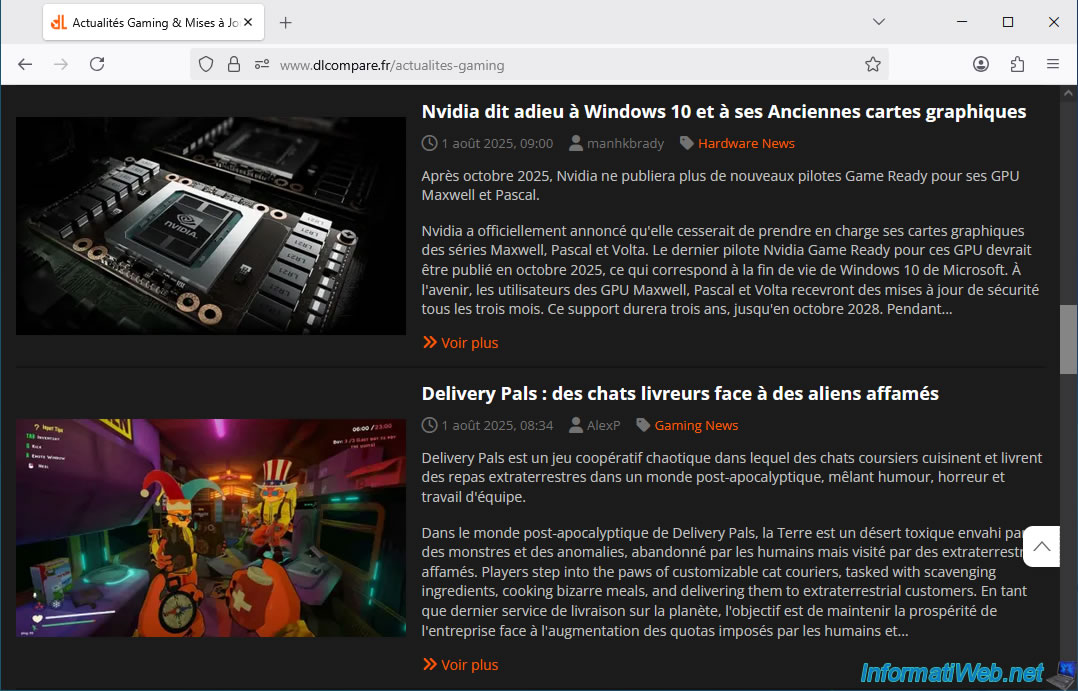
In the "News" section of this comparison site, "dLcompare," you can find the latest news related to video games and graphics card brands (Nvidia, AMD, ...).
Currently, you can see news about the Battlefield 6 open beta.

Next, you can see other news about certain video games.

You will also be able to see news about graphics cards, such as this news item about Nvidia graphics cards.
9. Find the best price for your games with the dLcompare extension
This price comparison site for gamers, "dLcompare," offers a free browser extension that lets you find games at the best prices without having to visit their website.
To download this extension for Mozilla Firefox, scroll to the bottom of the dLcompare homepage and click the "Download" button (under "dLcompare web extension").

On the "dLcompare companion – Get this Extension for Firefox (en-US)" page that appears, click on "Add to Firefox".
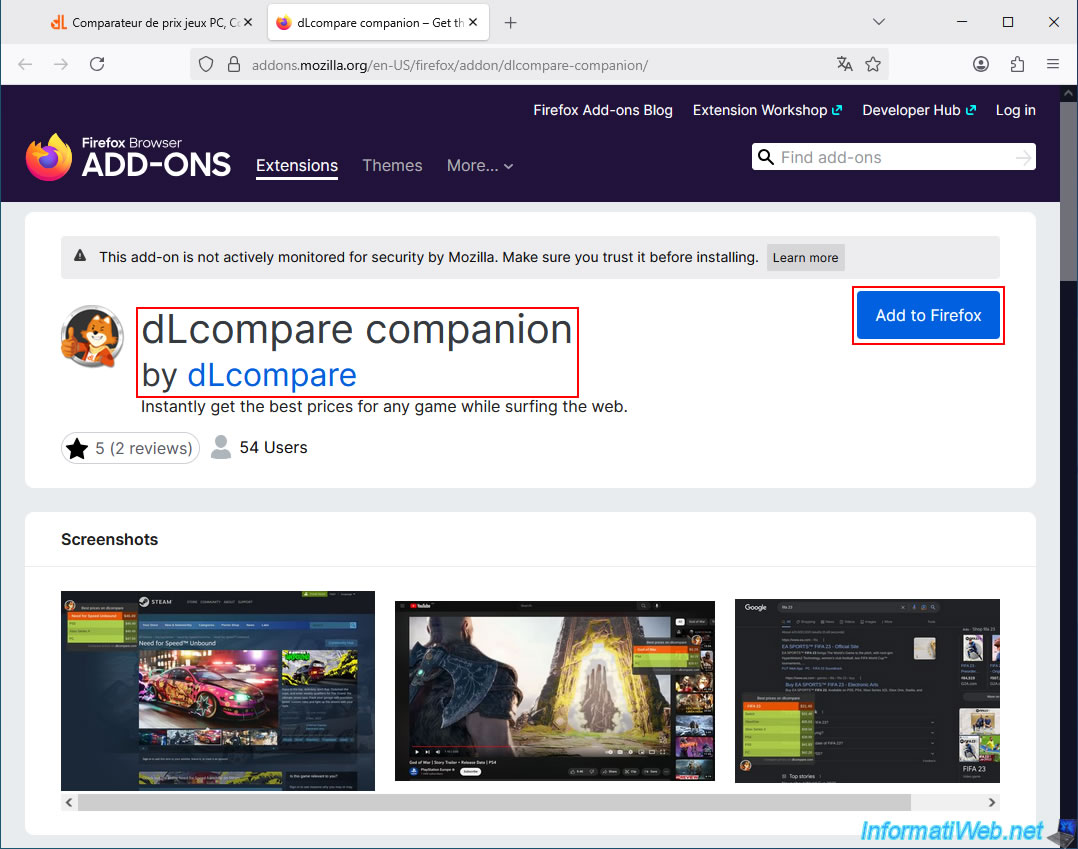
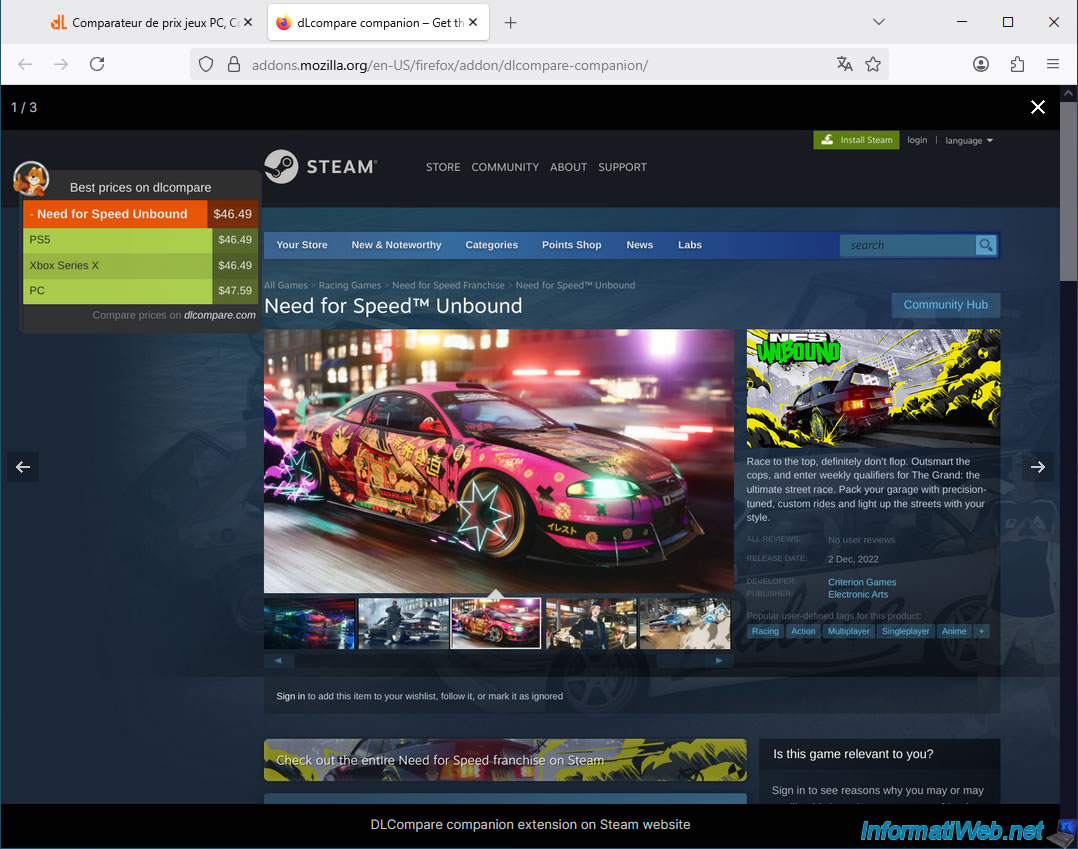
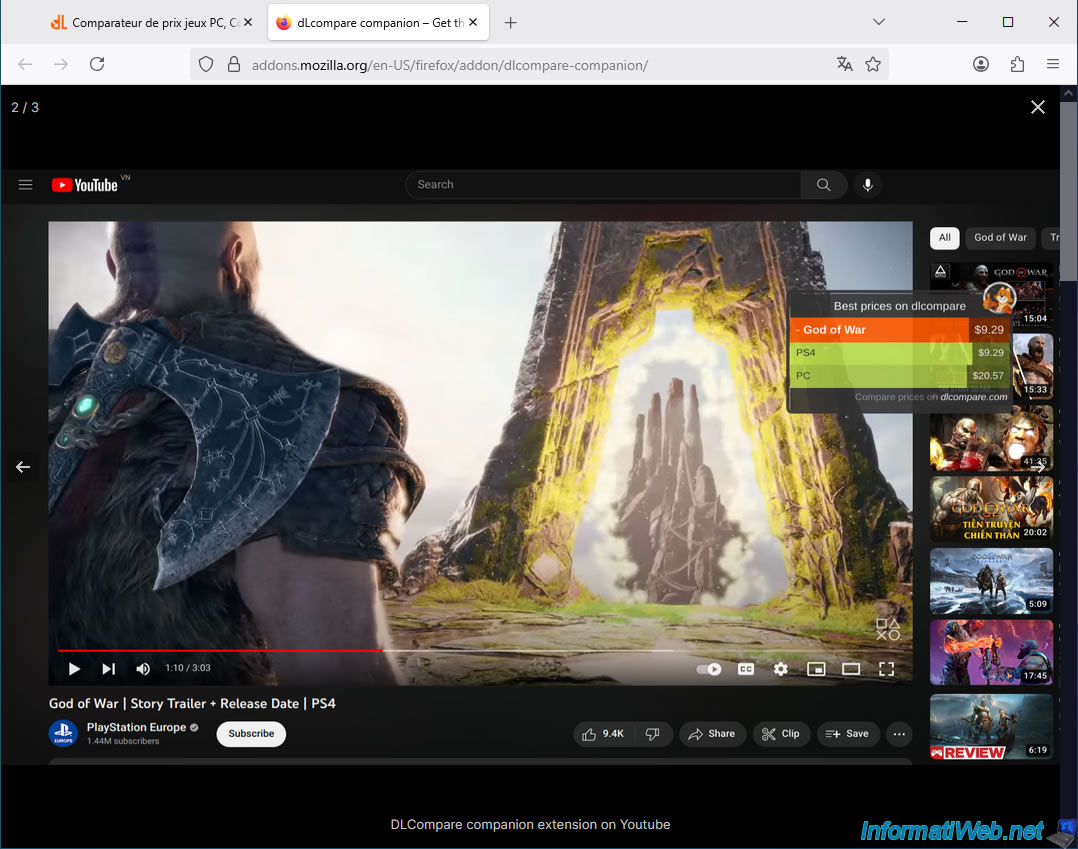
In the screenshots provided for this extension, you will see that it will display the best prices for your games when you browse:
- the Steam page for the game you want.
- a YouTube video about the game you want.
- a Google search result for the game you want.
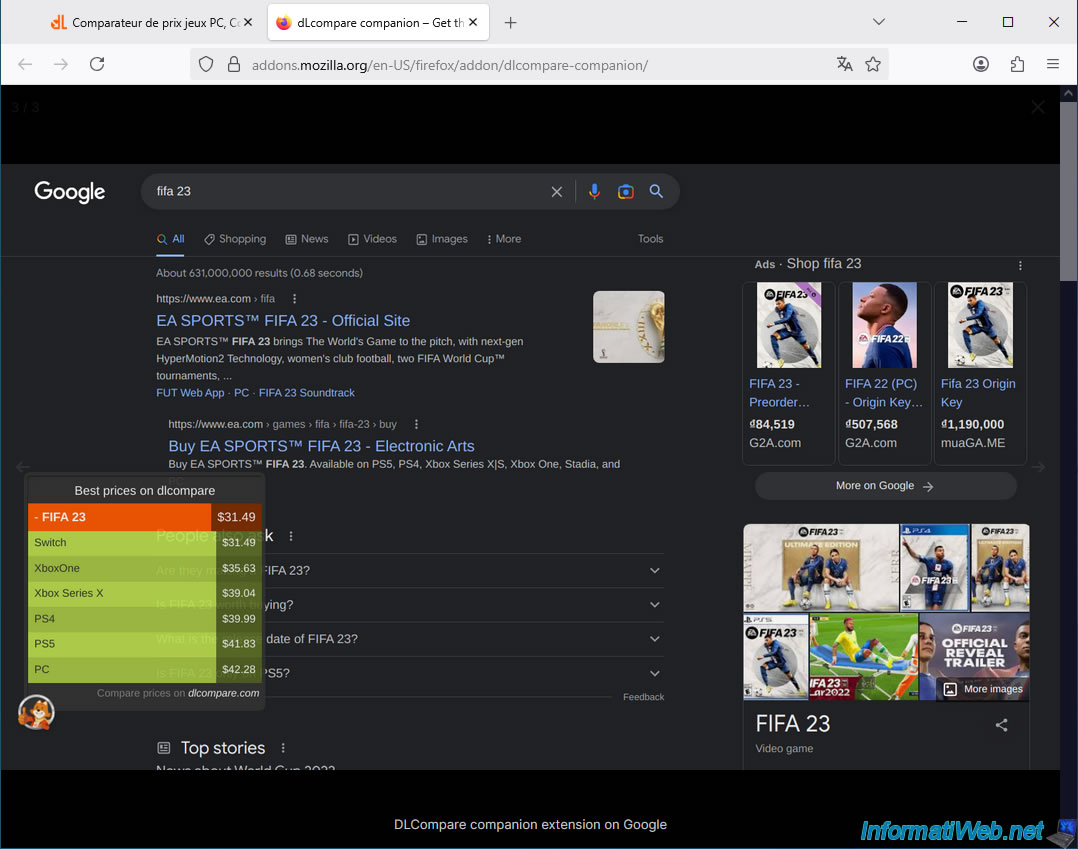
To download this extension for Google Chrome, go to the "News" section (visible at the top of the page) of this comparator and click on the square image "dLcompare web extension".
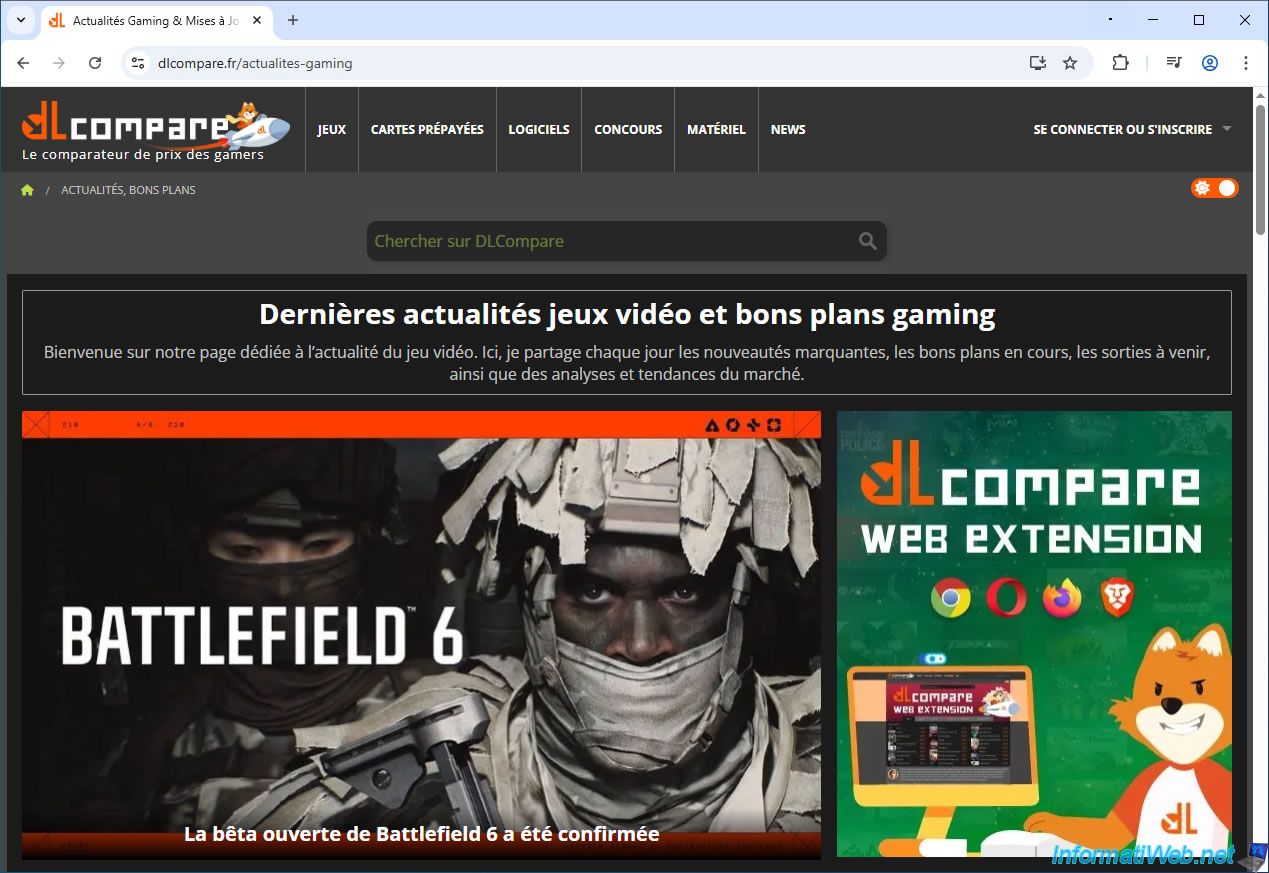
On the "dLcompare - The price comparison site for gamers - Chrome Web Store" page that appears, simply click "Add to Google Chrome" to install this free extension.
Note: you can also install this extension in Opera or Microsoft Edge, even though it's from the Chrome Web Store.
This is because all these web browsers are based on Chromium (a free and open-source browser) and therefore allow the installation of extensions designed for Google Chrome (although you need to allow the installation of extensions from a third-party store for Edge).


No comment