Buy a game for less at K4G thanks to dLcompare and Widilo
- Good deals
- 16 November 2026 at 14:22 UTC
-

- 2/6
2.2. Get 2% cashback at K4G thanks to Widilo
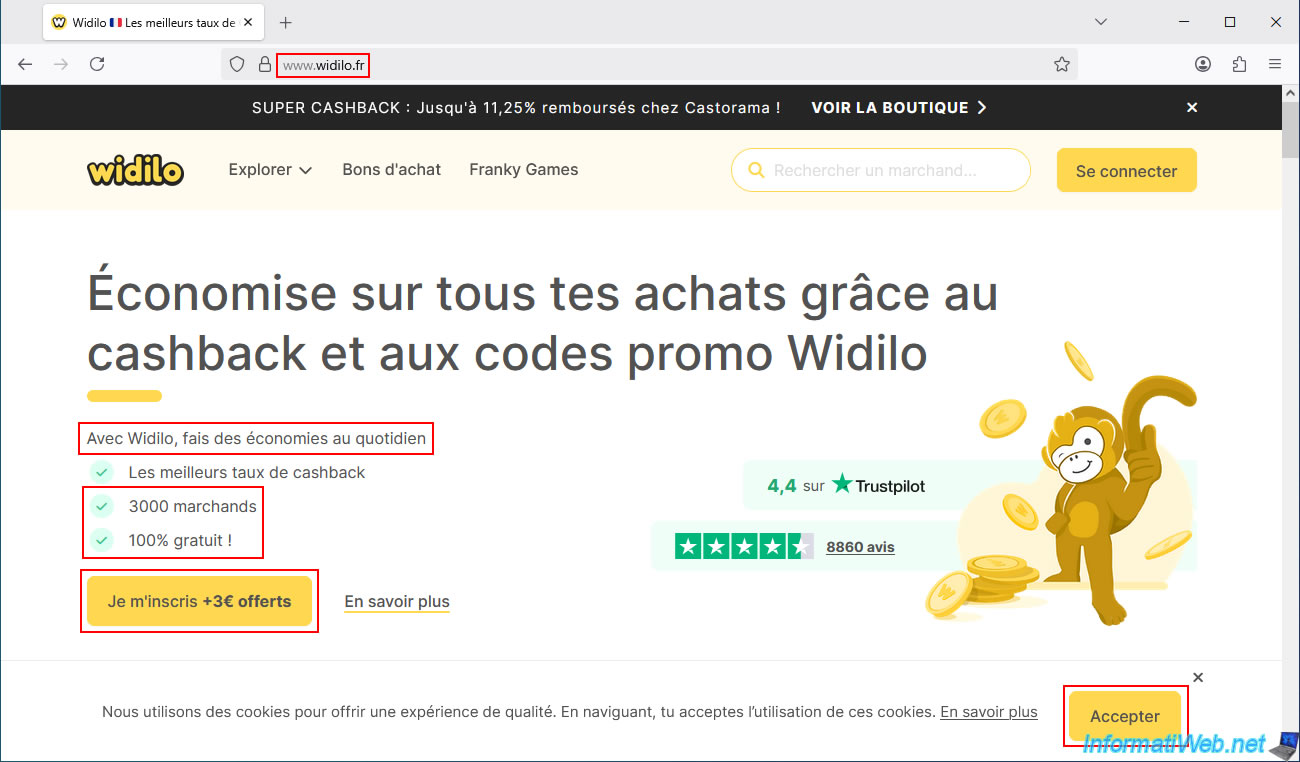
Go to the Widilo website and click the "Accept" button in the bottom right corner of the page.
Then, click the "Sign up + €3 offered" button.
Important : Make sure you accept Widilo's cookies by clicking this "Accept" button.
Otherwise, you may not receive your cashback later through Widilo.
Note: as you can see:
- Widilo supports over 3,000 merchants (including K4G, Kinguin, ...).
- Widilo is 100% free.
- You'll earn €3 just for signing up.
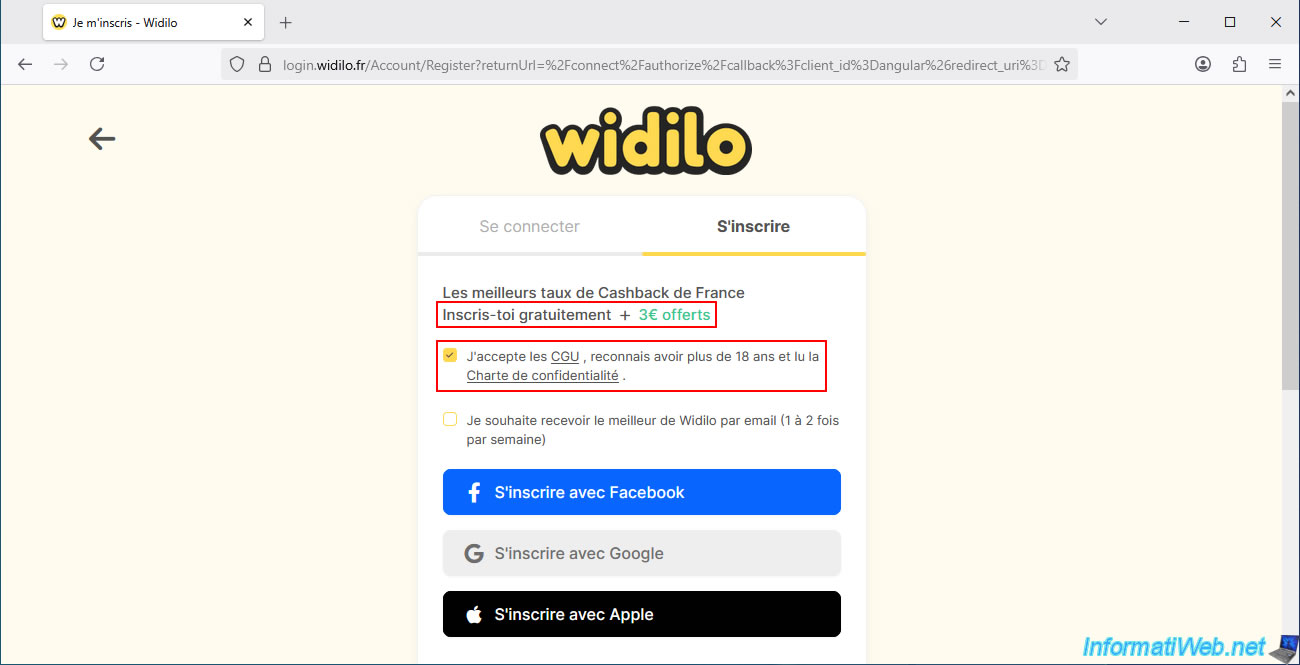
Widilo will once again inform you that €3 is offered upon registration.
Check the box "I accept the Terms and Conditions, ...", then scroll down a little on this registration page.
At the bottom of the page, you will see the "Sign up with an email" option where you simply need to enter:
- your first name.
- your email address.
- a password for your Widilo account.
Next, click on the "Register" button.

Choose the categories that interest you (for example, "Culture & Leisure," which includes video games), then click "Continue".
Note: these choices are irrelevant.

Among Widilo's partner brands, you'll find "Kinguin" (which is another site for buying video game CD keys at low prices).
Although in this case, the cheapest CD key for the desired game was the one offered by K4G (but this varies depending on the game and the time of year).

Click on "Continue".

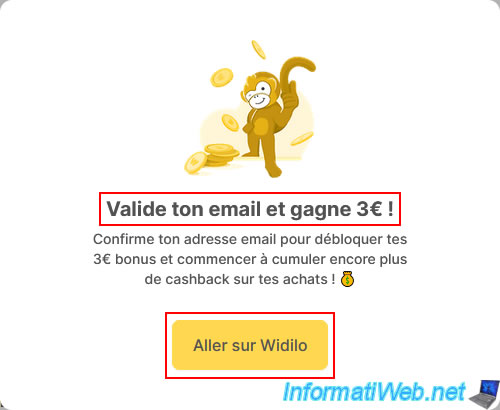
Finally, you can see that you simply need to verify your email address to earn €3 on Widilo.
Click on "Go to Widilo".
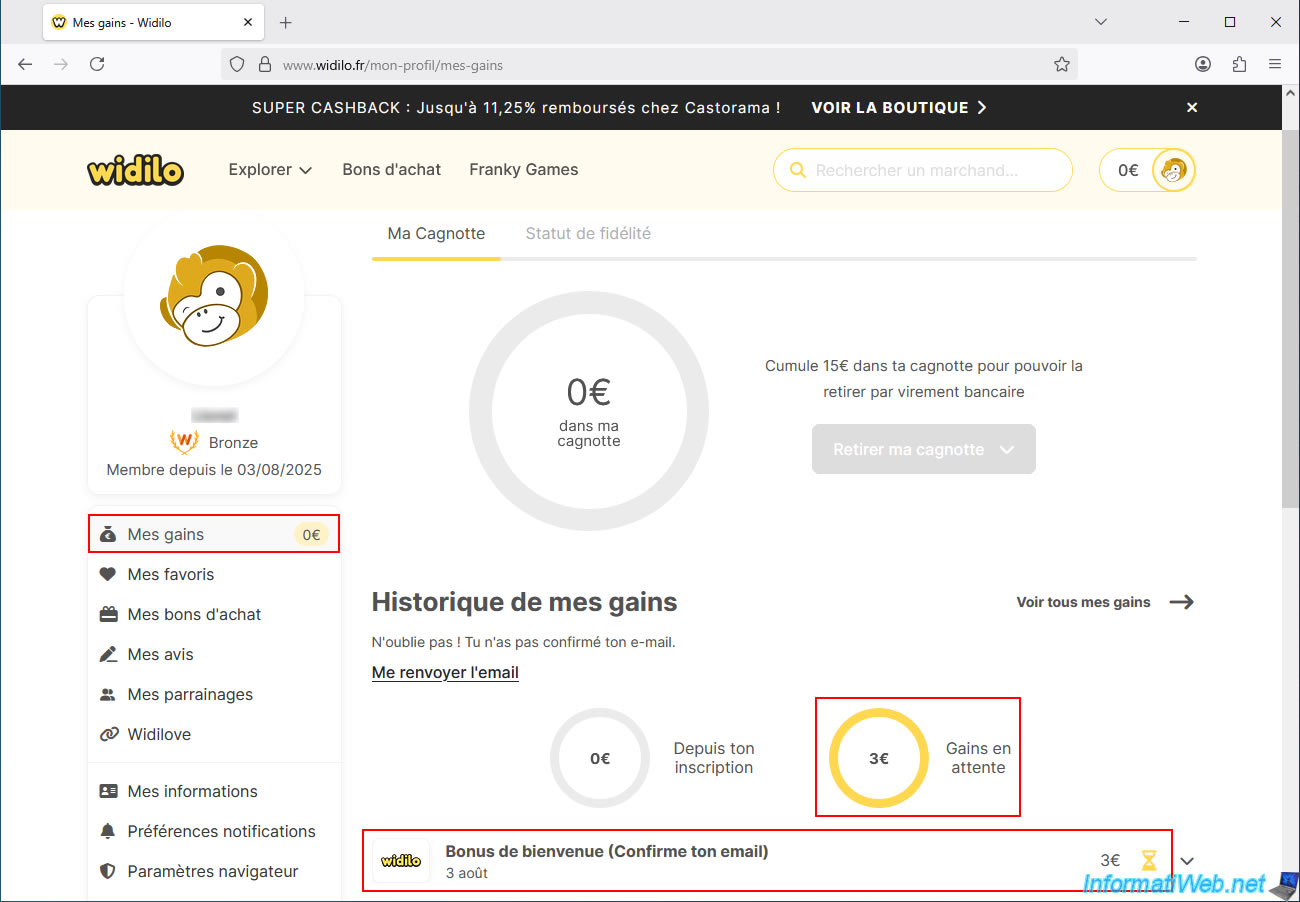
In the "My Earnings" section of the "Widilo" website, you'll see that you have €3 in pending earnings.
This refers to the €3 "Welcome Bonus (Confirm your email)" shown just below.
You will see an email from Widilo stating that you have received a "Confirm your Widilo registration" email.
In this email, simply click the "Confirm my email" button.
Note: if you do not receive this email, please wait a few minutes or check your spam/junk mail folder.
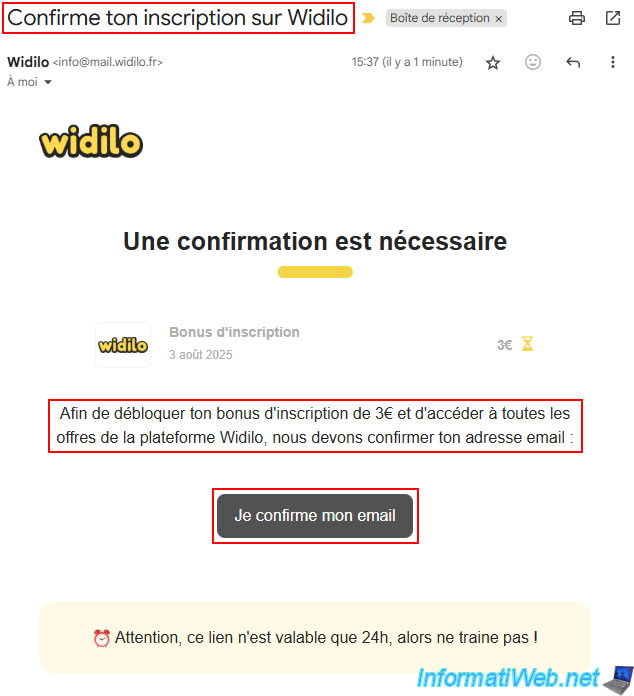
Once you click this button, you will see the message below appear.
Plain Text
Your Widilo registration is complete.
To celebrate, €3 has been credited to your account.

A little further down, you'll see that the €3 welcome bonus appears in green (while the €3 bonus is still pending, shown in yellow just above).
Wait 1 minute, then refresh the page.
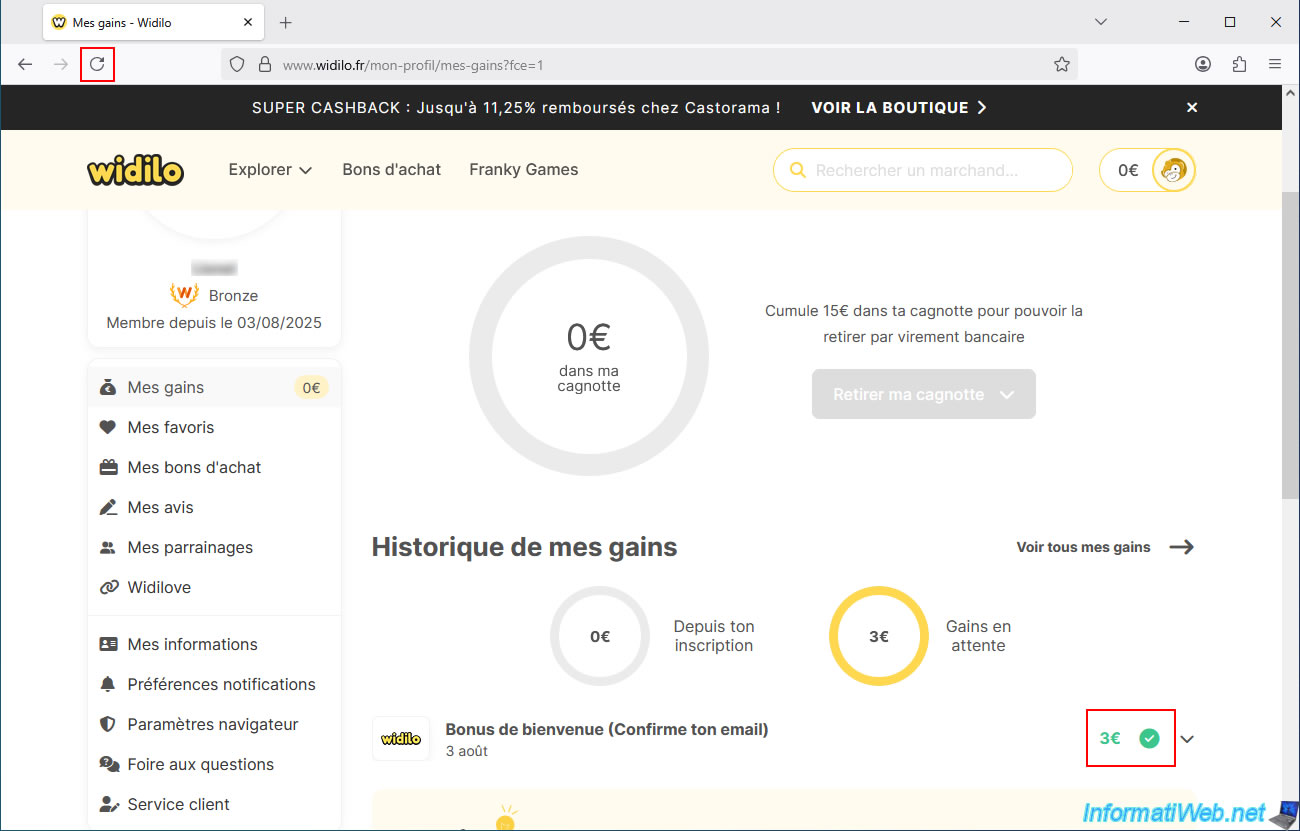
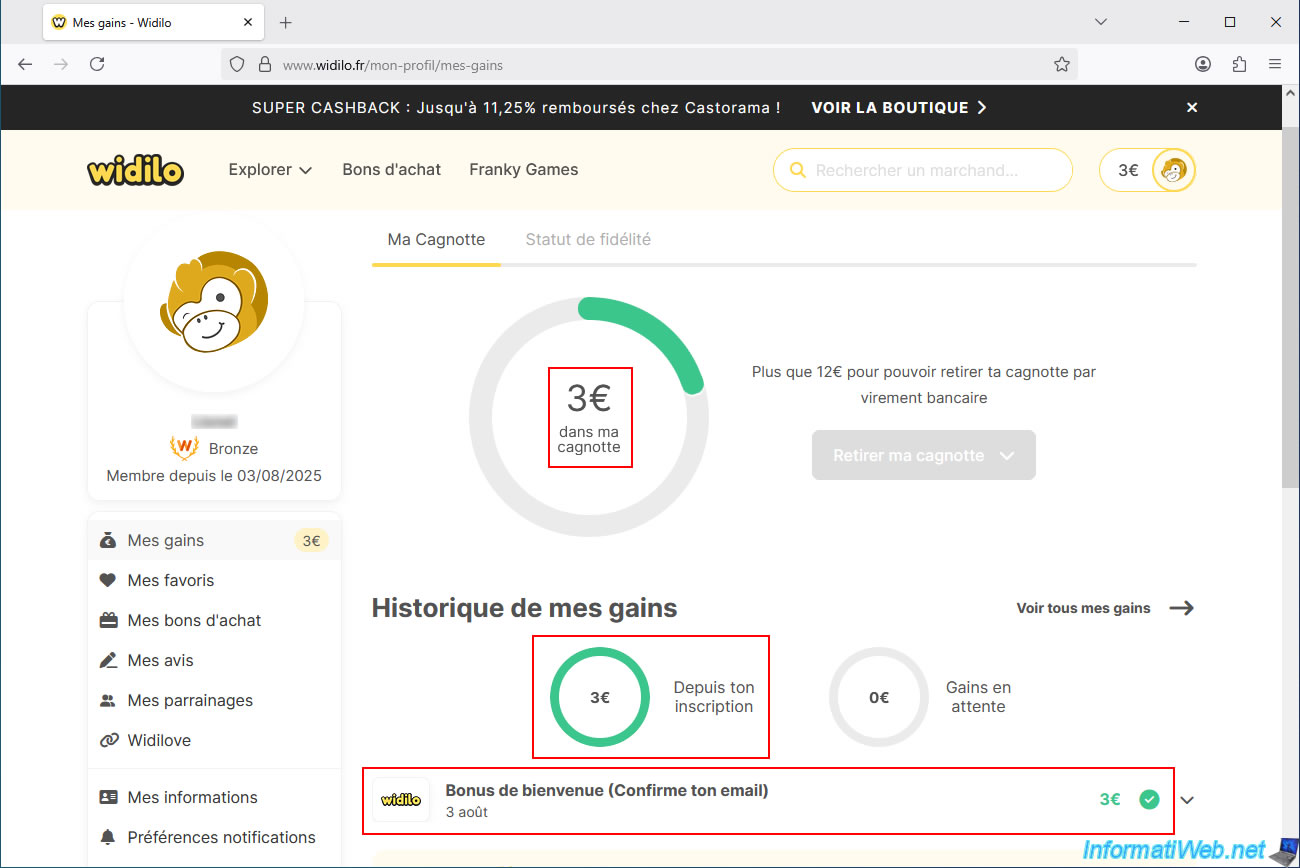
As expected, the €3 are indeed validated (and displayed in green).
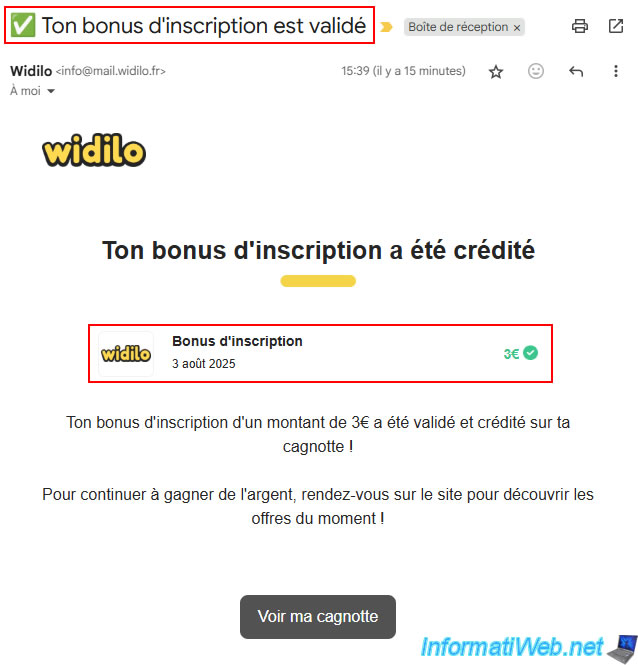
You should have received an email at your email address saying "Your sign-up bonus has been validated".
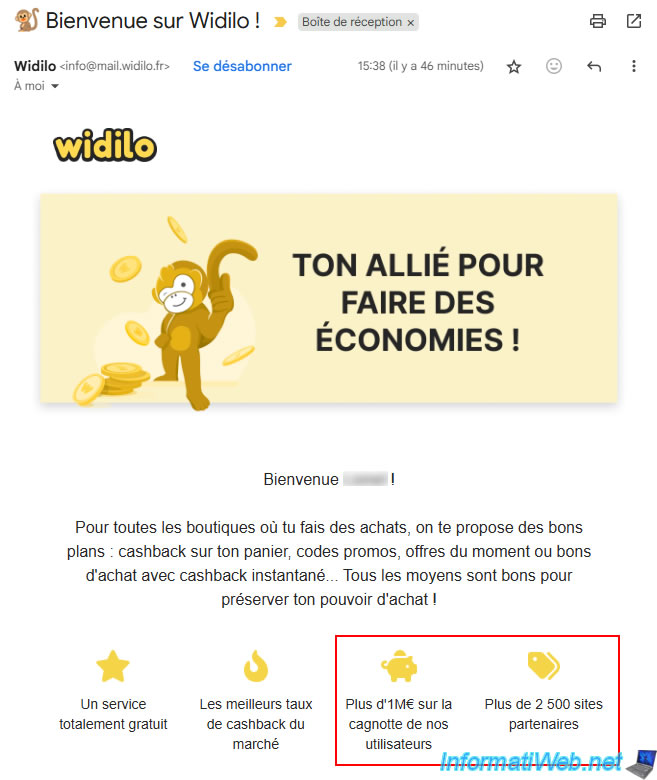
You will also soon receive a welcome email showing that users have saved over a thousand euros and that Widilo works with over 2,500 partner sites.
On Widilo's homepage, it was even stated that they work with over 3,000 online retailers.
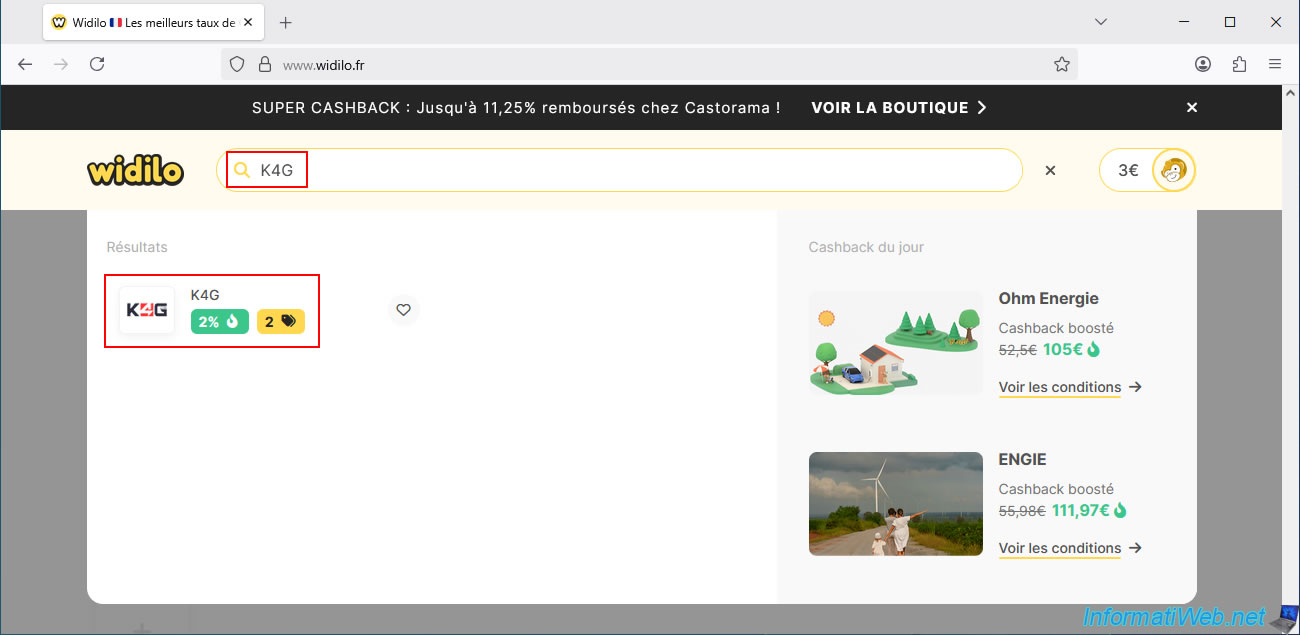
Once logged into your Widilo account, type "K4G" in the search box at the top of the site and click on the "K4G" partner that appears.
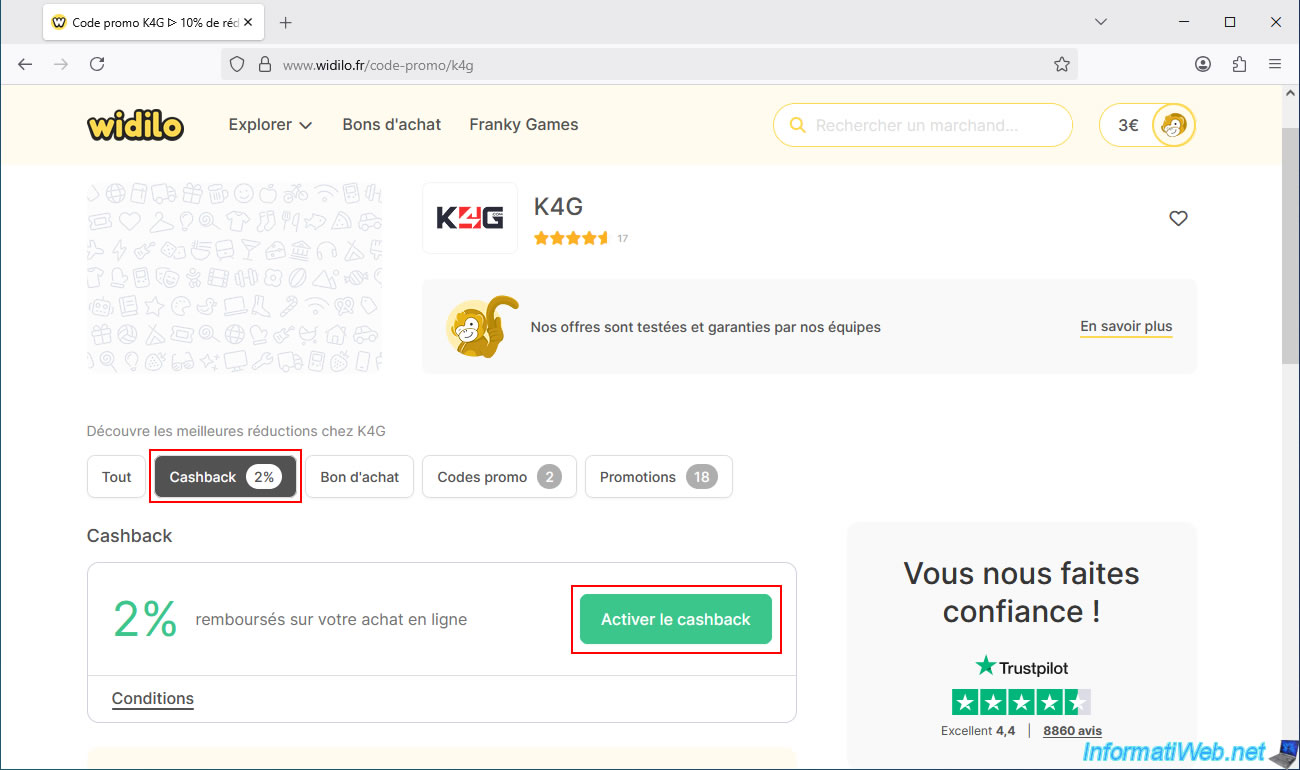
As you can see, thanks to Widilo, you can get 2% cashback with this partner K4G.
So, you'll get 2% of your K4G purchases refunded.

In the "Promo Codes" tab, you can find promo codes valid for this site at that time.
In our case, Widilo offers a 10% discount code.
However, the price comparison site dLcompare offered a 12% discount code, so we'll use the one from dLcompare.

To get your cashback at K4G, go to the "Cashback" tab, then click on the "Activate cashback" button.
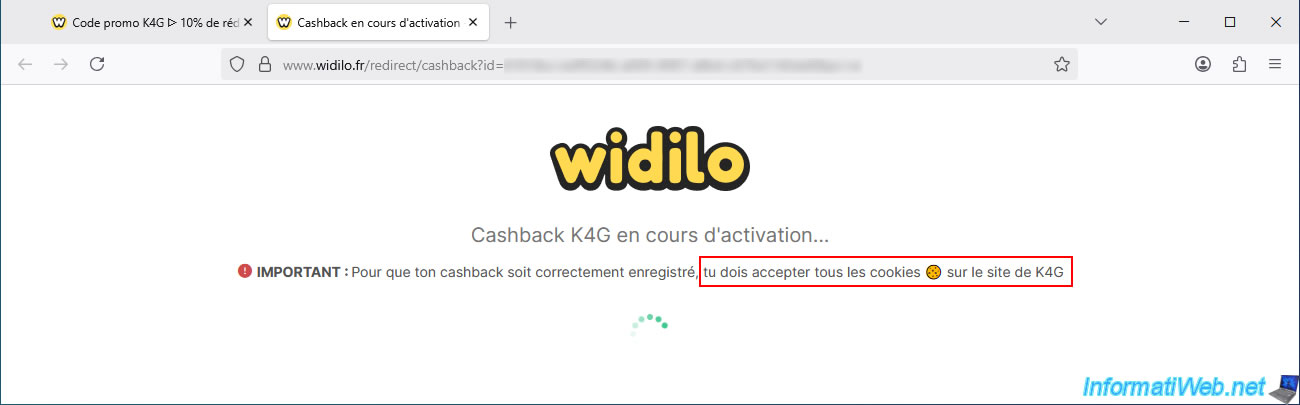
Attention: as Widilo indicates, it is important that you accept cookies on the K4G website so that your cashback can be recorded by Widilo.
You arrive at the K4G website and, by default, a pop-up appears informing you about cookies.
Important : you must click the red "Allow all" button for K4G to use all its cookies (including those that will allow you to later receive your cashback via Widilo).
Without these cookies, you will not receive any cashback (regardless of the website used).
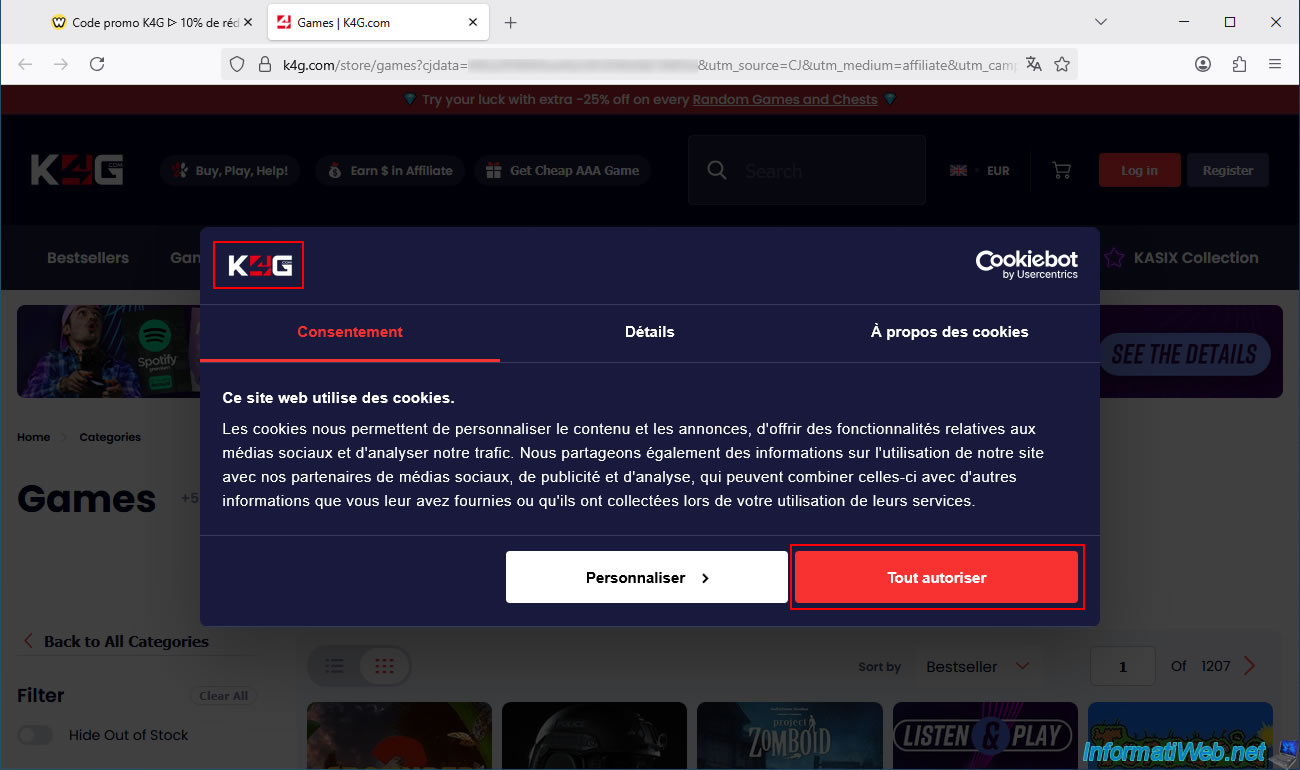
In the address bar, you can see that several parameters have been automatically added.
For webmasters who have already used an affiliate platform, you might notice the keyword "CJ" in the address shown below.
The keyword "CJ" refers to the affiliate platform "CJ Affiliate" (Commission Junction), and it is thanks to this affiliate platform that Widilo will be able to give you cashback on your purchase from K4G.
Warning : again, this is only possible if you have accepted cookies on both the Widilo website AND the merchant's website (in this case: K4G) and if your browser is not blocking them (see the tutorial mentioned in step "2.1. Clear your web browser's cookies and cache (Mozilla Firefox)" of this tutorial).
If needed, change the website's language and currency (€ / $) by clicking on the small flag located at the top of the page.

To view the site in French, select:
- Language : French.
- Currency : EUR.
Then, click on "Save".
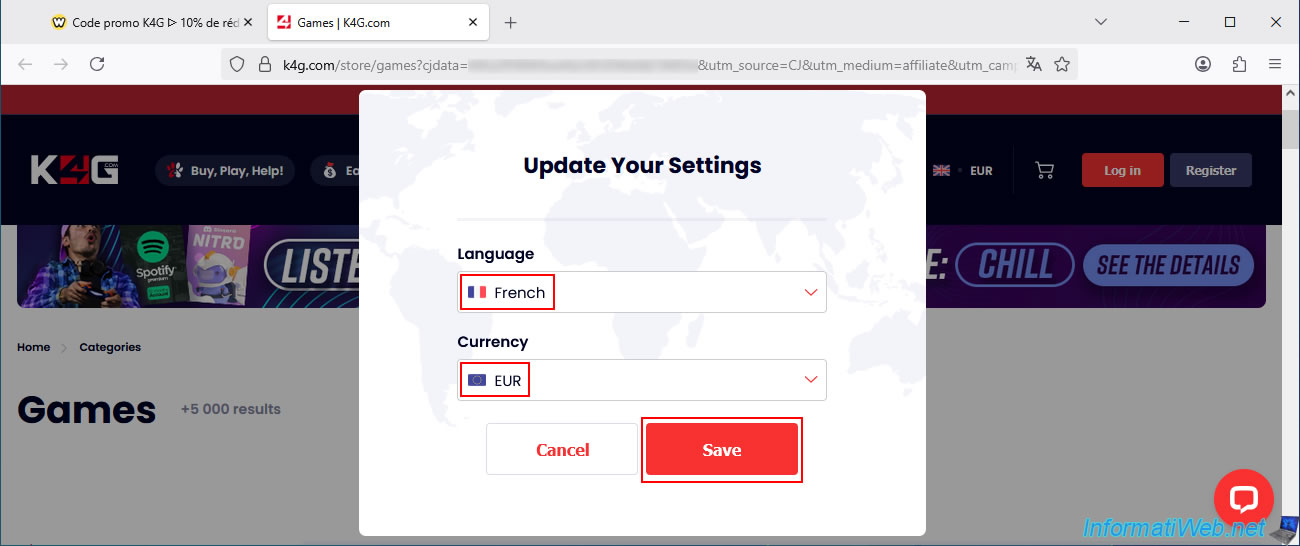
As expected, the site is displayed (almost) entirely in French.

Share this tutorial
To see also
-

Good deals 3/10/2025
Cashbacks - Save money on your purchases at MediaMarkt (with Familycard)
-
Good deals 11/9/2026
dLcompare - Buy a game for less at Kinguin
-

Good deals 11/2/2026
dLcompare - Price comparison website for gamers
No comment