Buy a game for less at Gamesplanet (US) thanks to dLcompare
- Good deals
- 23 November 2026 at 09:37 UTC
-

- 3/5
5. Activate the game's CD key on Ubisoft Connect (Uplay) to add it to your library
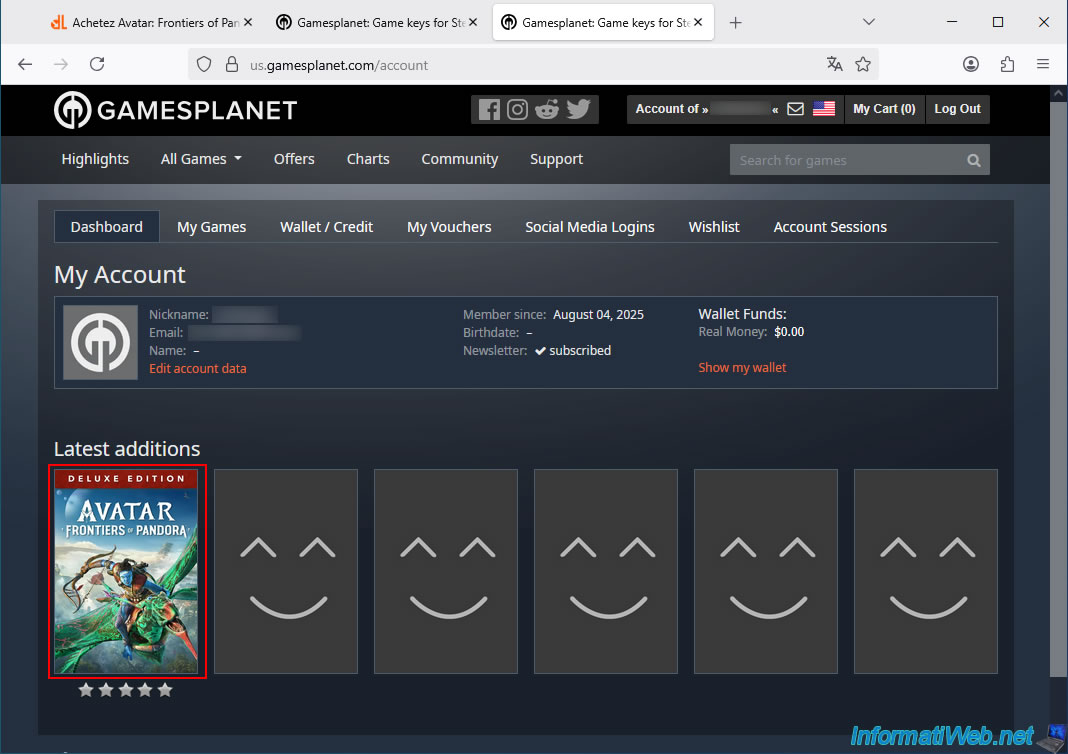
Now that your game is paid for and unlocked, go to the "Dashboard" tab and click on your game which appears in the "Latest additions" section.
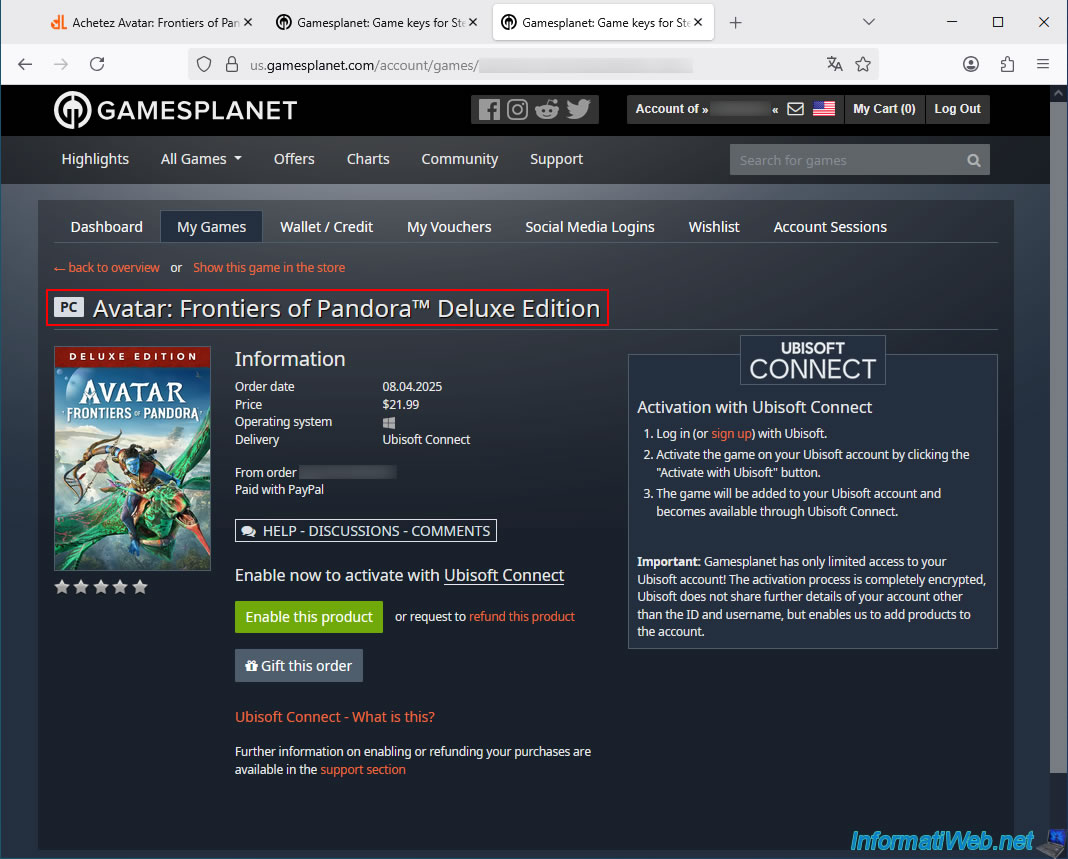
You will arrive at the game page where you will find information regarding product activation and the target platform "Ubisoft Connect".
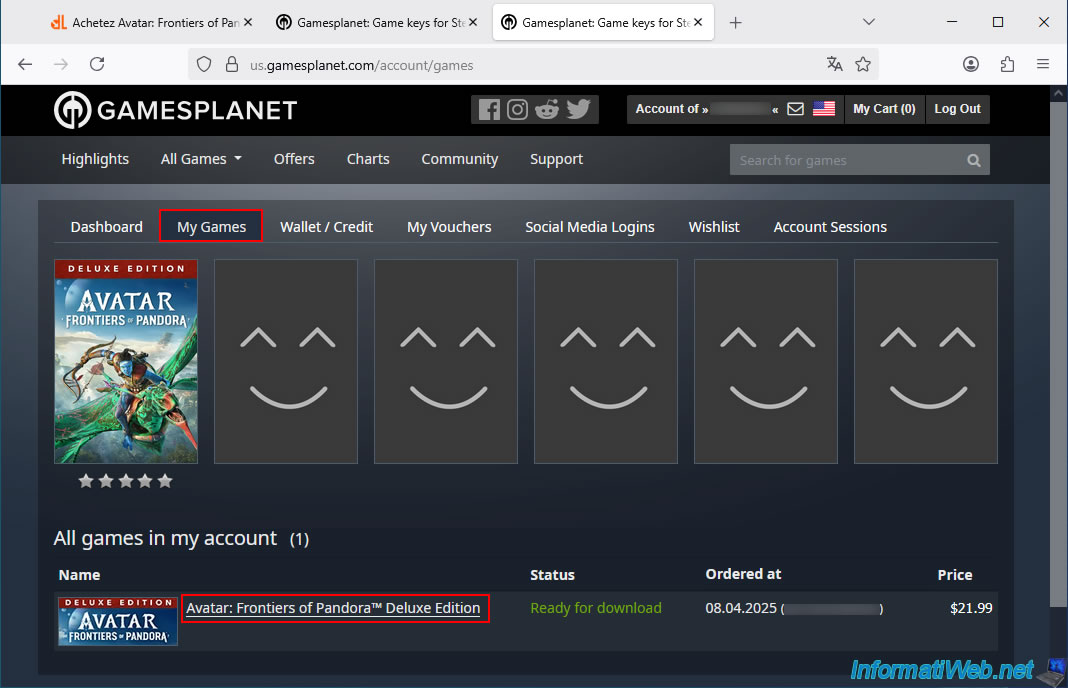
Alternatively, go to the "My Games" tab and click on the name of the game you purchased.
As you can see, the game's status is "Ready for download."
Note: if the status appears as "Paid," it means you haven't yet unlocked your order using the link you received by email (sent to the email address associated with your payment method).
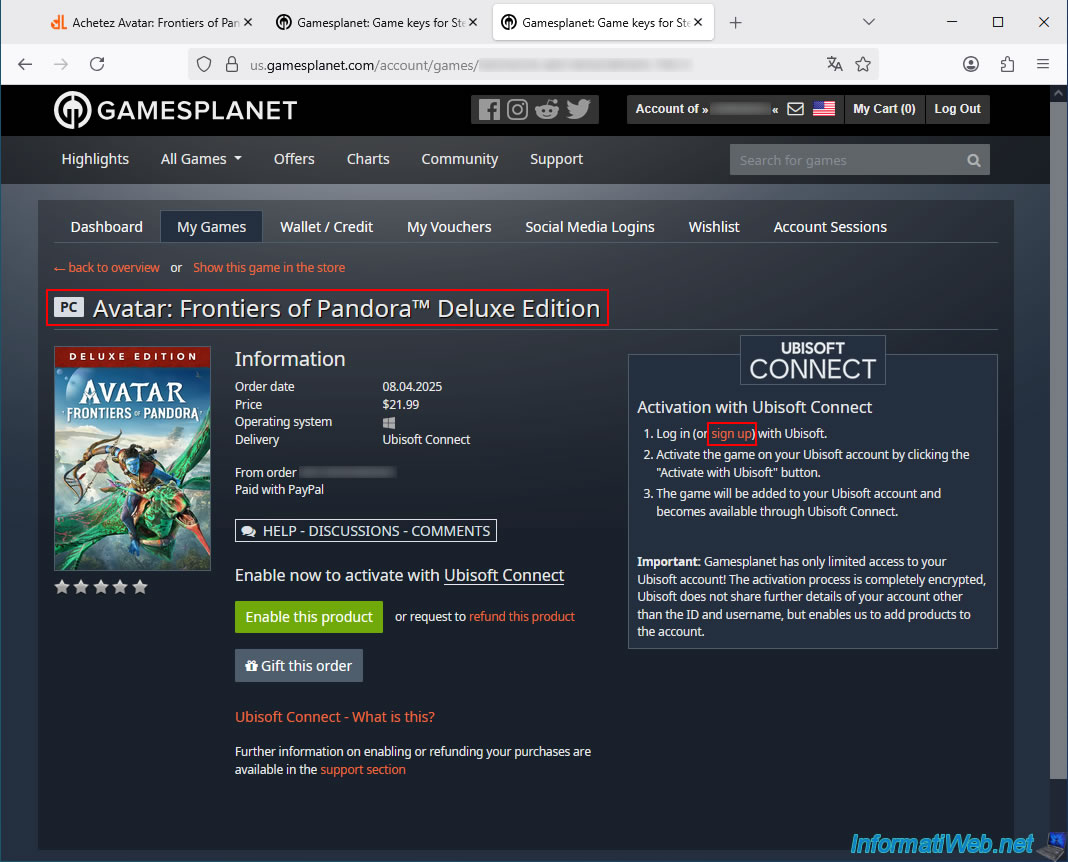
You'll be taken back to the game page with the same activation information.
In the "Ubisoft Connect" section, click the "sign up" link (displayed in orange).
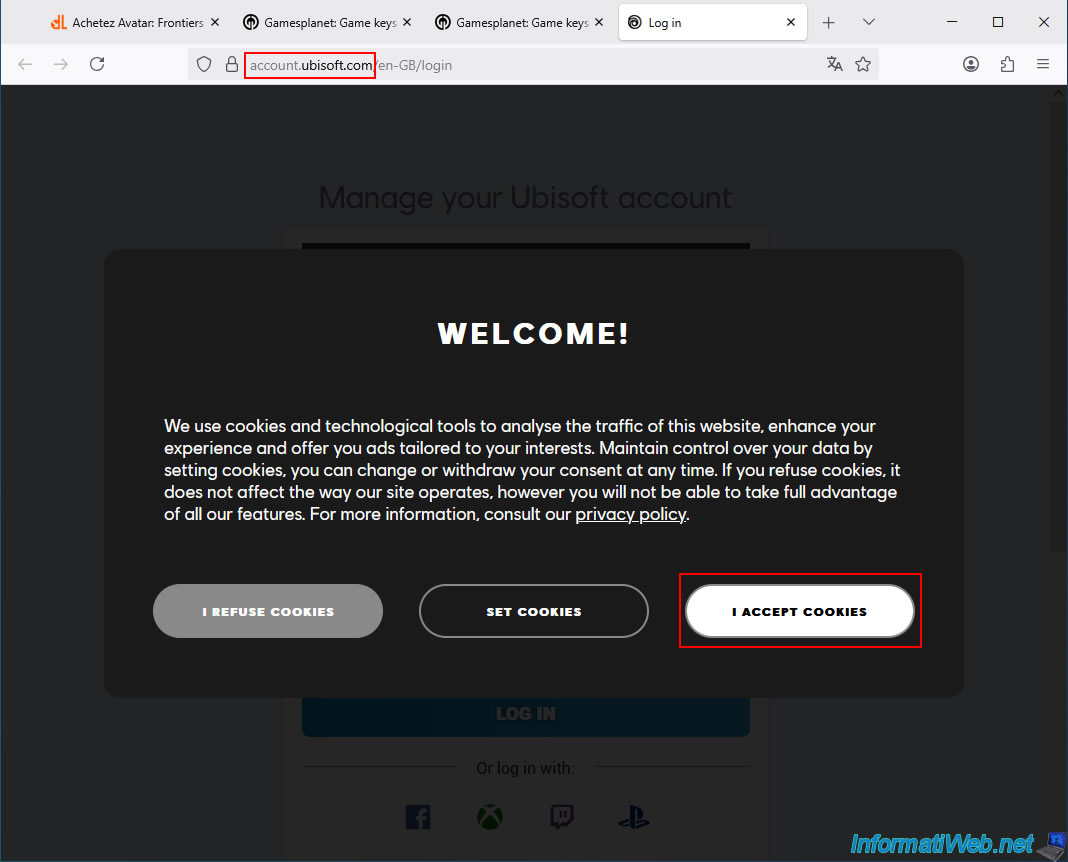
You will arrive at a page on the Ubisoft website.
Important : click "I accept cookies" to avoid activation problems for your game on the Gamesplanet website.
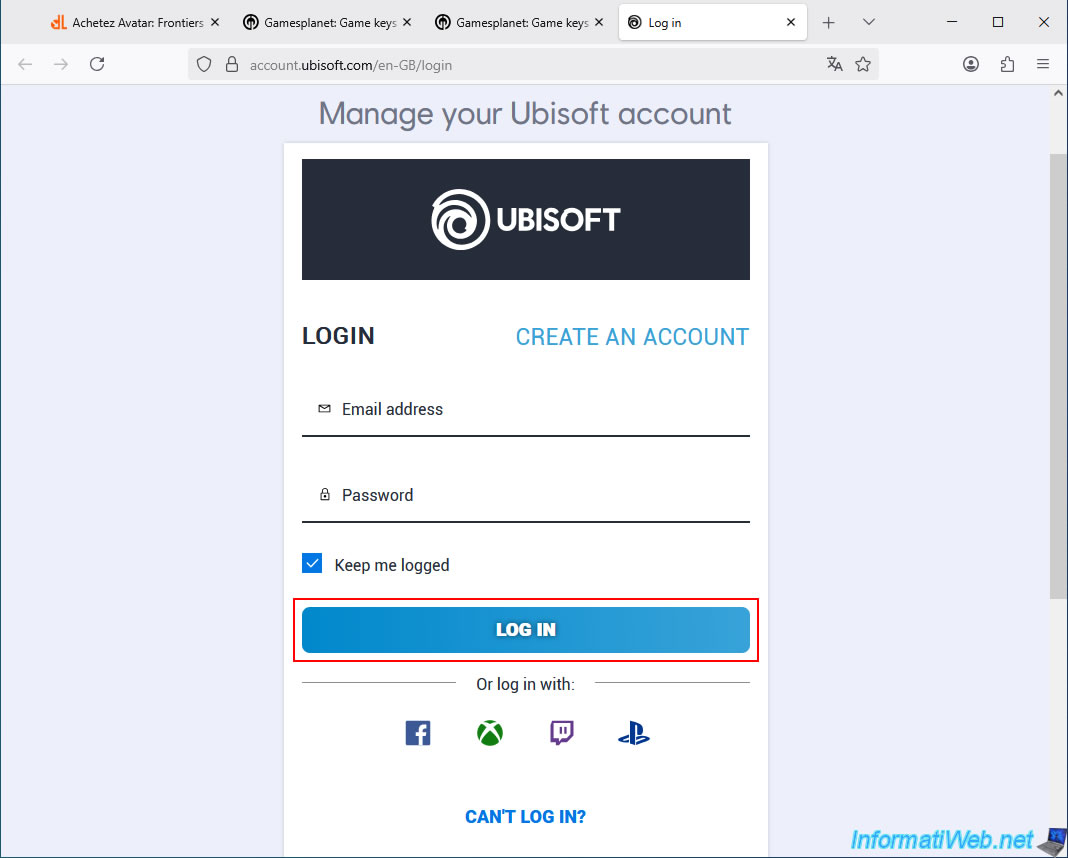
Enter your Ubisoft account credentials, then click the "Log in" button.
Note: if you don't yet have a Ubisoft account, click the "Create an account" link.
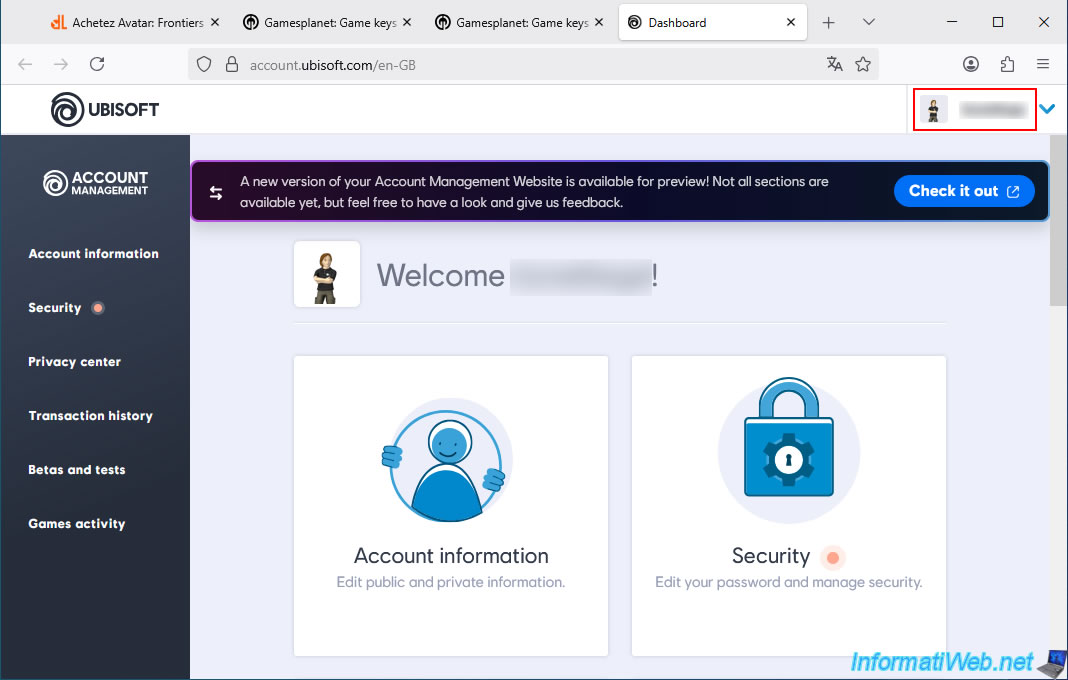
Once logged into your Ubisoft account, you can return to the Gamesplanet website.
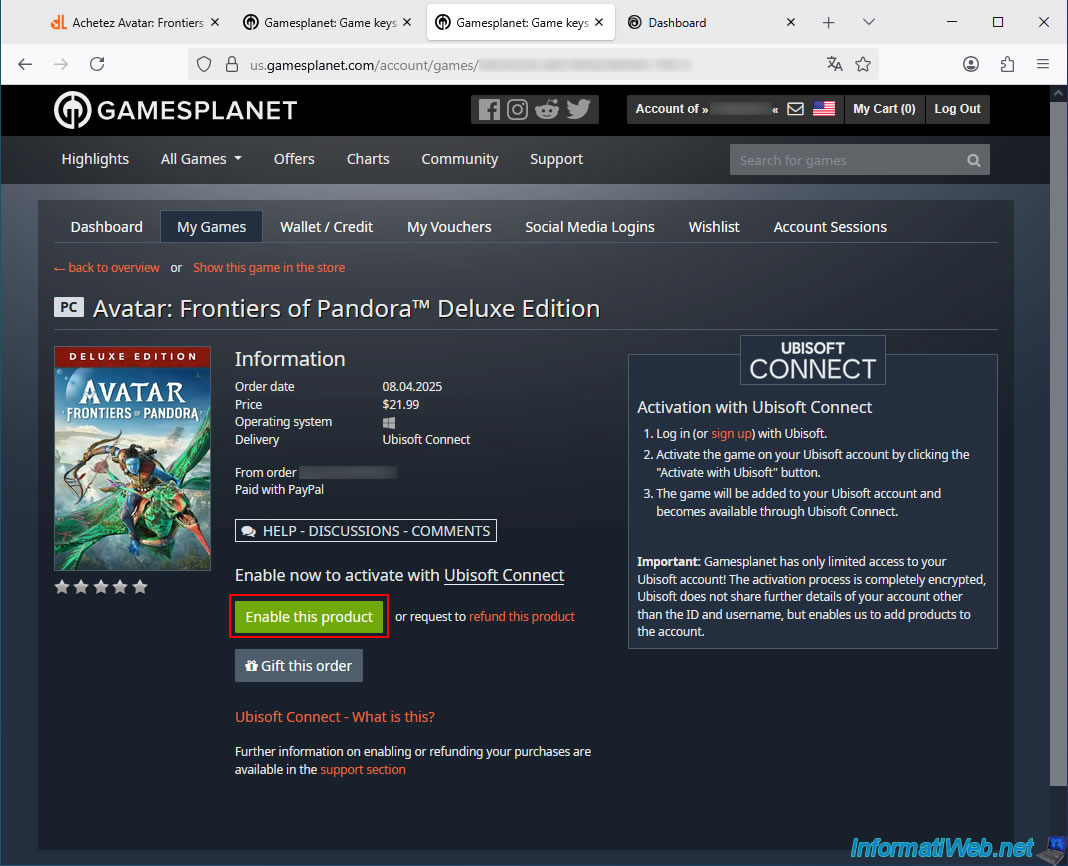
On the game's page (on Gamesplanet), click the "Enable this product" button.
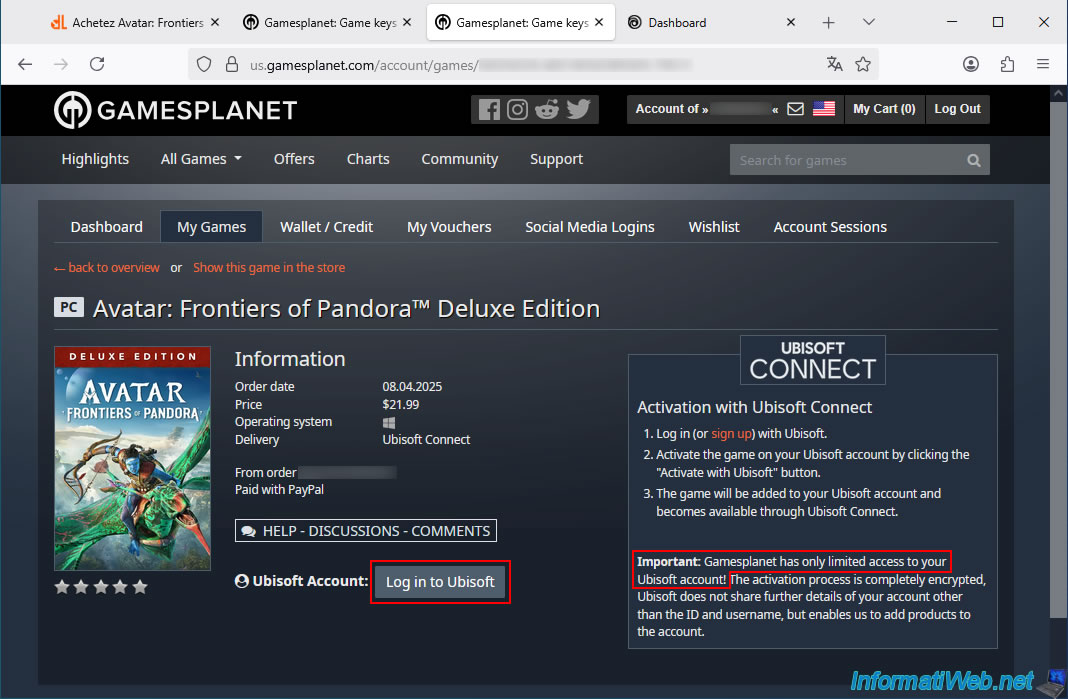
Next, click on the "Log in to Ubisoft" button that appears.
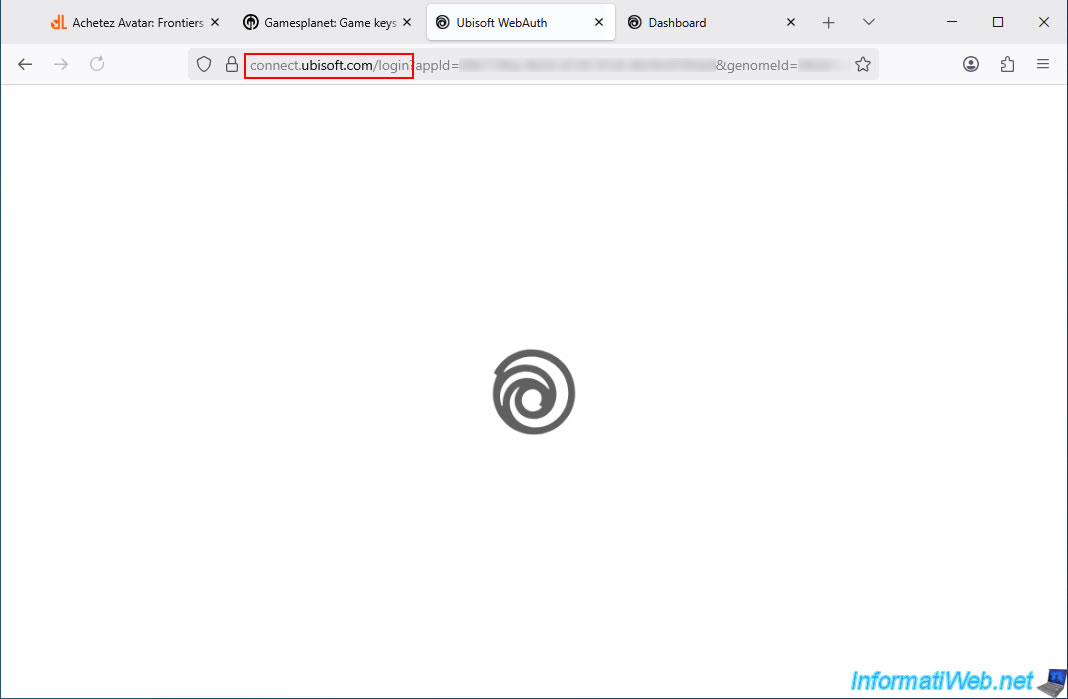
You will arrive at the domain "connect.ubisoft.com".
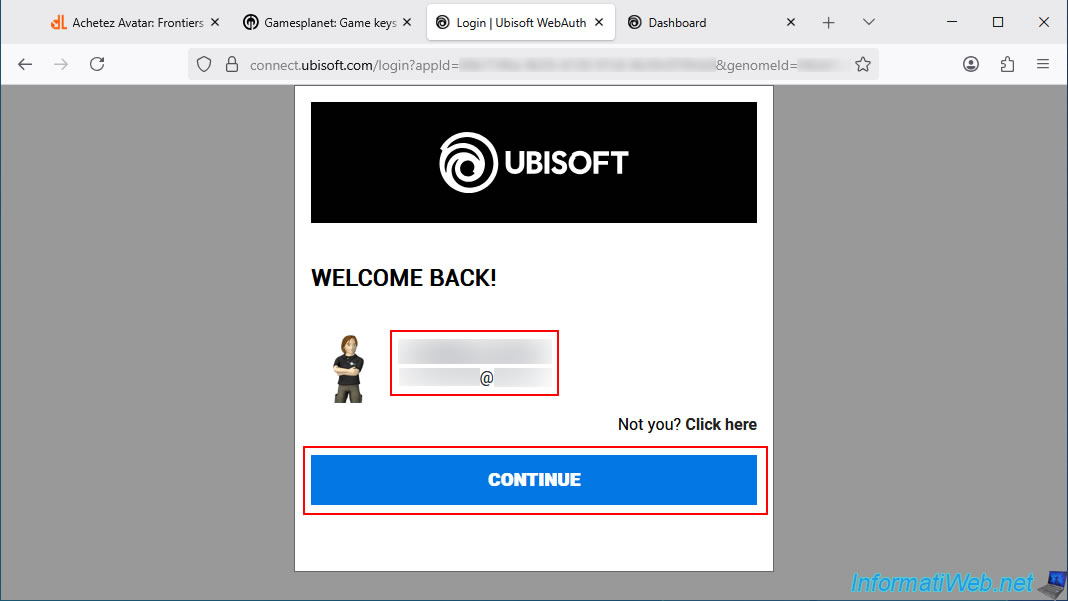
The username and email address of the Ubisoft account you are already logged in with will appear.
Click the "Continue" button.
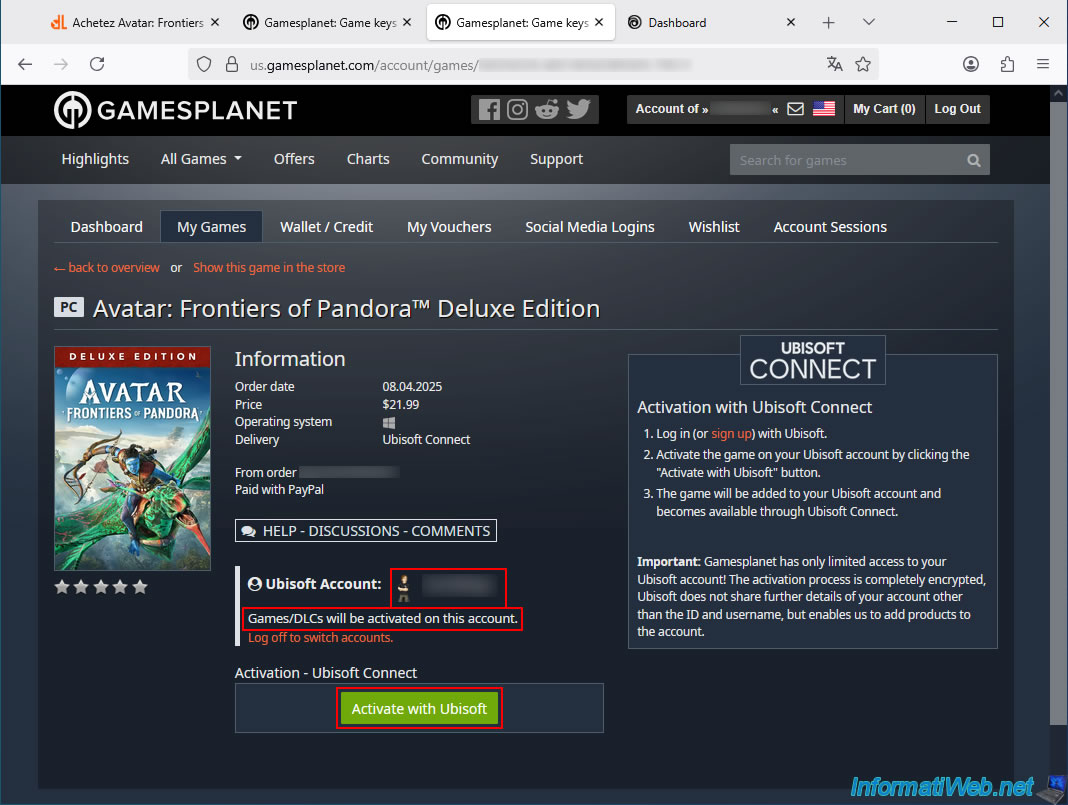
Your Ubisoft account username appears on the Gamesplanet website, and as indicated on Gamesplanet, this game (or its DLCs, if applicable) will be activated on this Ubisoft account.
To activate your game and add it to your Ubisoft account, click the green "Activate with Ubisoft" button.
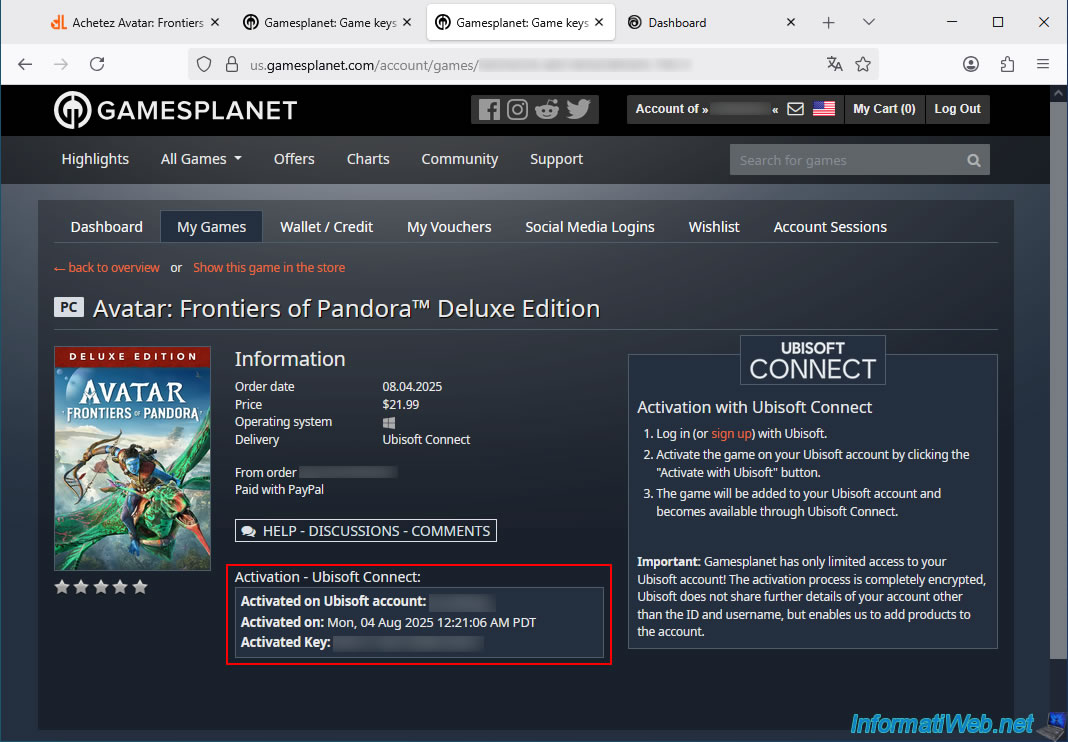
Once your game is activated for your Ubisoft account, the activation information will appear:
- Activated on Ubisoft account: your Ubisoft username.
Your game purchased on Gamesplanet is therefore permanently linked to this Ubisoft account. - Activated on: the game's activation date (in this case: today's date).
- Activated Key: the activation key for this game (technically, this is equivalent to the personal serial number for this game).
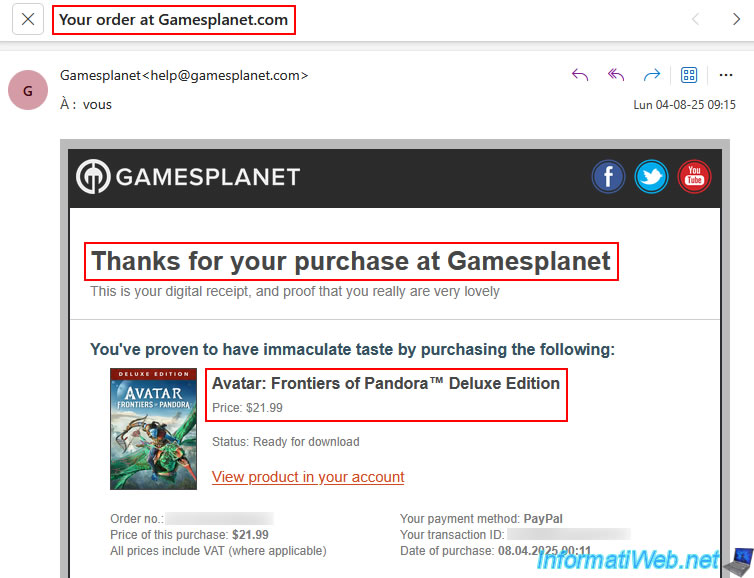
You will also receive an email at your email address (associated with your Gamesplanet account) stating "Your order at Gamesplanet.com" with the name and price of the game purchased.
Share this tutorial
To see also
-

Good deals 3/10/2025
Cashbacks - Save money on your purchases at MediaMarkt (with Familycard)
-
Good deals 11/16/2026
dLcompare - Buy a game for less at K4G
-
Good deals 11/9/2026
dLcompare - Buy a game for less at Kinguin
-
Good deals 11/2/2026
dLcompare - Price comparison website for gamers
No comment