Buy a game for less at K4G thanks to dLcompare and Widilo
- Good deals
- 16 November 2026 at 14:22 UTC
-

- 5/6
4. View the CD keys purchased on K4G
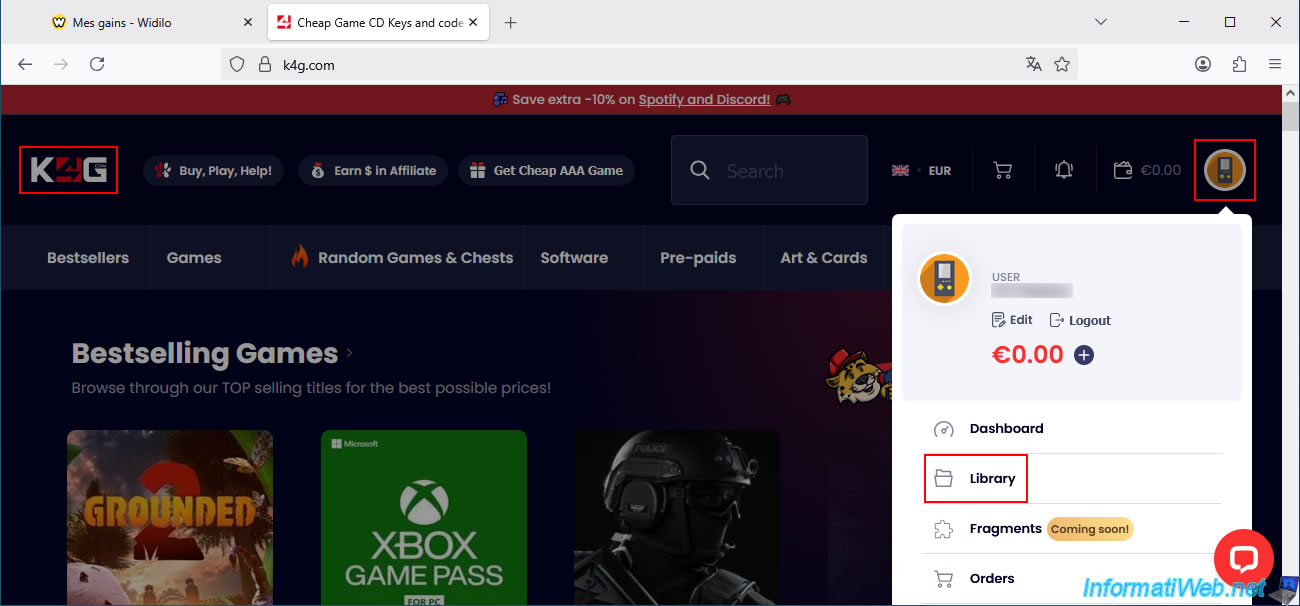
On the K4G website, you can easily find the CD keys for your games purchased on this site by clicking on the icon in the top right corner, then on "Library".
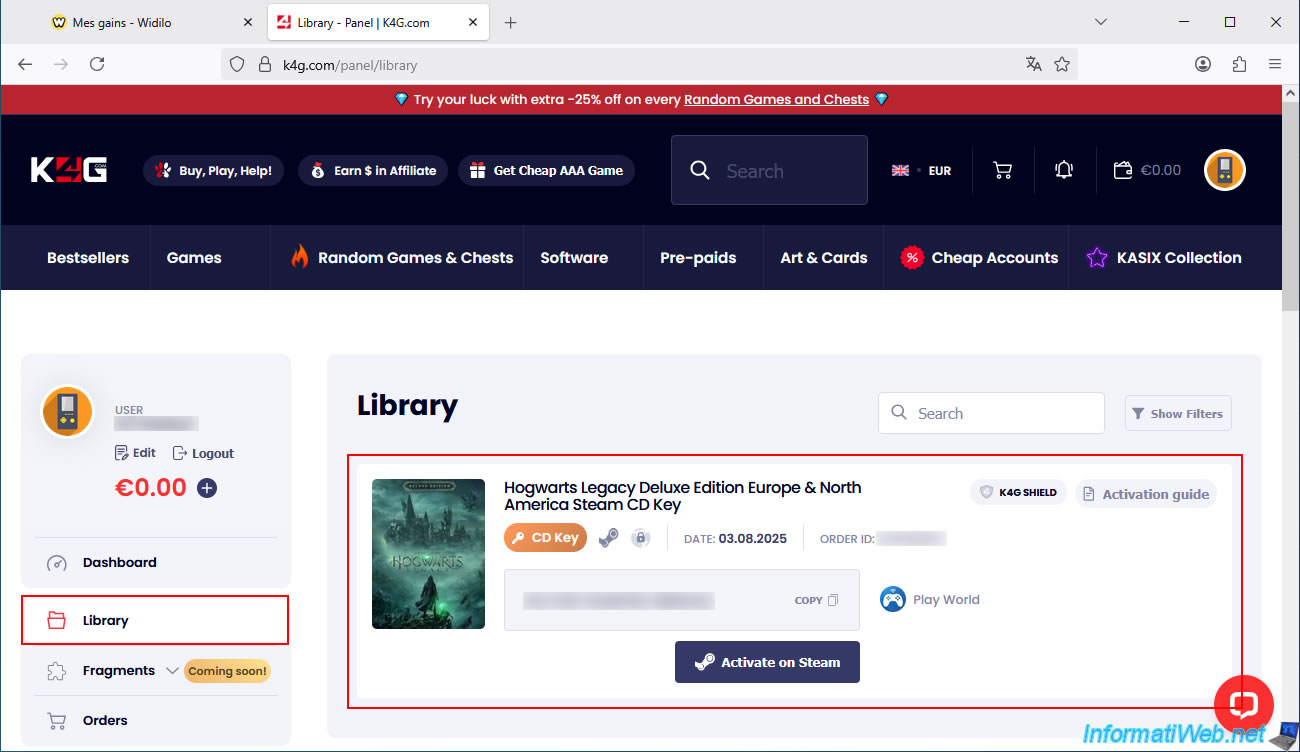
In the "Library" section that appears, you can see the games you've purchased, along with their CD keys.
Again:
- you can either use the "Copy" option (located to the right of the CD key) to copy the CD key and activate it from the Steam interface on your PC.
- or you can click the "Activate on Steam" button to add the desired game directly to your Steam account (via the Steam website).
5. Cashback for purchases at K4G visible on Widilo
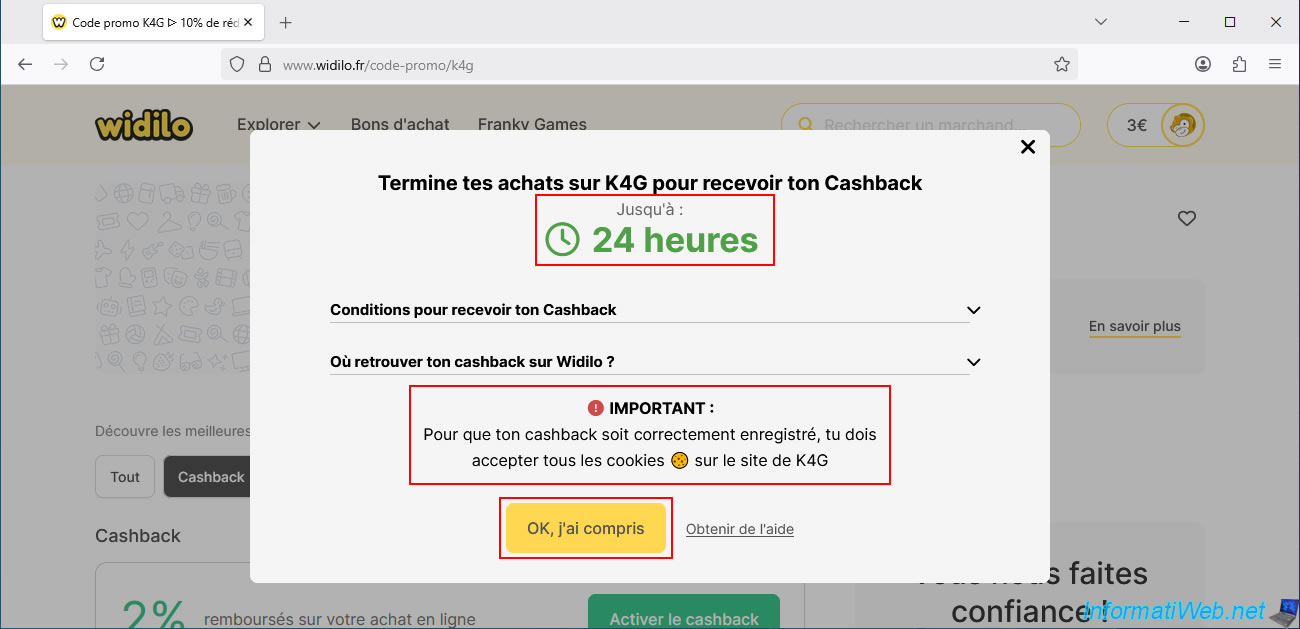
On the Widilo website (in the tab that's probably still open in your web browser), you'll see that it takes 24 hours for the cashback to appear in your Widilo account.
Important : Widilo reminds you again that you must have accepted cookies on K4G (and on Widilo) for the cashback to be registered.
Click "OK, I understand".
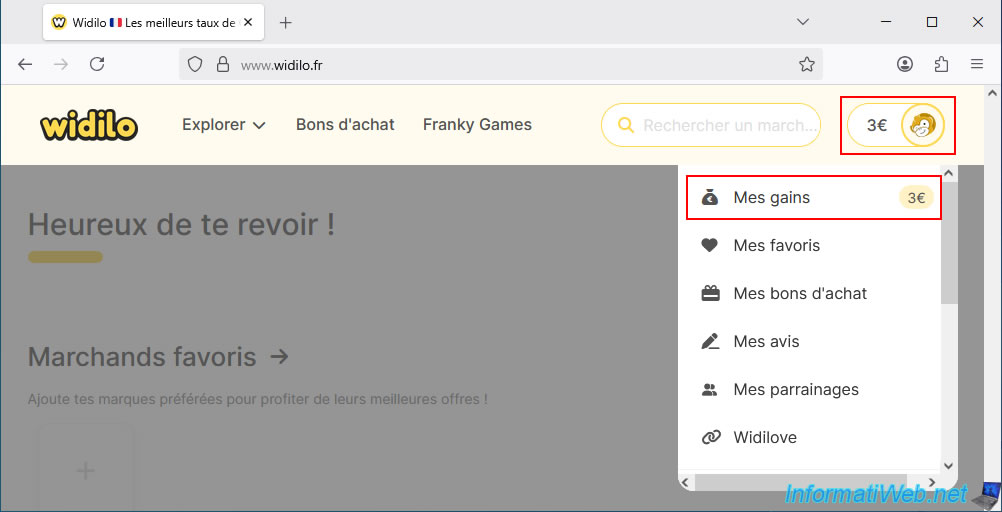
To see your cashback on Widilo, click on the amount in euros located at the top right of the site, then on "My earnings".
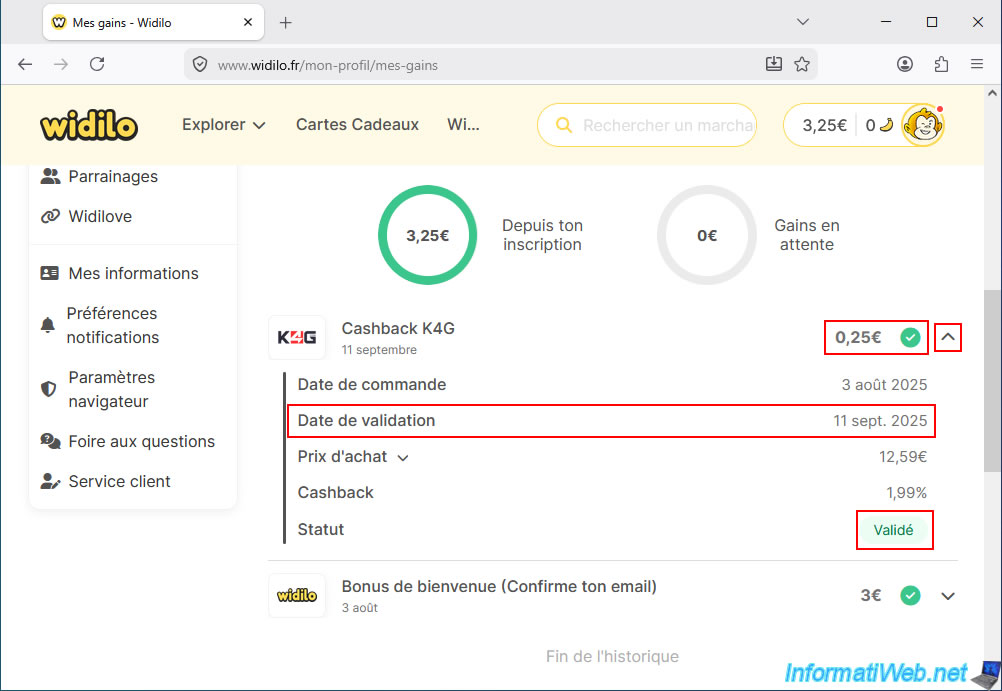
In the "My Earnings History" section of the page that appears, you'll see that a "K4G Cashback" entry has been added.
In our case, this is a €0.25 cashback for our purchase from K4G.
Note: the cashback is currently pending (awaiting validation by the partner).
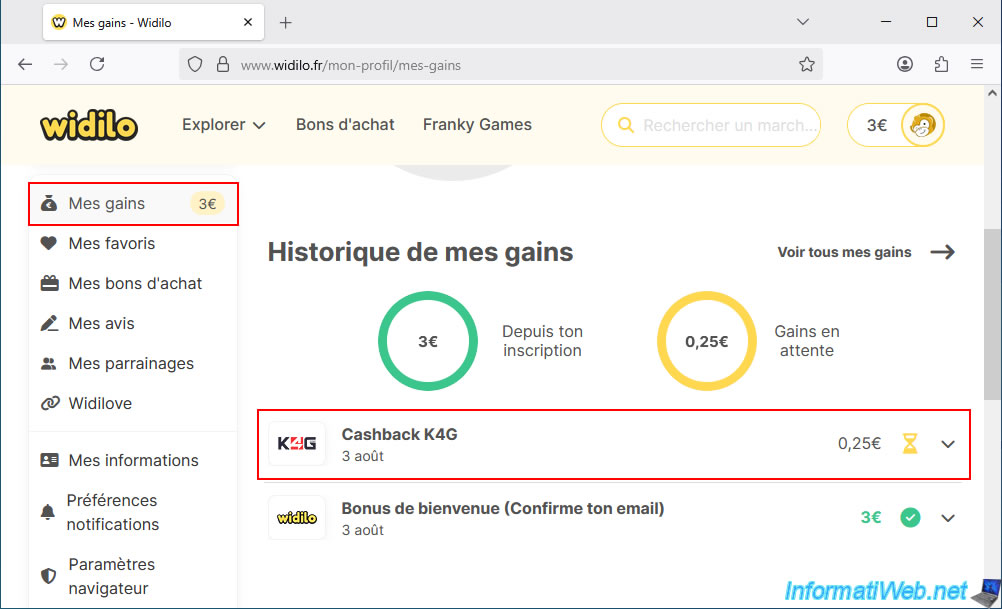
If you expand the "K4G Cashback" section using the arrow to its right, you'll see the order date, purchase price, cashback percentage (in this case: 1.99%), and its status.
As you can see, the cashback status is "Pending".
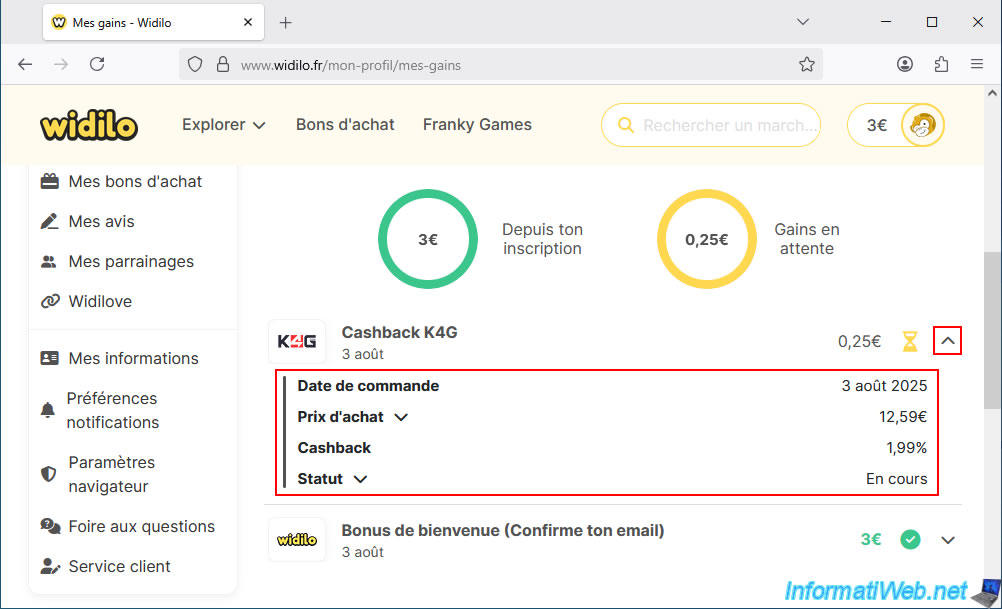
You will find an email in your inbox titled "K4G Cashback Registered".
Warning : as Widilo indicates, you will receive a confirmation email from their partner (in this case, K4G) confirming that the cashback has been validated.
Furthermore, Widilo also indicates (on a yellow background) that the validation period is typically 30 to 90 days (1 to 3 months).
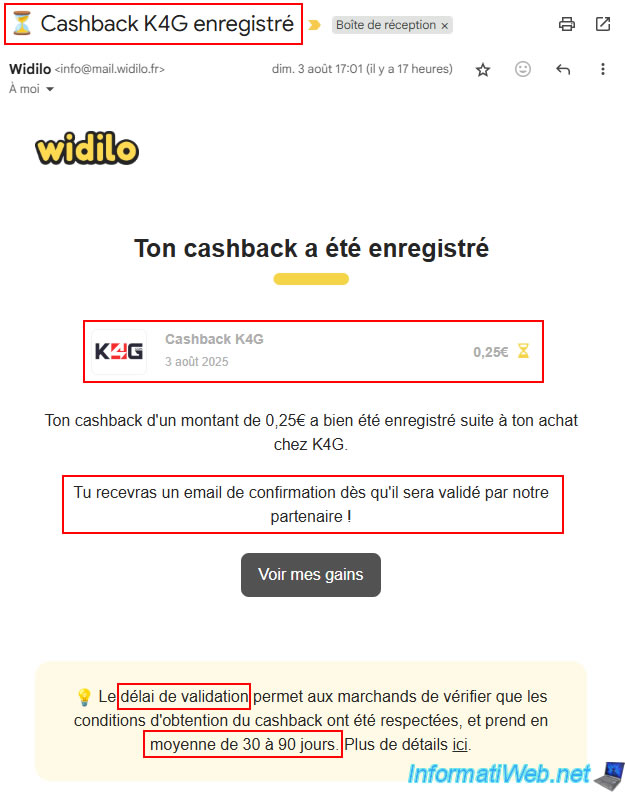
A little over a month later, you can see that Widilo has approved our cashback for our purchase from K4G.
At that point, Widilo will send you an email saying "K4G Cashback Approved!"
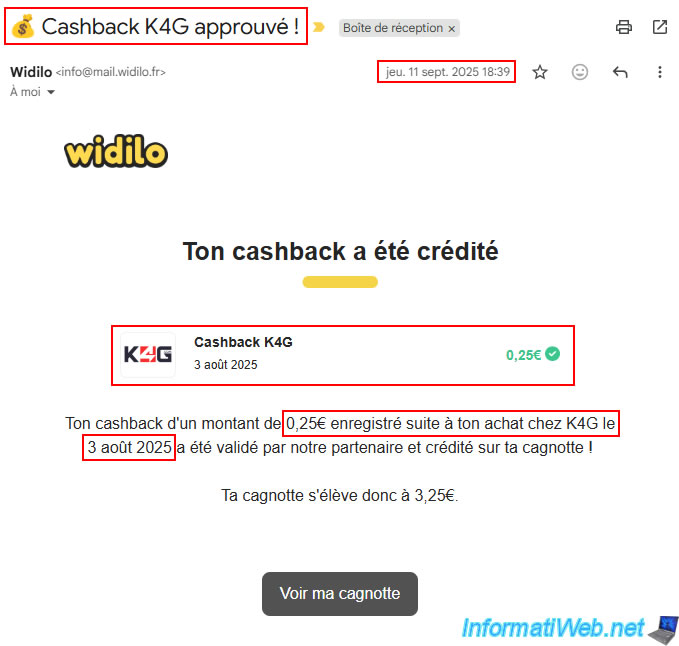
You can also check your cashback status by clicking the icon in the top right corner (with the monkey head), then going to the "My Earnings" section (in the left-hand menu).
As expected, our K4G cashback was validated on September 11, 2025 (for our purchase of August 3, 2025).
6. Download and install your official game via Steam
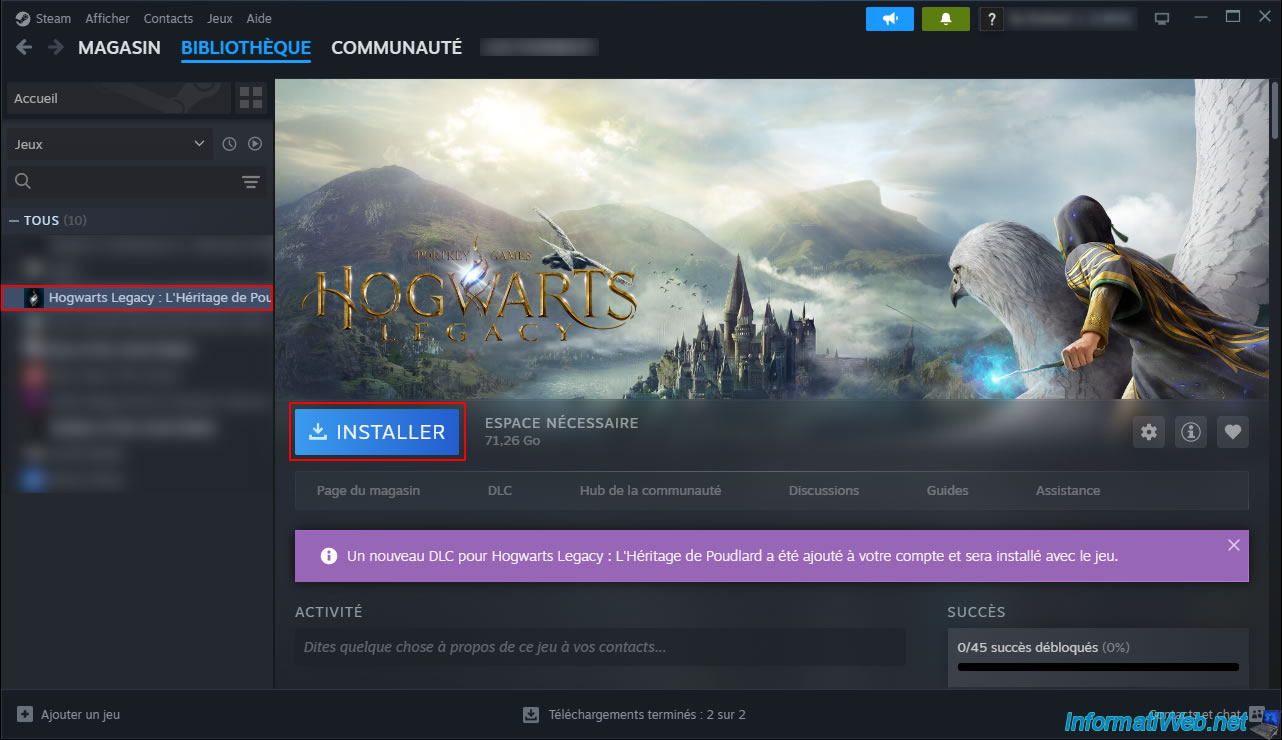
In the Steam interface, go to the "Library" section and select the game you purchased.
In our case: Hogwarts Legacy.
Then, click the "Install" button.
Note: you can see that DLCs are included for the game we purchased.
This is normal, given that the Deluxe Edition contains two DLCs for this Steam version (as you can verify on the Steam website).
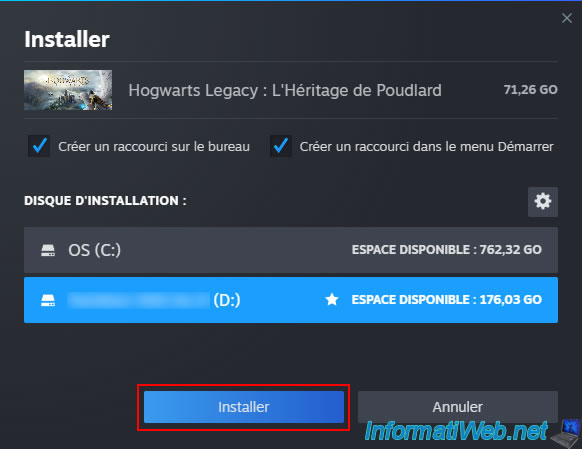
Select the installation disc (if you have configured multiple discs in Steam settings), then click the "Install" button.
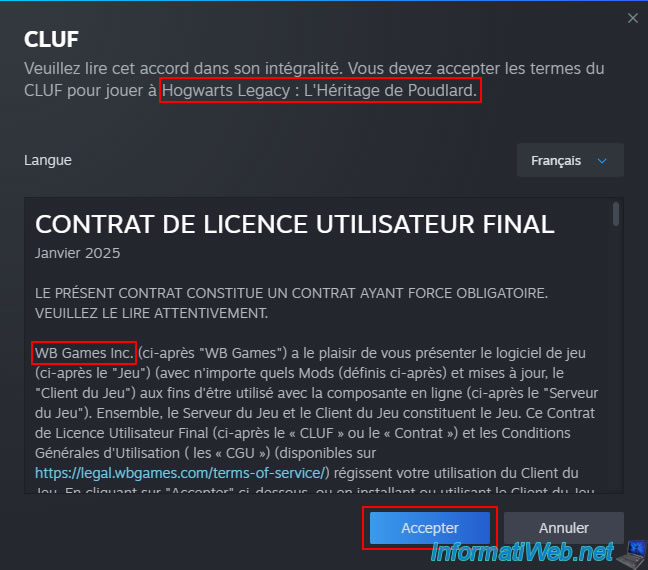
Accept the terms of your game publisher's contract.
Please wait while your official game is downloaded and installed by Steam.
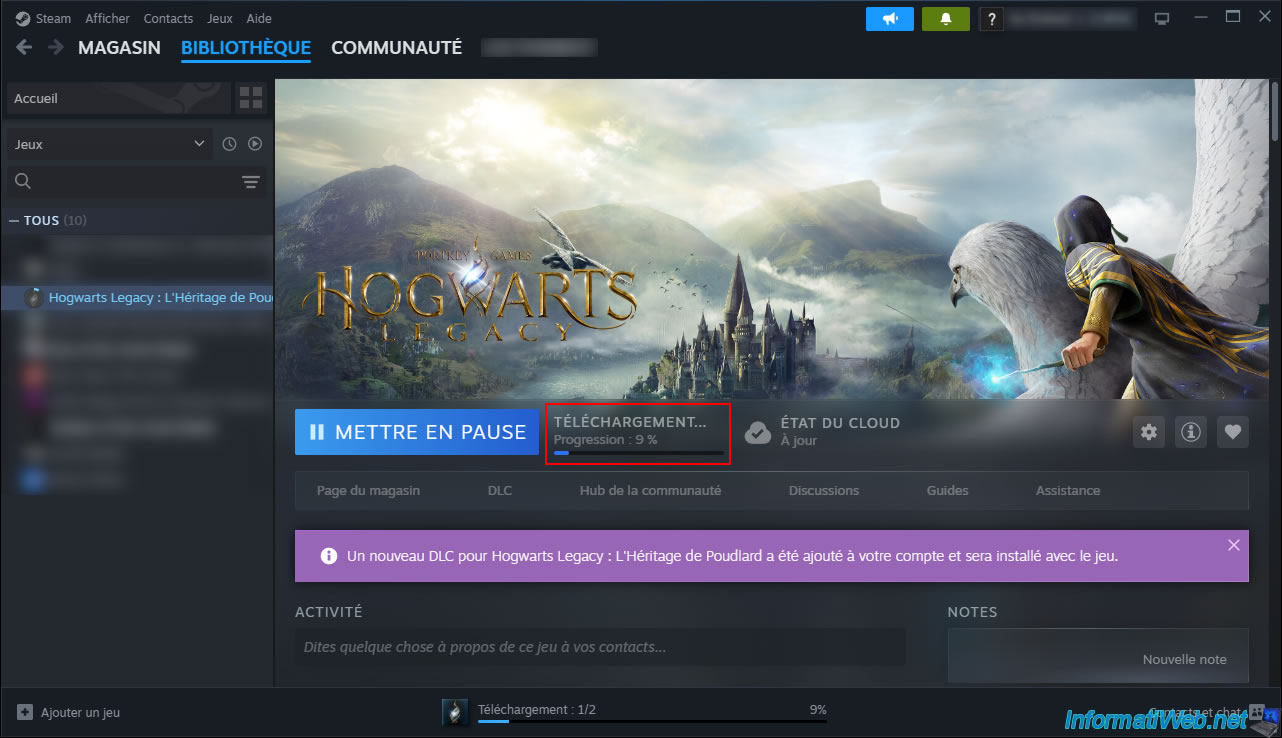
Once the game is downloaded and installed via Steam, click the "Play" button.
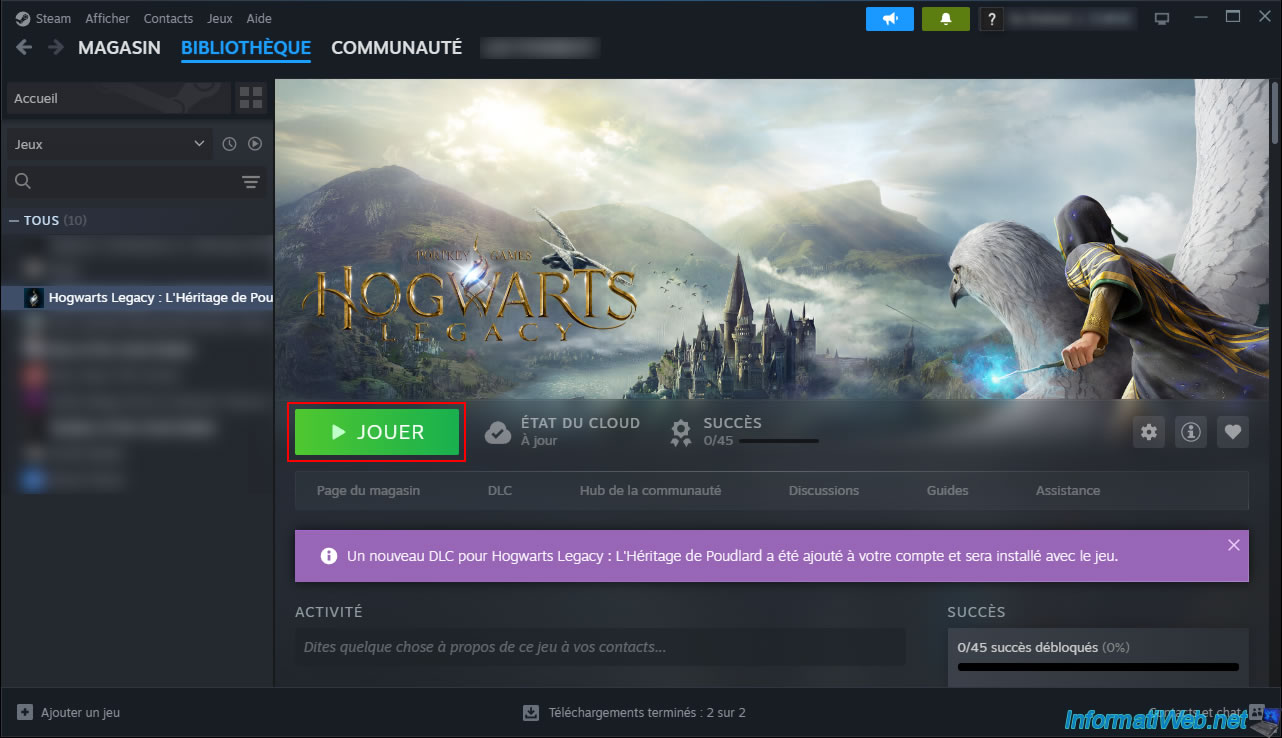
The first time you launch your Steam game, an installation script may run in the background to install a prerequisite (DLLs) for the game.
In the case of Hogwarts Legacy, installing (or updating) the Microsoft .NET Framework is required.
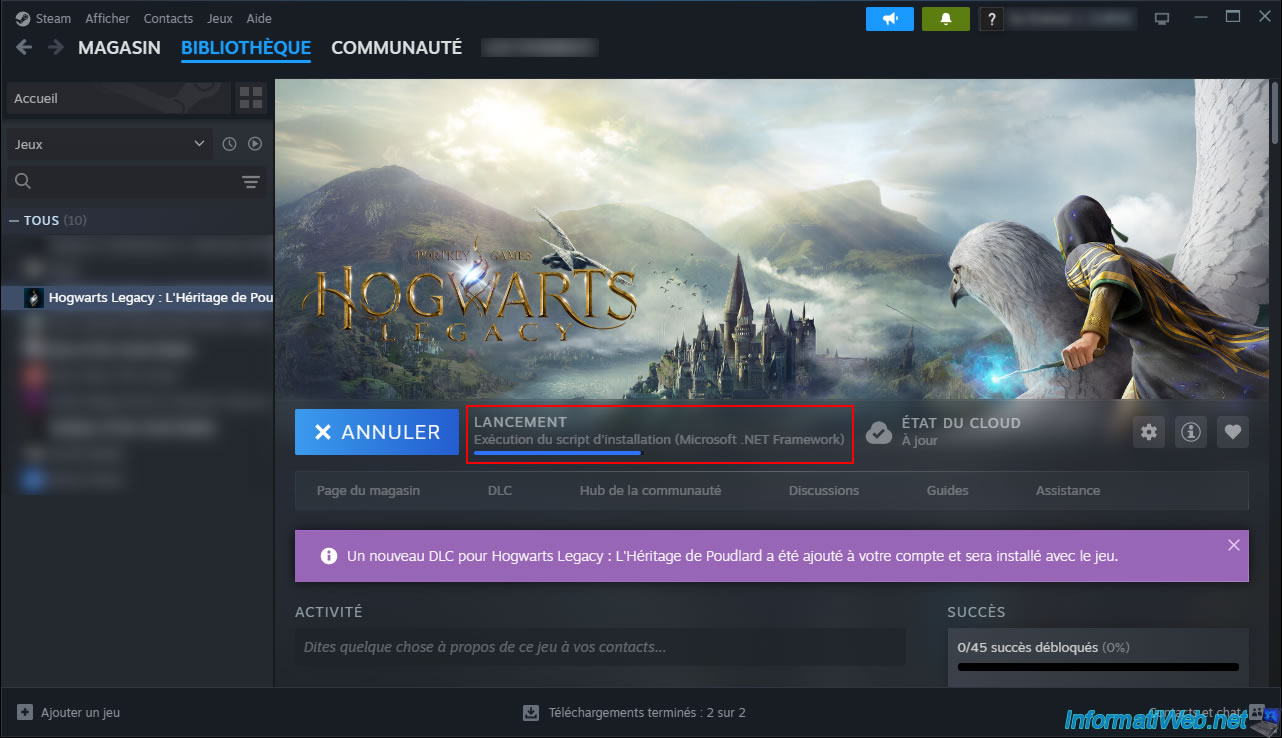
Next, Steam will automatically launch your game.
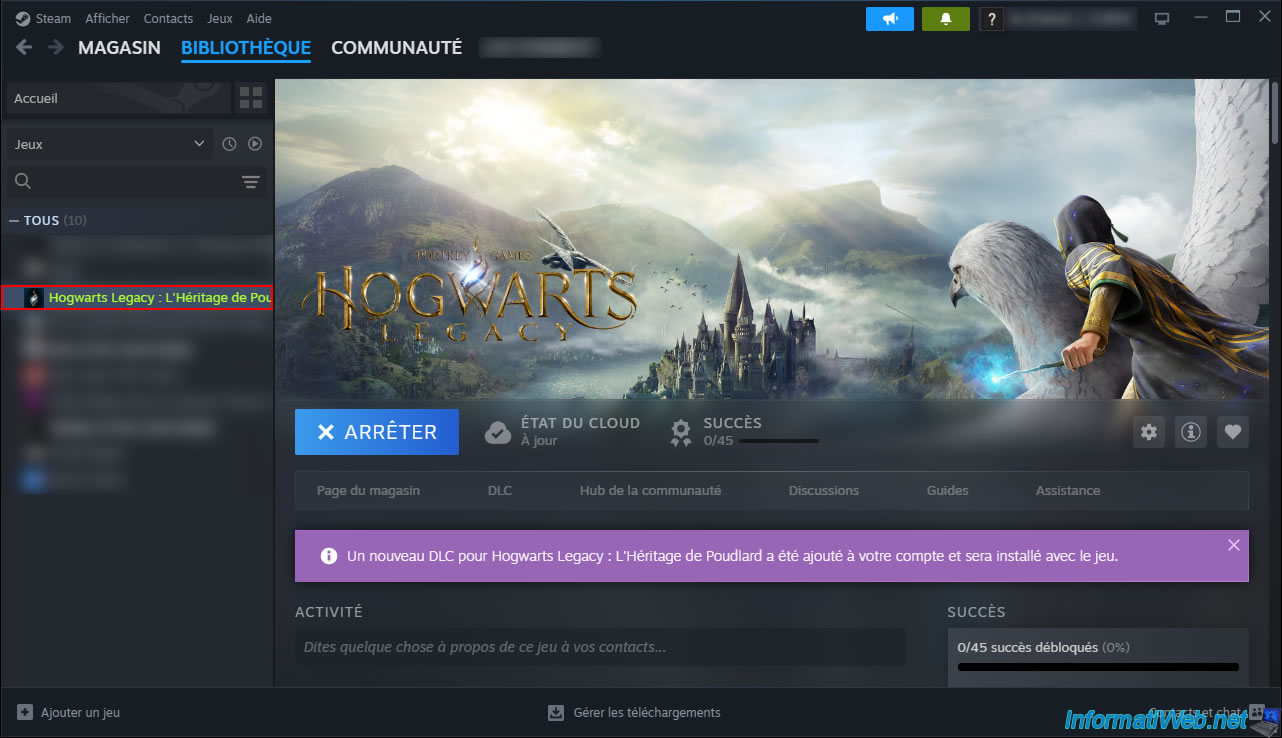
As expected, the game appears.
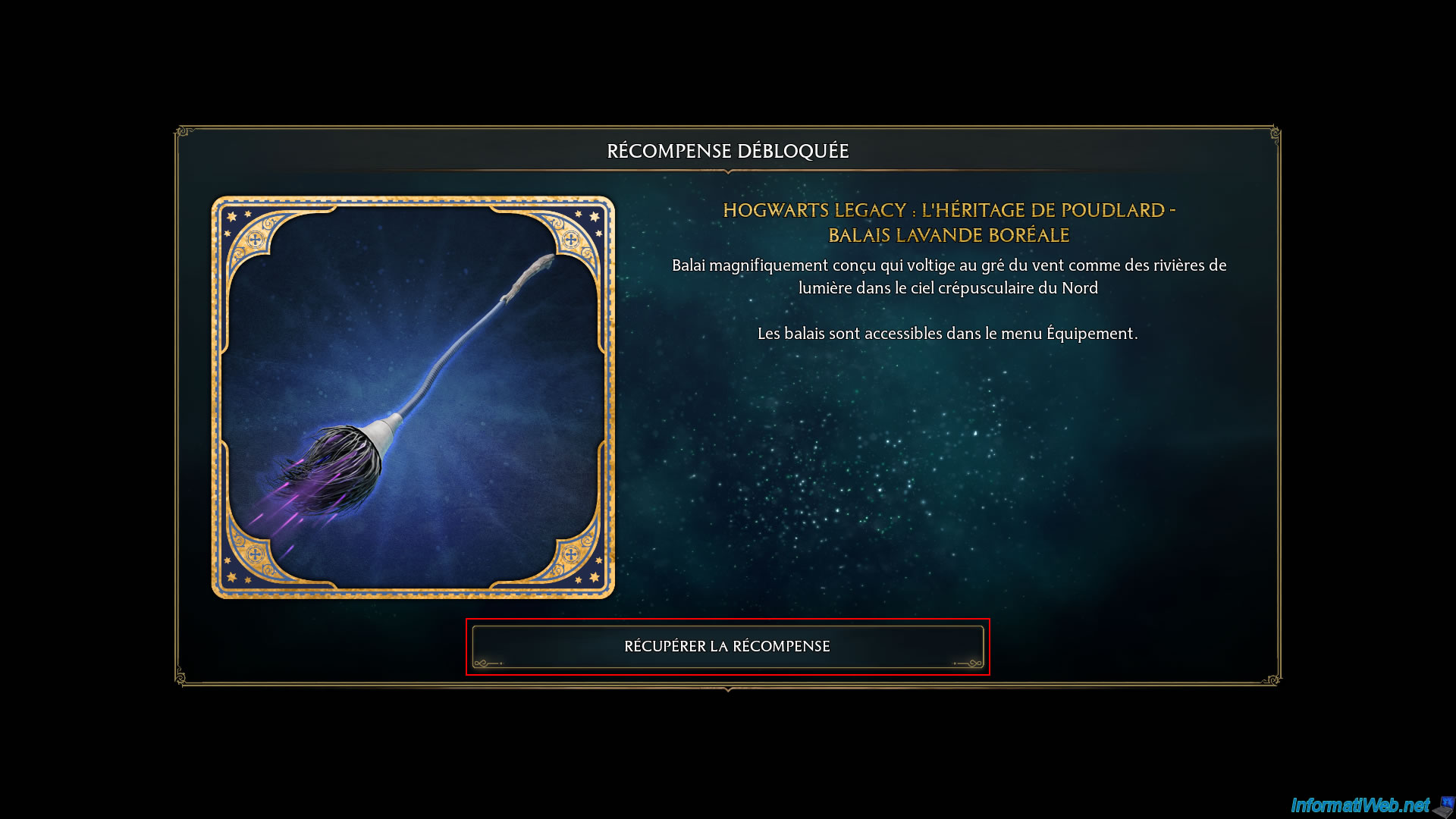
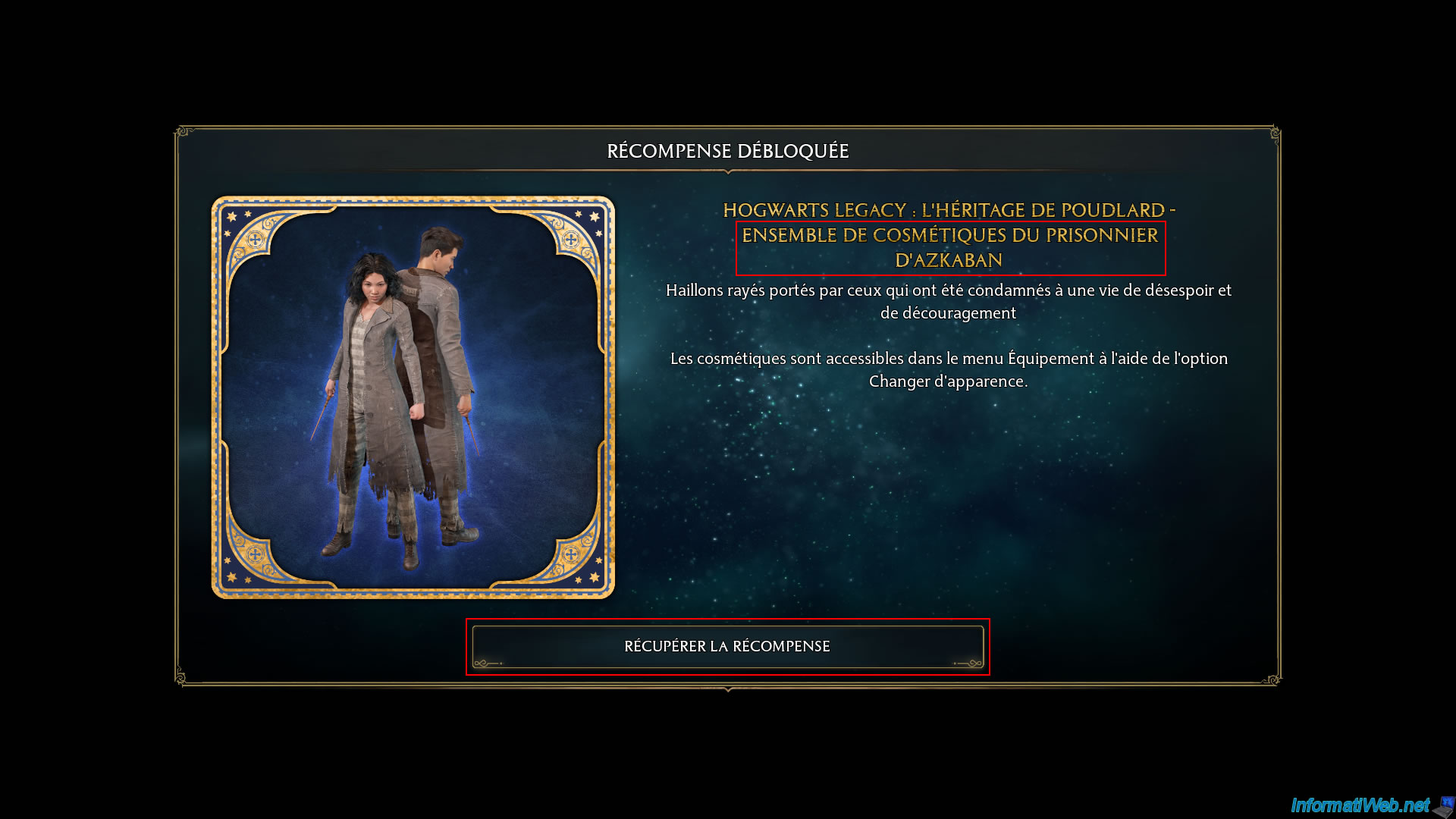
In the case of "Hogwarts Legacy", which we purchased on K4G and then activated on Steam, you can see that upon launching the game, we were able to accept several rewards that were unlocked thanks to the DLCs purchased and installed with the game.
Including a set of Azkaban prisoner cosmetics which is part of the Deluxe edition of the game.
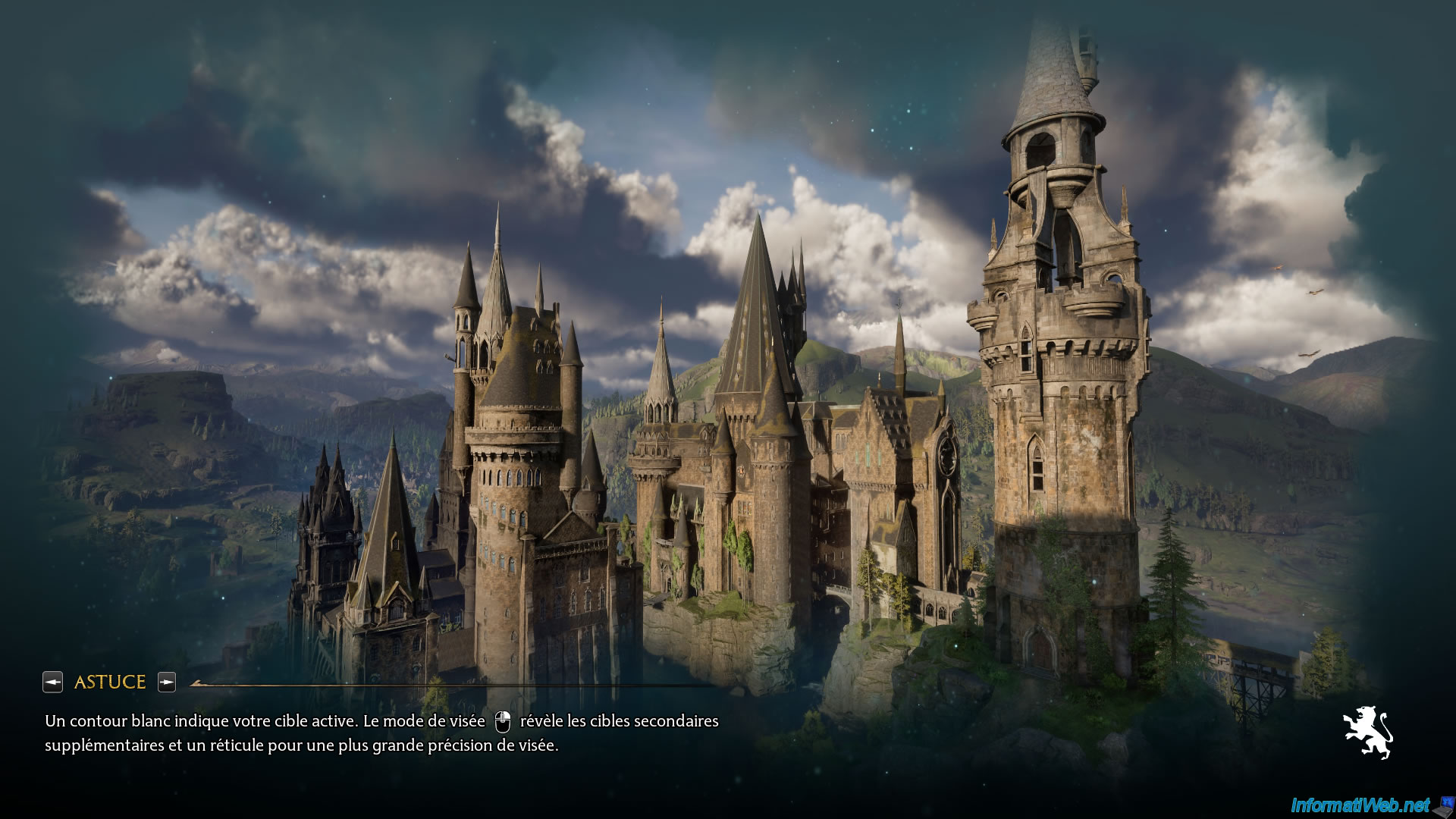
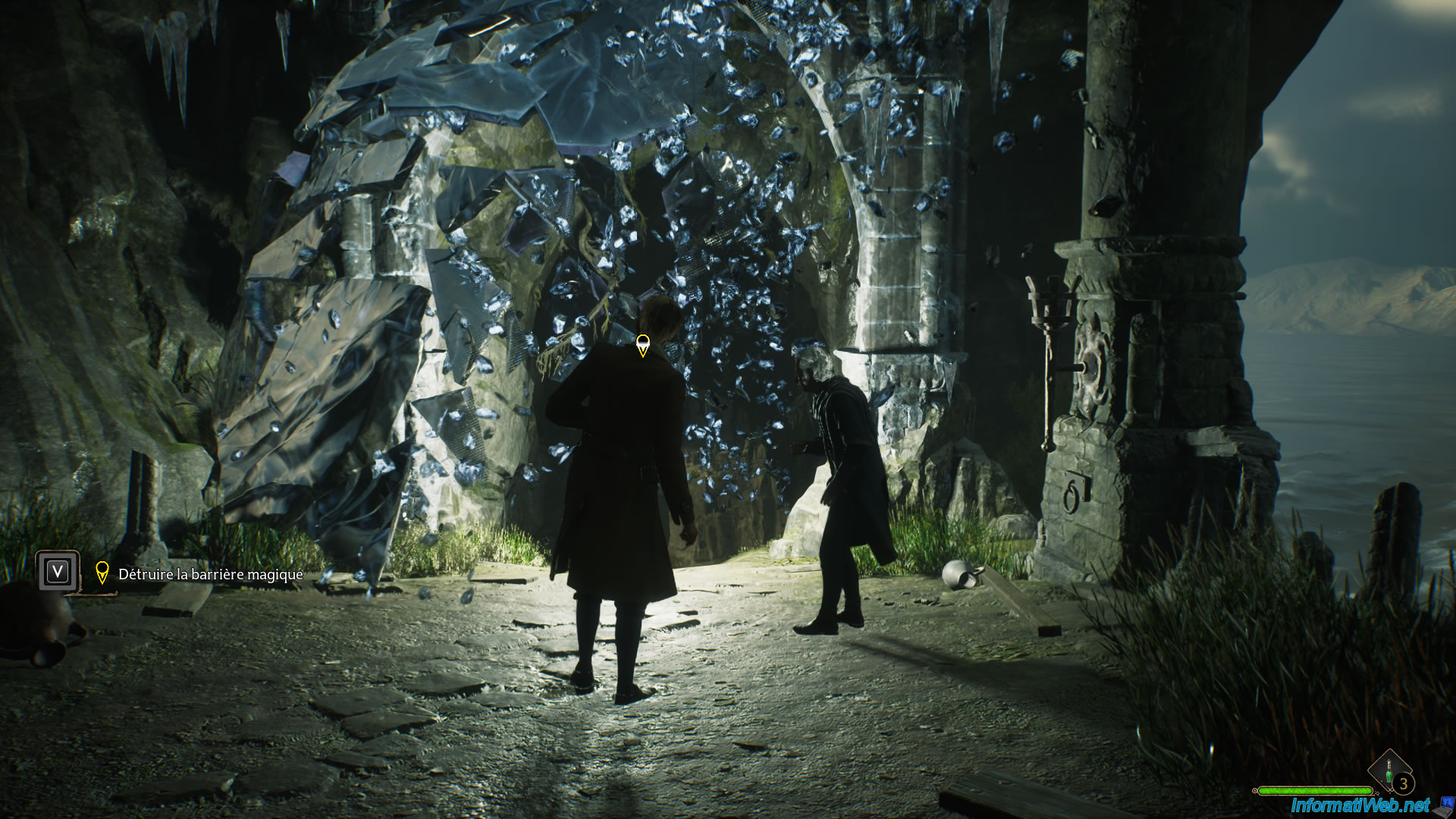
Here are some images of the game "Hogwarts Legacy: The Legacy of Hogwarts" purchased, just for fun (and also to prove that the game is functional despite the purchase of the key on the third-party site "K4G").
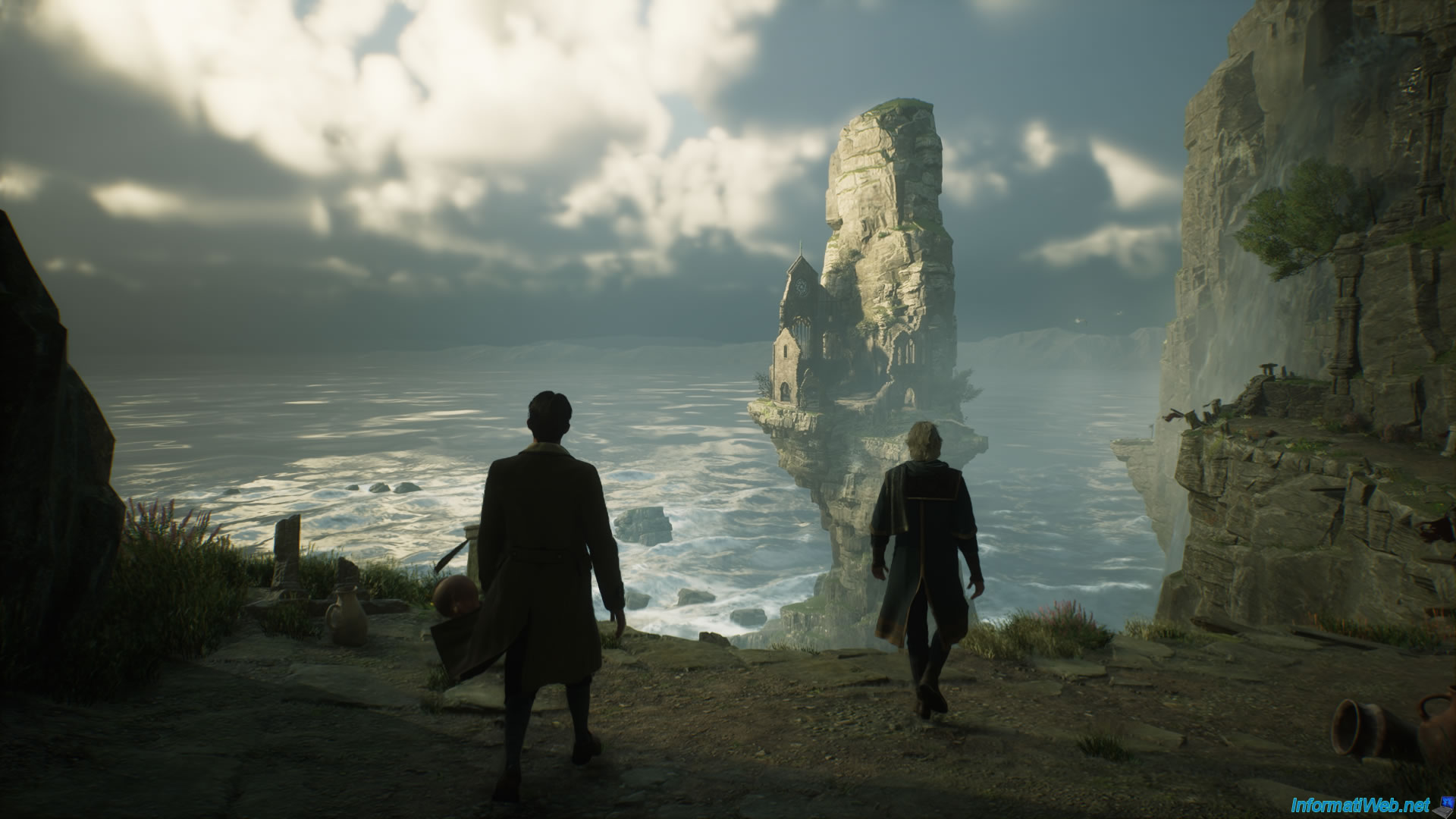
Yes, a spell was cast to make the ice wall disappear, and it shattered.
Share this tutorial
To see also
-

Good deals 3/10/2025
Cashbacks - Save money on your purchases at MediaMarkt (with Familycard)
-

Good deals 11/9/2026
dLcompare - Buy a game for less at Kinguin
-

Good deals 11/2/2026
dLcompare - Price comparison website for gamers
No comment