Buy a game for less at Kinguin thanks to dLcompare and Familycard
- Good deals
- 09 November 2026 at 09:09 UTC
-

- 3/6
2.4. Buy a game cheaper on Kinguin
At the top of the Kinguin website, click in the search box and type the name of the offer you previously found via the "dLcompare" comparison tool.
In our case: Rise of the Tomb Raider: 20 Year Celebration Edition Steam CD Key.
Then, click on the result that exactly matches the name you searched for.
Warning : you must perform the search yourself on the Kinguin website.
Do not return to the "dLcompare" comparison tool to view the Kinguin offer again, as this tool will overwrite the Familycard tracking (via "CJ Affiliate") with its own (the one dLcompare uses by default).
If you go back through the "dLcompare" comparison tool link, you will not receive your cashback on Familycard.
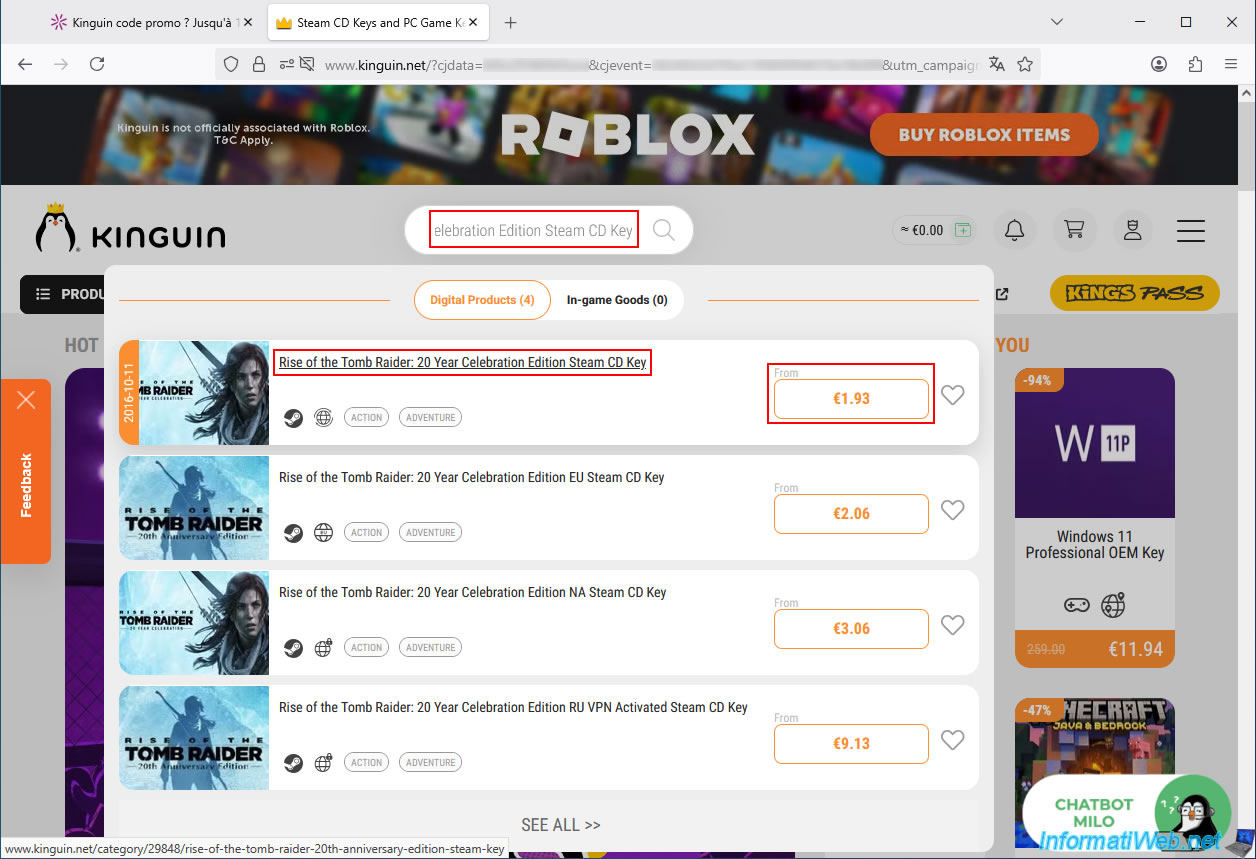
The offer you were looking for has reappeared.
Warning : you may have noticed that the price has changed.
Don't worry, this is because the price comparison tool entered the promo code "DLC10AUG" directly into the Kinguin website address.
This displayed the promotional price (€1.94) instead of the regular price (€2.15).
However, you simply need to enter the promo code "DLC10AUG" yourself, which was displayed in the "dLcompare" comparison tool (just above the orange button that provided access to this offer), in your shopping cart on the Kinguin website to see the promotional price you saw before (in our case: €1.94).
Click "Add to cart" to add this game to your Kinguin cart.
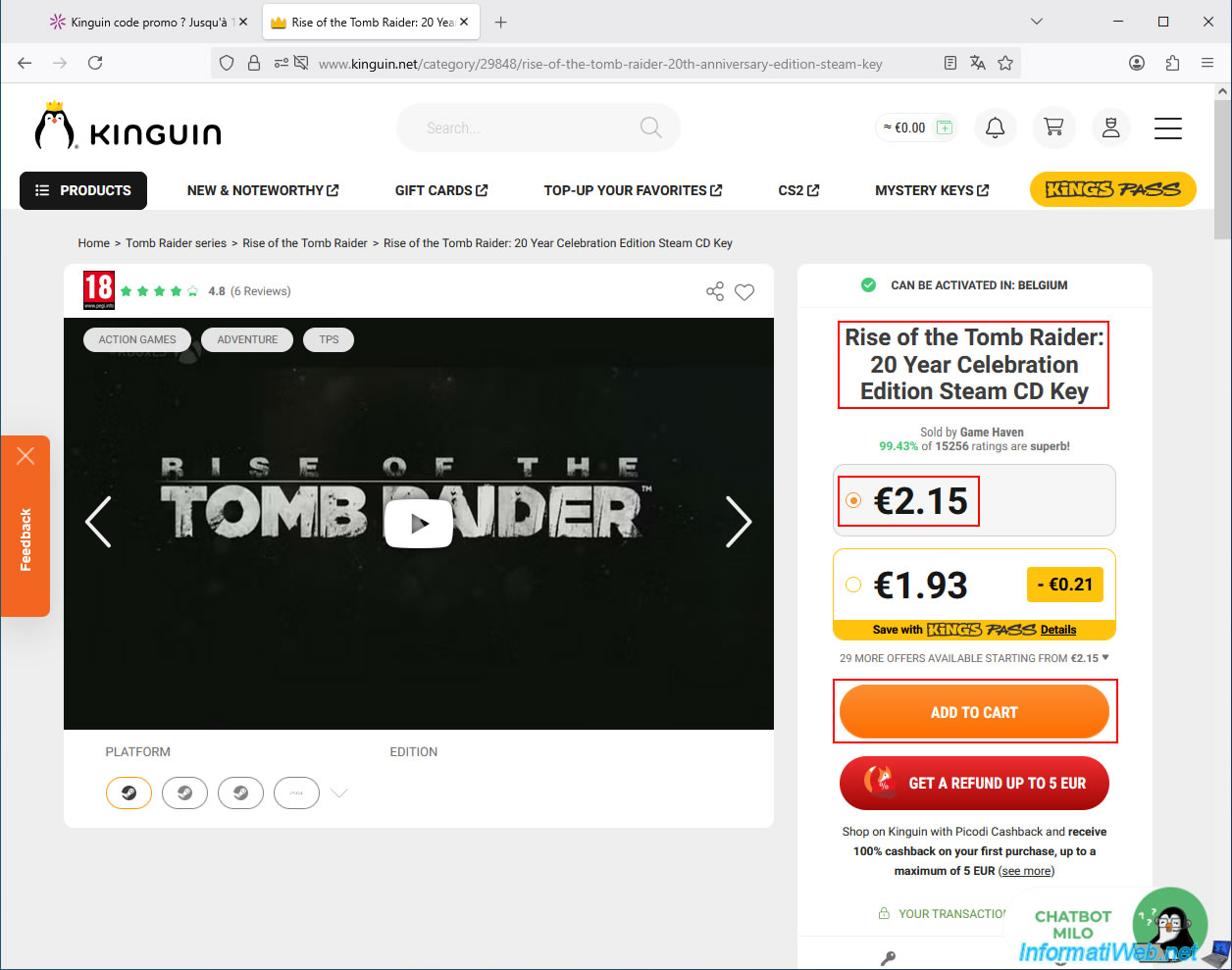
Next, access your shopping cart by clicking on the small shopping cart icon located in the upper right corner of the website.
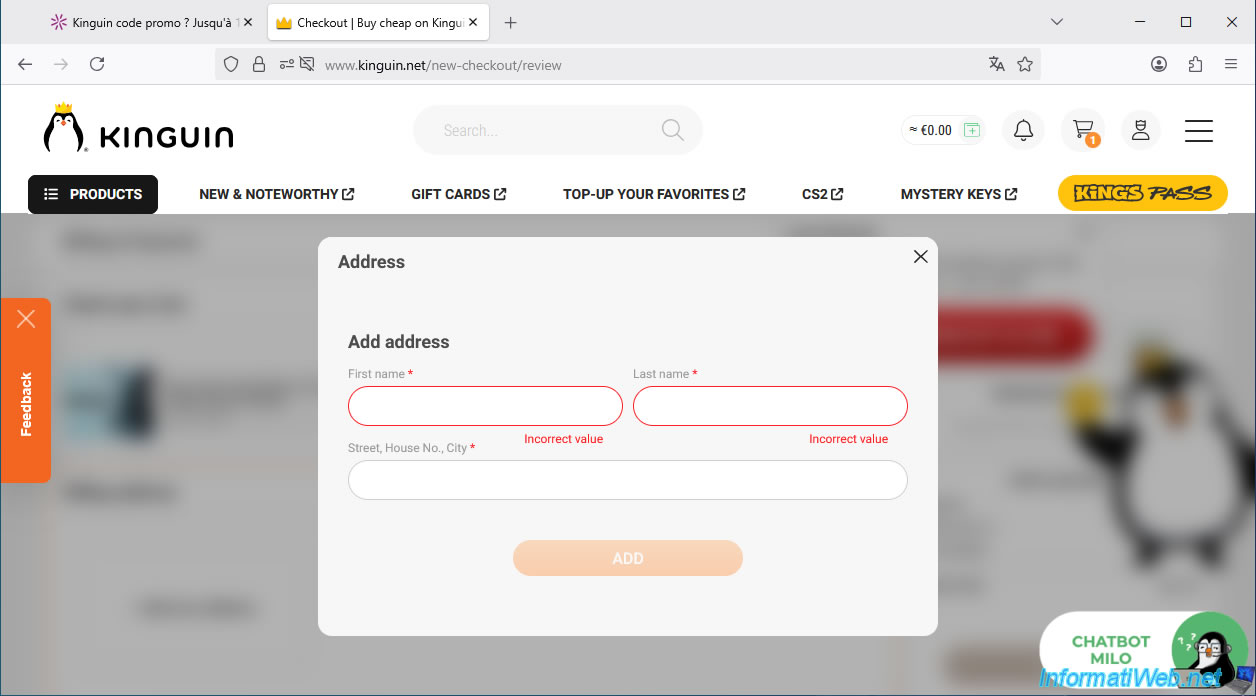
During your first order, the "Kinguin" website will ask you to add your physical address.
Obviously, this is unnecessary if you are ordering a CD key, as you will receive it directly by email.
However, this is likely for legal reasons or simply in case you are also purchasing a physical product.
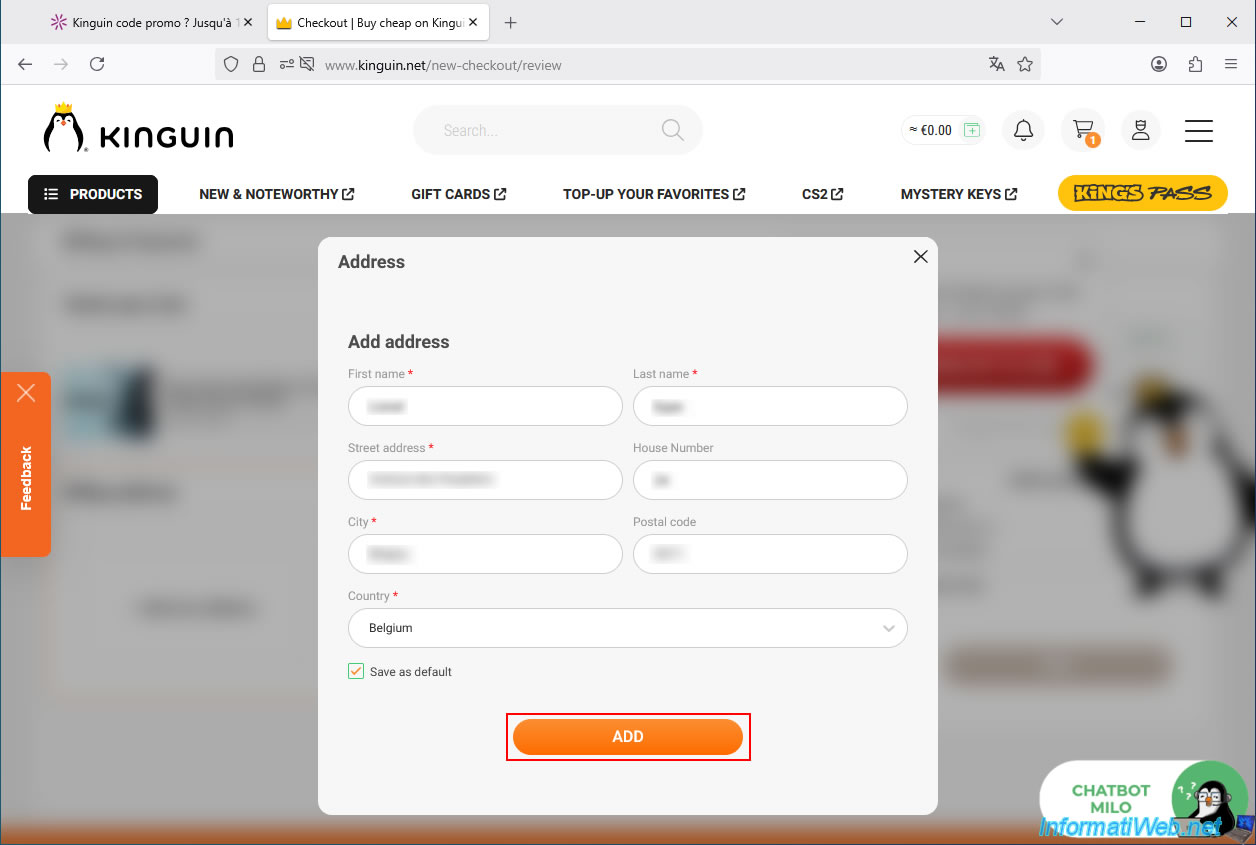
Once you have entered the necessary information for your address and country, check the "Save as default" box (to use this automatically for all your Kinguin purchases), then click "Add".
Important : make sure you have selected the correct country from the list provided. This is crucial for Kinguin to send you a valid key in your country (if it says "Can be activated in: [your country name]").
Currently, Kinguin indicates that this CD key for the desired game (Rise of the Tomb Raider: 20 Year Celebration Edition) costs €2.15.
You can also see that there is a €0.72 service fee in our case.
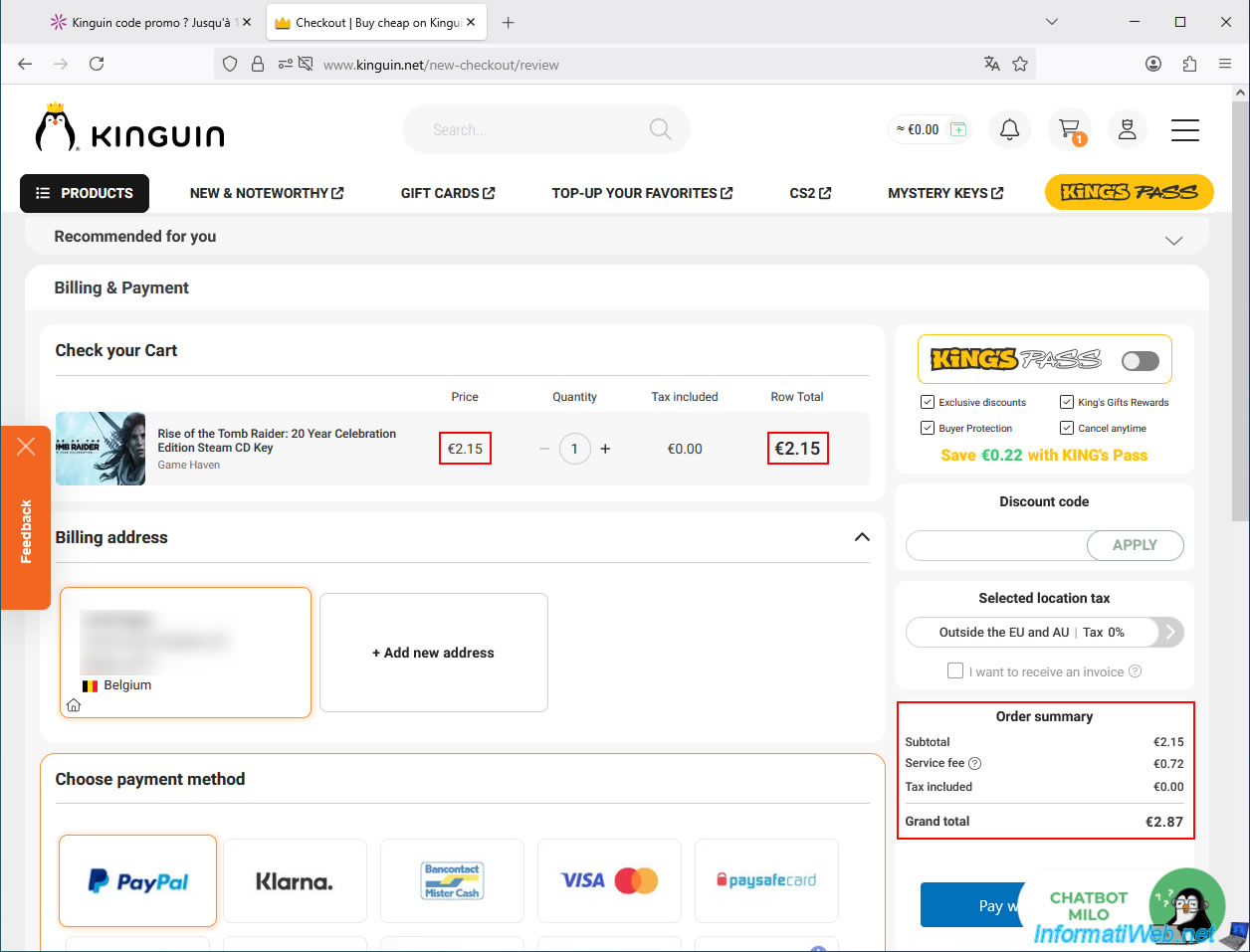
To get the previously mentioned promotional price for this CD key, simply enter the promo code (shown earlier) in the "Discount code" box, then click the "Apply" button.
In our case, the promo code was "DLC10AUG".
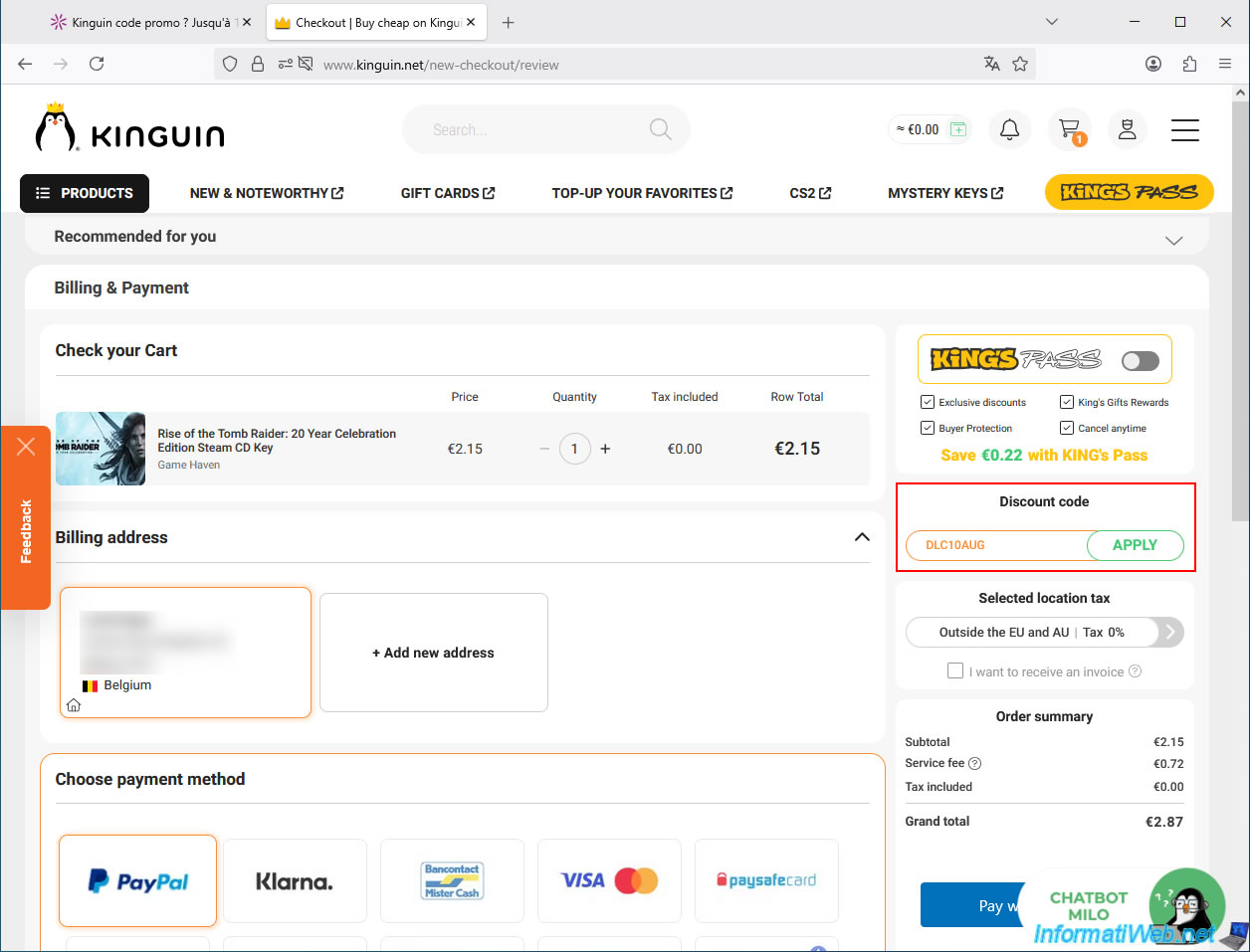
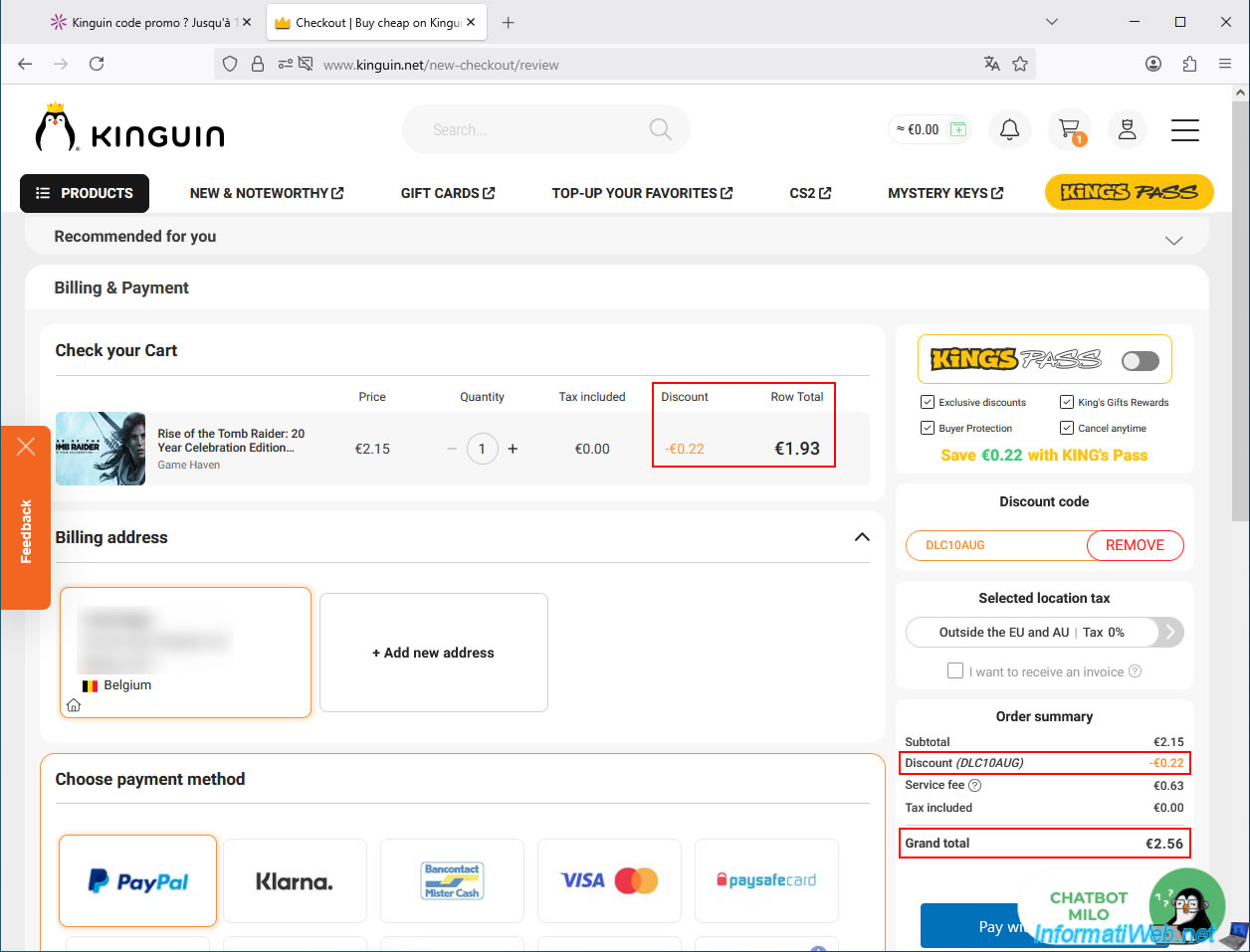
As expected, we see the promotional price of €1.93 instead of the base price of €2.15.
This represents a €0.22 discount in our case (this discount is directly deducted by Kinguin from the amount you will have to pay).
Then, Familycard will reimburse you between 1.25% and 2.5% of the final price (actually paid to Kinguin).
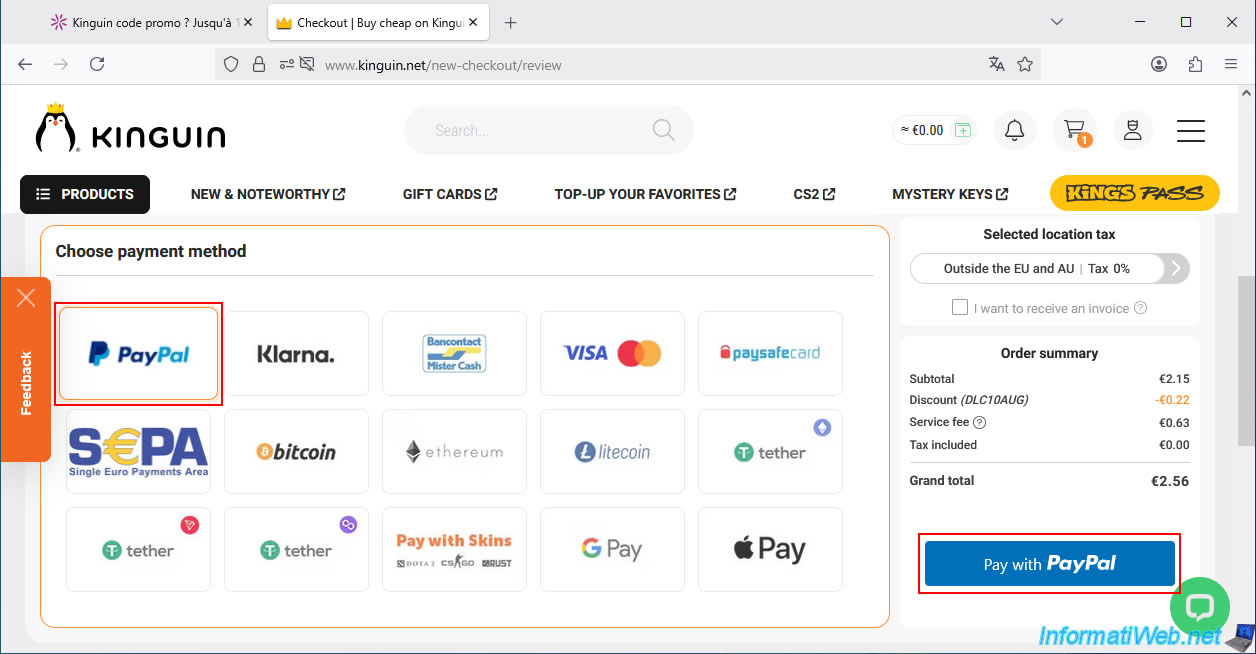
Choose your preferred payment method from the many options offered by Kinguin.
The safest and fastest way to pay online is via PayPal.
Furthermore, in case of any issues (though you shouldn't have any with Kinguin), you can later file a dispute with PayPal to get a refund if the purchased CD key doesn't work.
Then, click the payment button located in the bottom right corner (the button changes depending on the payment method).
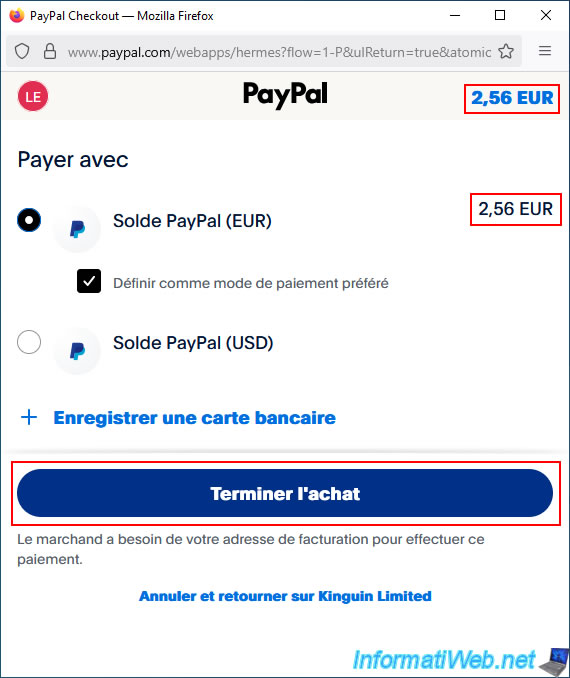
In our case, the PayPal website appears and asks us to log in to our PayPal account.
Then, we confirm the payment of just €2.56 by clicking the "Complete Purchase" button.
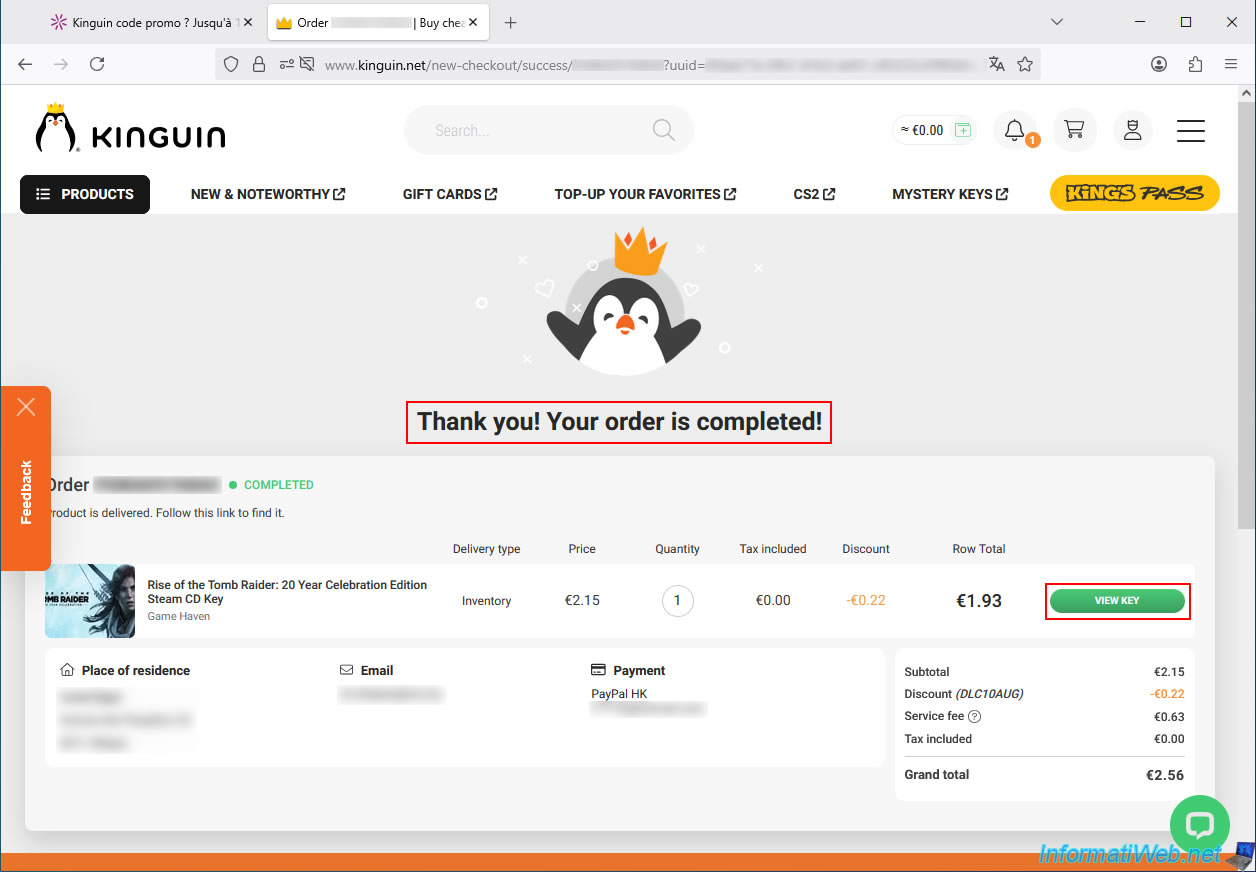
Next, you will see the message "Thank you! Your order is completed!"
To view the CD key for the game you purchased, click the "View key" button on the right.
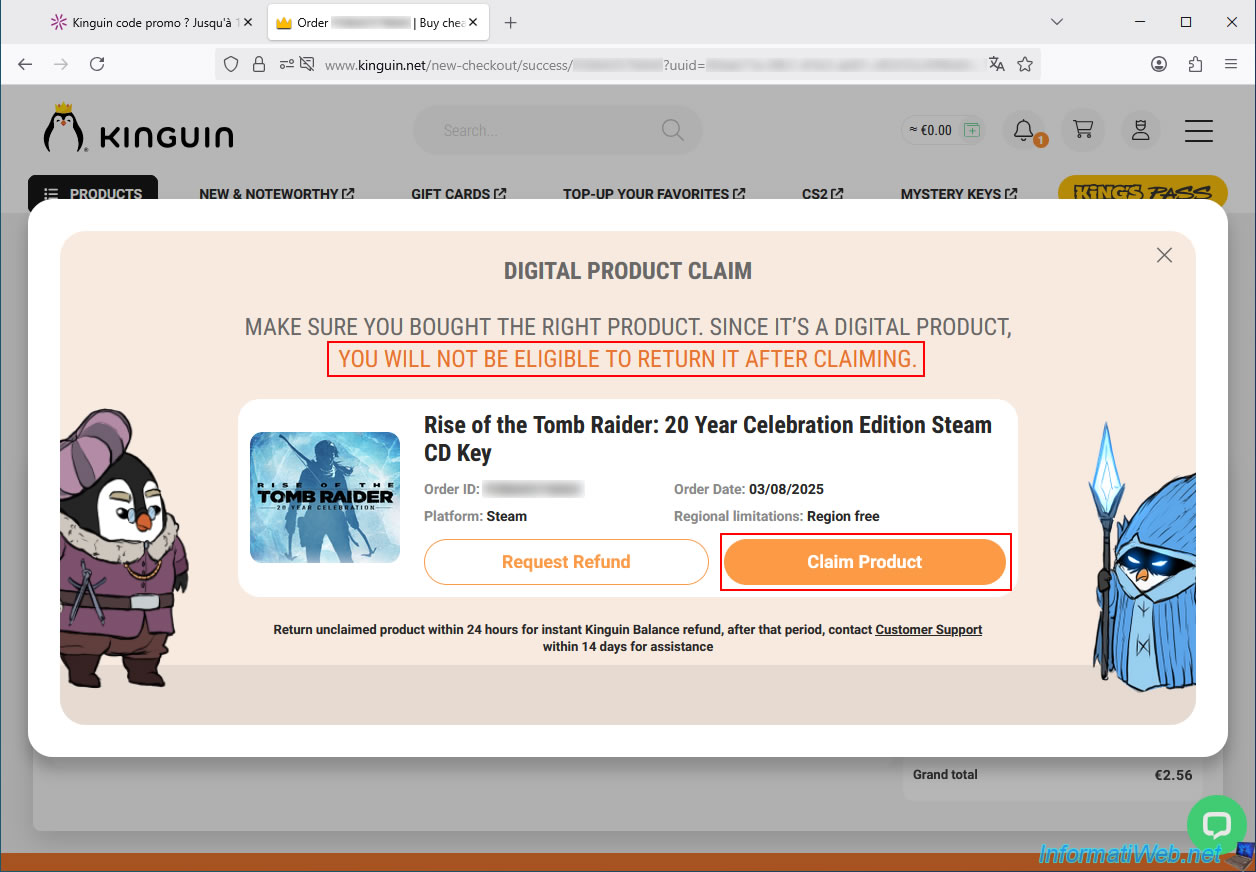
To view the purchased CD key, you must first confirm this action by clicking the "Claim Product" button.
Once you click this button, Kinguin will refuse to issue a refund, as you will have seen the unique CD key that was sold to you.
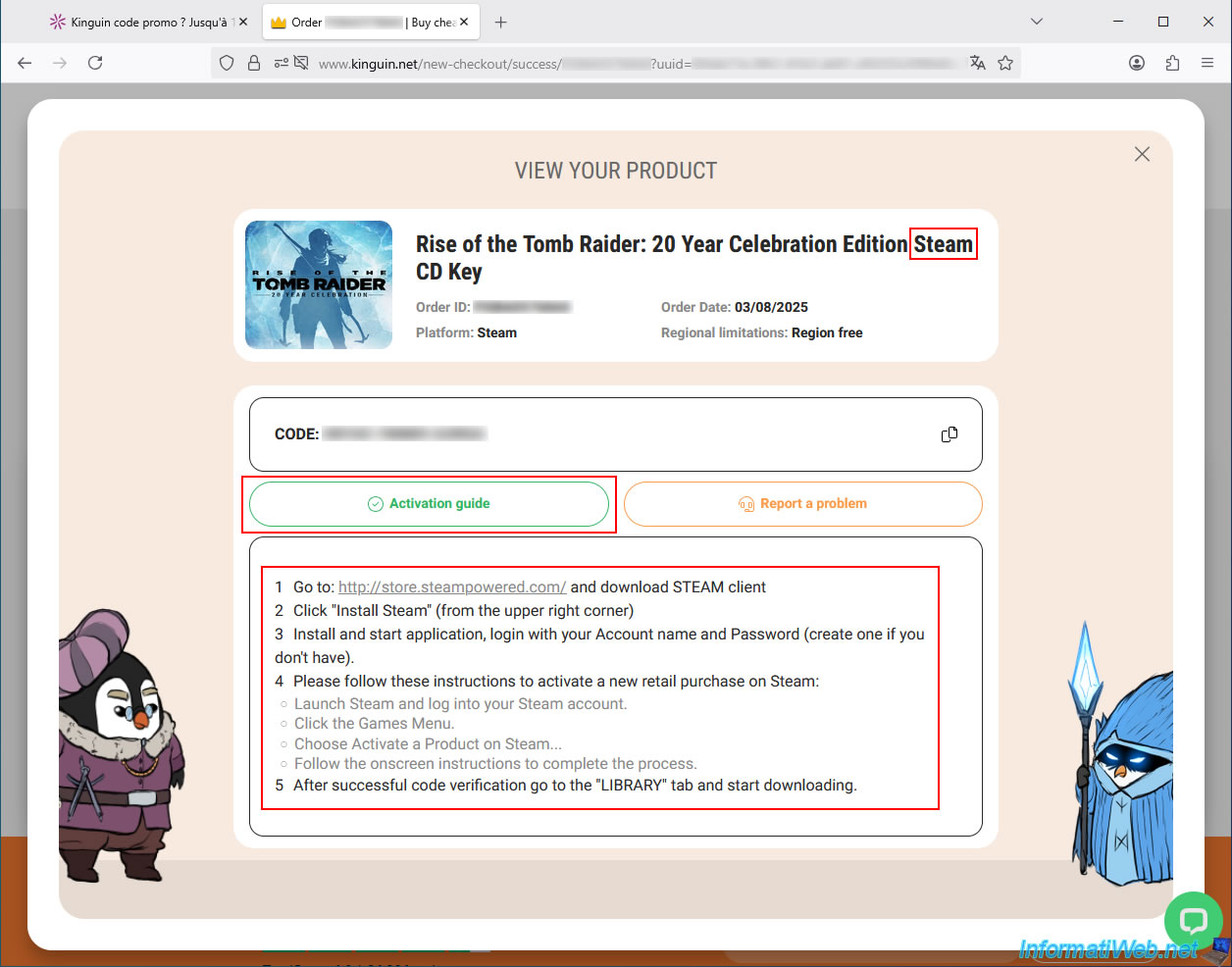
The CD key (serial number) for the purchased game appears and is valid on the desired platform (displayed here).
In our case, this CD key is valid on Steam.
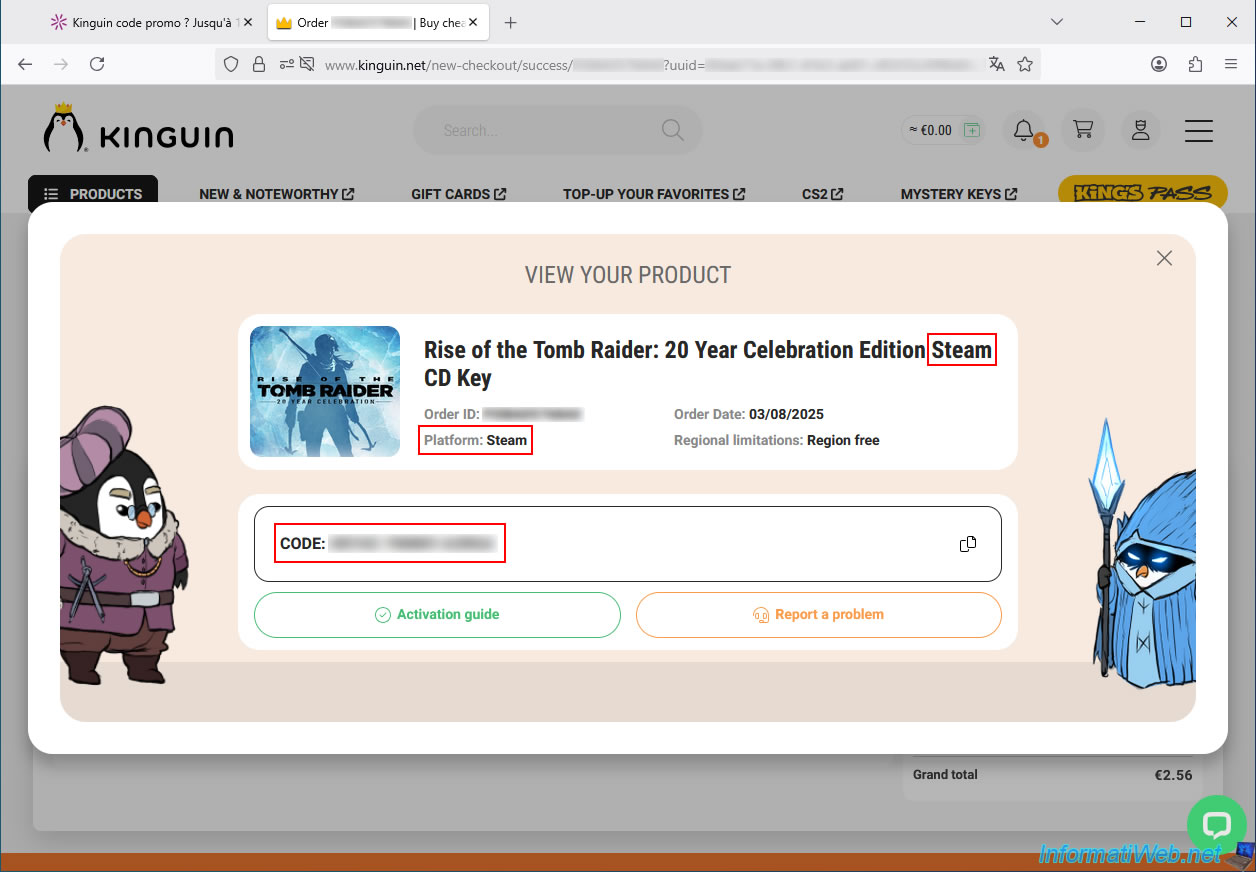
If you need help adding this CD key (and therefore the game) to your Steam account, you can click the "Activation Guide" button.
Alternatively, follow the rest of our tutorial where we explain everything with images and demonstrate that the CD key purchased from Kinguin works flawlessly.
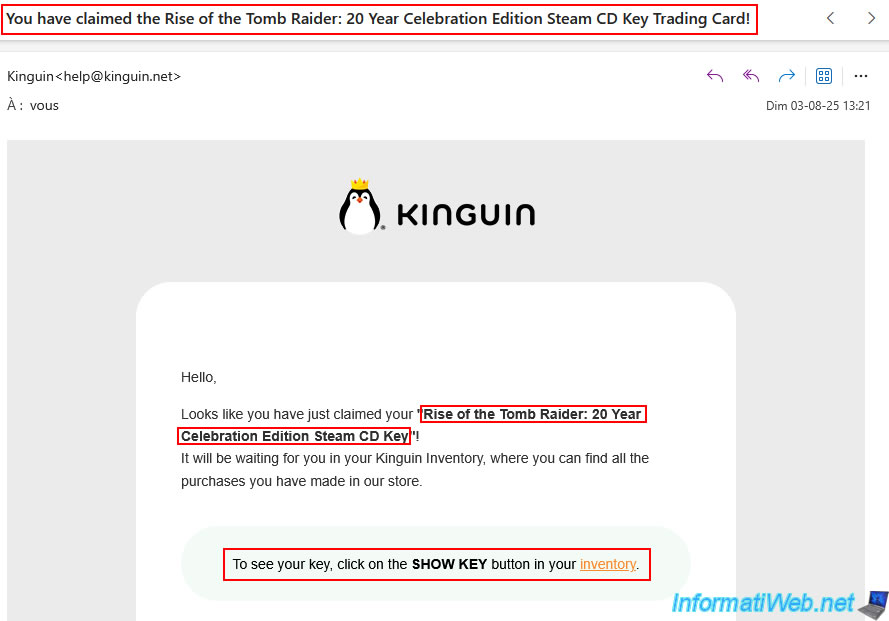
You will see an email in your inbox from Kinguin stating, "You have claimed the [name of purchased game] Trading Card!".
As indicated in this email, you can later retrieve the CD key for the purchased game from your Kinguin inventory if you wish.
2.5. Payment made to Kinguin
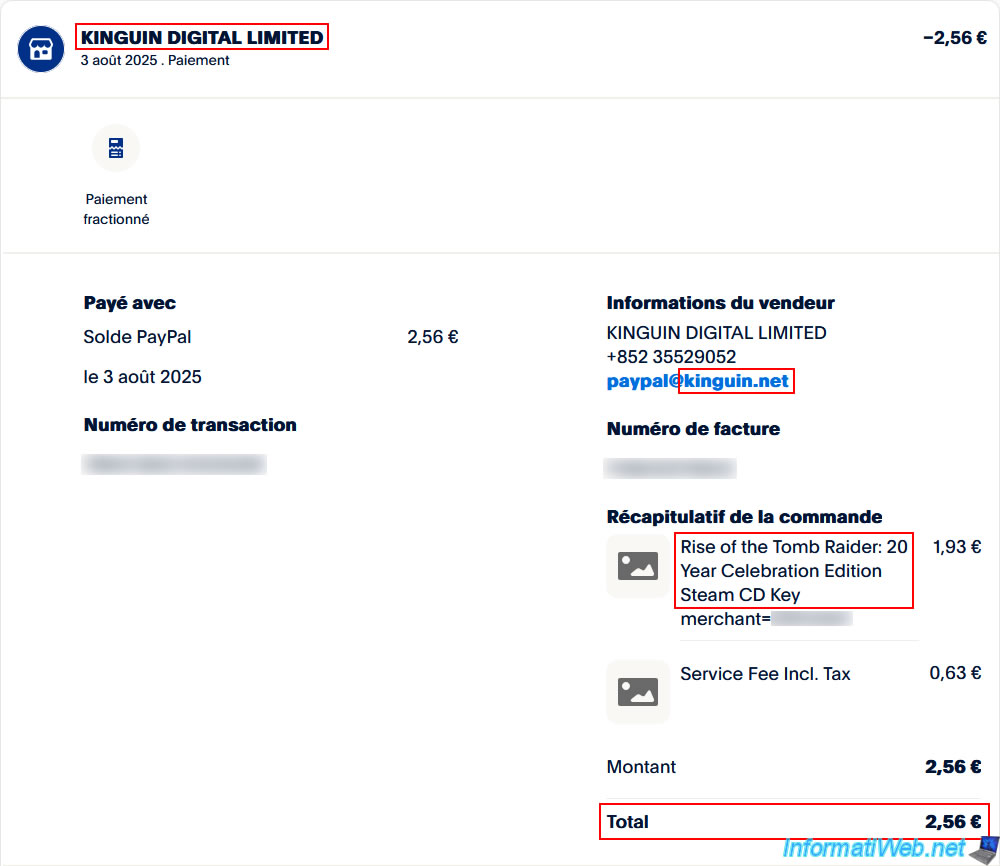
As you can see, we only paid €2.56 to buy the "Rise of the Tomb Raider: 20 Year Celebration Edition Steam CD Key".
That's much less than the current official price (without any discounts) of €29.99.
Share this tutorial
To see also
-

Good deals 3/10/2025
Cashbacks - Save money on your purchases at MediaMarkt (with Familycard)
-

Good deals 11/2/2026
dLcompare - Price comparison website for gamers
No comment