Buy a game for less at Kinguin thanks to dLcompare and Familycard
- Good deals
- 09 November 2026 at 09:09 UTC
-

- 5/6
6. Download and install your official game via Steam
The advantage of Kinguin is simply that you can pay much less for your official game than the usual price (on Steam in this case).
Then, you benefit from the power of Steam and the original files of the purchased official game. This allows you to get virus-free games at a very low price.
In short, go to your Steam library and select your game.
Then, click the "Install" button.
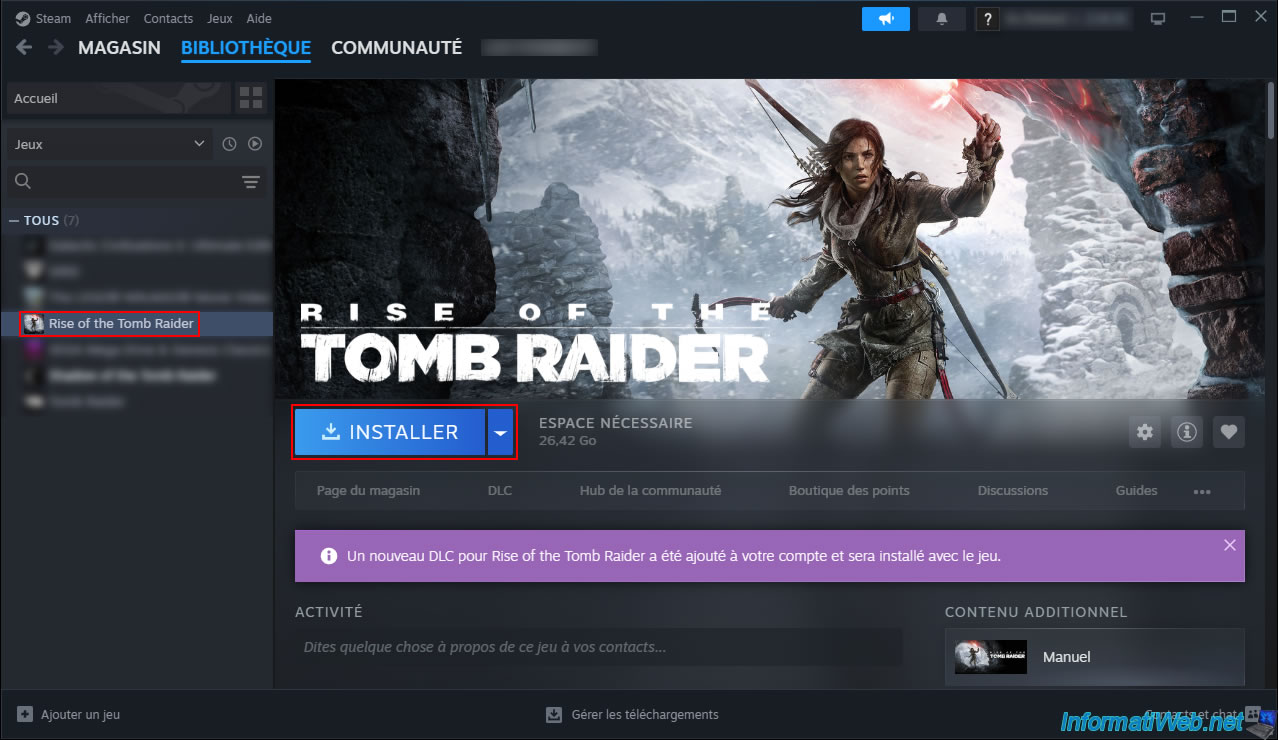
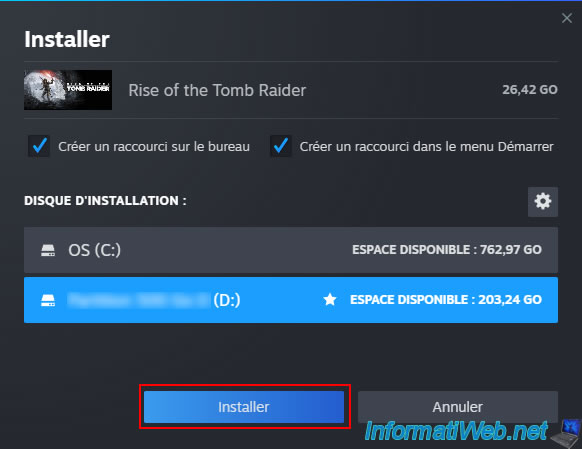
In our case, we added an installation disk (a partition on another hard drive) in Steam's settings so we could install our games on a separate hard drive from the one used by Windows.
But that doesn't matter here.
Just click the "Install" button.
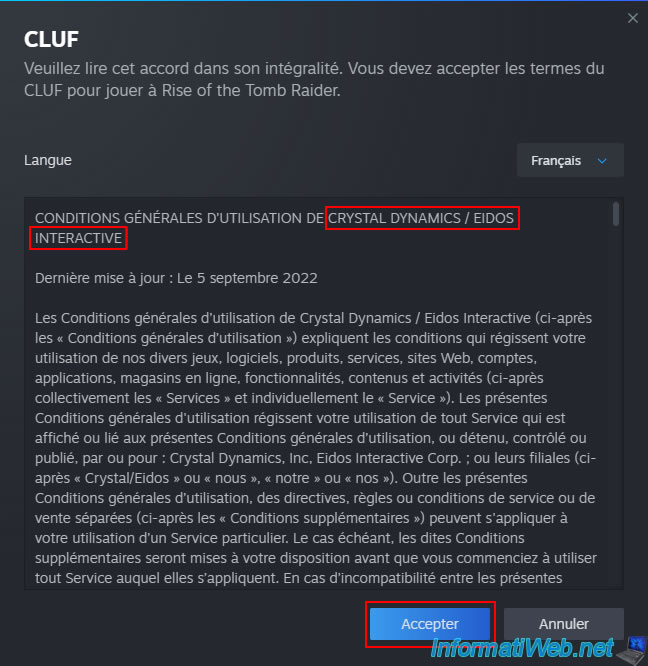
Accept the terms of service of the game publisher you purchased.
In this case: Crystal Dynamics / Eidos Interactive.
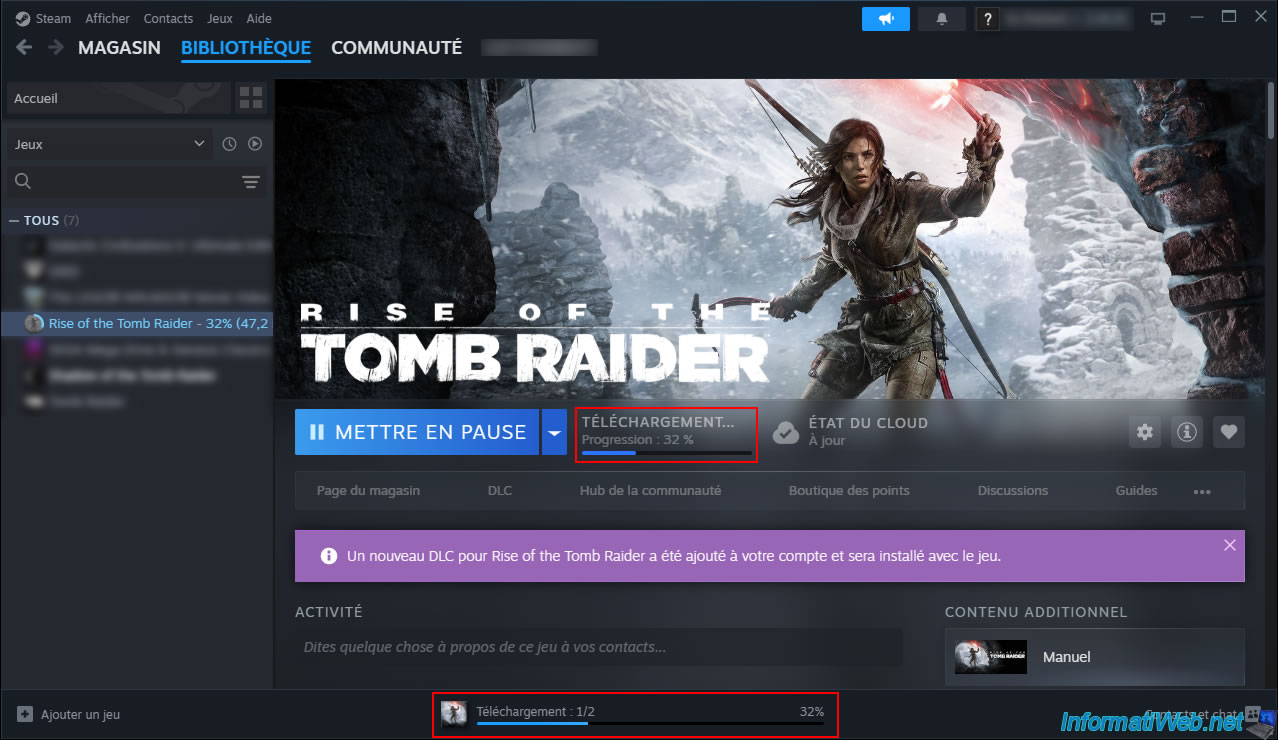
Please wait while your game downloads via Steam.
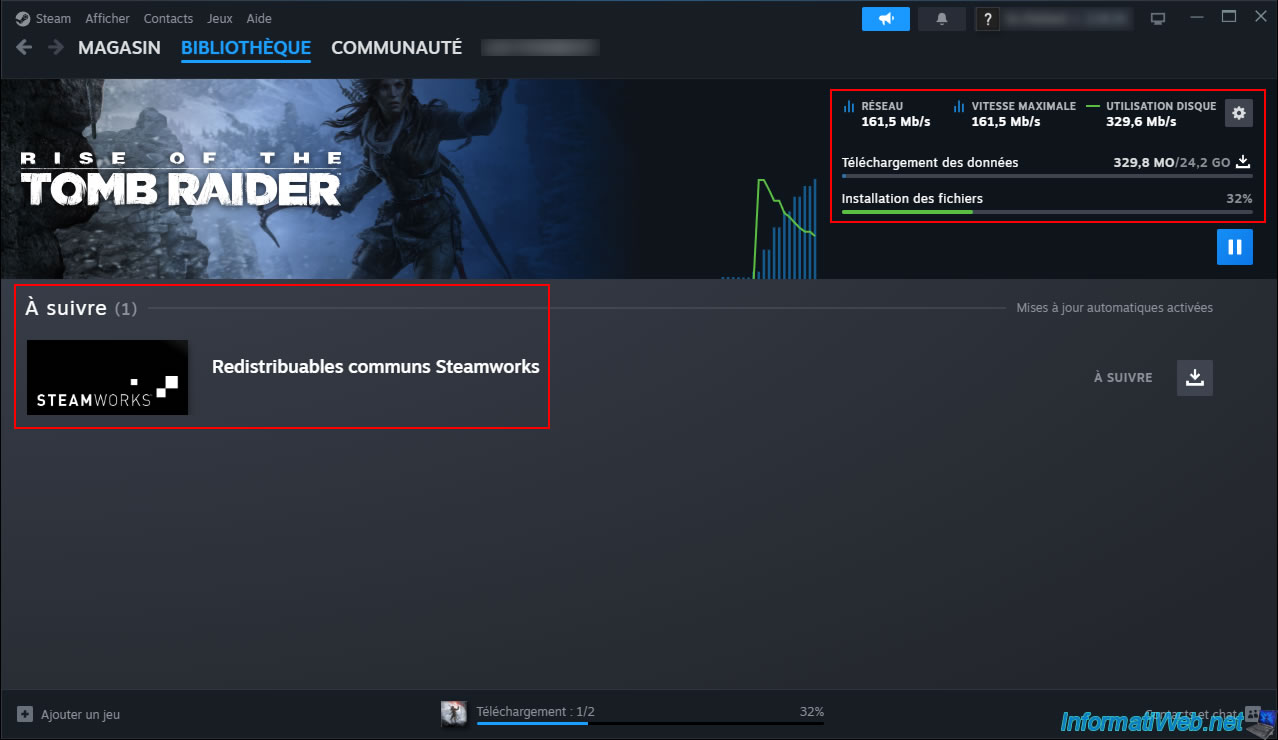
For more information about the download, click the download status displayed at the bottom.
As you can see, Steam is very fast (if your internet connection allows it).
In our case: 161.5 Mb/s (161.5 / 8 = 20.18 MB/s).
Again, you benefit from Steam's power and speed despite purchasing a CD key at a very low price.
Note: it's common for a prerequisite (such as "Steamworks Common Redistributables") to be listed in the downloads.
However, its download and installation are automatic.
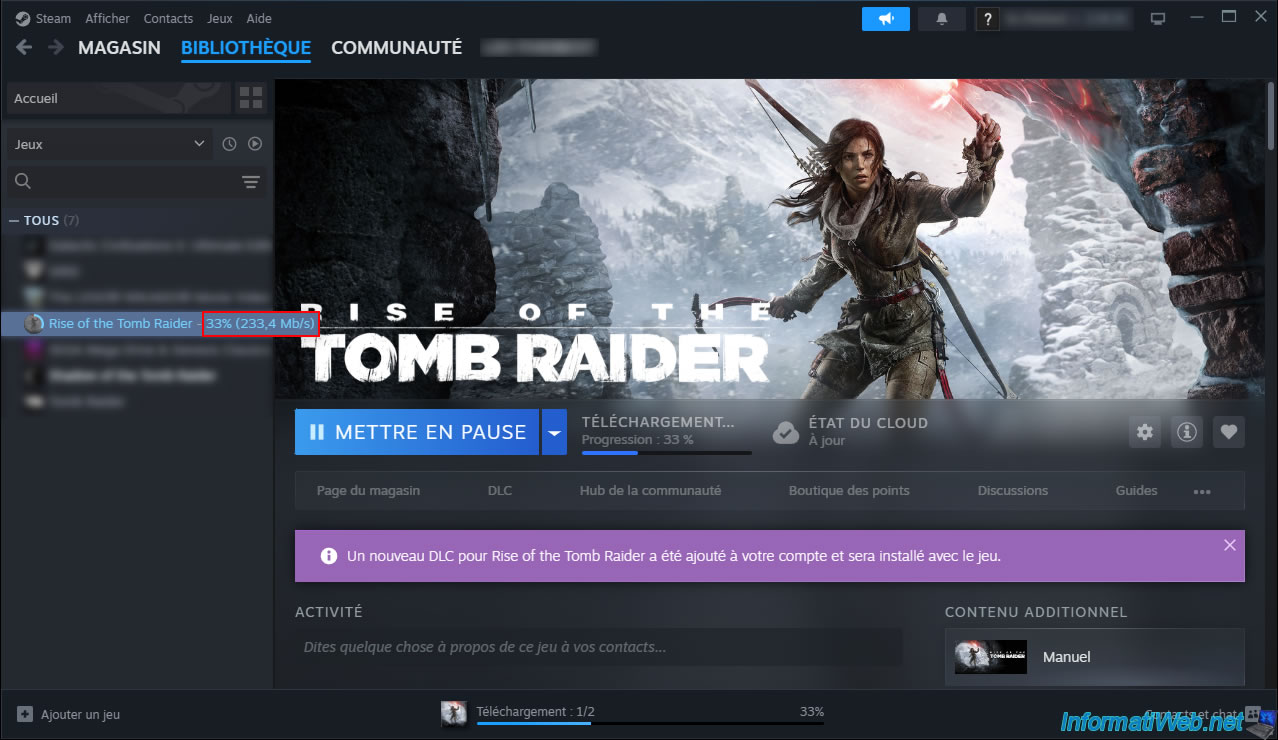
Note that you can also see the current download speed by hovering over the name of the desired game in the Steam list.
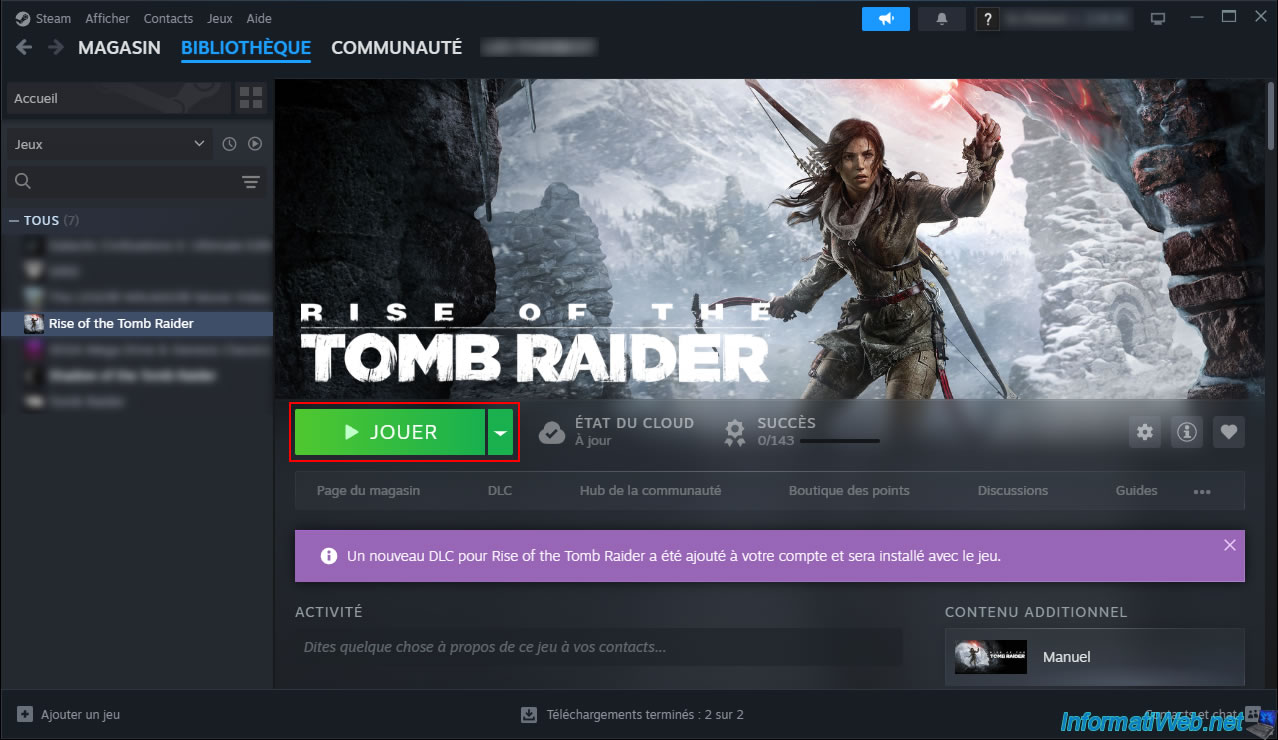
Once the download and (automatic) installation are complete, the "Play" button will appear.
Click the "Play" button to launch the game.
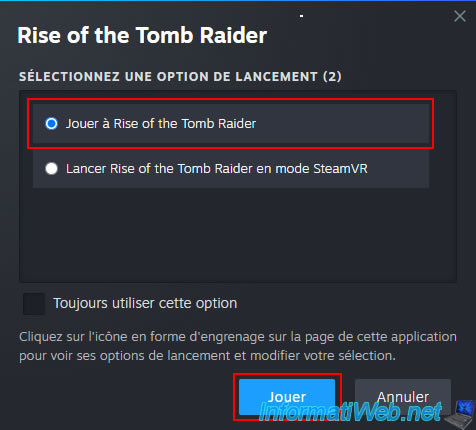
In our case, we have 2 options, because this game also supports VR.
The first time you launch your game, Steam may install prerequisites (such as DLLs).
In our case, we might see the message "Running installation script (Microsoft VC Redistributable)" appear for a few seconds.
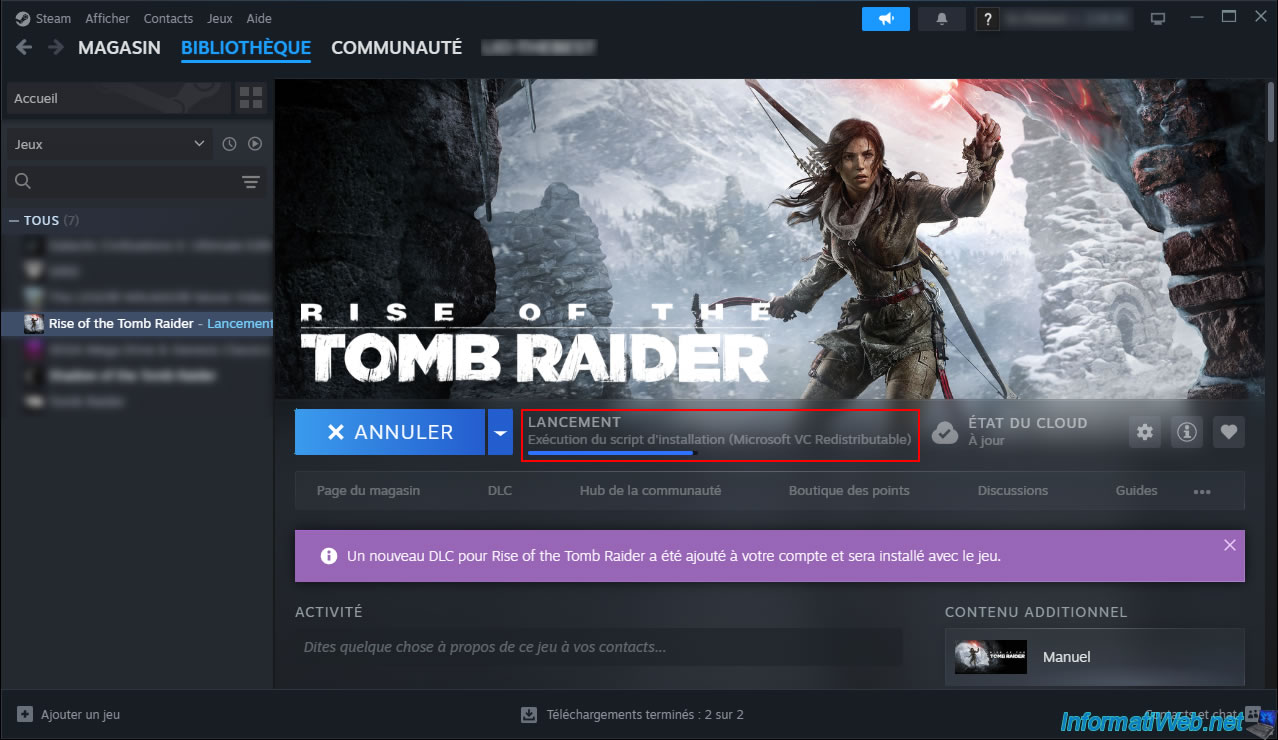
In our case, a launcher is present within the launched game.
So you just need to click "Play" again in that launcher.
However, this depends on the game you purchased.
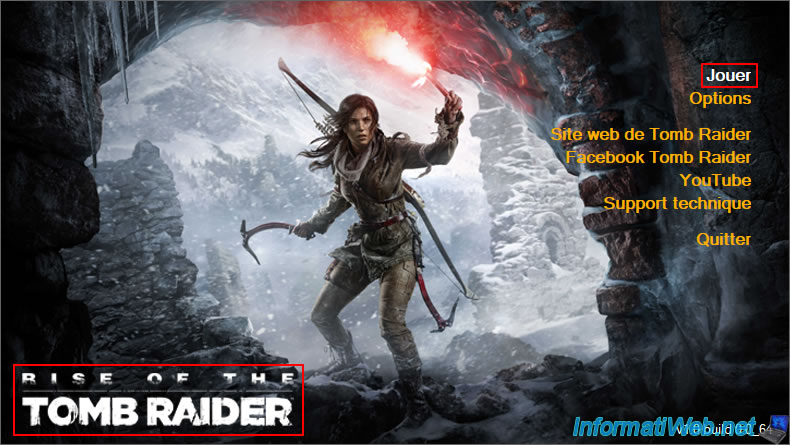
As expected, the purchased game (in our case, "Rise of the Tomb Raider") appears.
Here is its main menu.
Note that the following images are mainly for fun and to prove that the purchased game is functional.
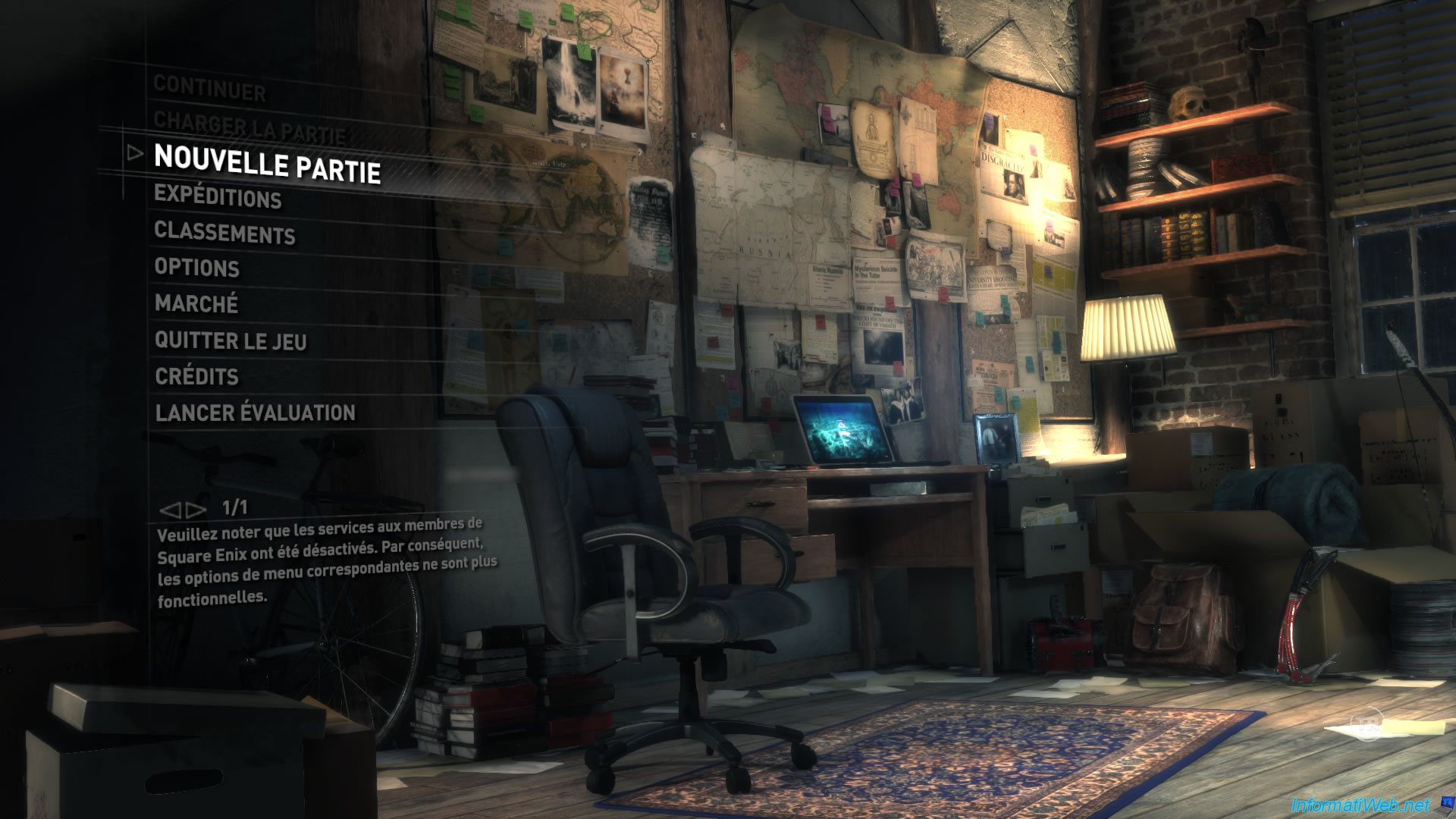
In our case, purchasing the "20th Anniversary Edition" of "Rise of the Tomb Raider" included numerous DLCs (downloadable content), as you saw earlier.
This is automatically adding several items to the game's "Marketplace".
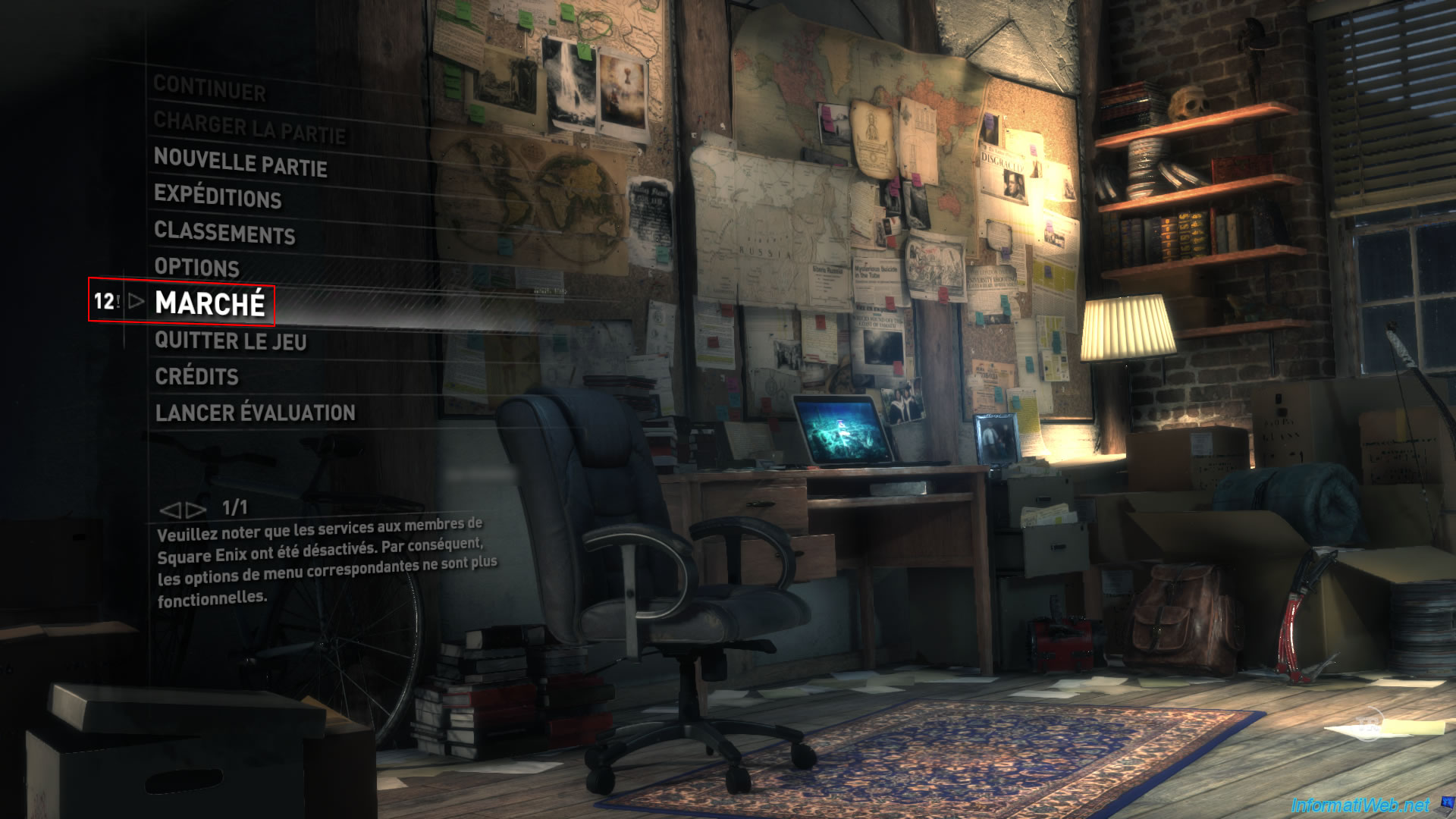
In the "Gifts" tab of this market, we find in particular a "20th Anniversary Bundle" (which refers to the name of the edition purchased for this game).
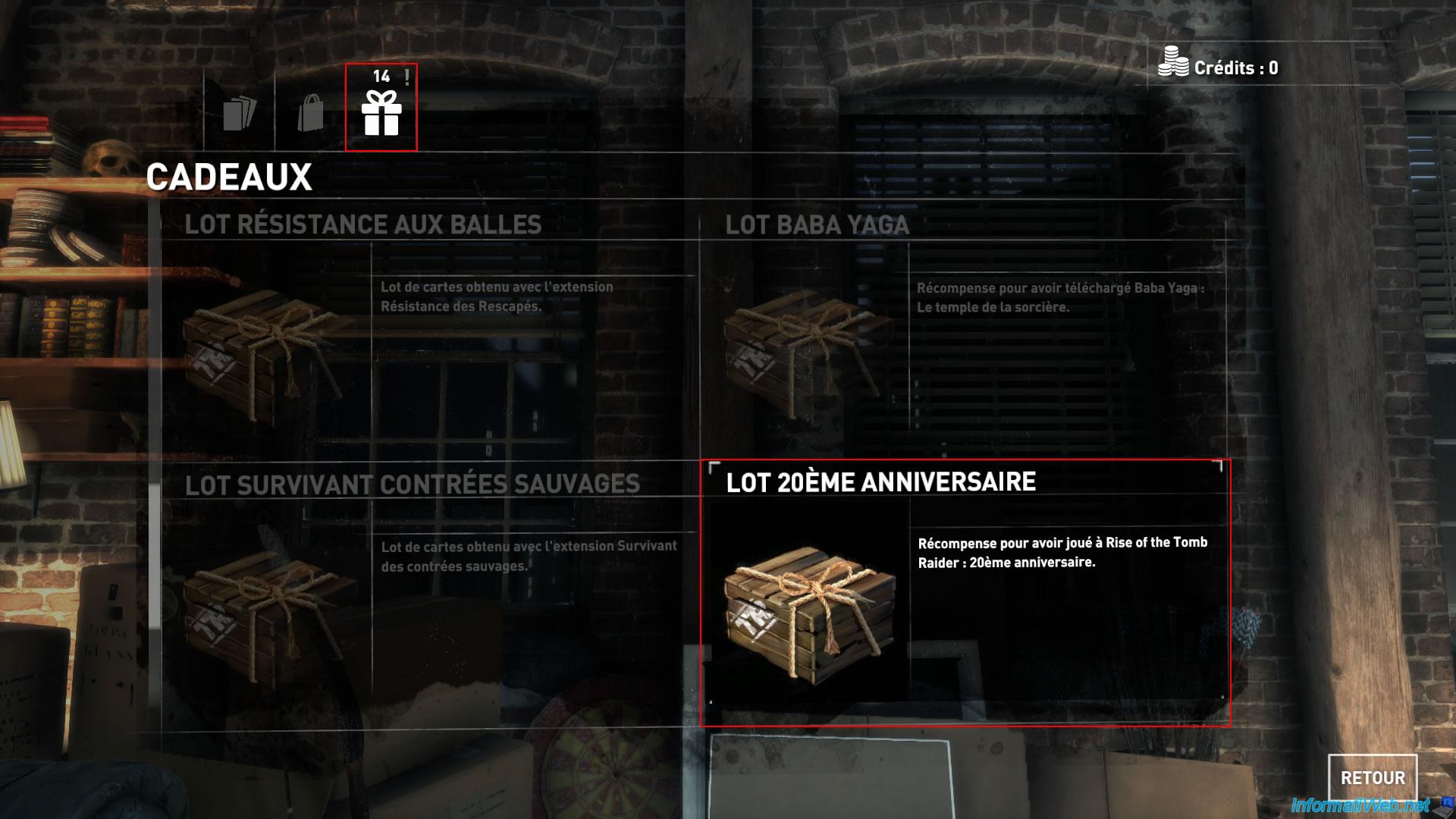
Clicking on this gift will give you access to cards.
To view them, simply click the "Flip all cards" button located in the bottom right corner.
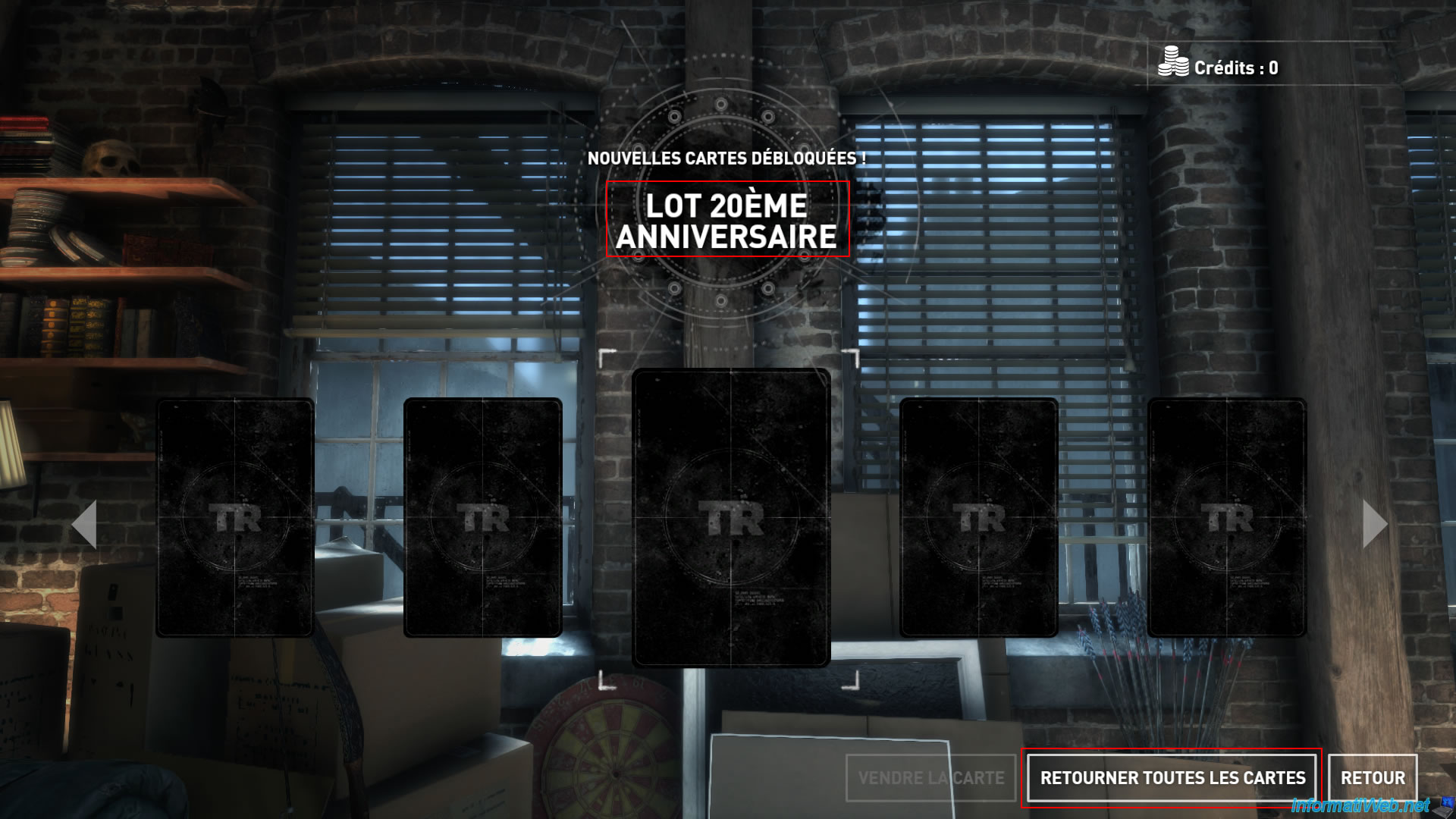
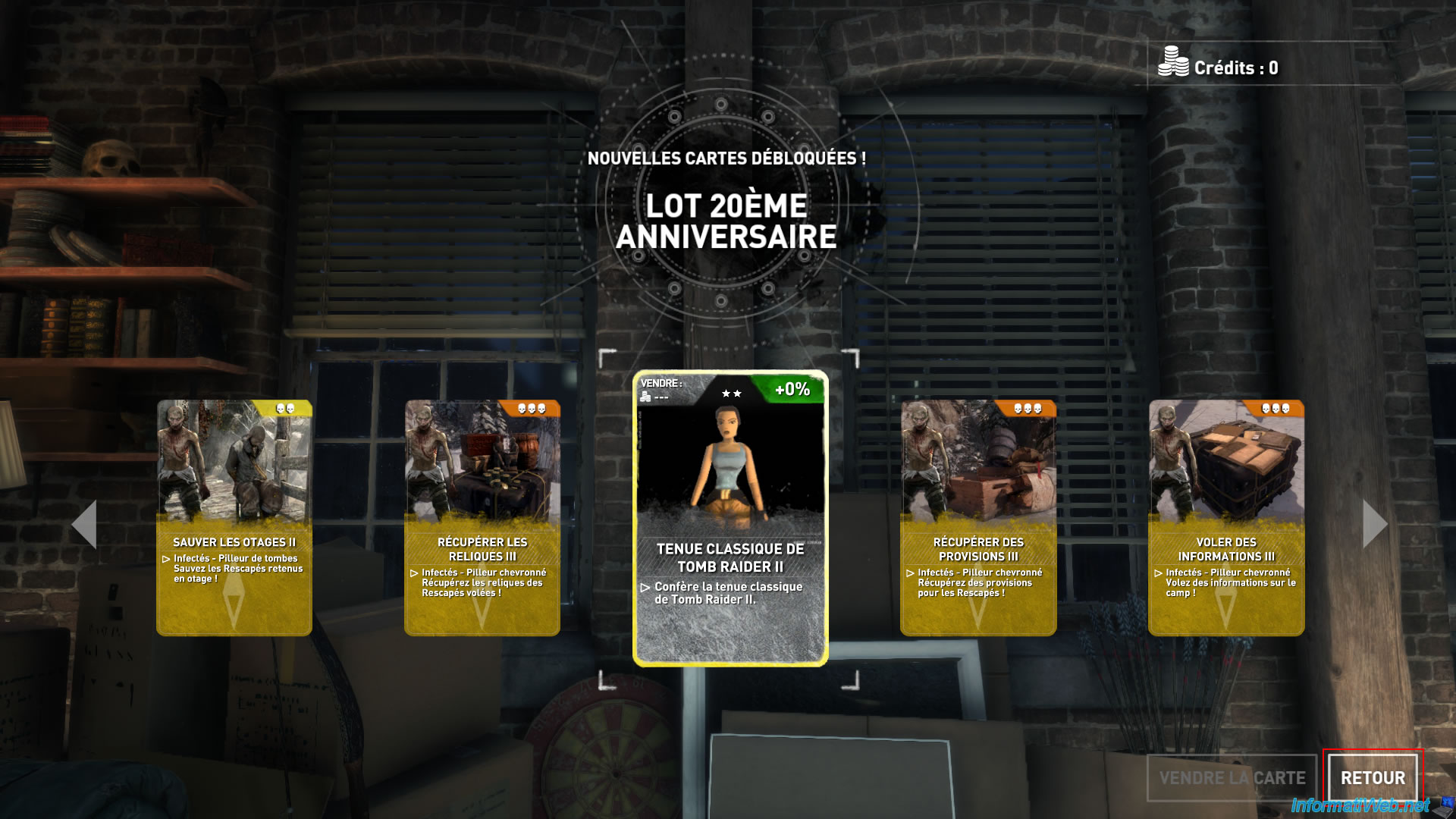
The unlocked cards appear.
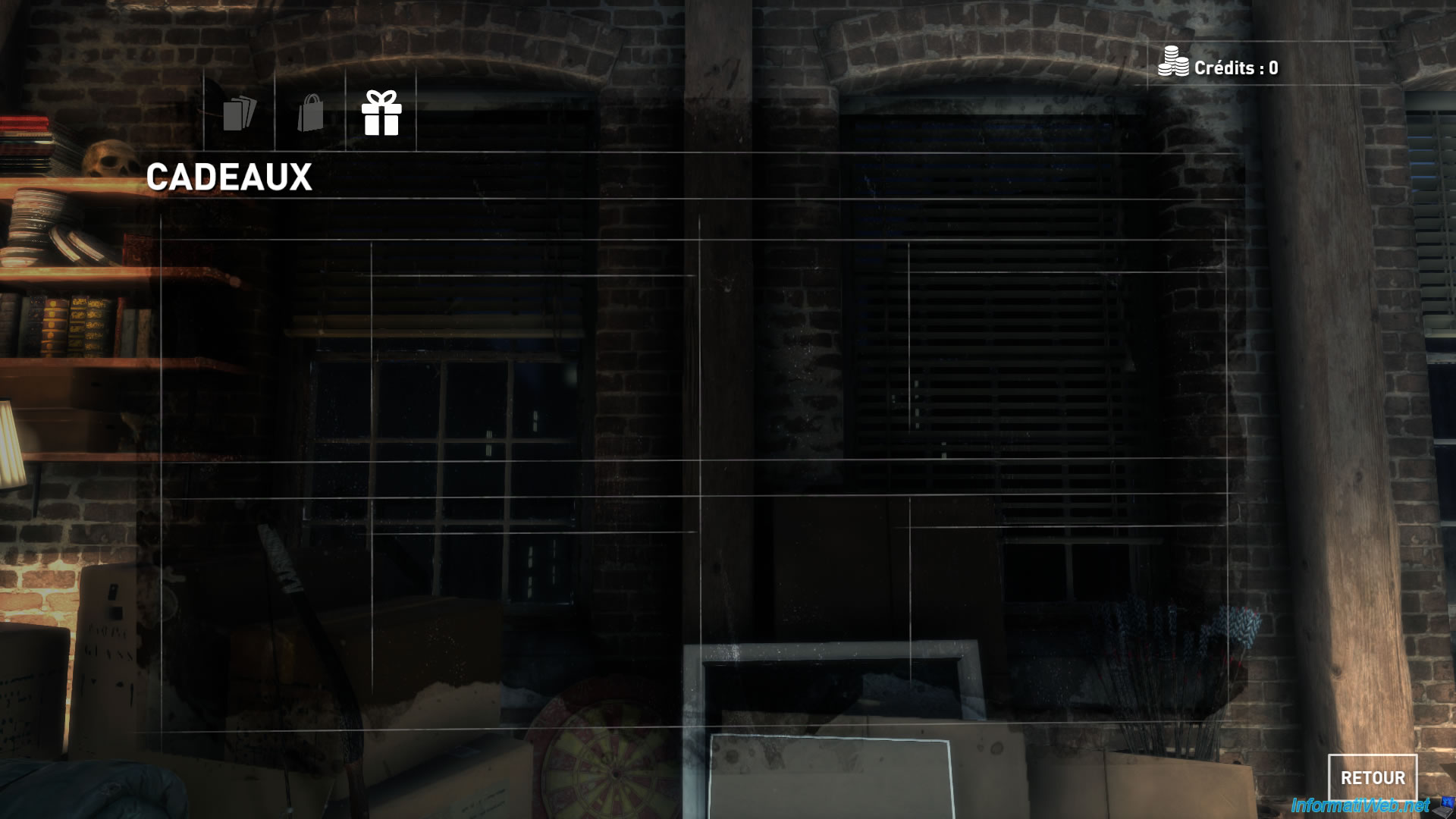
Once all the gifts (which are just cards) have been validated, the list is empty.
Share this tutorial
To see also
-

Good deals 3/10/2025
Cashbacks - Save money on your purchases at MediaMarkt (with Familycard)
-
Good deals 11/2/2026
dLcompare - Price comparison website for gamers
No comment