- Backup
- Acronis True Image
- 09 March 2026 at 19:03 UTC
-

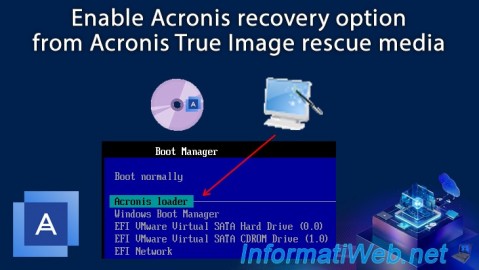
From Acronis Rescue Media, you have the option to add an Acronis recovery option directly to your computer.
This will save you from having to go and get your physical Acronis rescue media (whether it is a DVD or a USB stick) every time you need it.
Note: enabling this option does not require Acronis Cyber Protect Home Office (True Image) to be installed on your computer.
- Enable recovery option: Acronis Startup Recovery Manager
- Boot into Acronis recovery environment via Acronis Startup Recovery Manager
1. Enable recovery option: Acronis Startup Recovery Manager
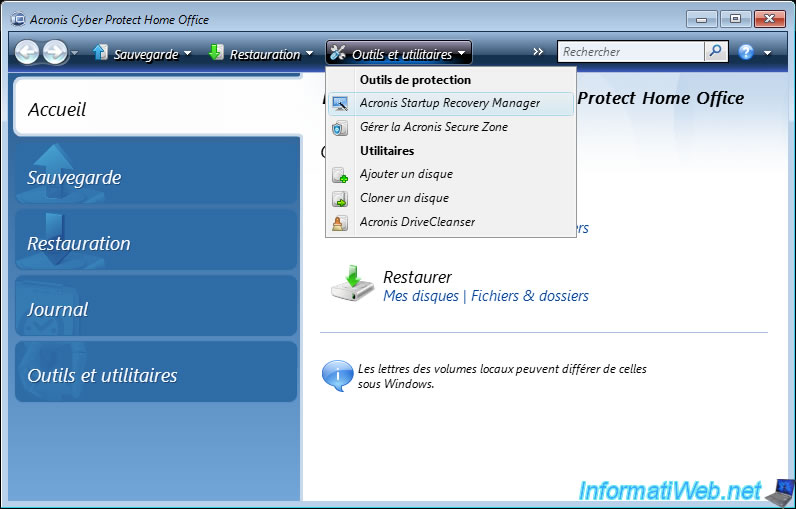
To enable the "Acronis Startup Recovery Manager" recovery option from your Acronis rescue media, click the "Tools and Utilities" option on the toolbar, and then click "Acronis Startup Recovery Manager".
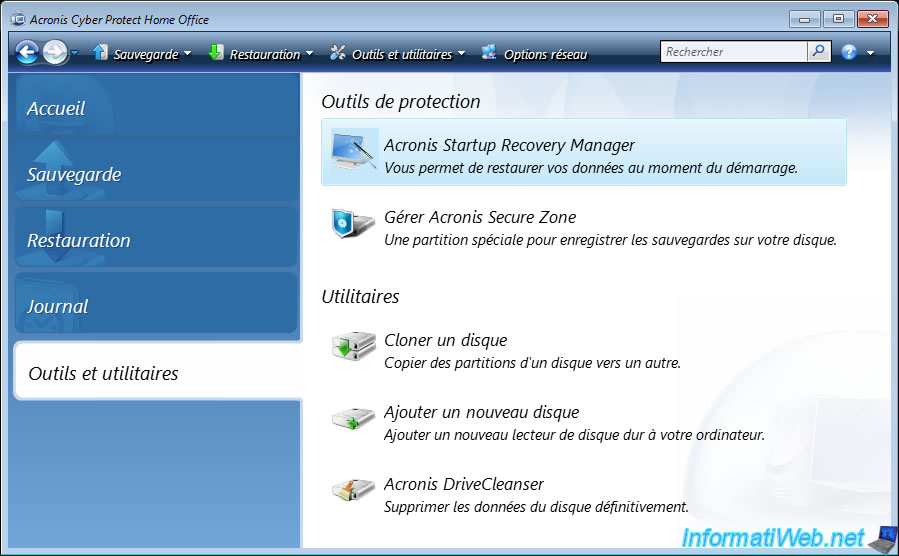
Or, go to the "Tools and Utilities" section, then click on the "Acronis Startup Recovery Manager" protection tool.
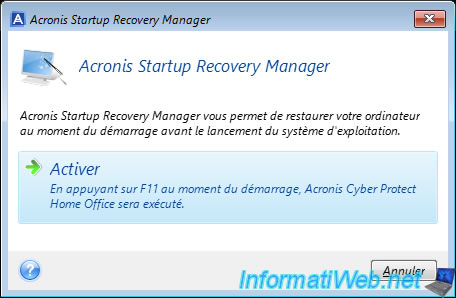
In the small popup that appears, click on the "Activate" option.
Note: as indicated by Acronis Cyber Protect Home Office (True Image), activating this option will allow you to access this program "Acronis Cyber Protect Home Office (True Image)" (the one on this rescue media, not the version you can install on Windows) by pressing the F11 key when starting your computer.
Acronis Cyber Protect Home Office (True Image) activates this option very quickly (in 1 or 2 seconds).
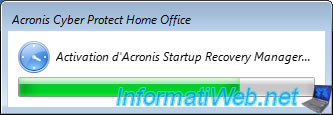
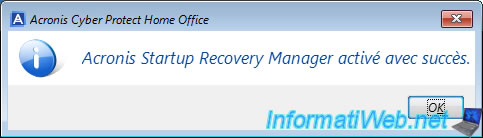
Once the option is enabled, the message "Acronis Startup Recovery Manager successfully activated" will appear.
2. Boot into Acronis recovery environment via Acronis Startup Recovery Manager
If your motherboard supports UEFI boot, an "Acronis loader" boot option should be recognized by it.
As you can see, this allows you to boot to an "EFI\Acronis\asrm.efi" file on your hard drive.
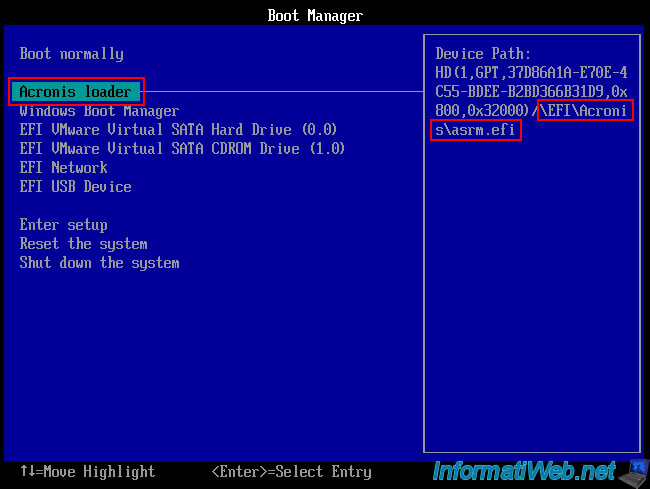
By selecting this option, you will see this displayed on the screen.
Plain Text
Starting x64 UEFI loader (v.1.1.252) ...
Press F11 for Acronis Startup Recovery Manager...
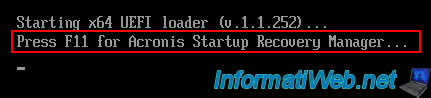
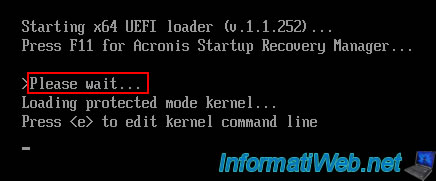
Once you press the F11 key, this will be displayed for a few seconds.
Just wait a little.
Plain Text
> Please wait ...
Loading protected mode kernel...
Press <e> to edit kernel command line
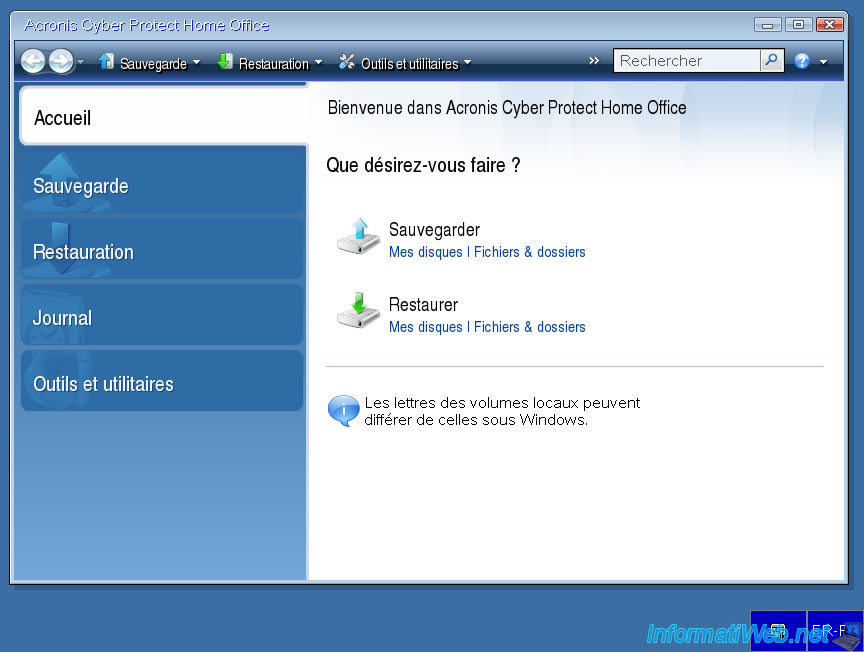
Now you have access to this "Acronis Cyber Protect Home Office (True Image)" program from your hard drive (outside Windows, which makes it easy to restore) without having to find your physical Acronis rescue media first.
Share this tutorial
To see also
-
Backup 10/6/2025
Acronis True Image - Clean up backup versions of a PC (local and Cloud)
-
Backup 8/25/2025
Acronis True Image - Create backups and authenticate your files
-
Backup 3/2/2026
Acronis True Image - Rescue Media - Create an Acronis Secure Zone
-
Backup 12/1/2025
Acronis True Image - Synchronize a folder between 2 PCs (Cloud instead of local)
You must be logged in to post a comment