Menu
InformatiWeb
  • Index
  • Courses
  • Tutorials
  • InformatiWeb Pro

Login

Registration Password lost ?
FR
  • IT
    • Articles
    • Backup
    • BIOS
    • Live CD
    • MultiBoot
    • Security
    • Virtualization
    • Web
    • Windows
  • InformatiWeb
  • Tutorials
  • IT
  • BIOS
  • Enable processor virtualization (Intel VT-X / AMD-V) in the BIOS

Enable processor virtualization (Intel VT-X / AMD-V) in the BIOS

  • BIOS
  • 22 November 2023 at 15:52 UTC
  • Lionel
  • 2/3
Previous page

3. BIOS UEFI Asus (color : grey, yellow and white)

At computer boot, press many times on the DEL key of your keyboard to enter into the BIOS.
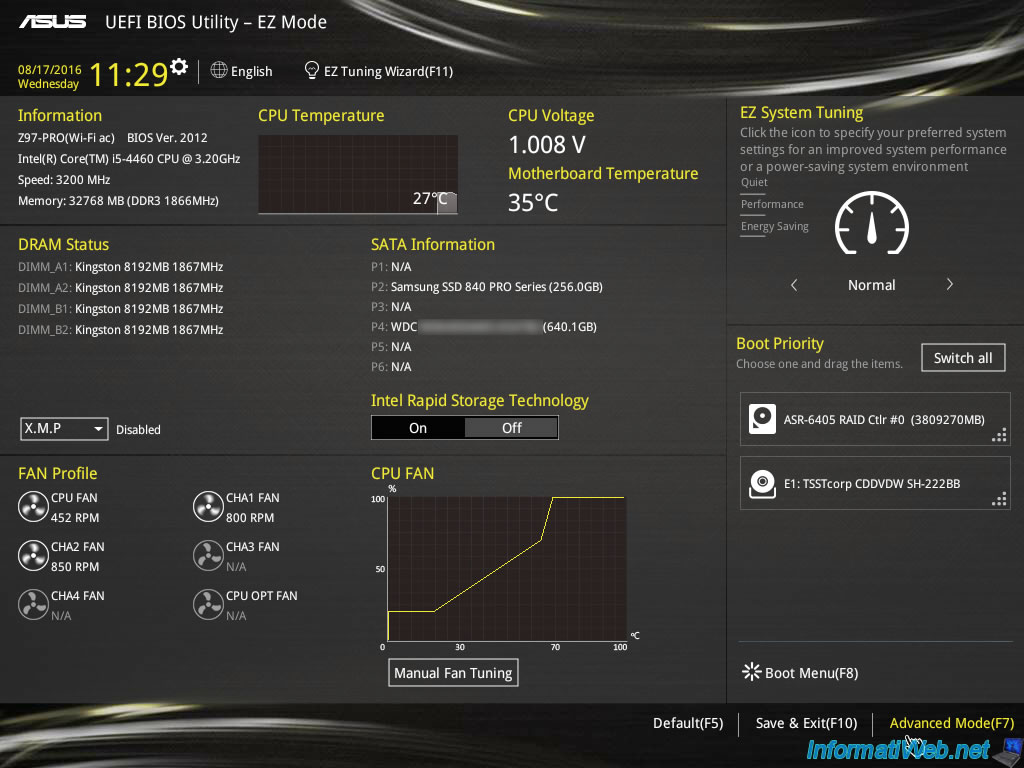
If you have an interface like this, click on "Advanced Mode (F7)".
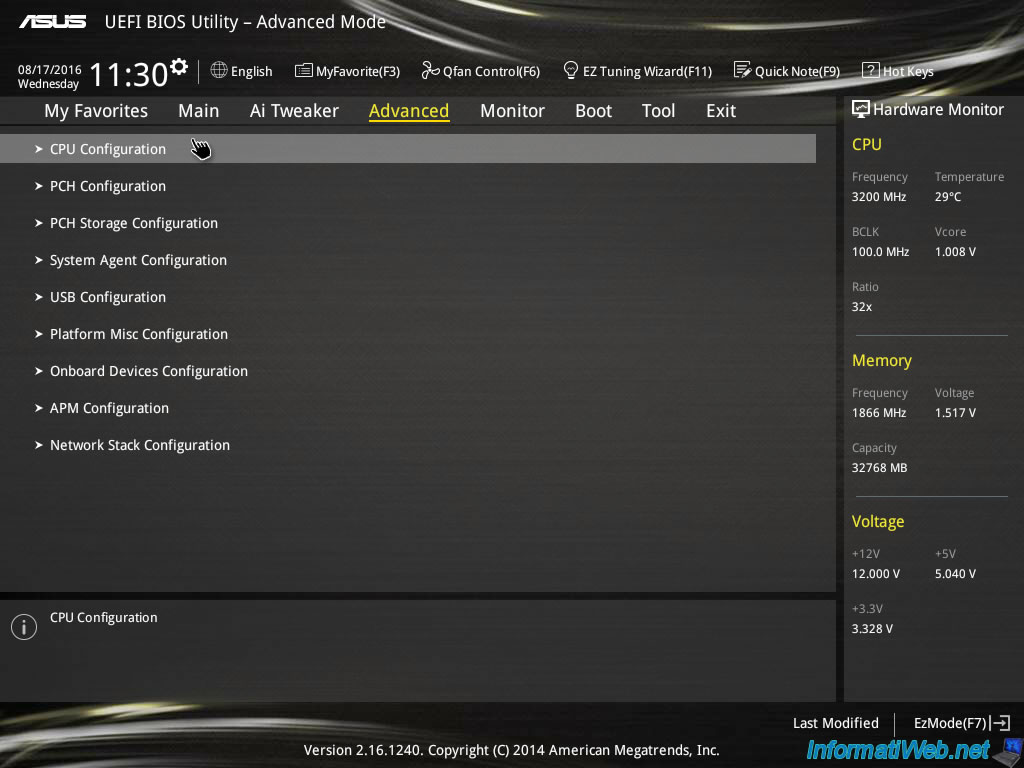
Then, go to "Advanced -> CPU Configuration".
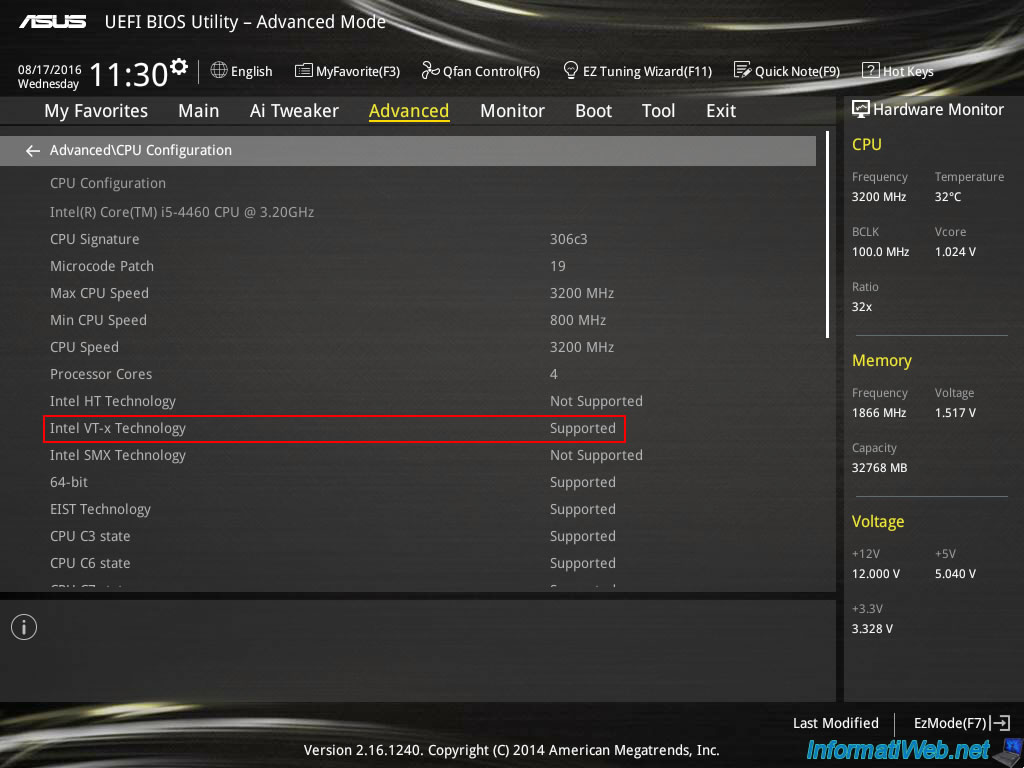
In the informations displayed in gray, you will see the line "Intel VT-x Technology : Supported".
This means that processor virtualization (Intel VT-x) is supported by your BIOS.
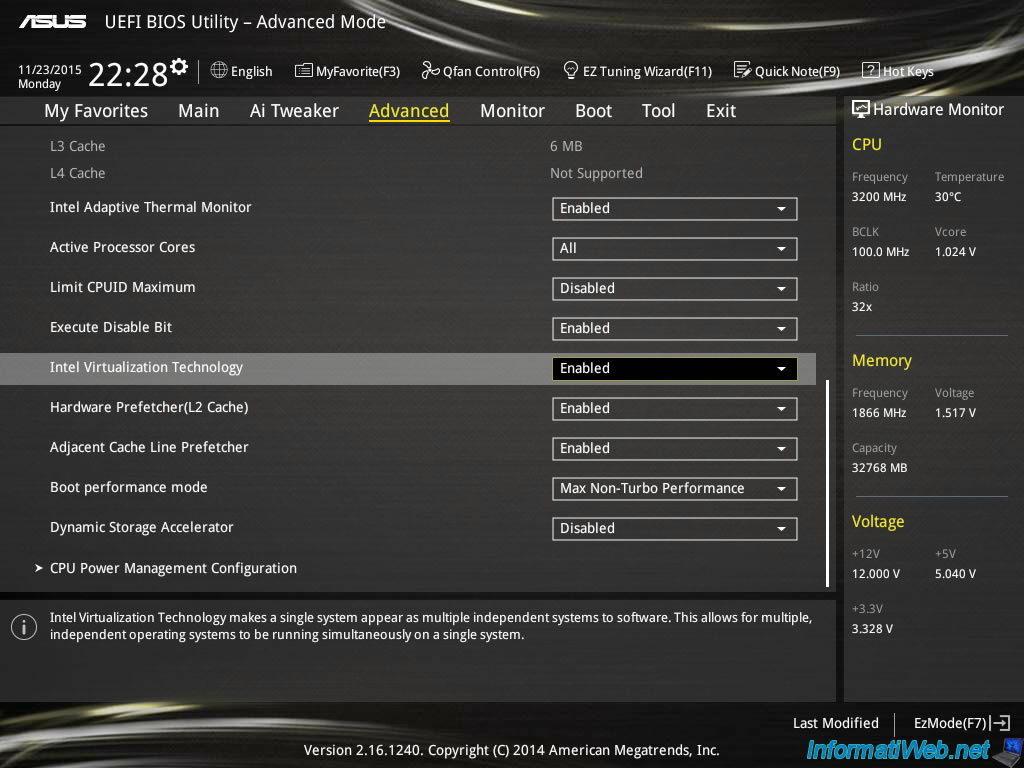
Then, scroll down and enable the "Intel Virtualization Technology" option.
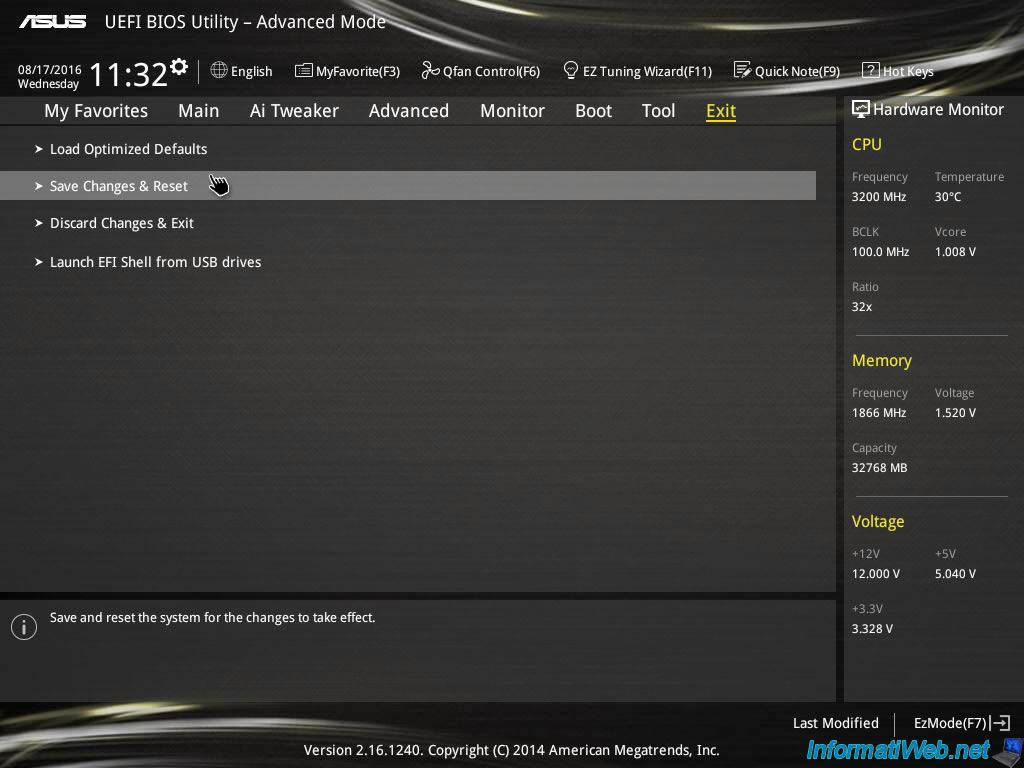
Finally, go to the "Exit" tab and click "Save Changes & Reset".
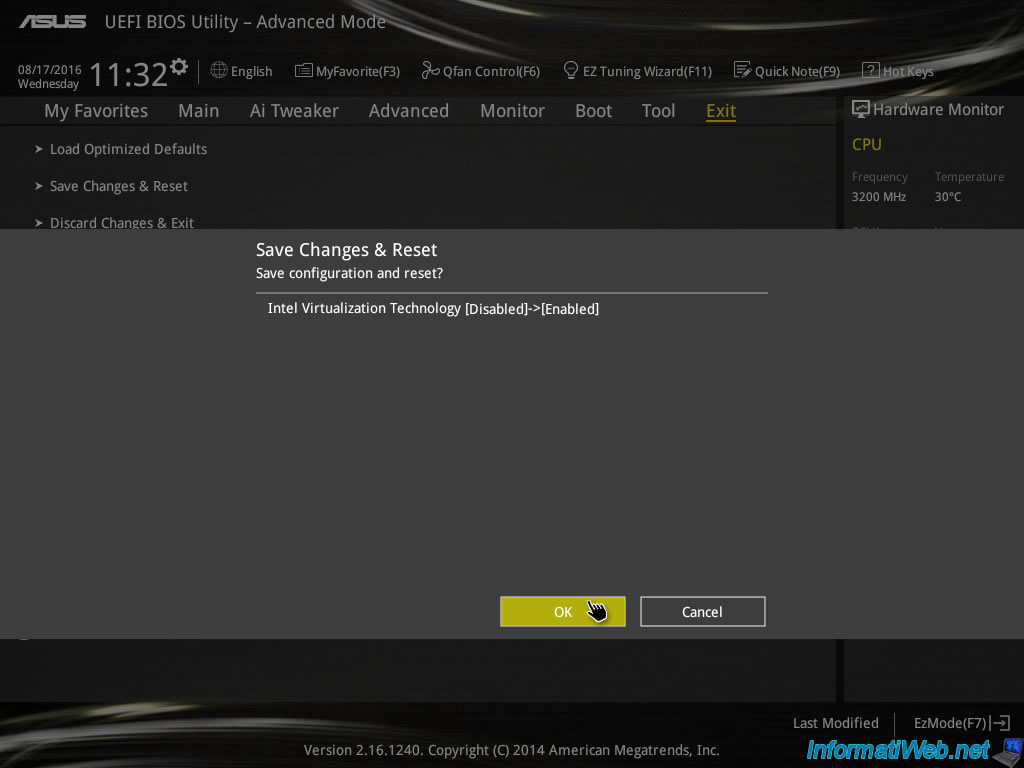
The BIOS tells you what changes will be made.
Click OK and your computer will reboot automatically with the new settings.
Next page

Share this tutorial

Partager
Tweet

To see also

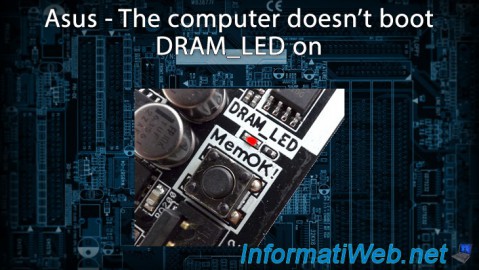
  • Asus - The computer doesn't boot - DRAM_LED on

    BIOS 3/19/2016

    Asus - The computer doesn't boot - DRAM_LED on

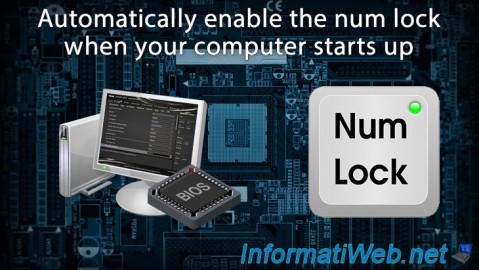
  • Automatically enable the numeric lock (num lock) when your computer starts up

    BIOS 10/27/2021

    Automatically enable the numeric lock (num lock) when your computer starts up

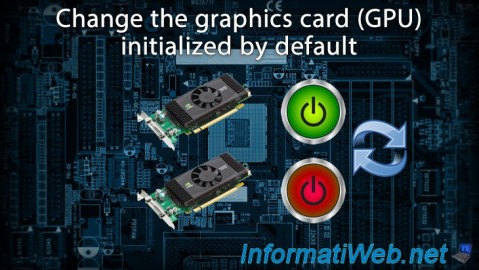
  • Change the graphics card (GPU) initialized by default

    BIOS 1/4/2022

    Change the graphics card (GPU) initialized by default

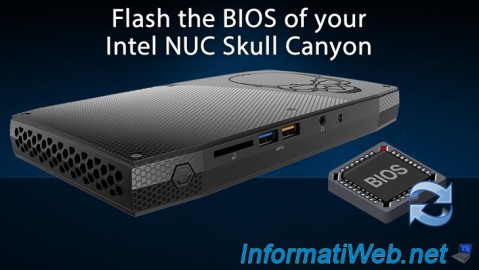
  • Flash the BIOS of your Intel NUC Skull Canyon

    BIOS 6/10/2018

    Flash the BIOS of your Intel NUC Skull Canyon

Comments

Show comment

Share your opinion

Pinned content

  • Useful softwares
  • Our programs
  • Terms and conditions
  • Share your opinion

InformatiWeb Pro

  • Win. Server administration
  • Linux Administration
  • Virtualization

Contact

  • Guest book
  • Technical support
  • Contact

® InformatiWeb.net 2008-2022 - © Lionel Eppe - All rights reserved.

Total or partial reproduction of this site is prohibited and constitutes an infringement punishable by articles L.335-2 and following of the intellectual property Code.