Virtualize a physical PC to VMware vSphere (P2V) using Acronis True Image (Cyber Protect Home Office) and Acronis Universal Restore
- Backup
- Acronis True Image, Acronis Universal Restore
- 28 September 2026 at 07:41 UTC
-

- 9/9
9. Install VMware vSphere drivers (VMware Tools) in your virtual machine
To get the most out of your virtual machine on your VMware vSphere virtual infrastructure, we recommend that you install its drivers (VMware Tools).
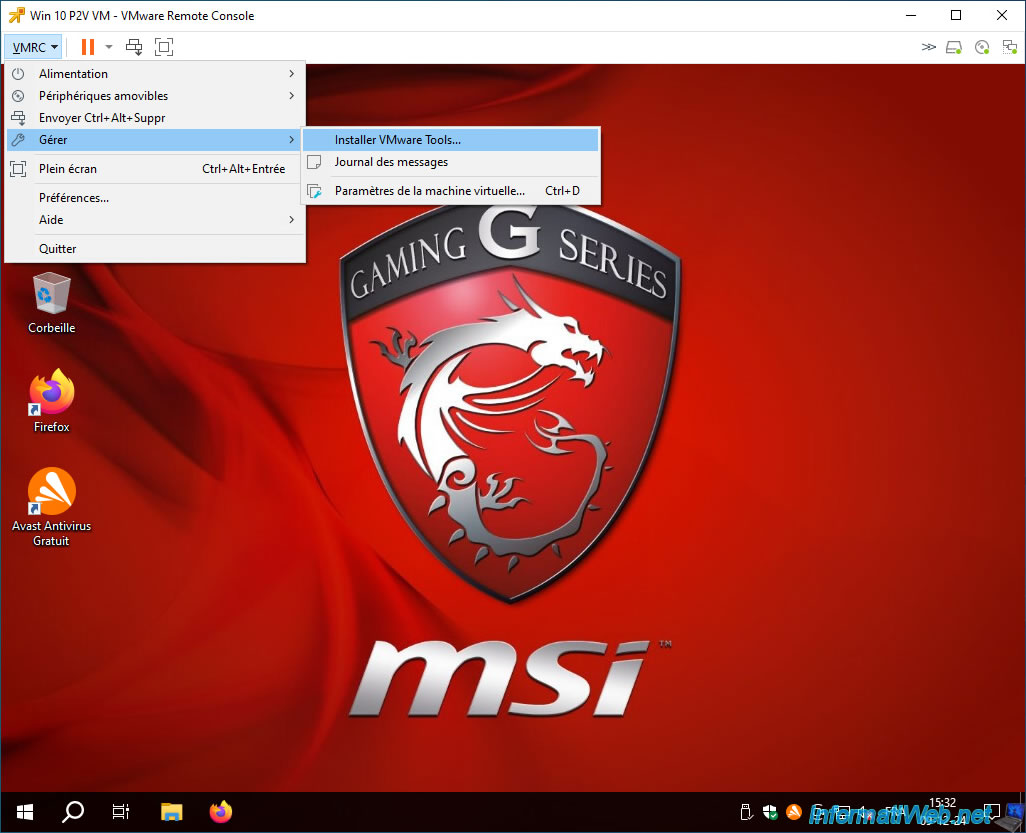
To do this, click on: VMRC -> Manage -> Install VMware Tools.
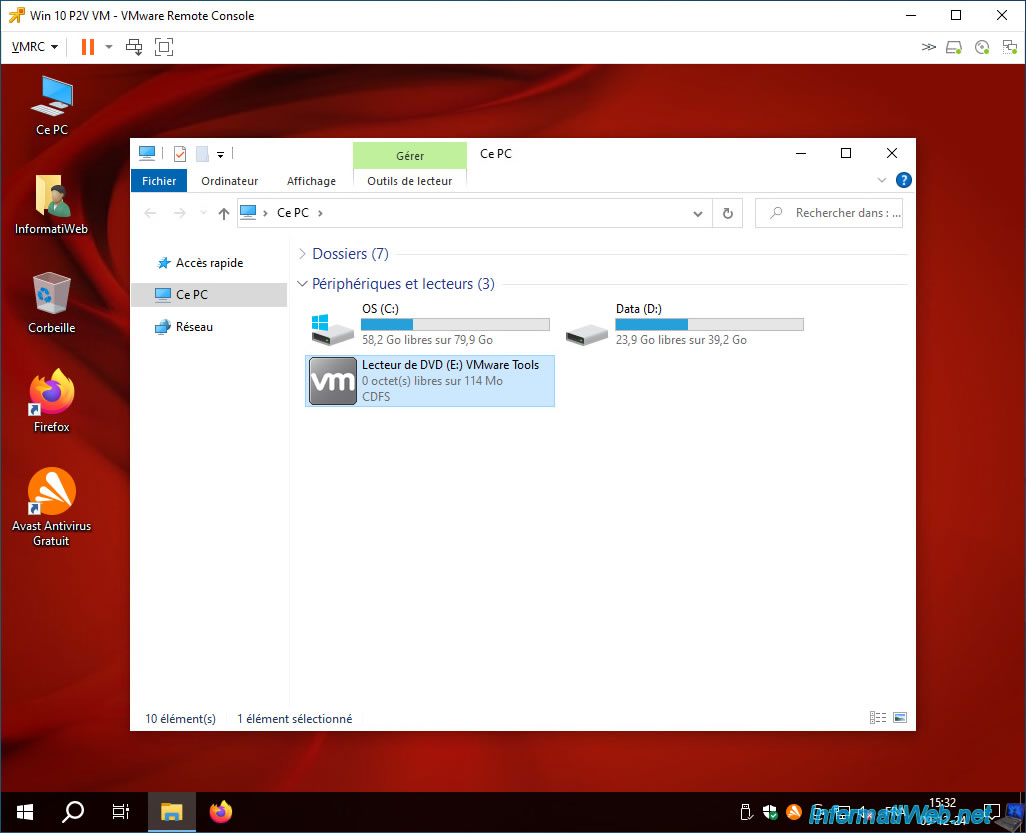
Then, double click on your DVD drive named "VMware Tools".
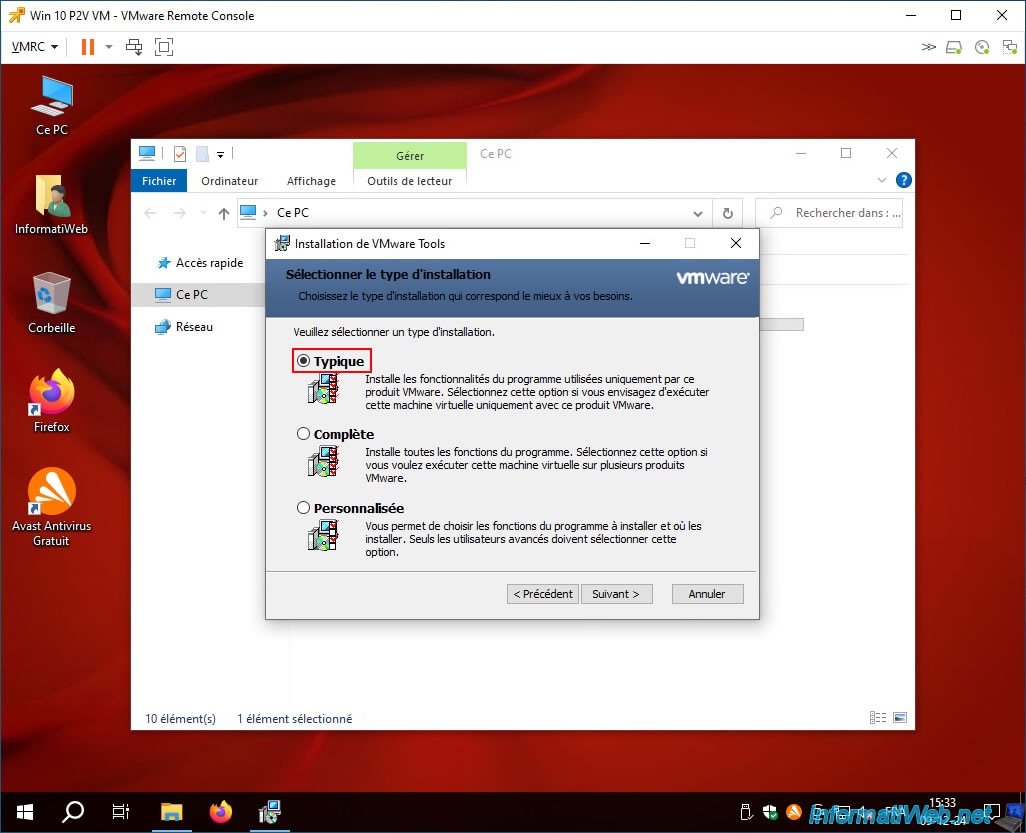
Choose "Typical" for the VMware Tools installation type.
As is usual.
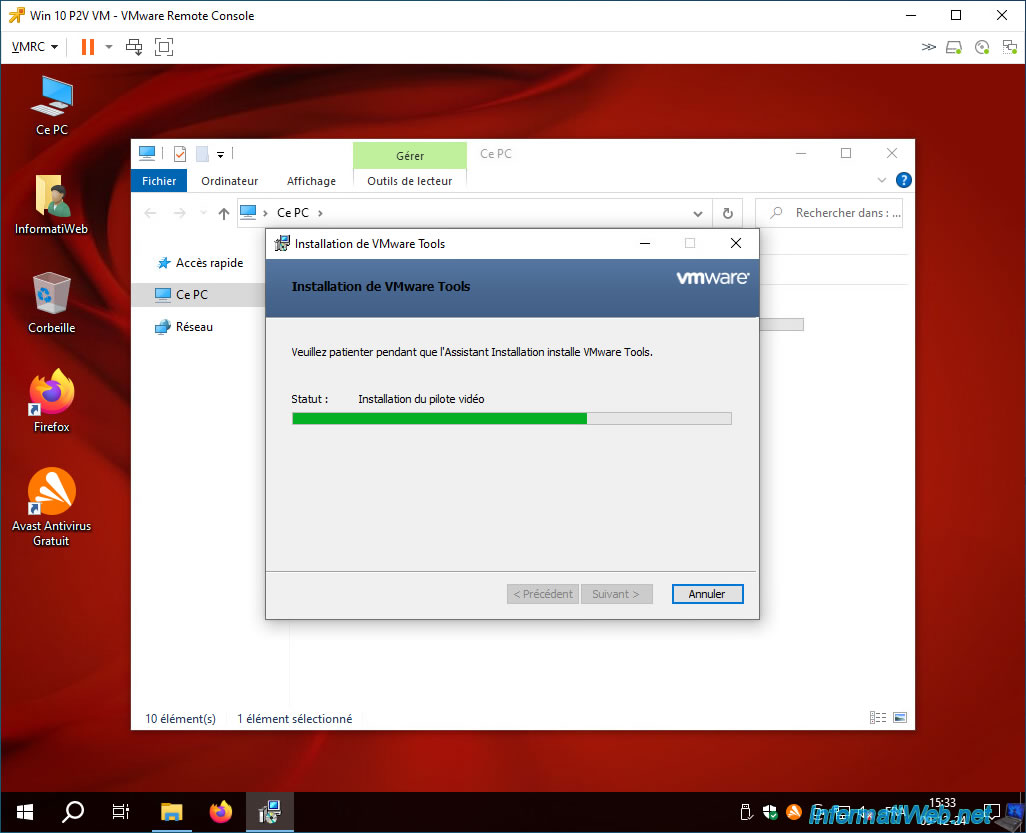
Please wait while the various VMware drivers are installed, including the graphics driver for your VM.
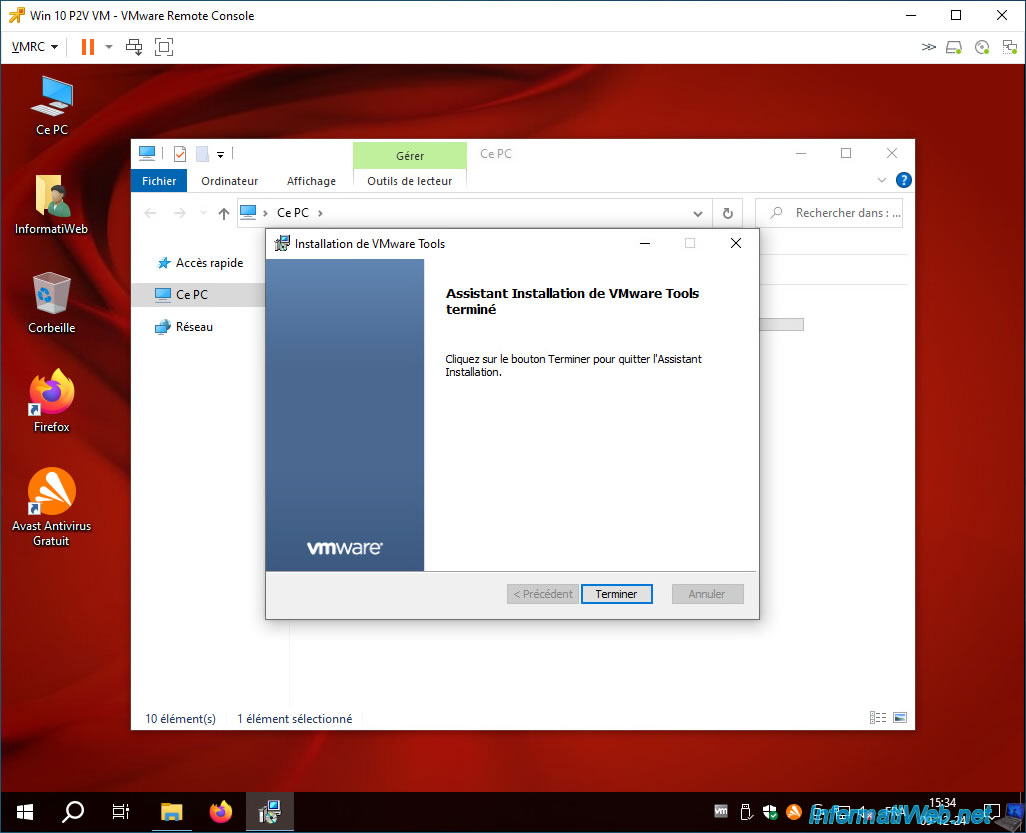
Once the VMware Tools installation is complete, click "Finish".
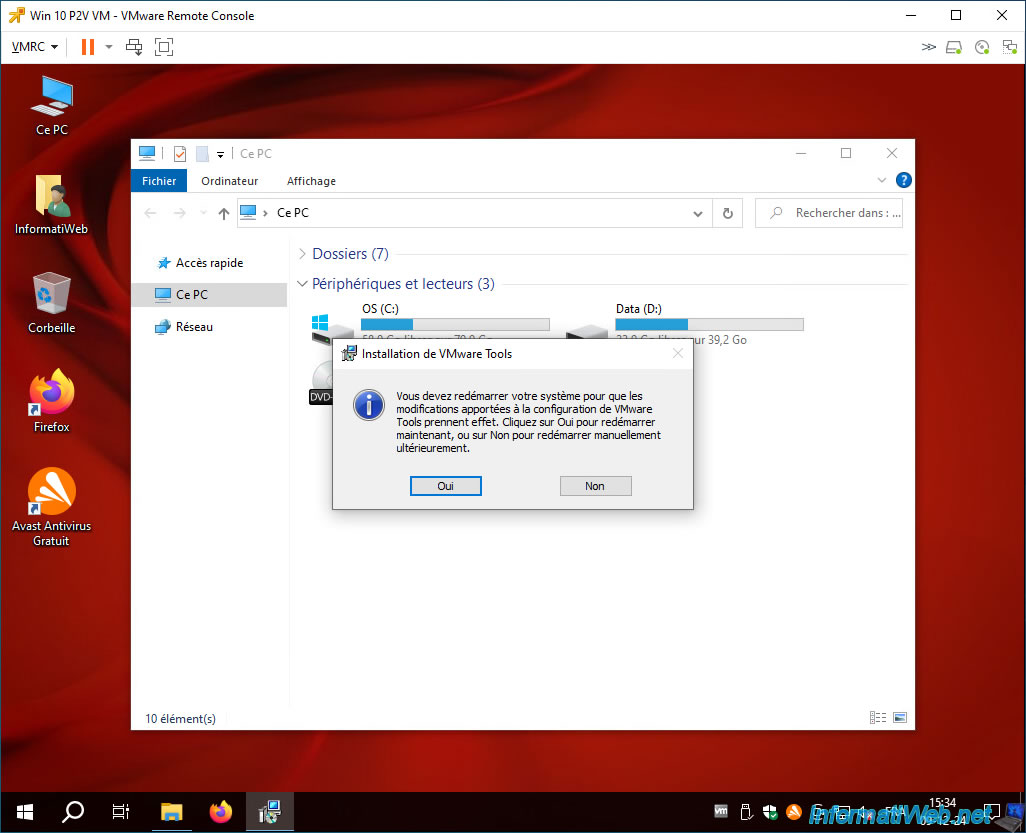
Click "Yes" to restart your VM.
Your VM restarts.
In the taskbar, you will see the VMware Tools icon appear.

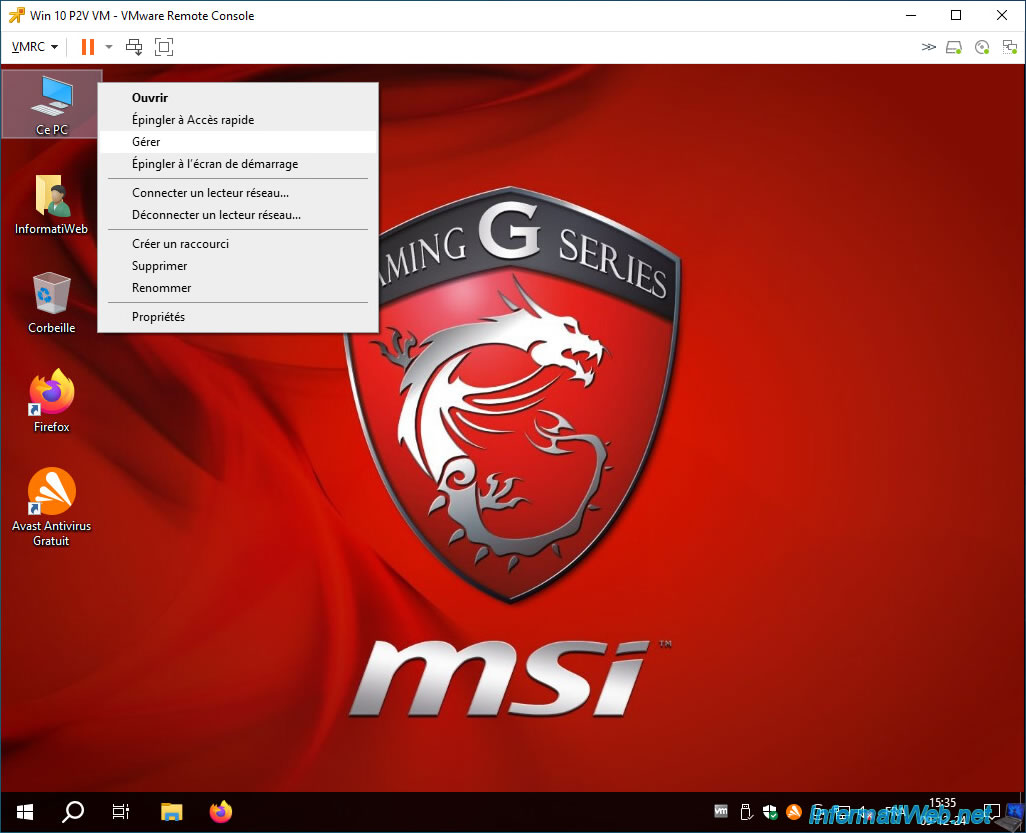
Now, right click "Manage" on "This PC".
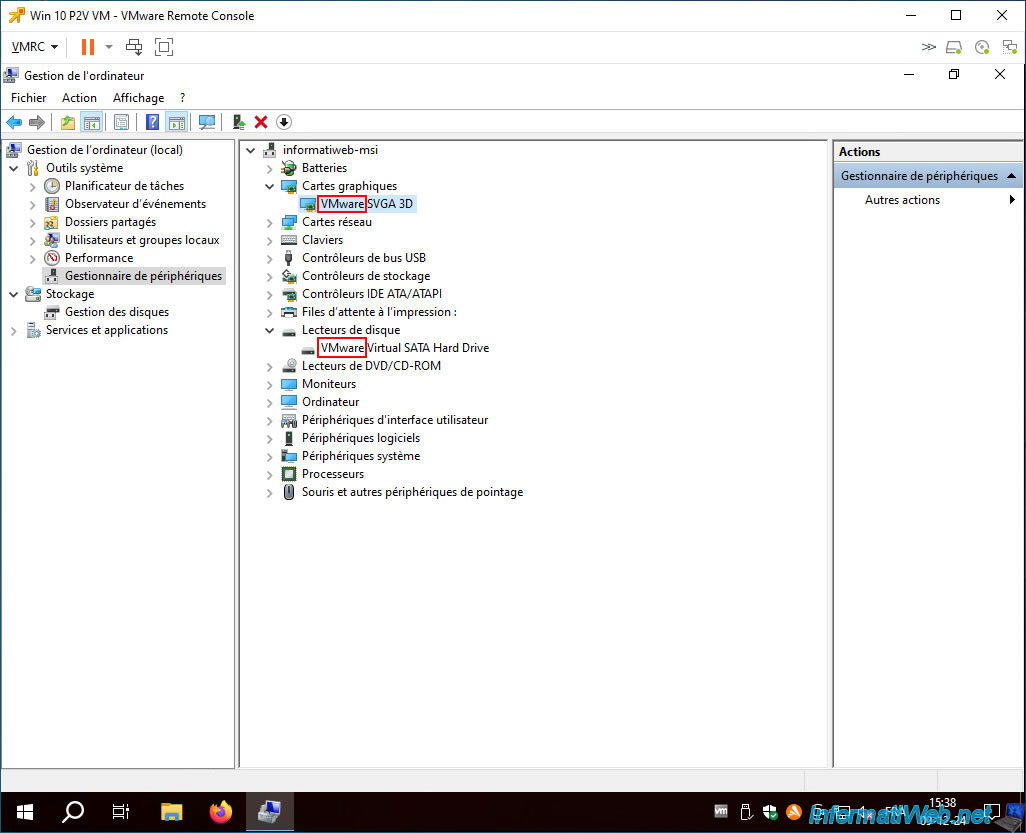
As you can see via Device Manager, this is now VMware's virtual hardware instead of your previously backed up physical PC hardware.
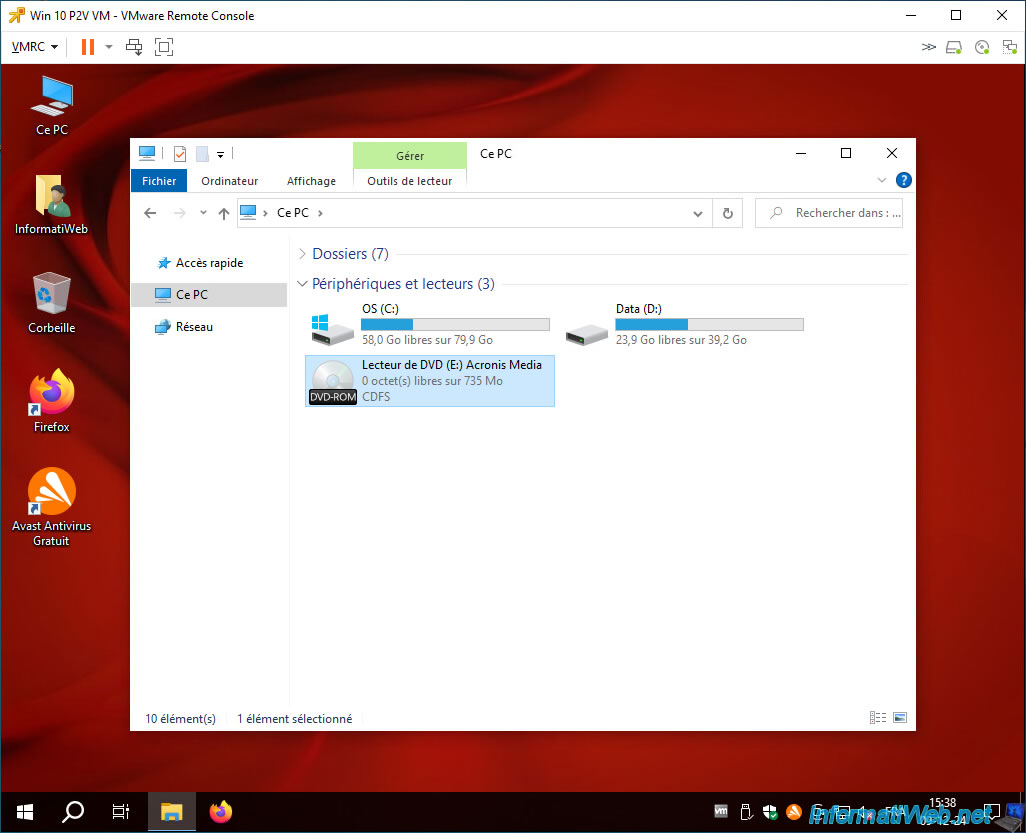
In your VM's DVD drive, you will notice that you have one Acronis CD left.
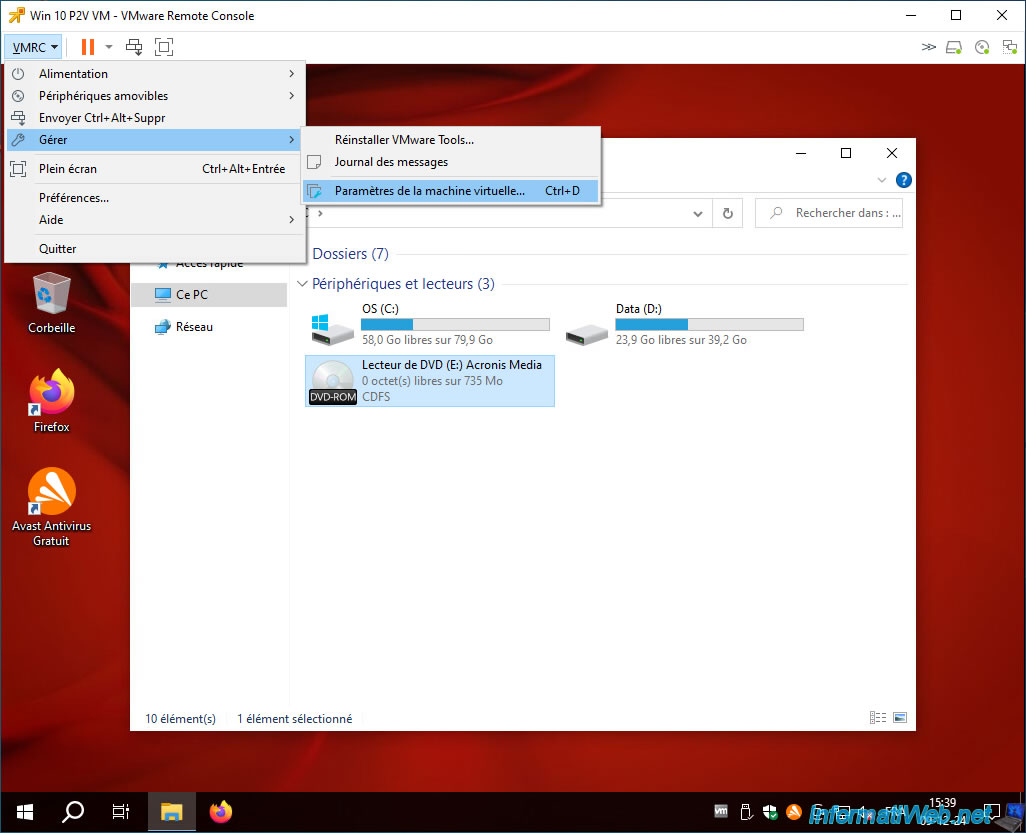
To remove it permanently, go to: VMRC -> Manage -> Virtual Machine Settings.
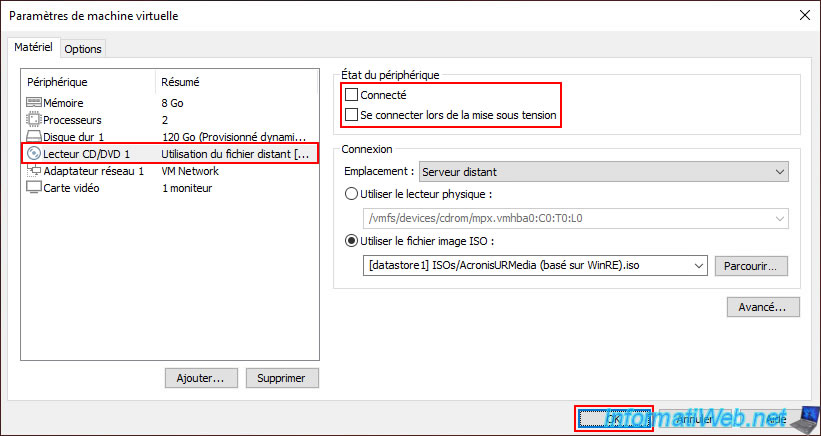
Select the device "CD/DVD Drive 1" and uncheck the boxes "Connected" and "Connect when powered on".
Then, click OK.
As expected, your DVD drive has gone blank.
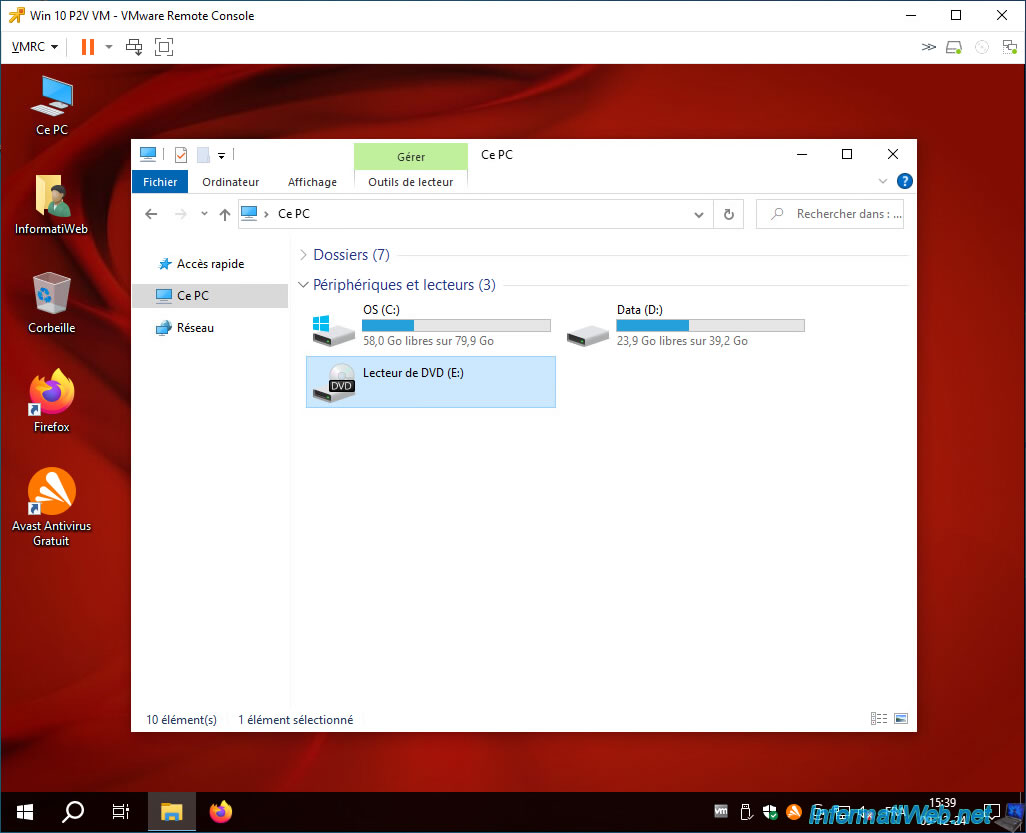
10. Virtual machine working on VMware vSphere and corresponding to the virtualized physical PC
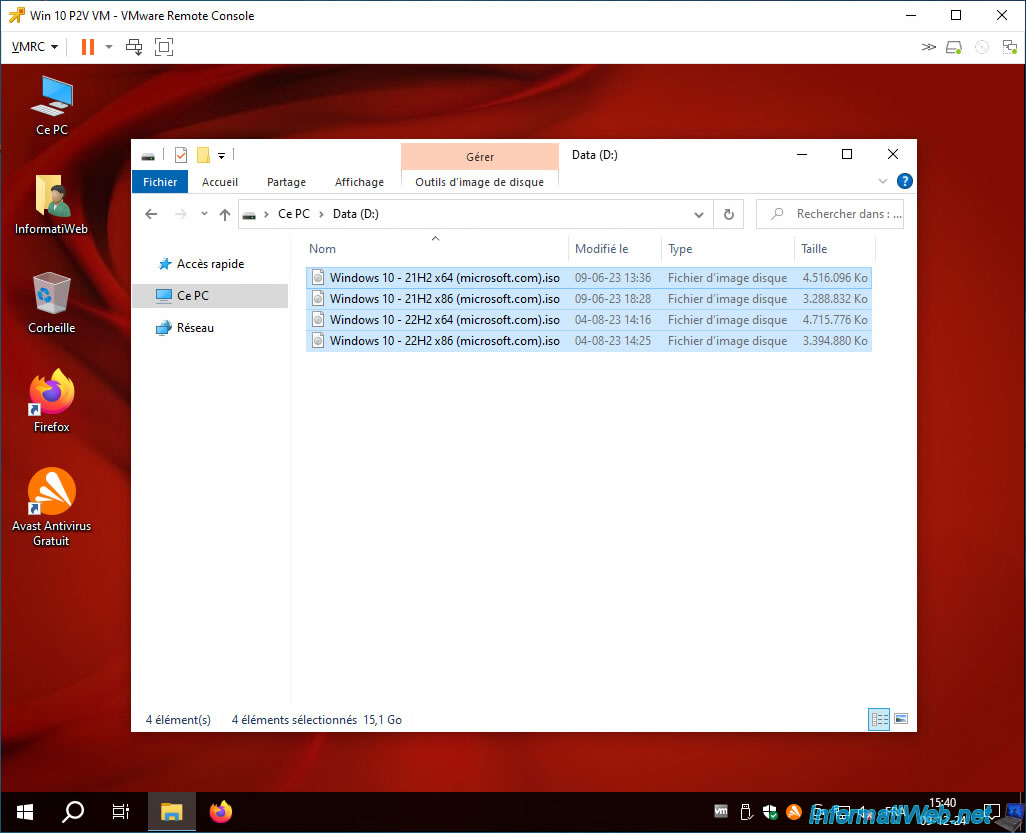
As expected, your disk partitions have been copied to your VM (as you can quickly see from file explorer).
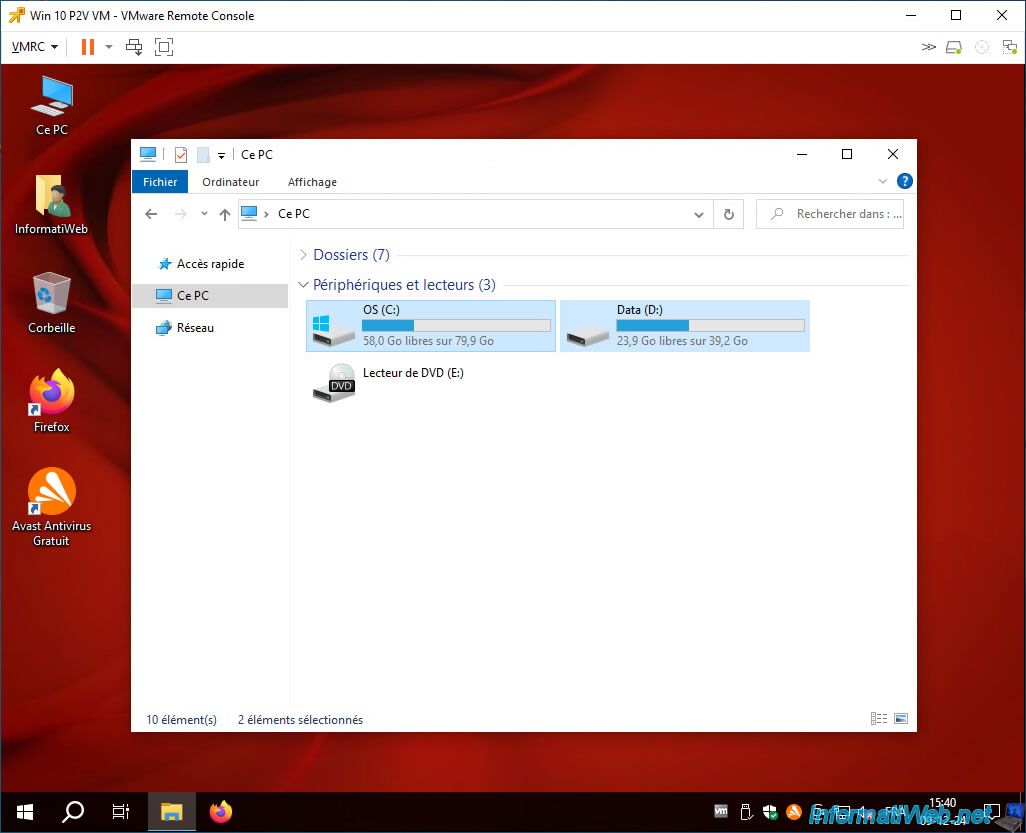
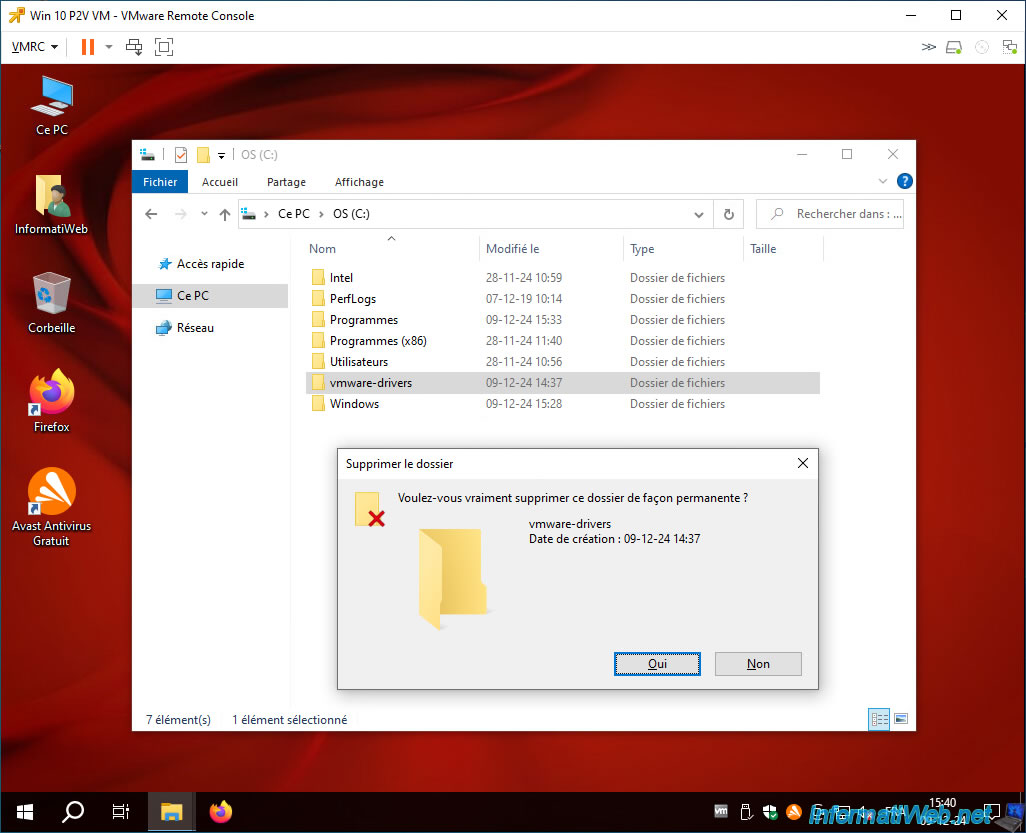
The contents of the "C" partition (including Windows) have been copied correctly.
Note: you can permanently delete the "vmware-drivers" folder created earlier, as you will no longer need it.
For the contents of our "D" partition, it was also copied without any problems.
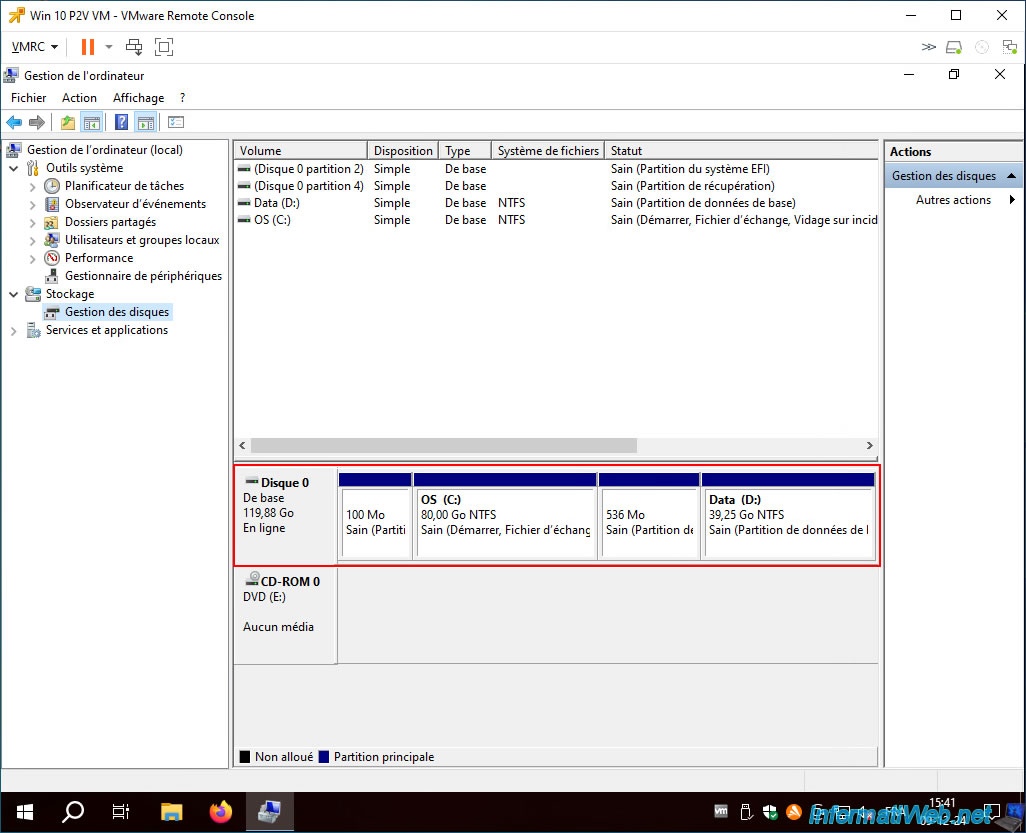
To better see the status of the virtual hard disk, right-click "Manage" on "This PC" and go to Windows Disk Management.
As you can see, Acronis has successfully restored our 4 partitions (of which the 2 small partitions are system partitions that depend on Windows).
Share this tutorial
To see also
-

Backup 11/3/2025
Acronis True Image - Archive your files on Acronis Cloud
-

Backup 6/16/2025
Acronis True Image - Backing up your PC to a Synology NAS
-

Backup 6/5/2025
Acronis True Image - Backing up your PC to Acronis Cloud
-

Backup 9/25/2025
Acronis True Image - Backup your Microsoft account to Acronis Cloud (encrypted backup)
No comment