Create Acronis Secure Zone from Acronis True Image (Cyber Protect Home Office) rescue media
- Backup
- Acronis True Image
- 02 March 2026 at 09:28 UTC
-

- 3/3
5. Backup stored in Acronis Secure Zone visible in Windows file explorer
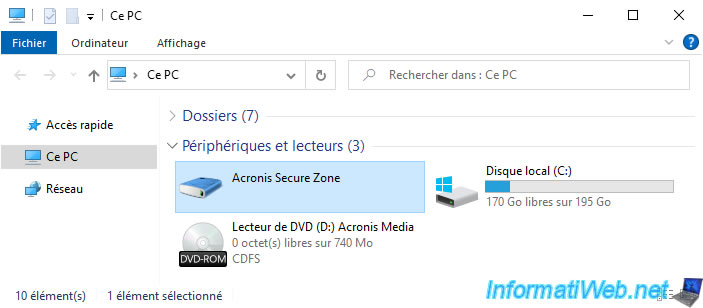
If you open Windows file explorer and go to "This PC", you will see an "Acronis Secure Zone" drive appear.
To see its contents, simply double-click on this "Acronis Secure Zone" drive.
Warning : this requires that the "Acronis Cyber Protect Home Office (True Image)" program is installed on your Windows computer.
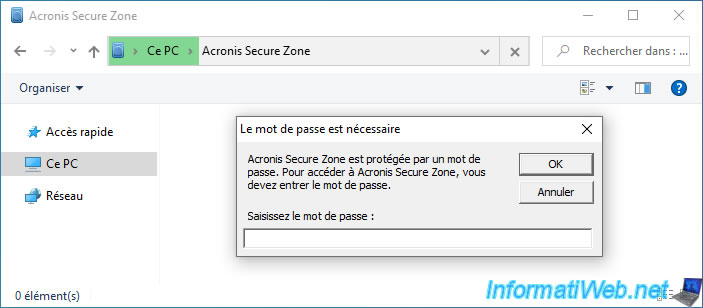
If your "Acronis Secure Zone" is password protected, a "Password is required" popup will appear.
In this case, enter the password that protects your "Acronis Secure Zone" and click OK.
Plain Text
Acronis Secure Zone is password protected. To access Acronis Secure Zone, you must enter the password.
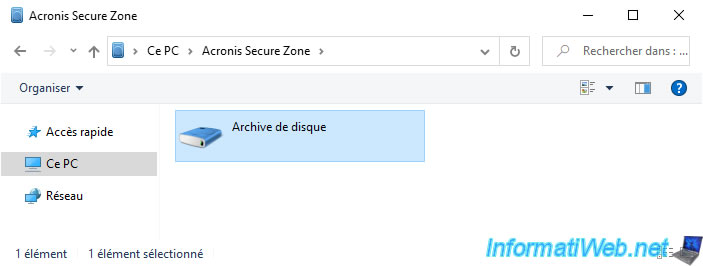
Then, double-click on your disk archive.
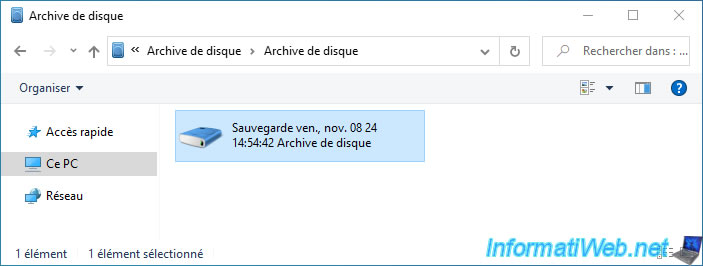
Then, double-click on the desired backup.
In our case, there is only one.
In this backup, you will be able to see the partitions that have been backed up.
In our case, our "C:" partition (where Windows is installed) and the 2 hidden Windows 10 system partitions (an EFI system partition and a Windows recovery partition).
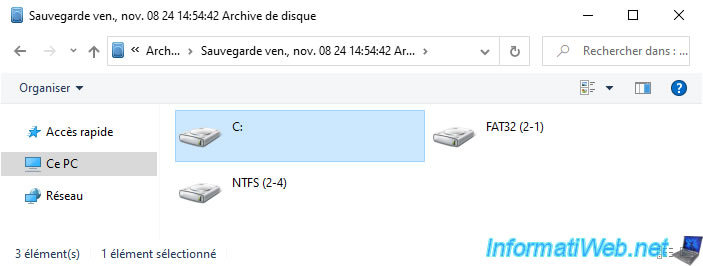
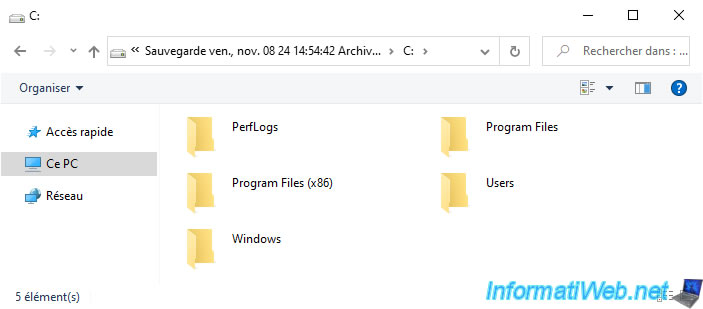
If you enter a partition of this backup, you will be able to browse the data it contains.
Warning : searching for folders or files from Windows file explorer does not work.
Windows will constantly tell you that no folders or files were found, regardless of the keyword used.
To search for folders or files in your backup, you must use the "Search in files" option available in "Acronis Cyber Protect Home Office (True Image)".
As explained in our tutorial: Acronis True Image - Search for files in a backup.
6. Unknown device visible in Windows file explorer if Acronis is not installed
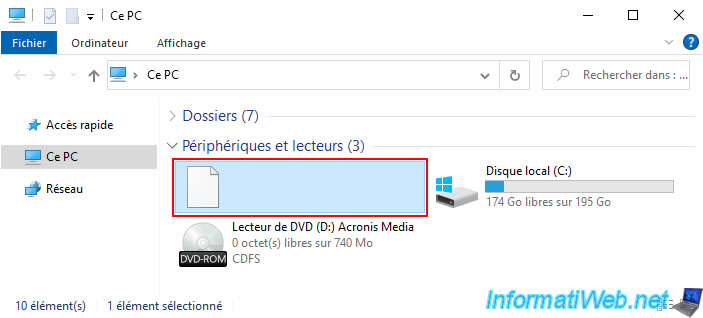
If you have created an "Acronis Secure Zone" partition on your hard drive or SSD and Acronis Cyber Protect Home Office (True Image) is not installed, you may see a white icon in the "This PC" section of file explorer and no name for this drive.
Also, you will not be able to enter this drive since it is a special partition that requires Acronis Cyber Protect Home Office (True Image) to be installed in order to access it via Windows file explorer.
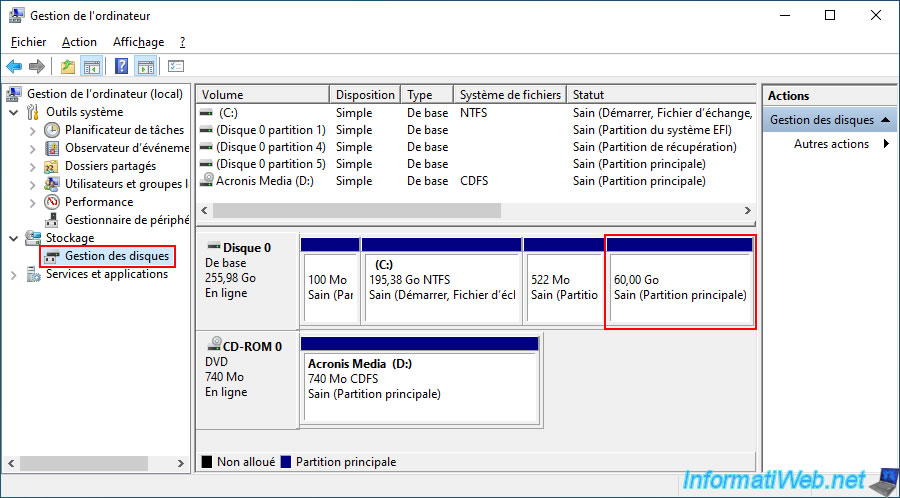
On the other hand, you will simply be able to see the presence of this 60 GB partition (in our case) in Windows disk management.
Moreover, you can see that no file system or letter is displayed for it.
Share this tutorial
To see also
-
Backup 9/22/2025
Acronis True Image - Backup your Microsoft account to Acronis Cloud
-
Backup 7/21/2025
Acronis True Image - Create backups (via the version chain scheme)
-
Backup 9/21/2026
Acronis True Image - P2V - Virtualize a physical PC to VMware ESXi
-
Backup 3/30/2026
Acronis True Image - Rescue Media - Check network configuration
No comment