Back up your PC for free with the OEM version of Acronis True Image offered by Seagate
- Backup
- Acronis True Image
- 19 October 2026 at 13:32 UTC
-

- 2/4
4. OEM version limitations: Seagate DiscWizard
Although Seagate DiscWizard is a free OEM version of the original "Acronis True Image" software (Acronis Cyber Protect Home Office), it's still limited in features.
For example, basic backup is only available.
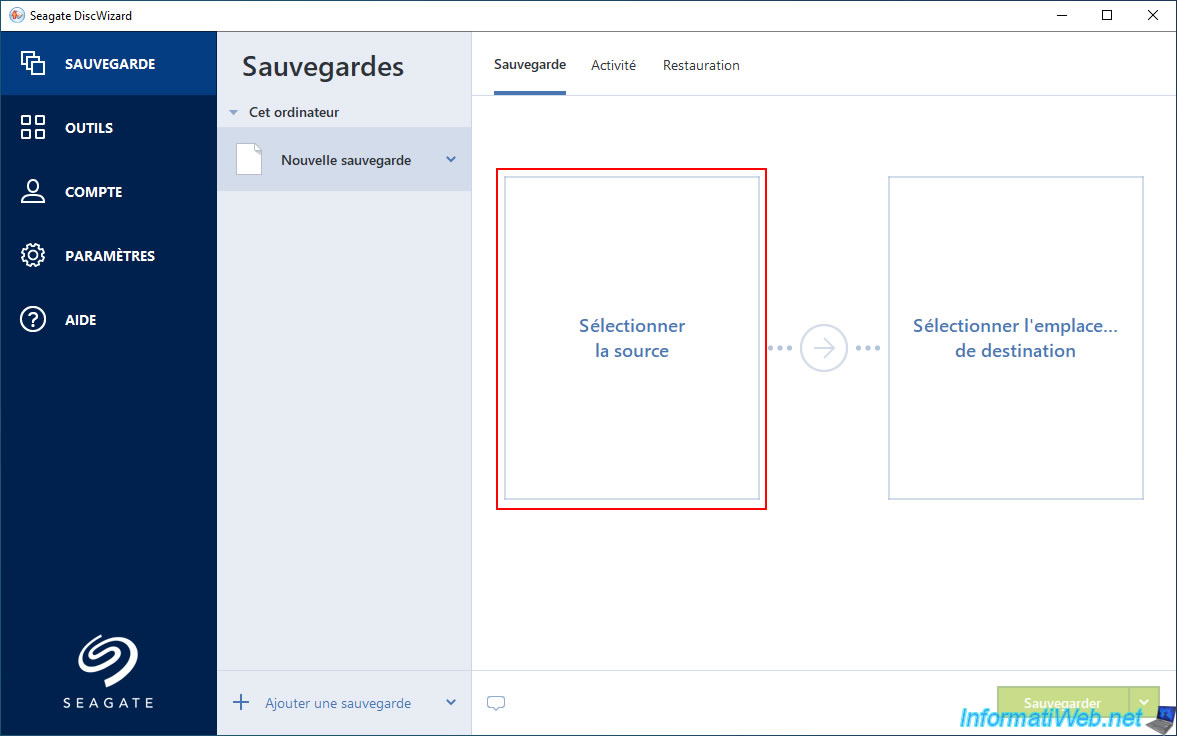
But when you try to select the backup source, you'll be limited to the "Entire PC" and "Disks and partitions" options.
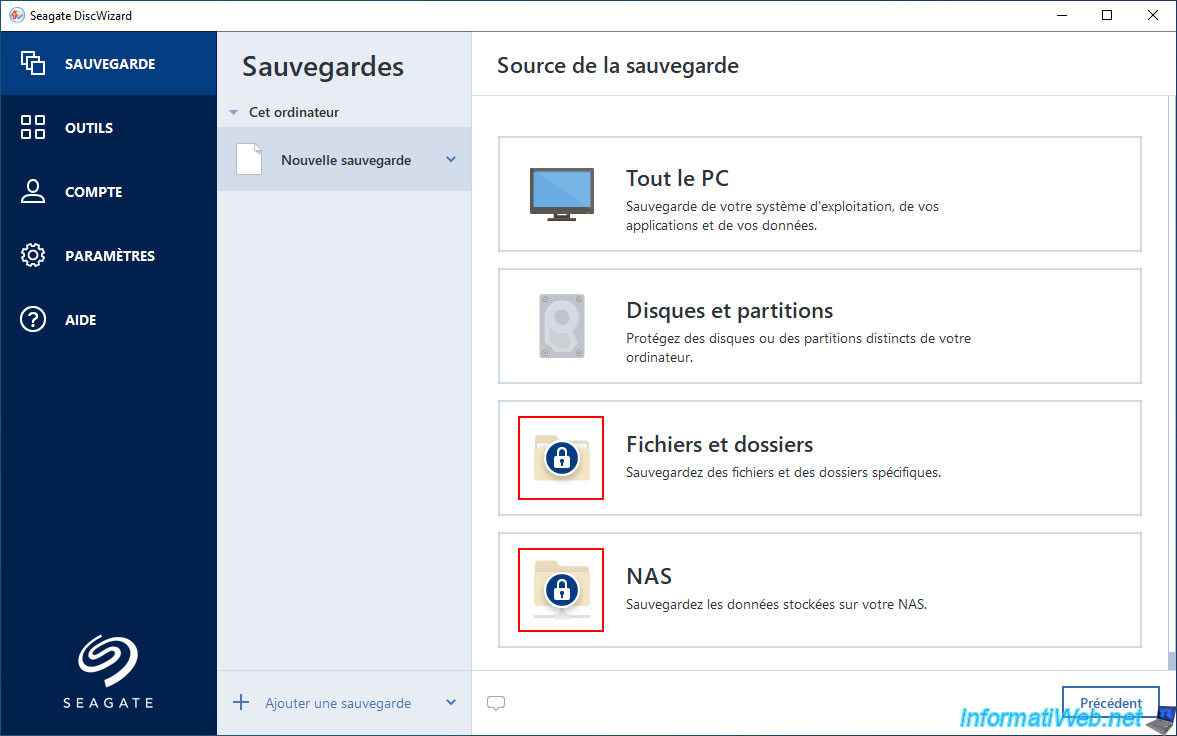
This is more than enough to back up your computer, or at least the disk where Windows is installed.
As you can see below, the other two options ("Files and folders" and "NAS") are locked.
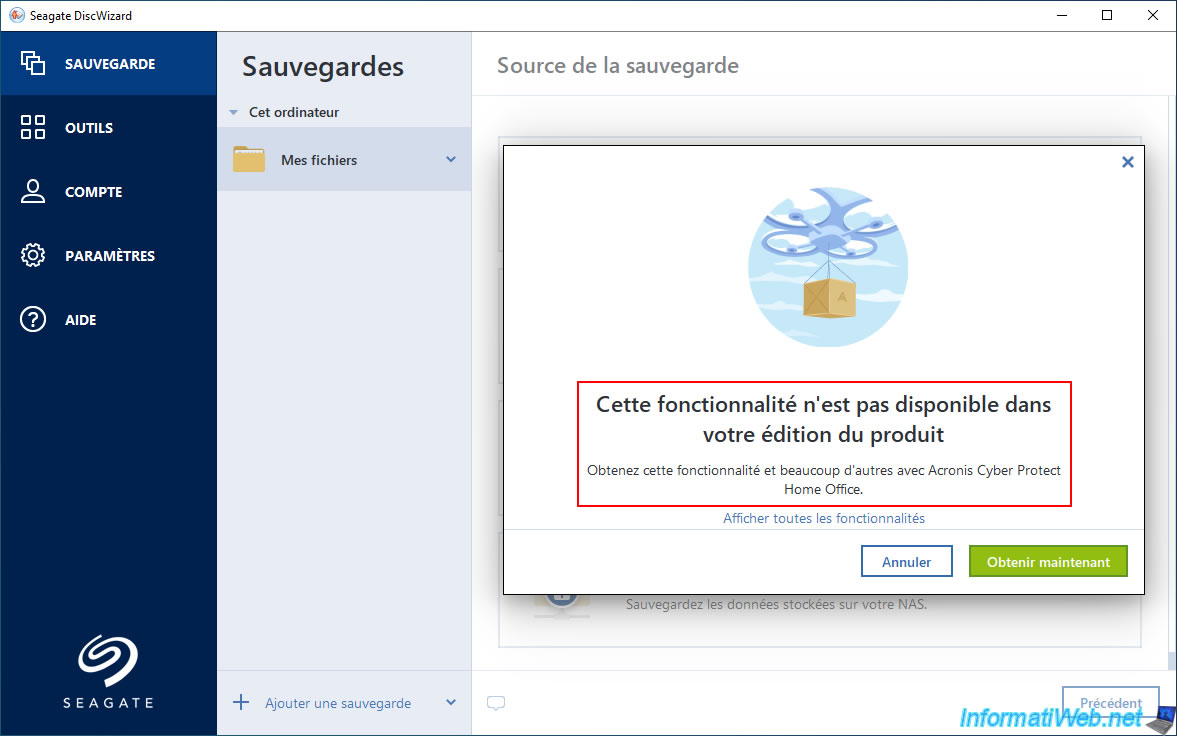
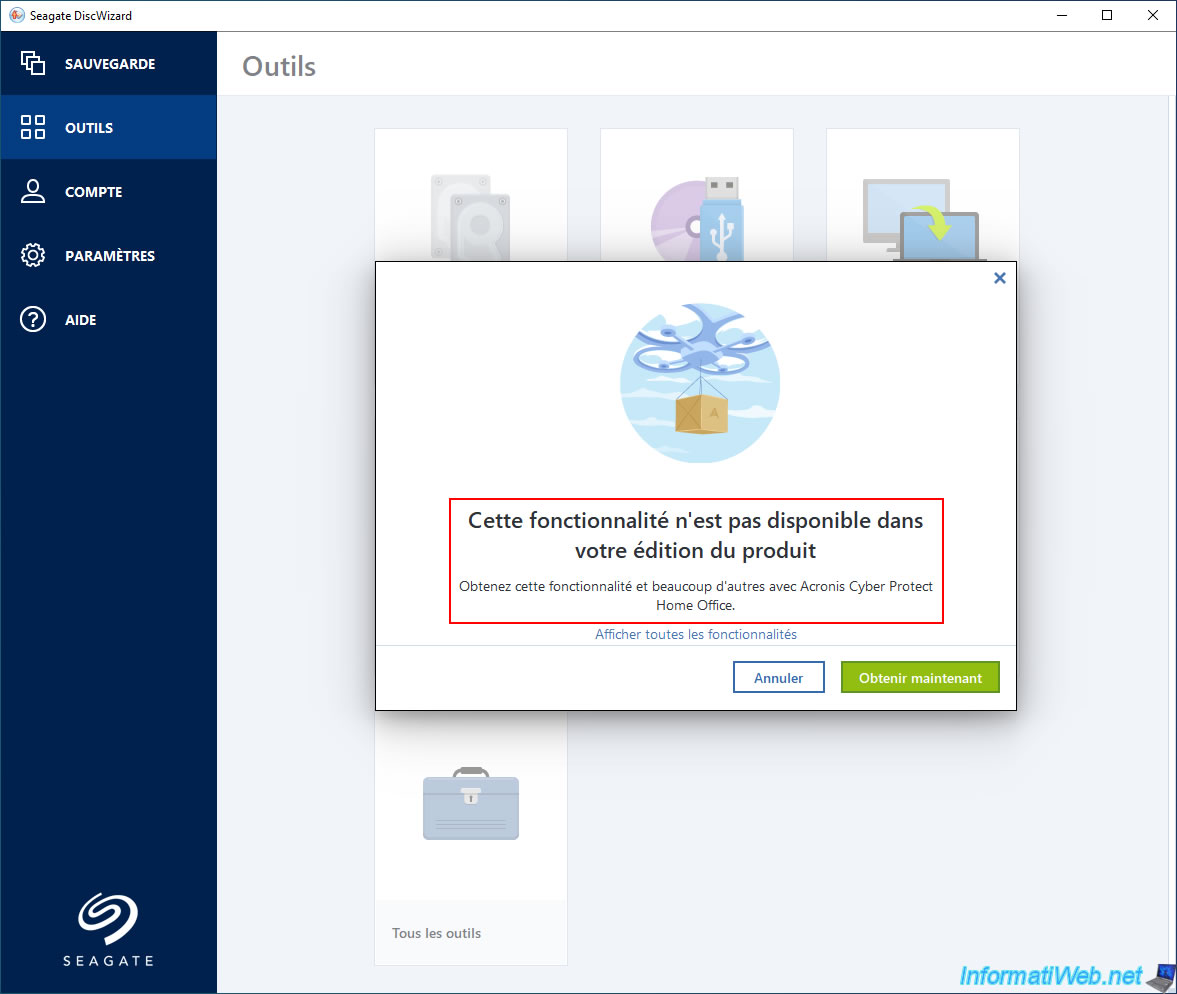
If you click on one of the locked options, a window will appear with the message below.
This feature is not available in your edition of the product.
Get this feature and many others with Acronis Cyber Protect Home Office (Acronis True Image).
In the tools section, you'll find some of the Acronis True Image tools.
However, you'll notice again that two tools are locked: Acronis Universal Restore and Acronis Secure Zone.
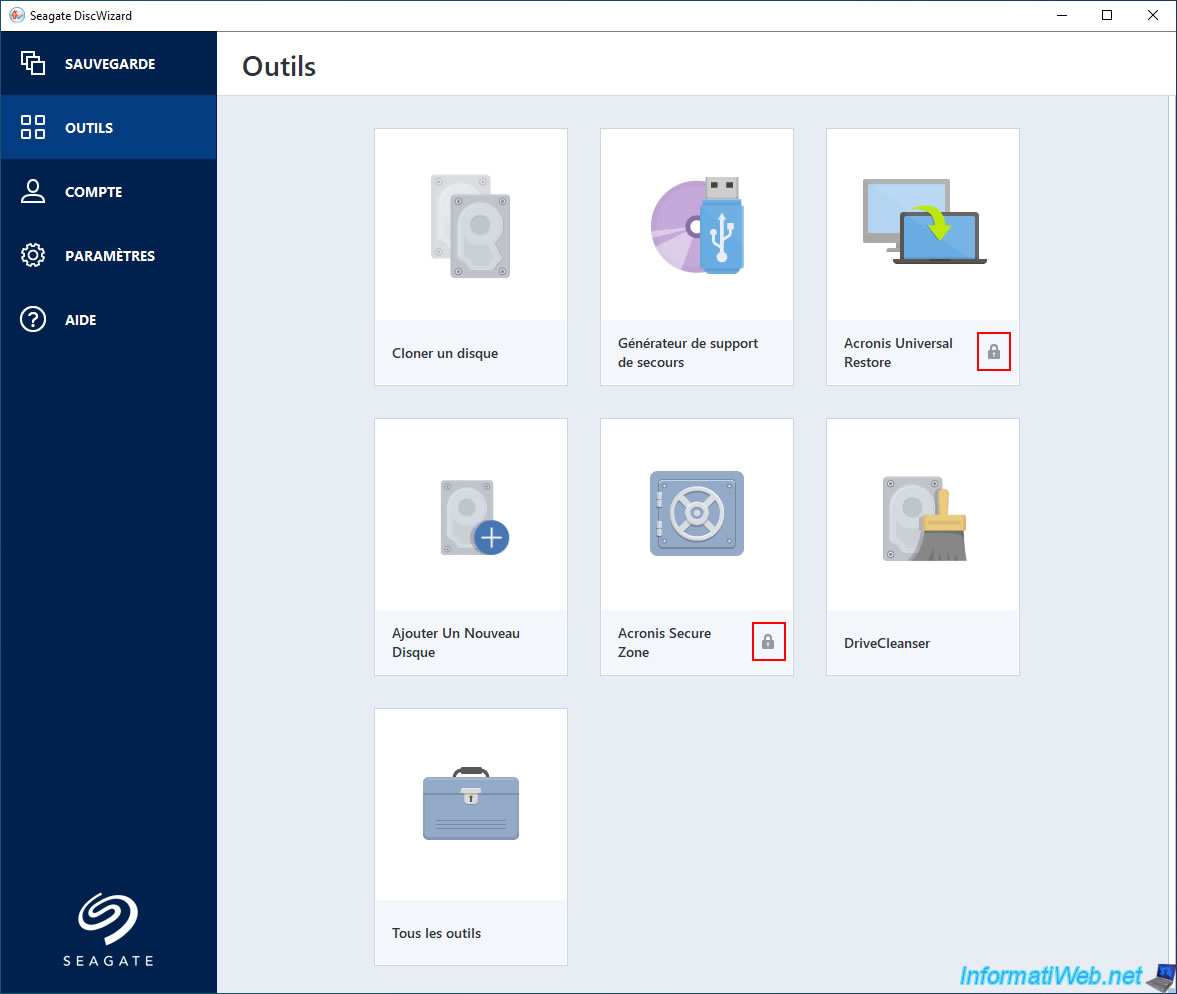
Again, if you try to use a locked tool, the same error message will appear.
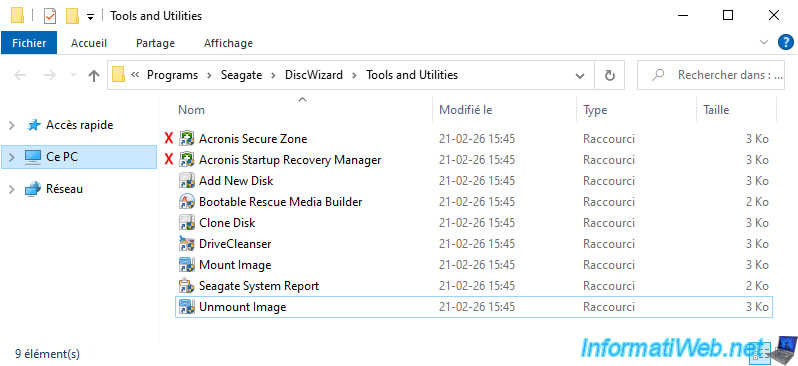
If you click on the "All Tools" option, you will see a folder with several shortcuts (most of which correspond to the tools listed above).
In this folder, the first two shortcuts are not usable: Acronis Secure Zone and Acronis Startup Recovery Manager.
If you try to use these two shortcuts, you will receive the same error message as above.
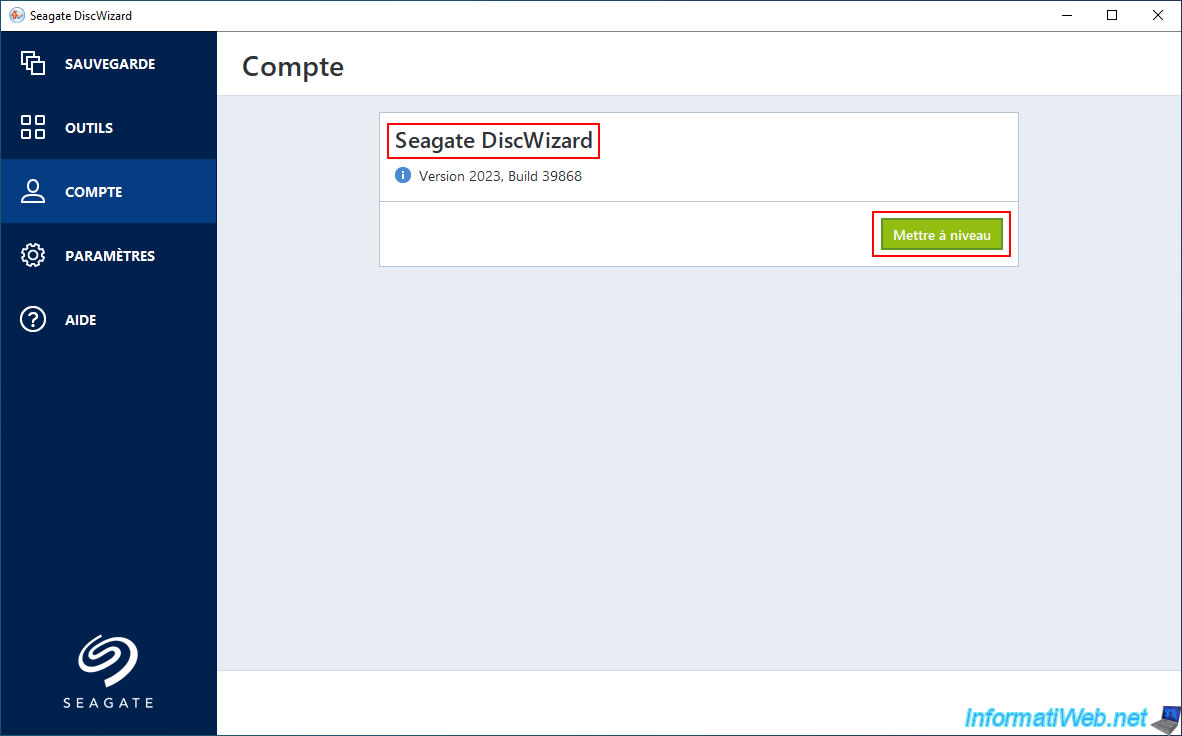
In the "Account" section, you won't be able to log in with an account (unlike with Acronis True Image).
However, you can click an "Upgrade" button to switch to the full version.
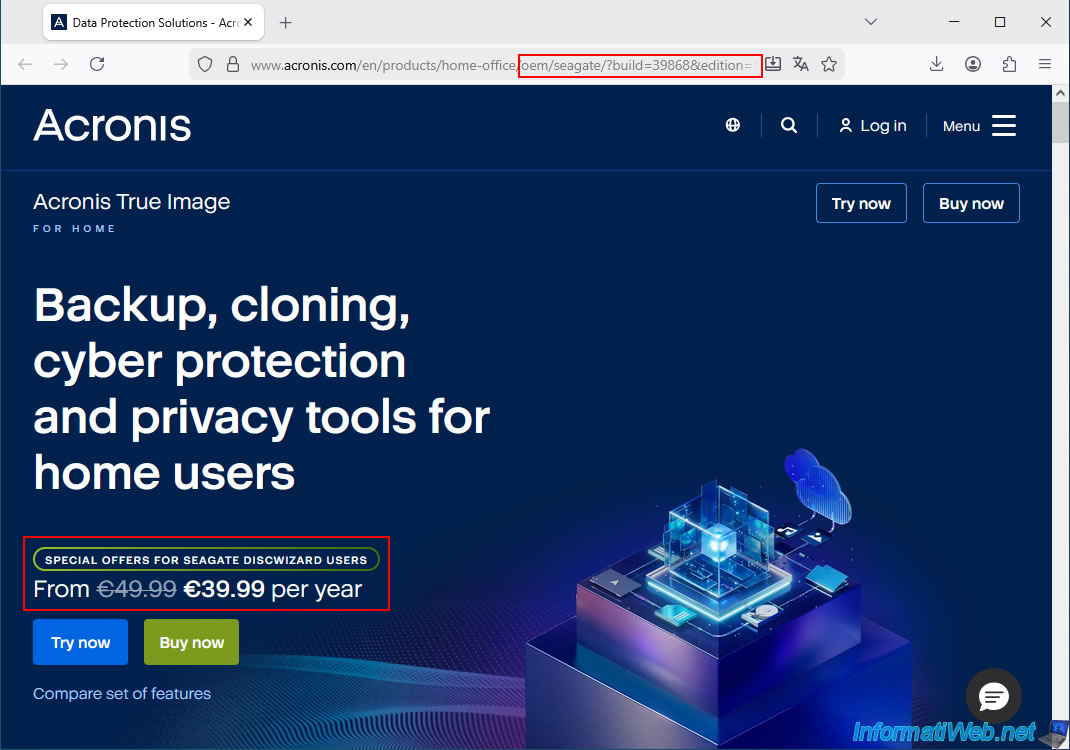
As you can see, you will be redirected to the Acronis website to a special page where you can get the full version of Acronis True Image with a €10 discount per year because you are a user of the OEM version, "Seagate DiscWizard".
If you need the additional features of Acronis True Image and you have at least one Seagate hard drive in your computer, installing this OEM version first is therefore a good idea so you can purchase the full version at a reduced price.
In the "Settings" section, the available options are also very limited.
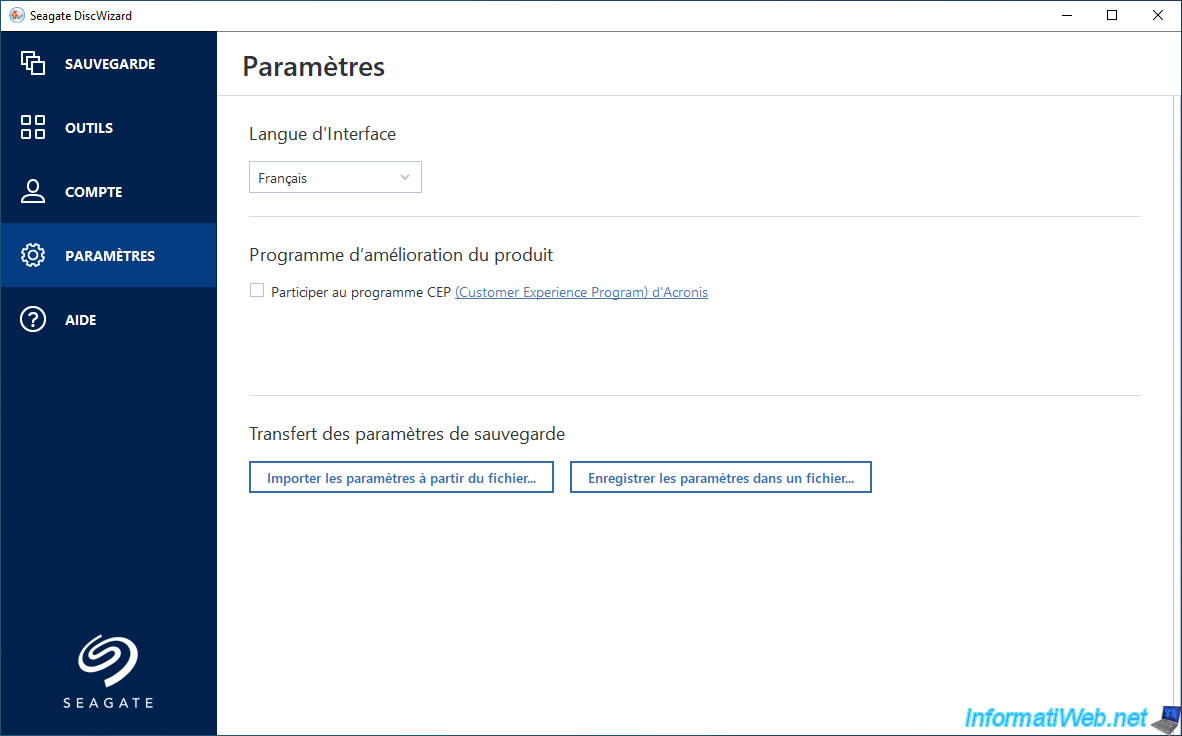
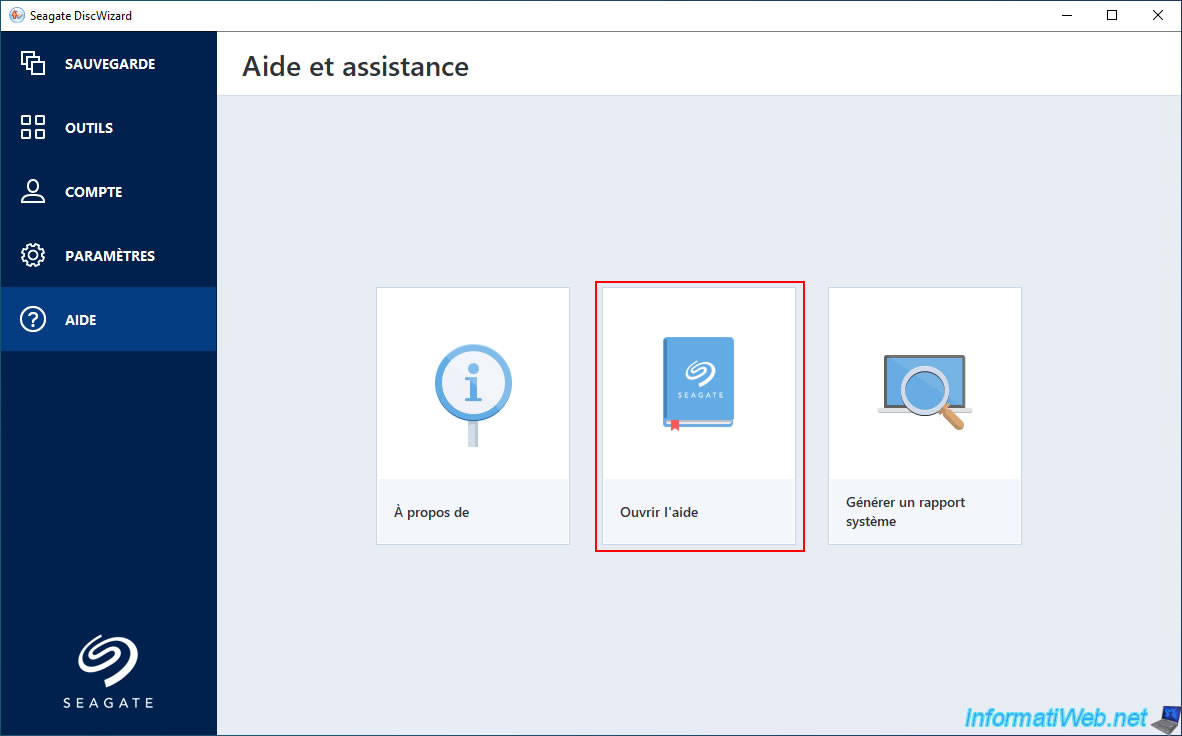
Finally, if you need help with this OEM version "Seagate DiscWizard", click on "Help -> Open Help".
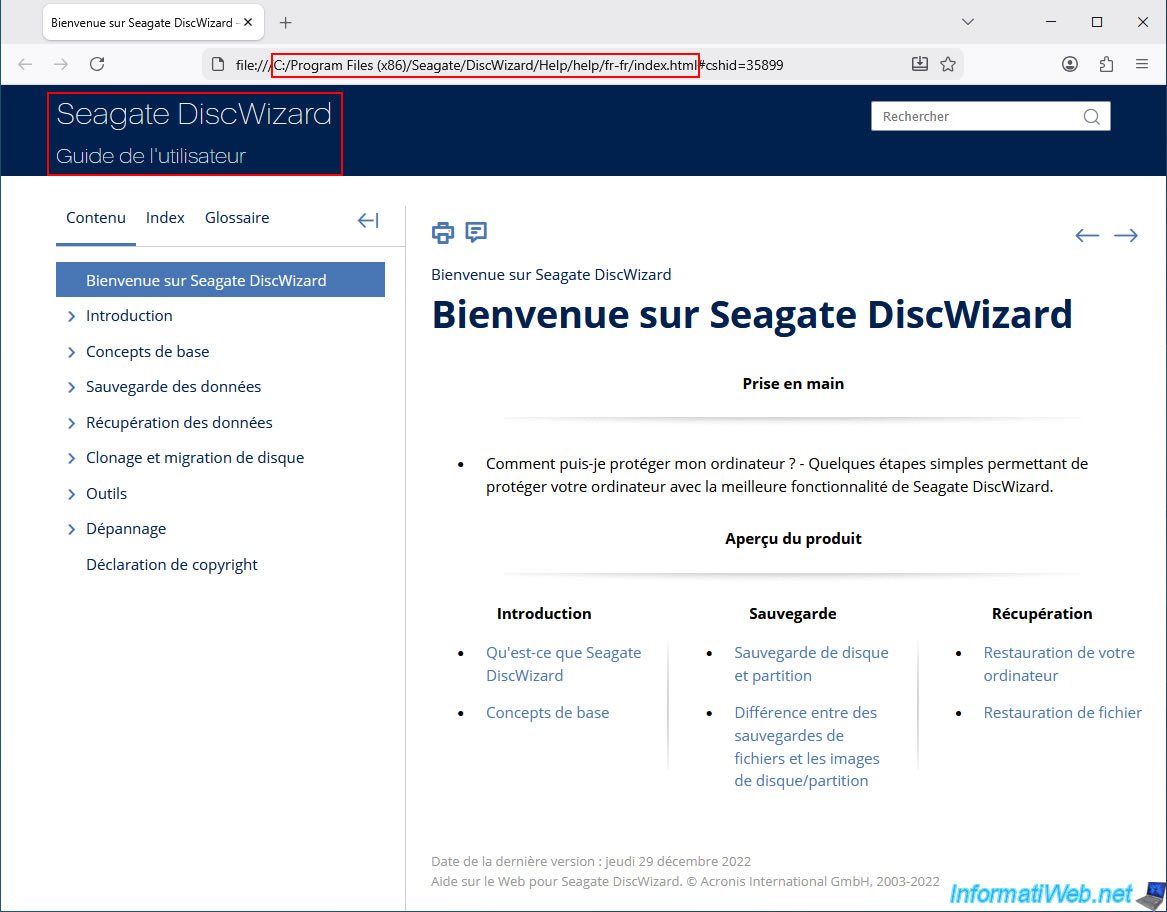
As you can see, the user guide for Seagate DiscWizard stored locally on your computer will appear.
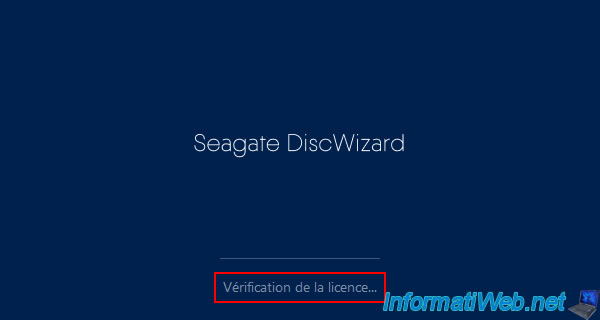
Note that the "Seagate DiscWizard" program performs a check each time it is launched.
Therefore, if you ever remove your Seagate hard drive from your computer, the program will likely stop working.
Share this tutorial
To see also
-
Backup 6/5/2025
Acronis True Image - Backing up your PC to Acronis Cloud
-
Backup 12/15/2025
Acronis True Image - Clone a disk (automatic mode)
-
Backup 4/20/2026
Acronis True Image - Rescue Media - Backing up your PC to a FTP server
-
Backup 6/29/2026
Acronis True Image - Third-party tools
No comment