- Backup
- Acronis True Image
- 19 October 2026 at 13:32 UTC
-

- 1/4
Acronis True Image is a very sophisticated backup software, but it's usually a paid program.
However, if you have at least one Seagate hard drive, you can download and install a free OEM version of Acronis True Image.
This OEM version, renamed "Seagate DiscWizard," is free and has no time limit.
But most importantly, it allows you to back up and restore your computer for free, leveraging the power of Acronis True Image.
Warning : this OEM version does have some limitations in features.
Although the core functionality of backing up and restoring your computer is completely free, and that's what matters most in your case.
- Seagate hard drive required
- Download Seagate DiscWizard (OEM version of Acronis True Image)
- Install Seagate DiscWizard (OEM version of Acronis True Image)
- OEM version limitations: Seagate DiscWizard
- Back up your computer using Seagate DiscWizard
- Restore your computer using Seagate DiscWizard
- Create the Seagate DiscWizard rescue media
- Introducing Seagate DiscWizard's rescue media
1. Seagate hard drive required
For this tutorial, we used a computer with a Seagate hard drive.
This is required to use the OEM version available on the Seagate website.
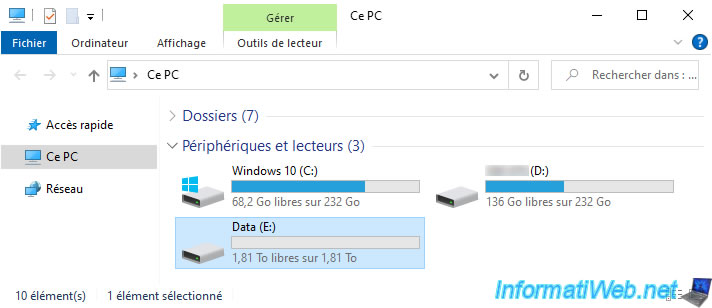
To view your drives in Windows, right-click "Manage" on "This PC" (in File Explorer).
Then, in the "Disk Management" window that appears, you will find a list of your drives (hard drives, SSDs, ...).
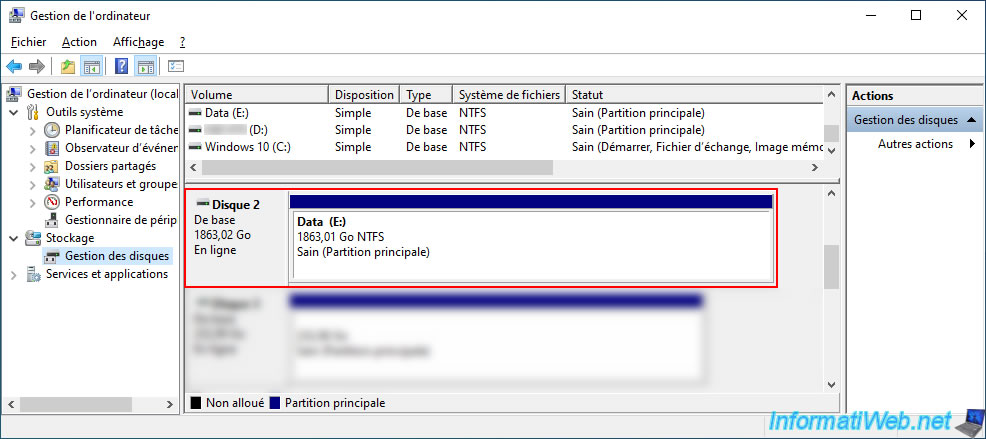
To find out the model of each of your disks, right-click on each one of them.
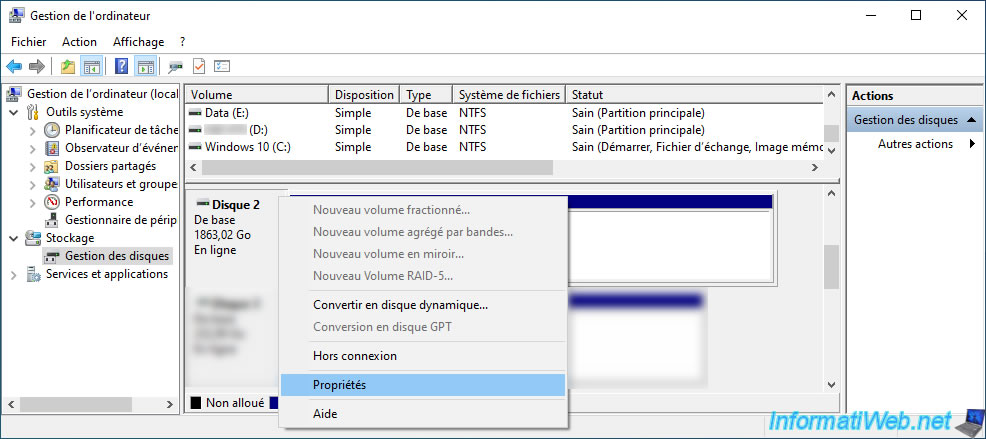
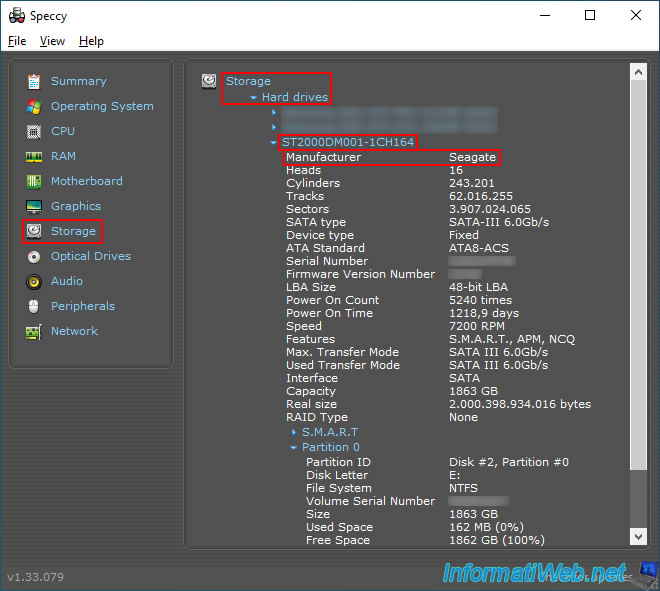
In our case, we have a disk "ST2000DM001-1CH164".
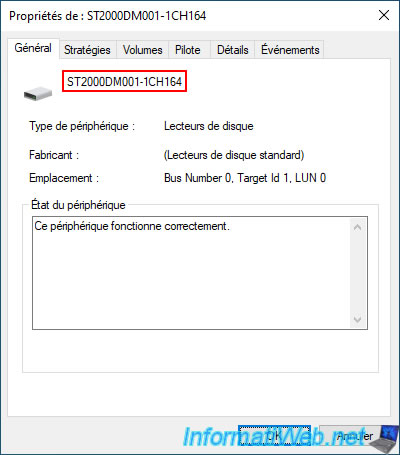
Since Windows doesn't display the brand for this drive, we had to use Speccy (free) to see that the manufacturer of this hard drive is "Seagate".
Note that the only requirement is to have a Seagate hard drive in your computer for the OEM version of Acronis True Image provided by Seagate to work in your case.
Then, you will be able to back up your computer or the drive where Windows is installed, even if Windows is installed on a drive from another brand.
2. Download Seagate DiscWizard (OEM version of Acronis True Image)
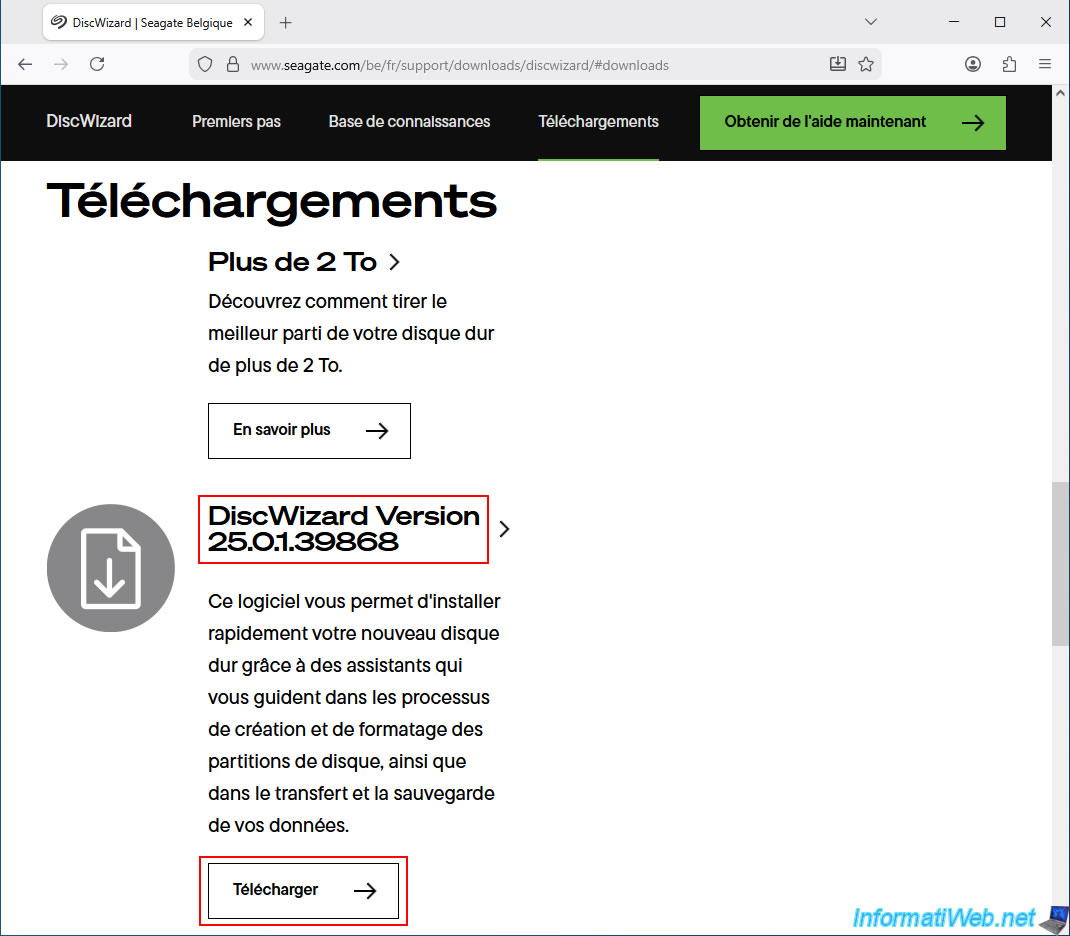
To download Seagate DiscWizard, go to the "DiscWizard | Seagate US" page and click the "Download" button under "DiscWizard Version...".
Currently, this is version 25.0.1.39868 of Seagate DiscWizard.
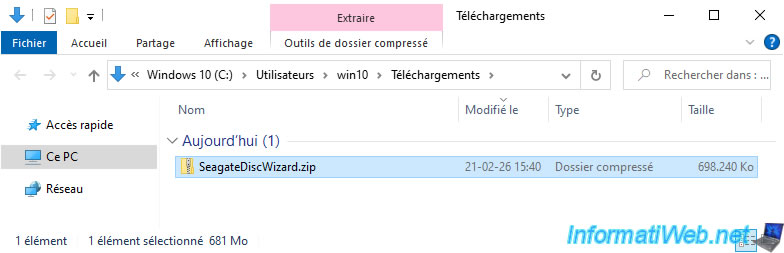
Please wait while the "SeagateDiscWizard.zip" file downloads.
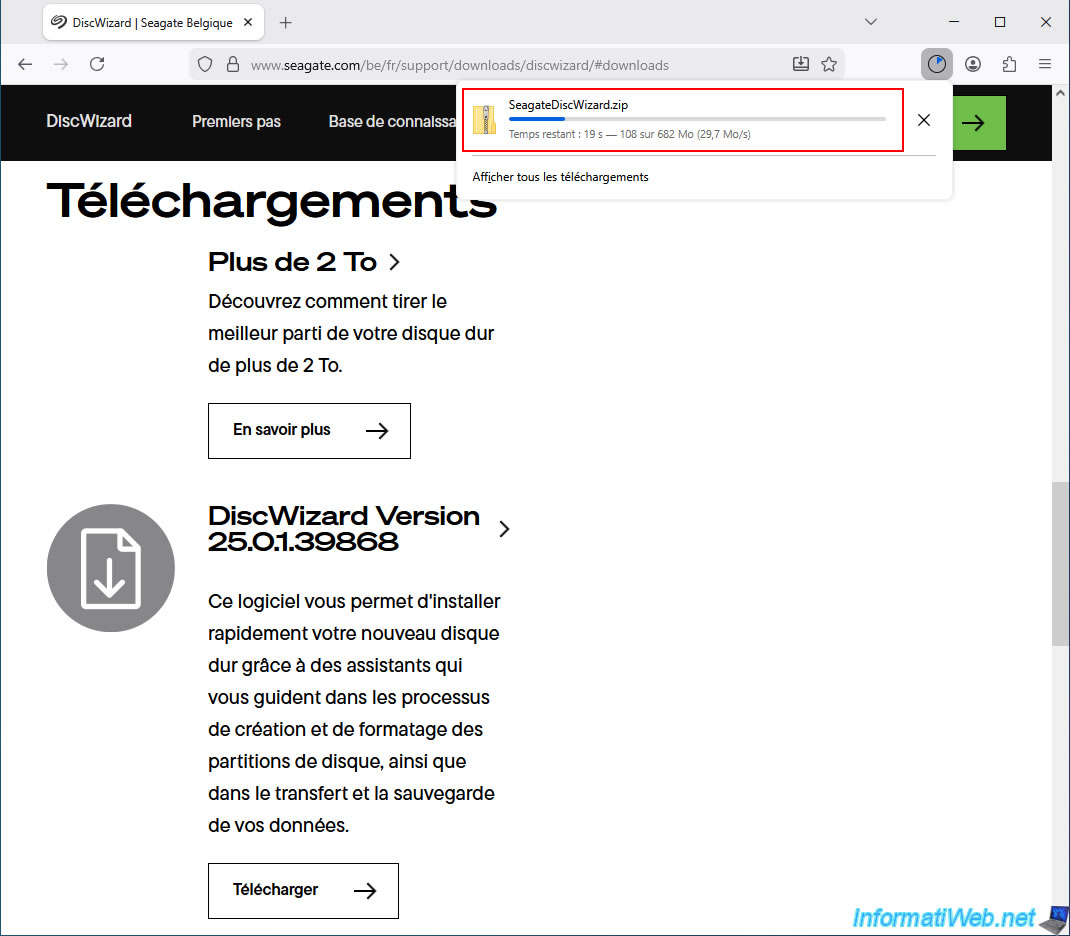
As you can see, the "SeagateDiscWizard.zip" file weighs approximately 700 MB.
3. Install Seagate DiscWizard (OEM version of Acronis True Image)
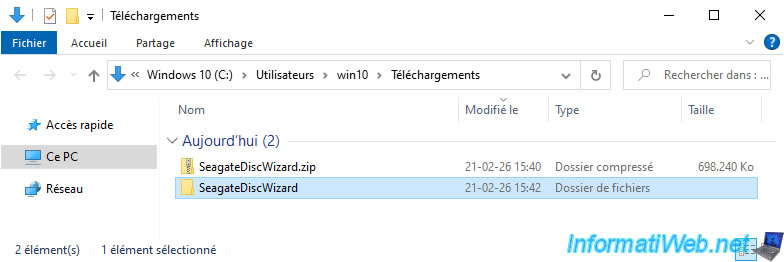
To install Seagate DiscWizard, unzip the downloaded "SeagateDiscWizard.zip" file.
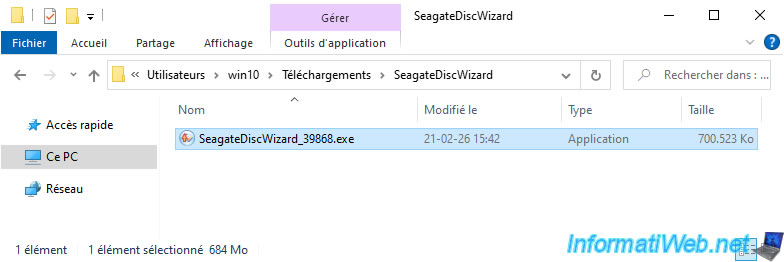
Next, launch the "SeagateDiscWizard_39868.exe" file located there.
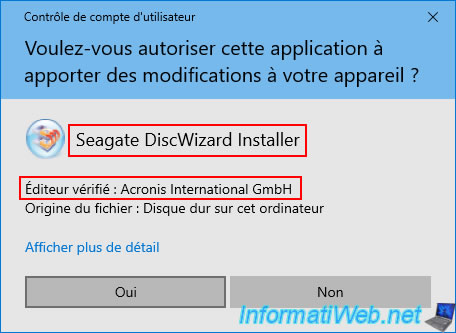
In the User Account Control (UAC) window, you will notice that the file has been digitally signed by "Acronis International GmbH".
This proves that it's an OEM version of an Acronis program.
Please wait while the installation files are being unpacked.

The "Seagate DiscWizard" installer appears with the "Seagate" logo.
Click "Install".
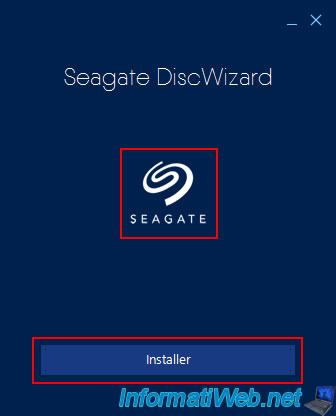
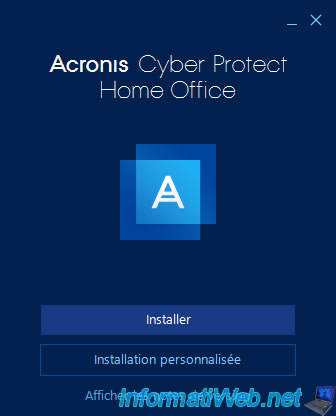
You will easily notice that the installation program looks very similar to that of Acronis True Image (Acronis Cyber Protect Home Office).
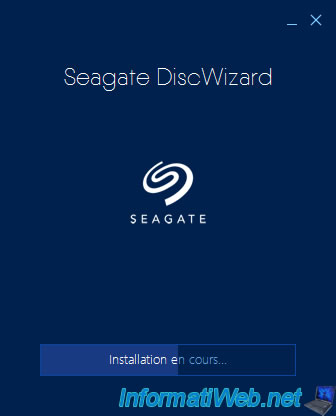
Please wait while Seagate DiscWizard is installing.
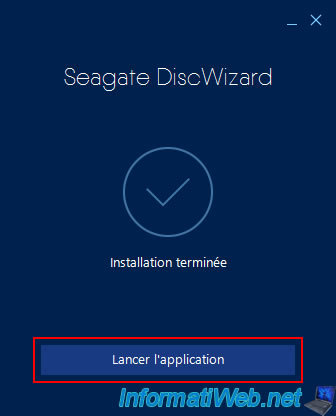
Once the Seagate DiscWizard installation is complete, click on "Launch application".
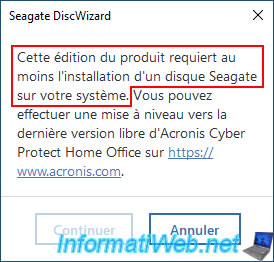
Warning : if you do not have a Seagate hard drive installed in your computer when you launch Seagate DiscWizard, the message below will appear.
Otherwise, the program will launch without any problems.
Plain Text
This edition of the product requires at least one Seagate hard drive to be installed on your system.
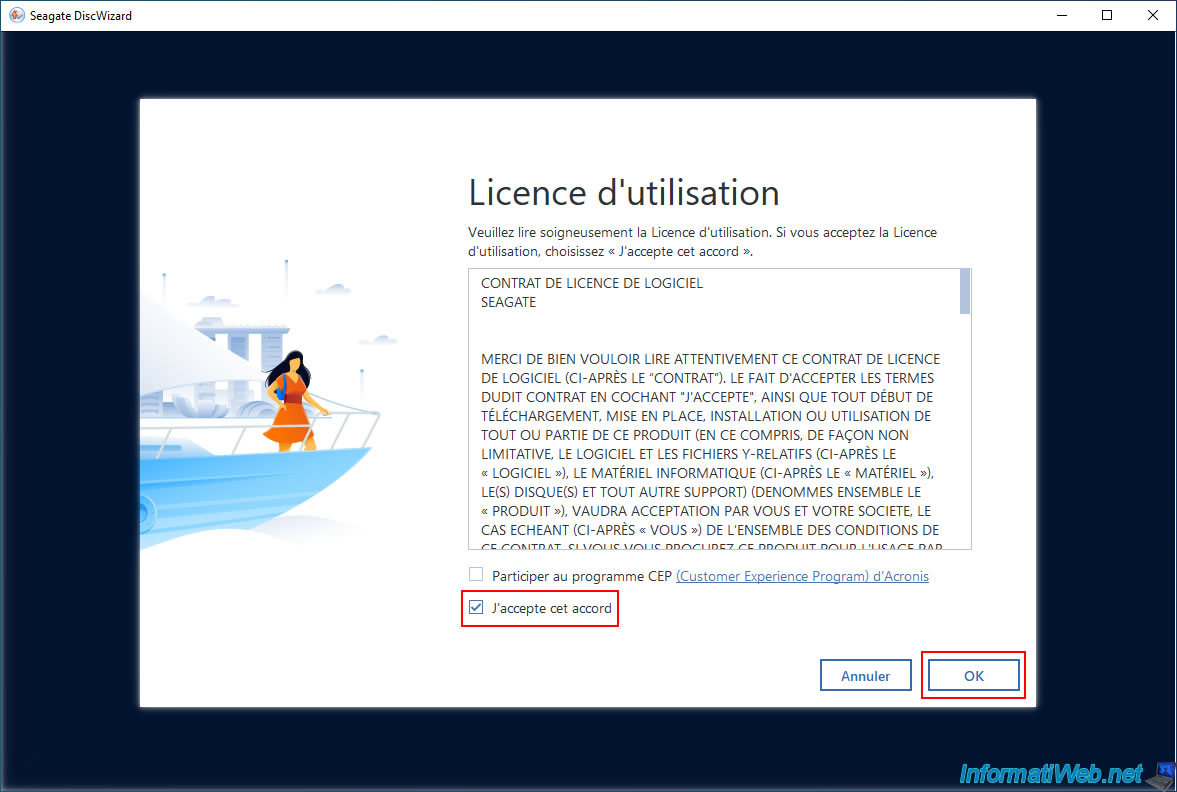
In the "Seagate DiscWizard" window that appears, check only the "I agree..." box and click OK.
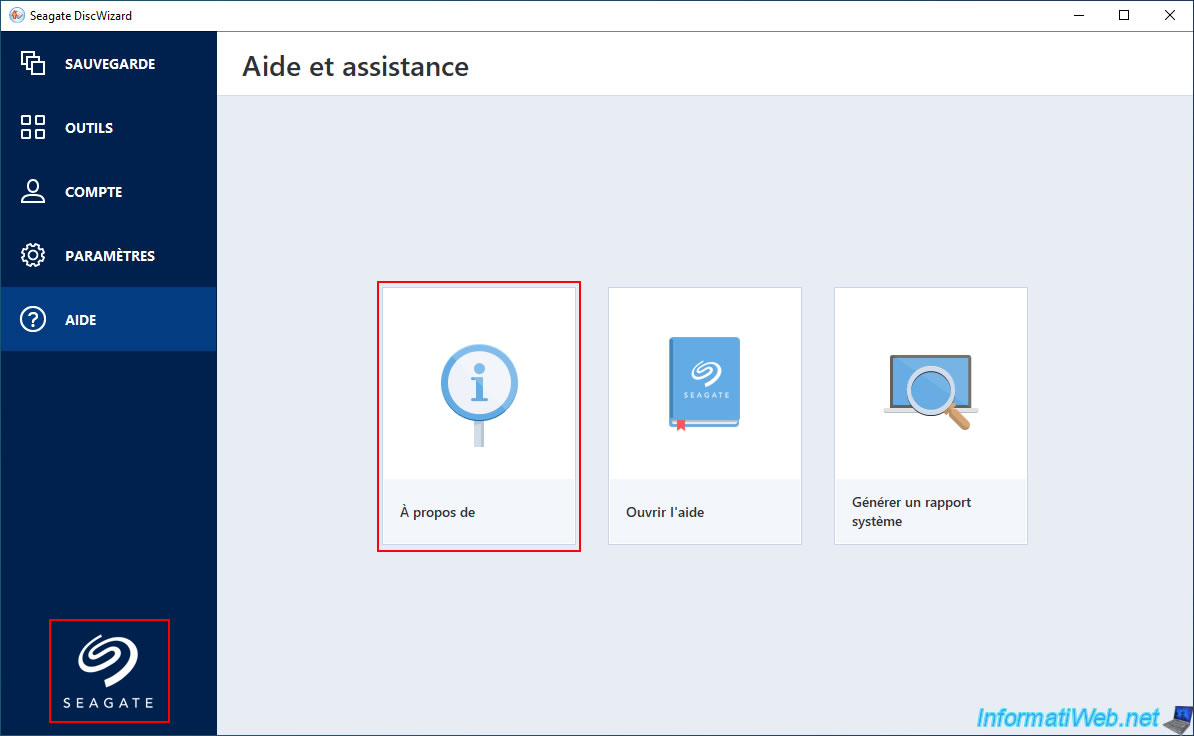
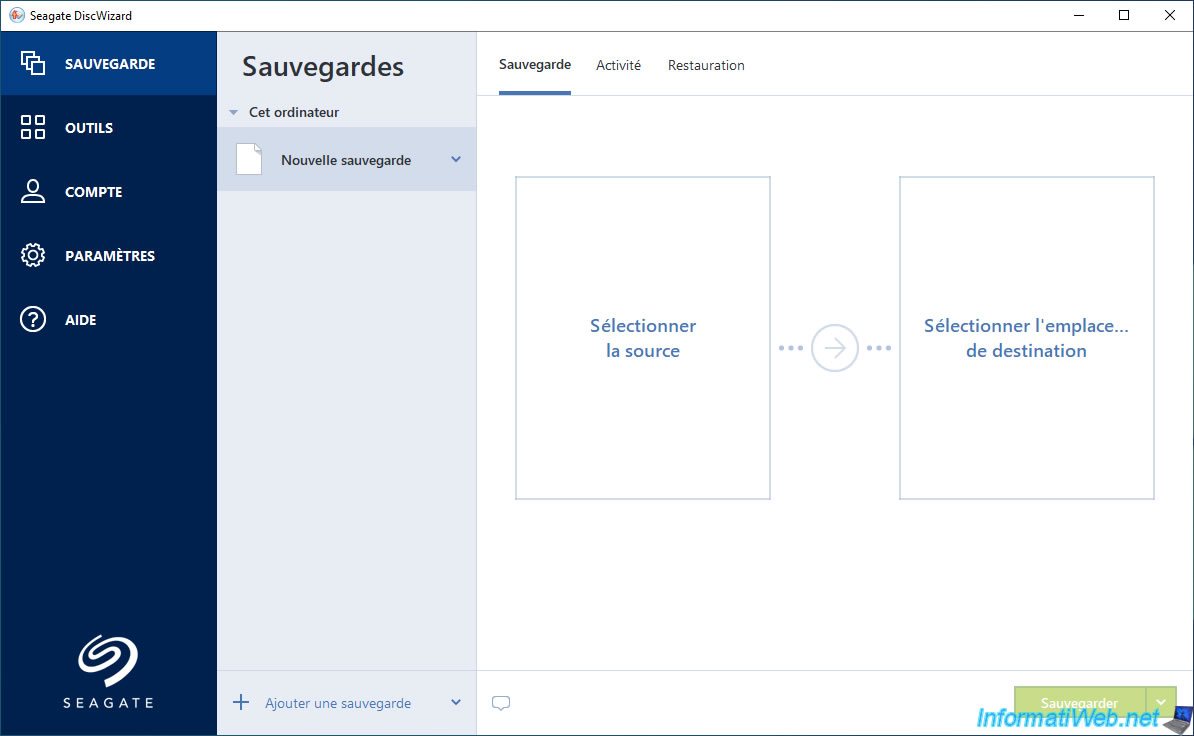
The Seagate DiscWizard program appears with the Seagate logo in the bottom left corner.
To find out the version of this program, click on: Help -> About.
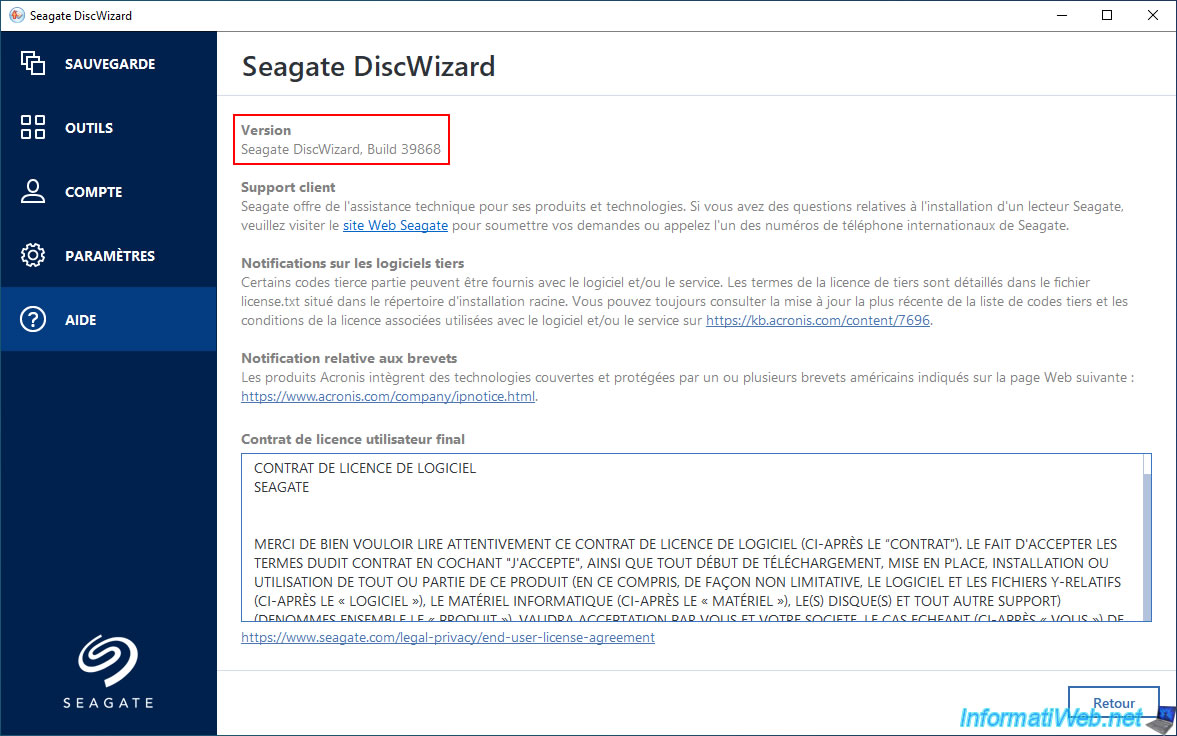
Currently, it's Seagate DiscWizard, Build 39868.
As expected, you will find the backup feature of Acronis True Image.
Share this tutorial
To see also
-

Backup 12/8/2025
Acronis True Image - Acronis Cloud presentation
-
Backup 6/19/2025
Acronis True Image - Backing up your PC to an external hard drive (encrypted backup)
-

Backup 9/15/2025
Acronis True Image - Backing up your smartphone to Acronis Cloud (encrypted backup)
-
Backup 8/28/2025
Acronis True Image - Create backups and authenticate your files (on Acronis Cloud)
You must be logged in to post a comment