Back up your PC for free with the OEM version of Acronis True Image offered by Western Digital (WD)
- Backup
- Acronis True Image
- 05 October 2026 at 13:12 UTC
-

- 4/7
6. Restore your computer using Acronis True Image for Western Digital (OEM version)
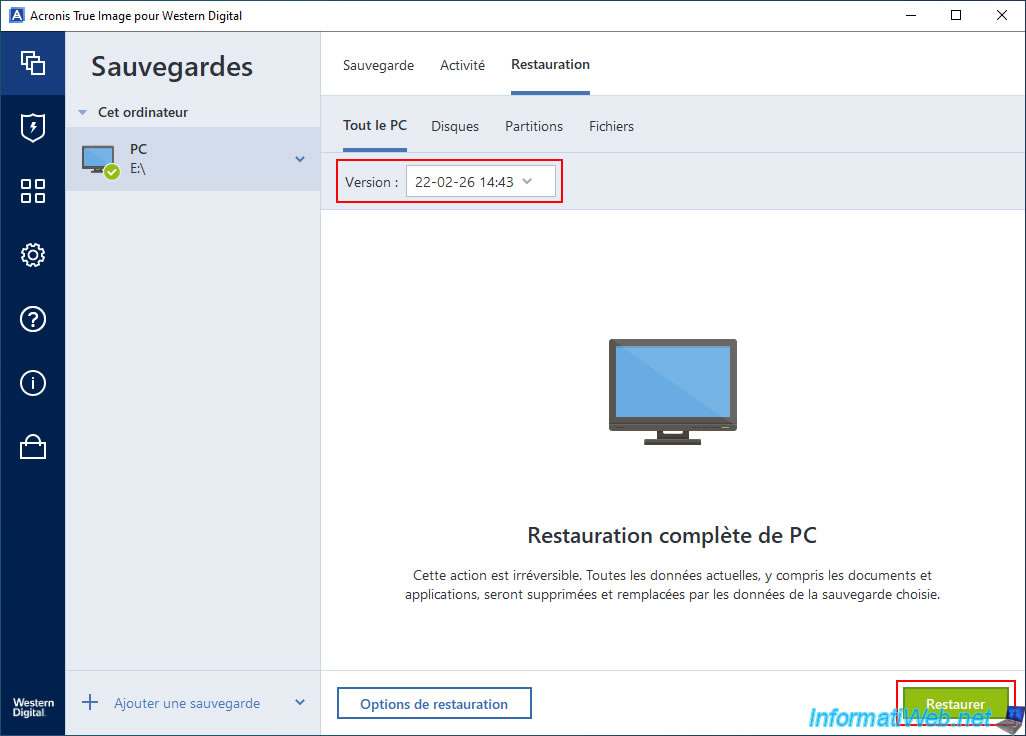
To restore your computer using the backup previously created with Acronis True Image for Western Digital, select your backup, then go to the "Restore" tab.
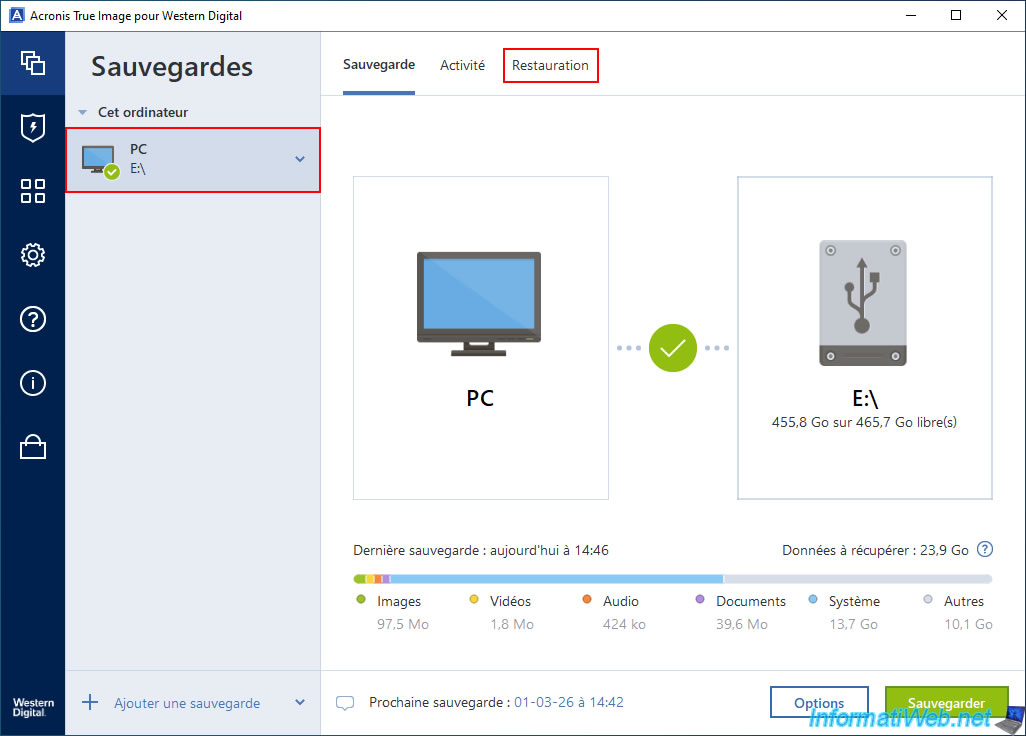
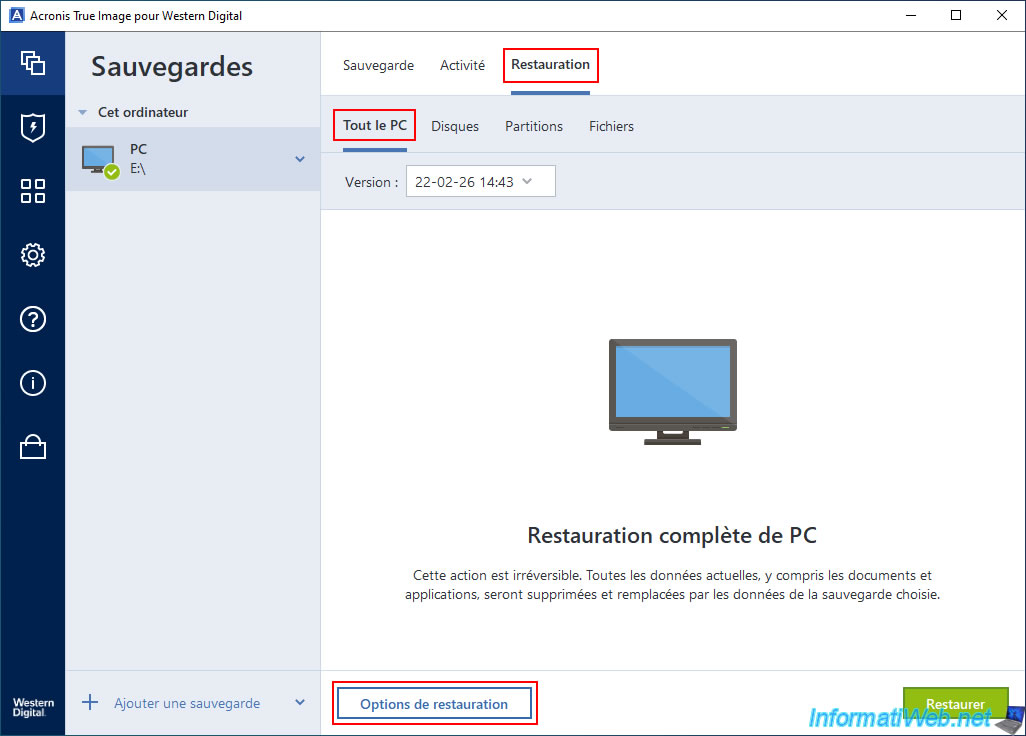
Next, go to the "Entire PC" tab (if the backup source was "Entire PC") or "Disks" if you chose to back up one or more disks (usually the one where Windows is installed).
If you wish, you can access the restore options by clicking the "Restore options" button.
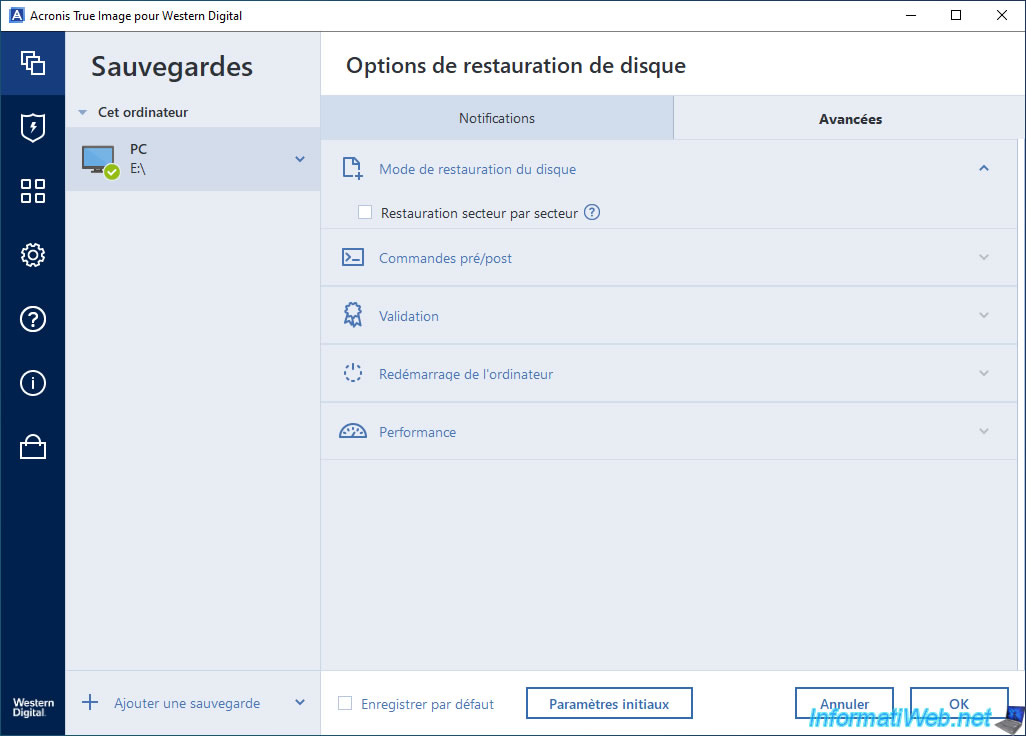
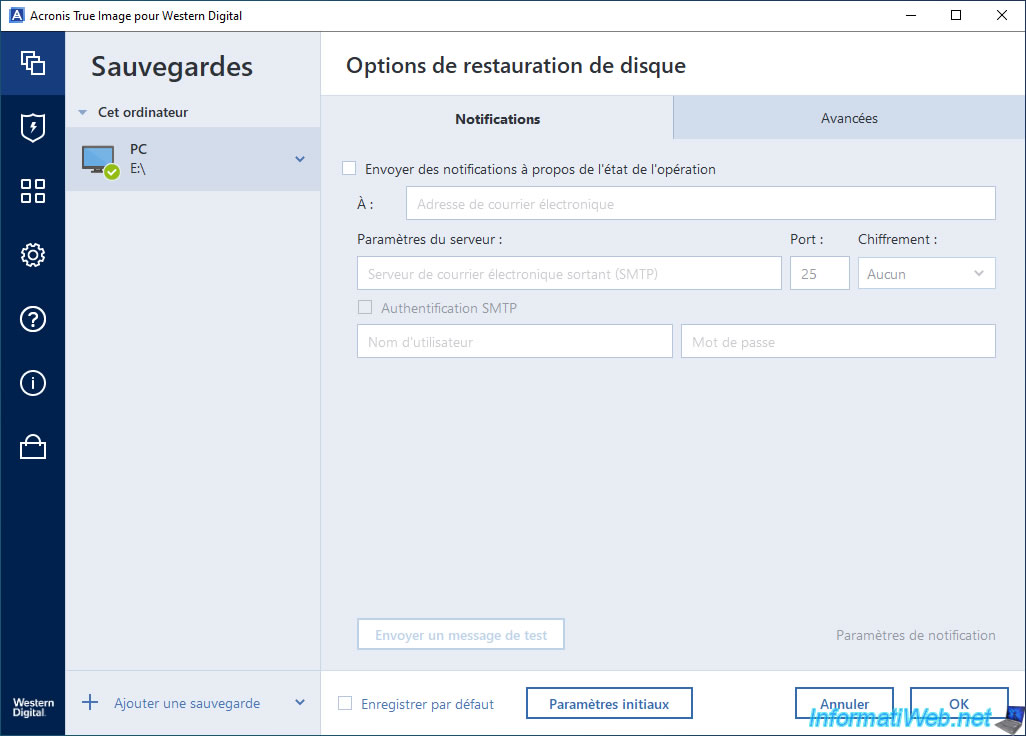
Again, you can see that the recovery options are available in the OEM version offered by Western Digital.
This is not the case with the OEM version of the same program offered by Seagate.
If your PC or hard drive has been backed up multiple times, you can choose the version (date/time) to which you want to restore your computer.
Then, click the "Restore" button.
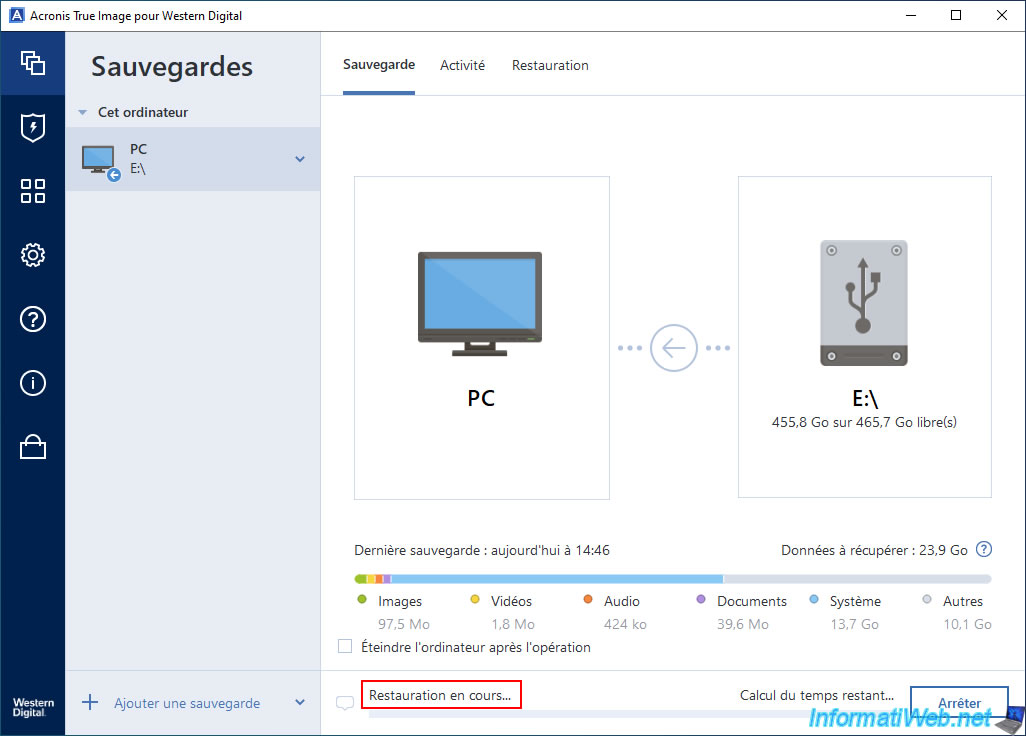
The message "Restoration in progress" will be displayed.
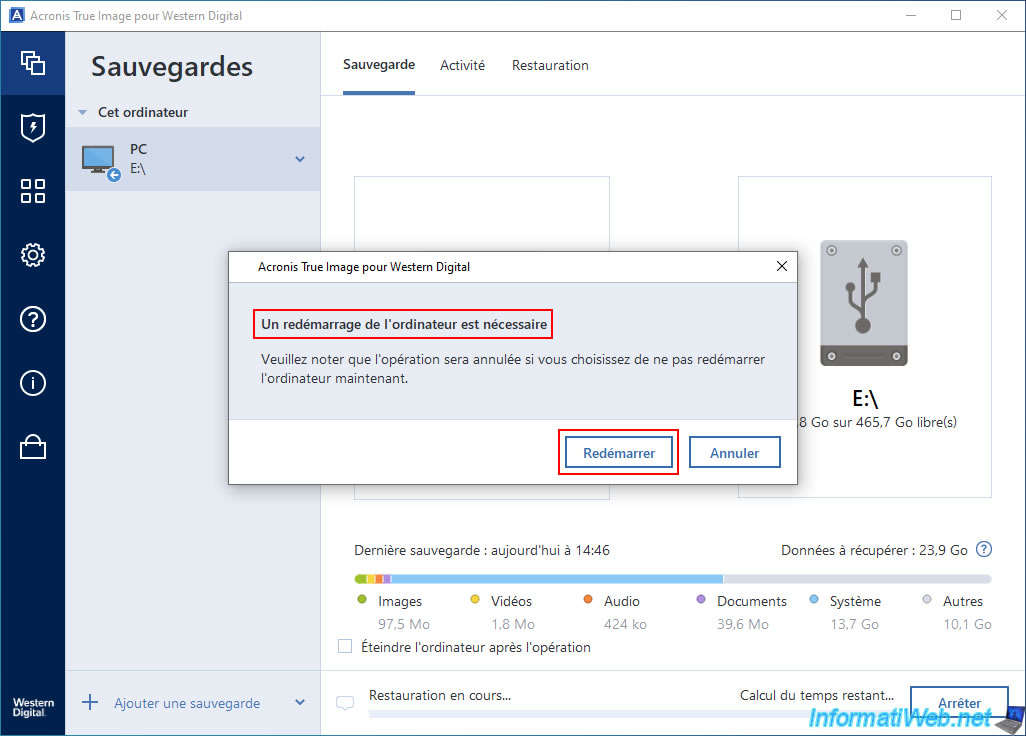
However, if you have backed up your entire PC or the disk where Windows is installed, the message "A computer restart is required" will appear.
Click "Restart".
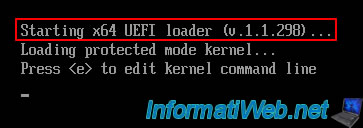
Your PC is restarting.

Then, your computer will automatically boot into an Acronis environment.
You don't need to do anything.
Plain Text
Starting x64 UEFI loader ...
Next, the message "Loading, please wait..." will appear for a few seconds.

Next, a progress window will appear with a light blue background.
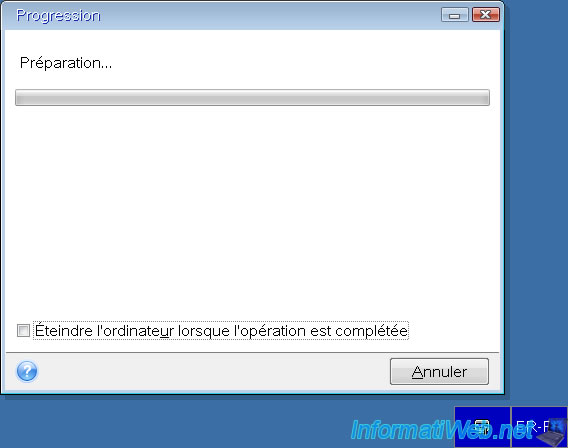
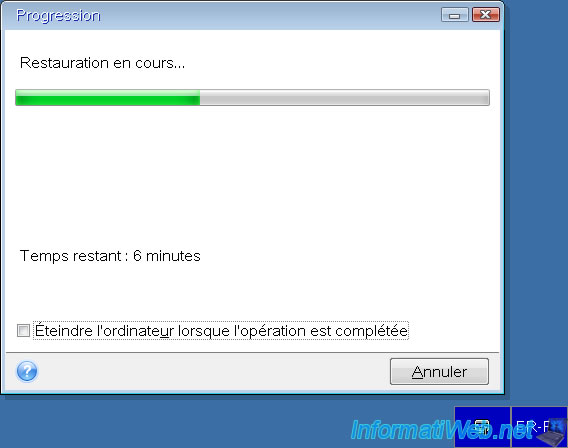
Please wait while Acronis True Image for Western Digital restores your PC or the selected disk.
Important : once the restoration is complete, your computer will automatically restart in Windows.
Again, you don't need to do anything. Just wait.
The Windows logo appears.

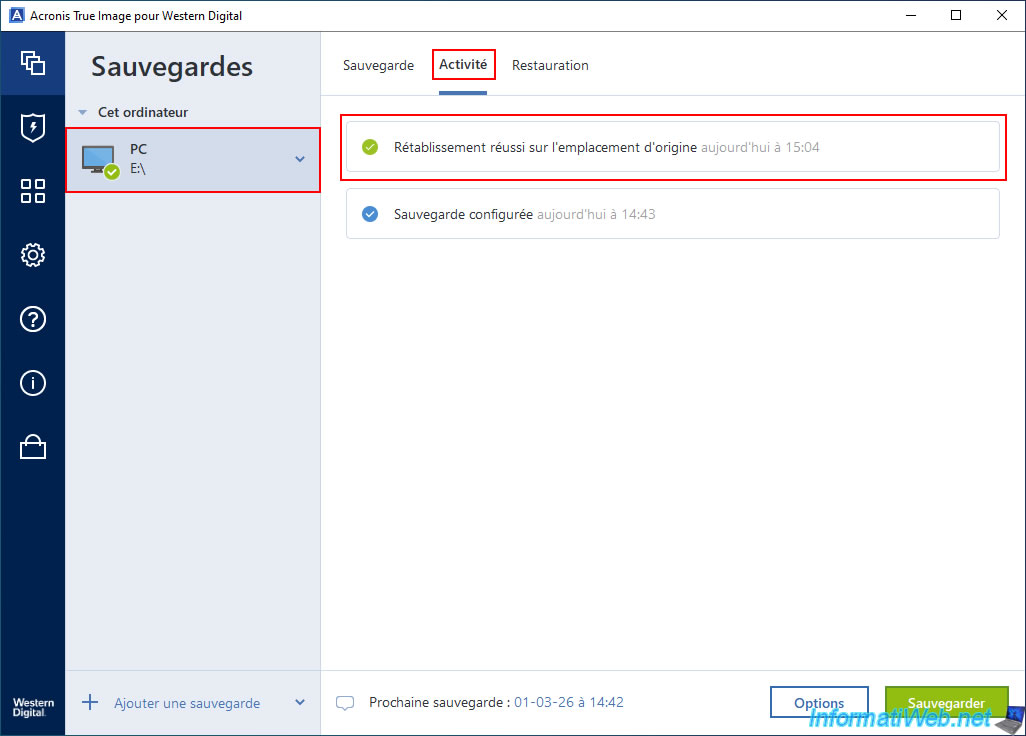
Once back in Windows, if you select your backup and go to the "Activity" tab, you will see that the message "Successful restoration to the original location" has been added.
Share this tutorial
To see also
-
Backup 6/9/2025
Acronis True Image - Backing up your PC to a FTP server
-
Backup 8/10/2026
Acronis True Image - Enable recovery option
-
Backup 11/13/2025
Acronis True Image - Fix archiving issue: Error opening configuration file
-

Backup 11/20/2025
Acronis True Image - Synchronize a folder from Acronis Cloud
No comment