Virtualize a physical PC to VirtualBox (P2V) using Acronis True Image (Cyber Protect Home Office) and Acronis Universal Restore
- Backup
- Acronis True Image, Acronis Universal Restore
- 07 September 2026 at 13:50 UTC
-

- 6/8
8. Starting your VirtualBox virtual machine after applying Acronis Universal Restore
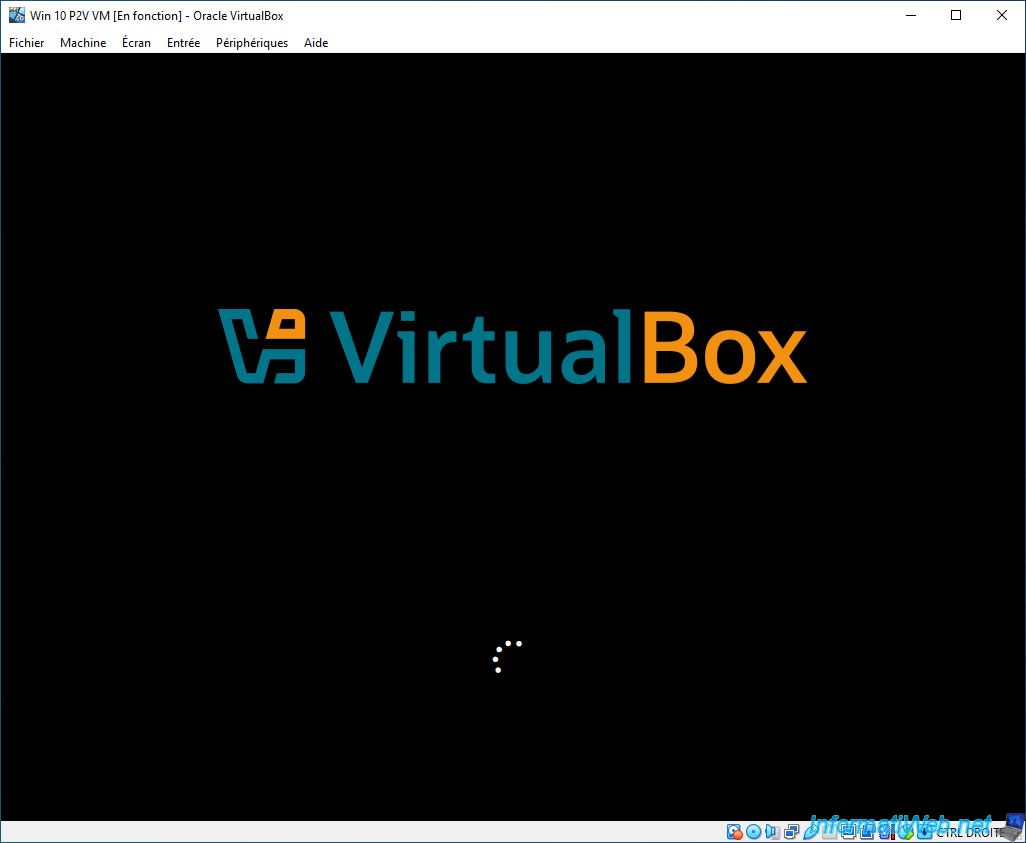
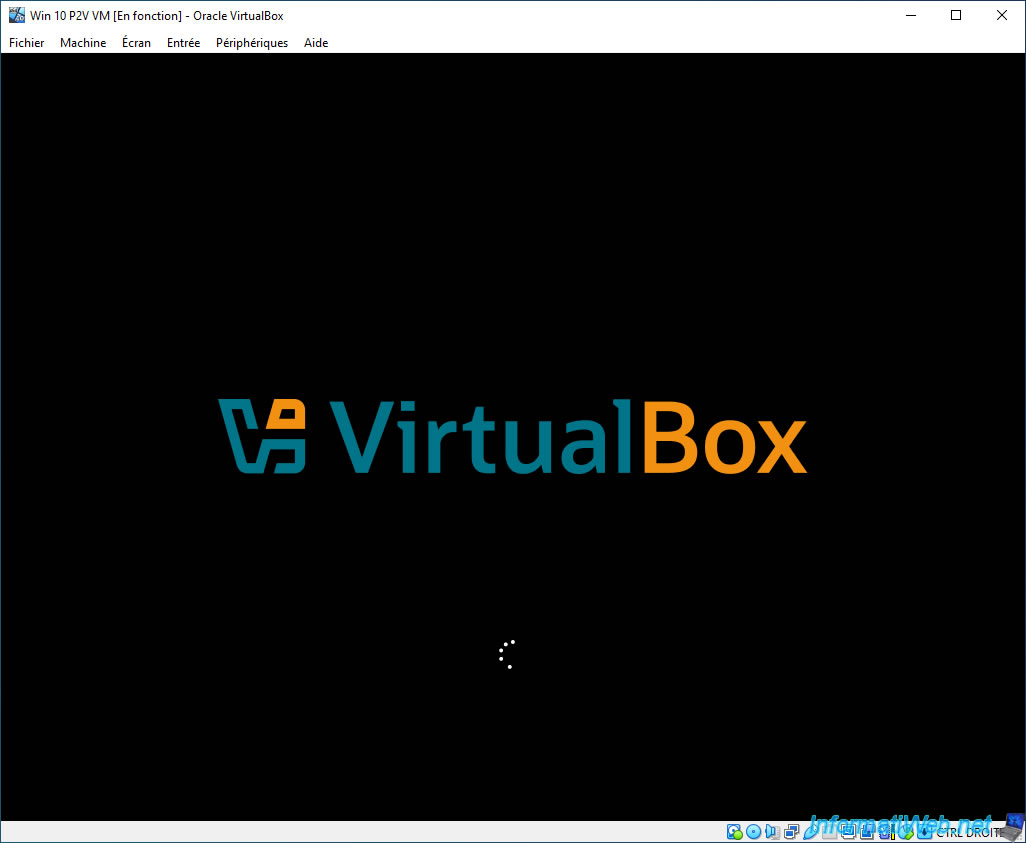
The VirtualBox logo will appear (if Windows boots in UEFI mode), otherwise the Windows logo will appear.
You will also see the loading icon appear, as well as the messages "Preparing" and "Preparing devices".
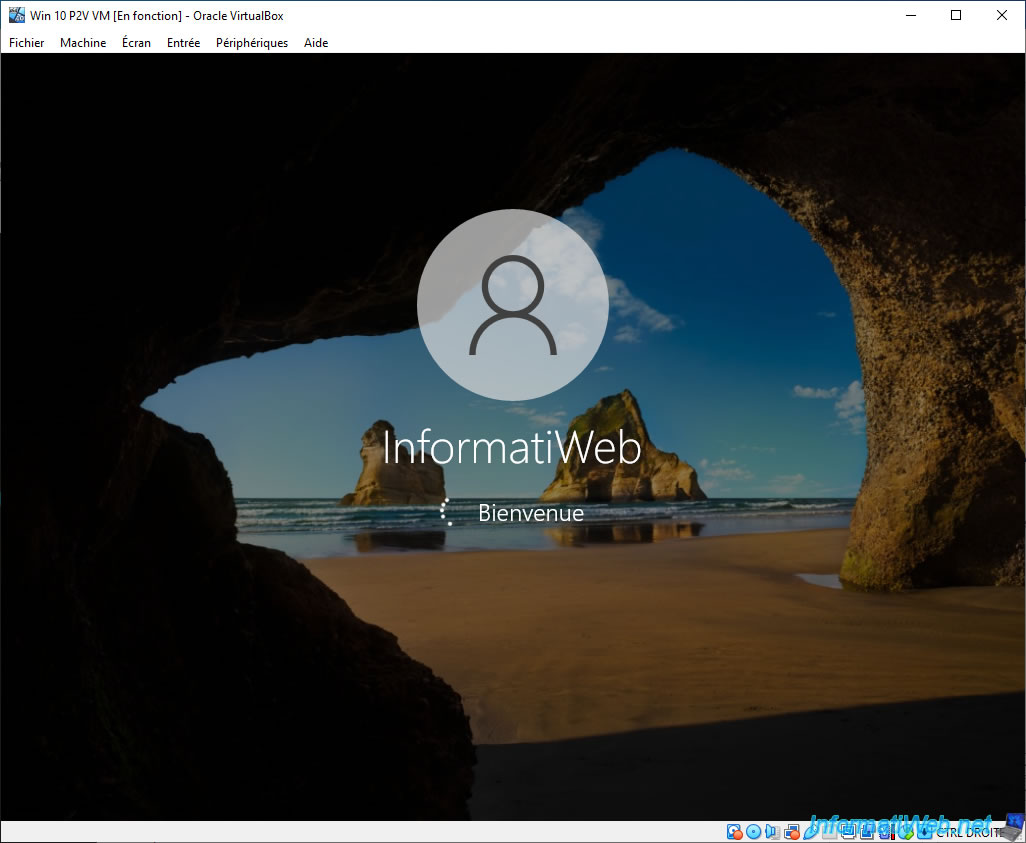
Then, your Windows session will open.
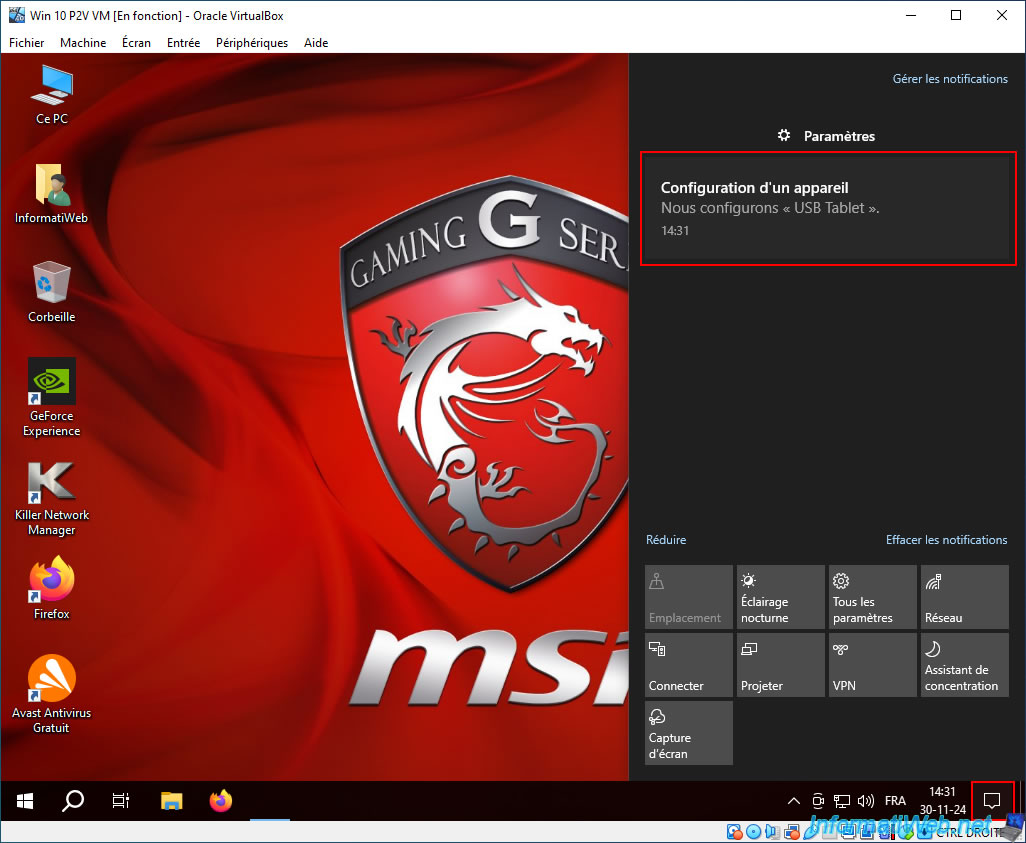
You will arrive in Windows and some drivers will be automatically installed.
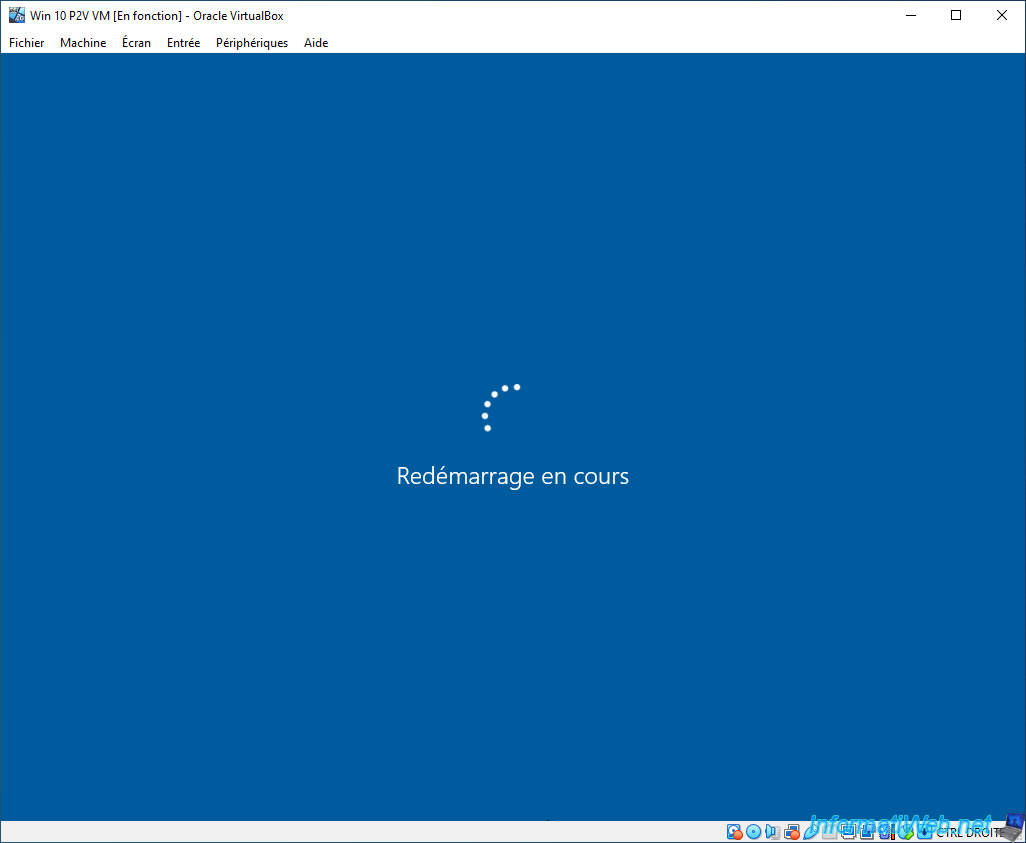
Less than a minute later, your virtual machine will automatically reboot once (due to the changes made in this Windows installation by Acronis Universal Restore).
Your virtual machine restarts automatically.
The VirtualBox or Windows logo reappears when you start your VM.
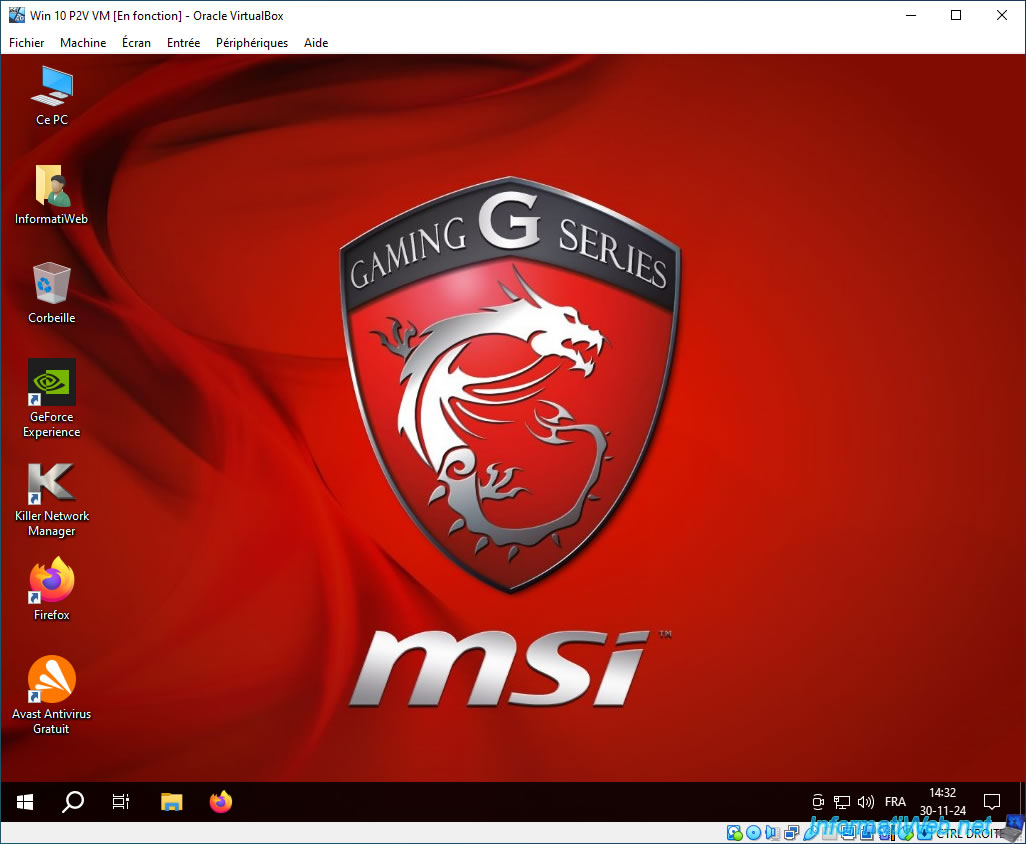
As you can see, your virtual machine is a copy of your physical PC.
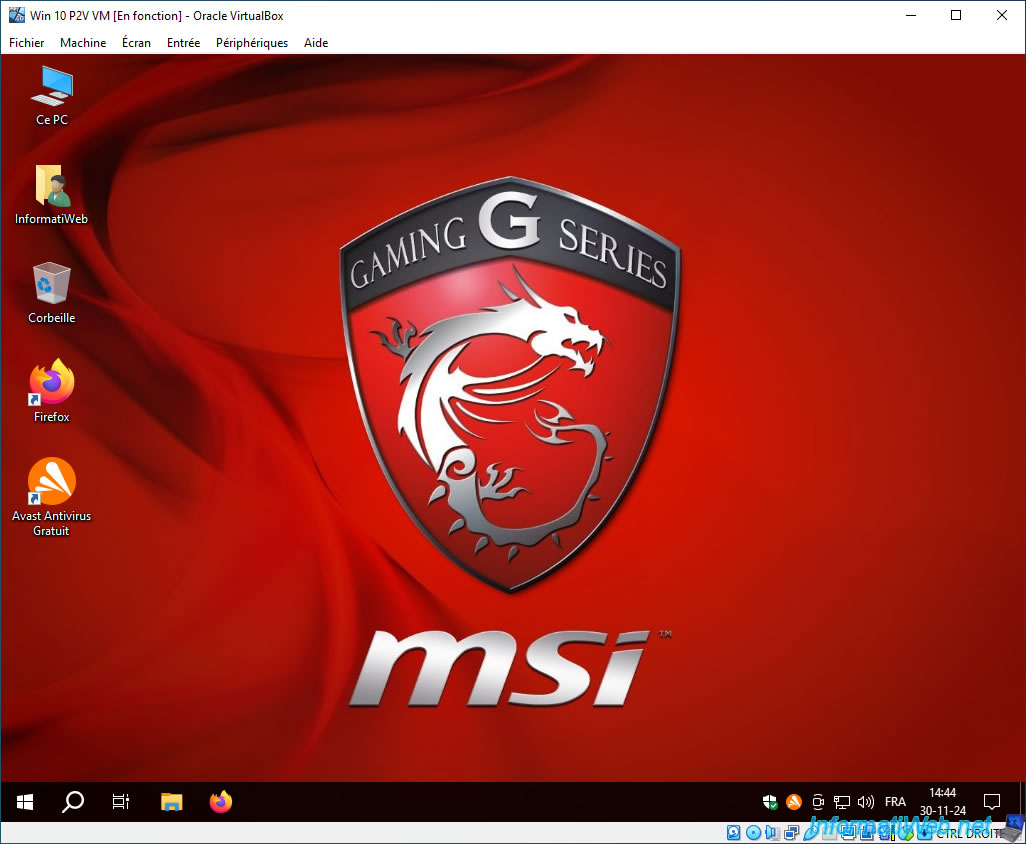
In our case, we can see in particular the MSI wallpaper of our laptop (backed up via Acronis) in our VirtualBox virtual machine.
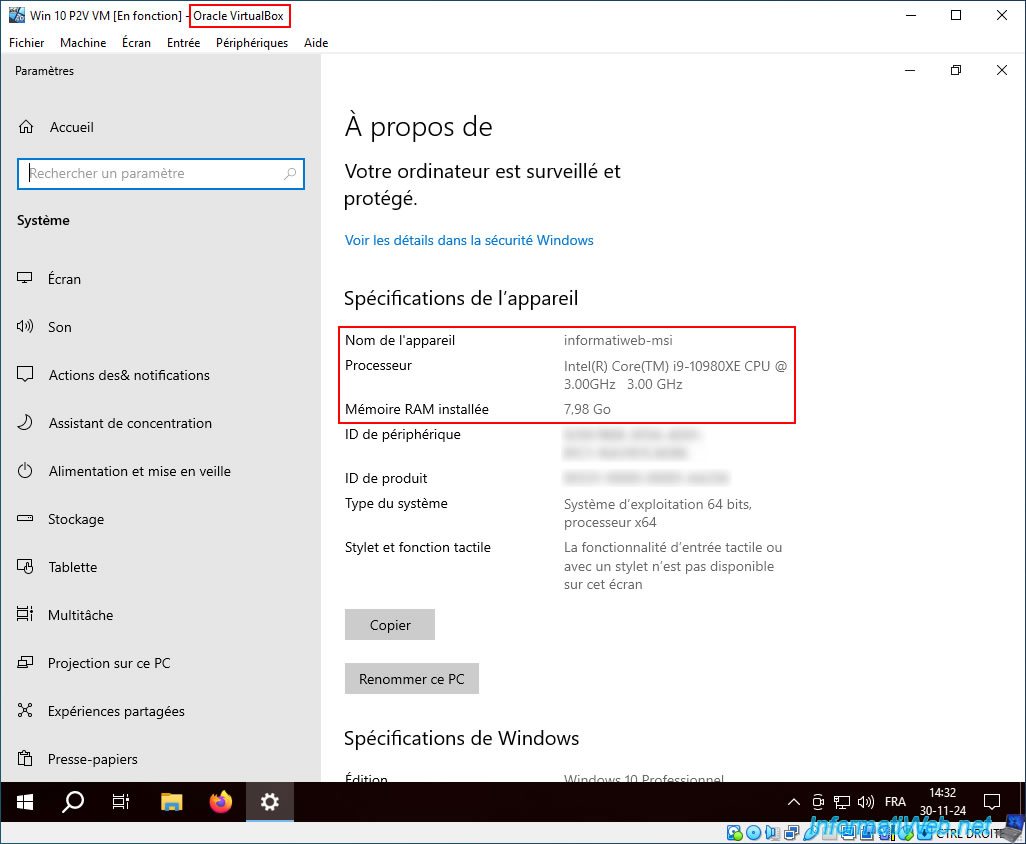
As expected, the device name is still the same ("informatiweb-msi" in our case).
However, the information about the processor and RAM has changed as it is now:
- of the processor of the physical PC where VirtualBox is installed.
Although the number of usable cores is limited for this VM to the number of processor cores you have previously allocated to it. - of the amount of RAM you have allocated to this VirtualBox VM.
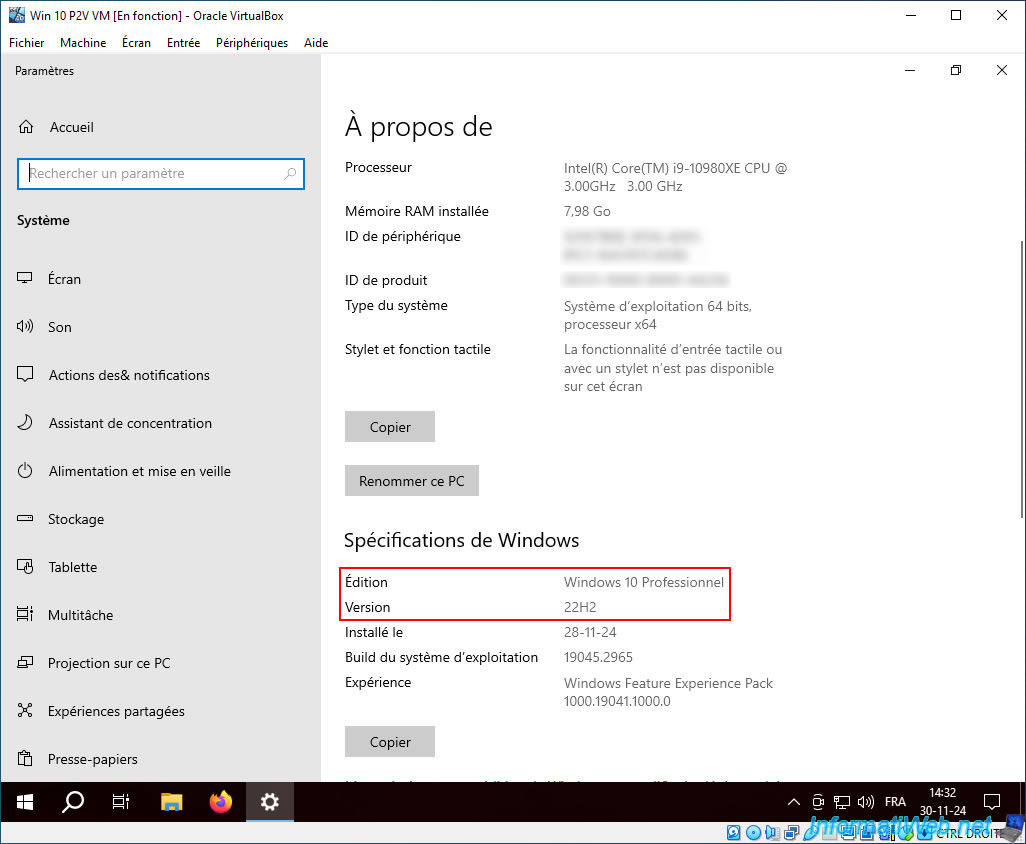
For the edition and version of Windows, it is always exactly the same (given that it is a simple copy of the Windows 10 installation of our physical PC).
9. Uninstall old drivers related to the virtualized physical PC hardware copied into your VirtualBox VM
To avoid possible bugs, instabilities, ..., uninstall the old drivers related to the hardware of the physical PC that have been copied into your VirtualBox virtual machine.
To do this, launch the Windows control panel.
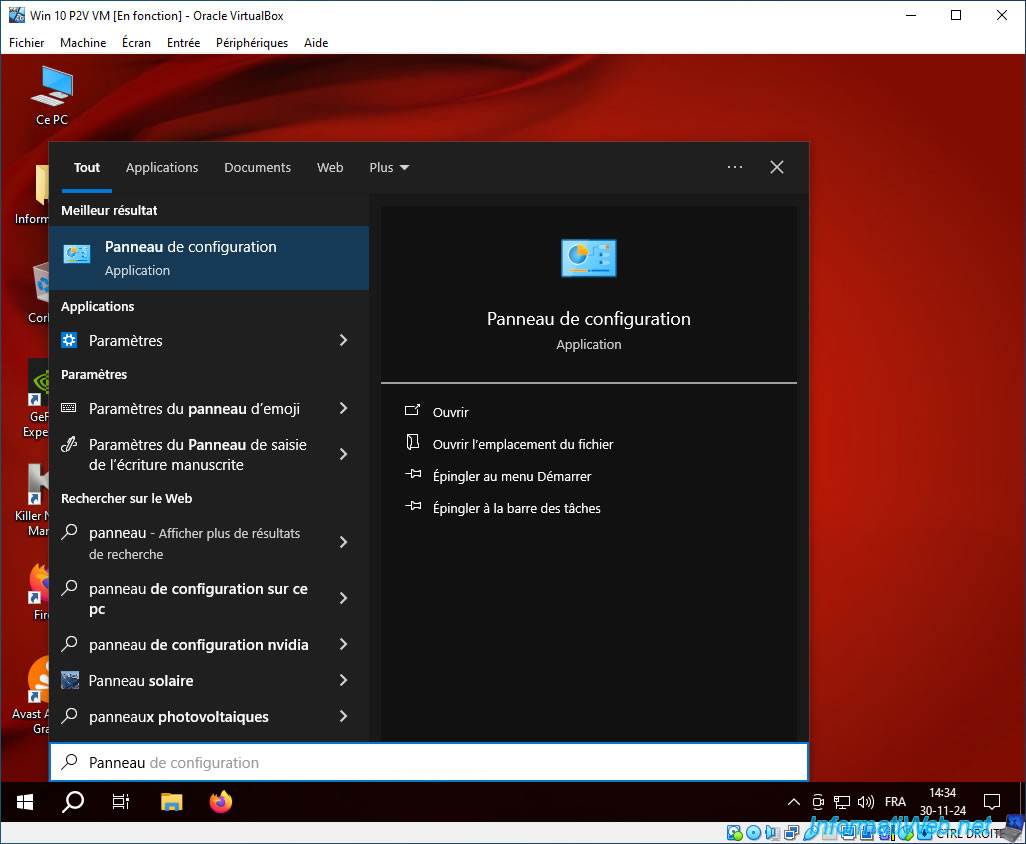
Click on "Uninstall a program".
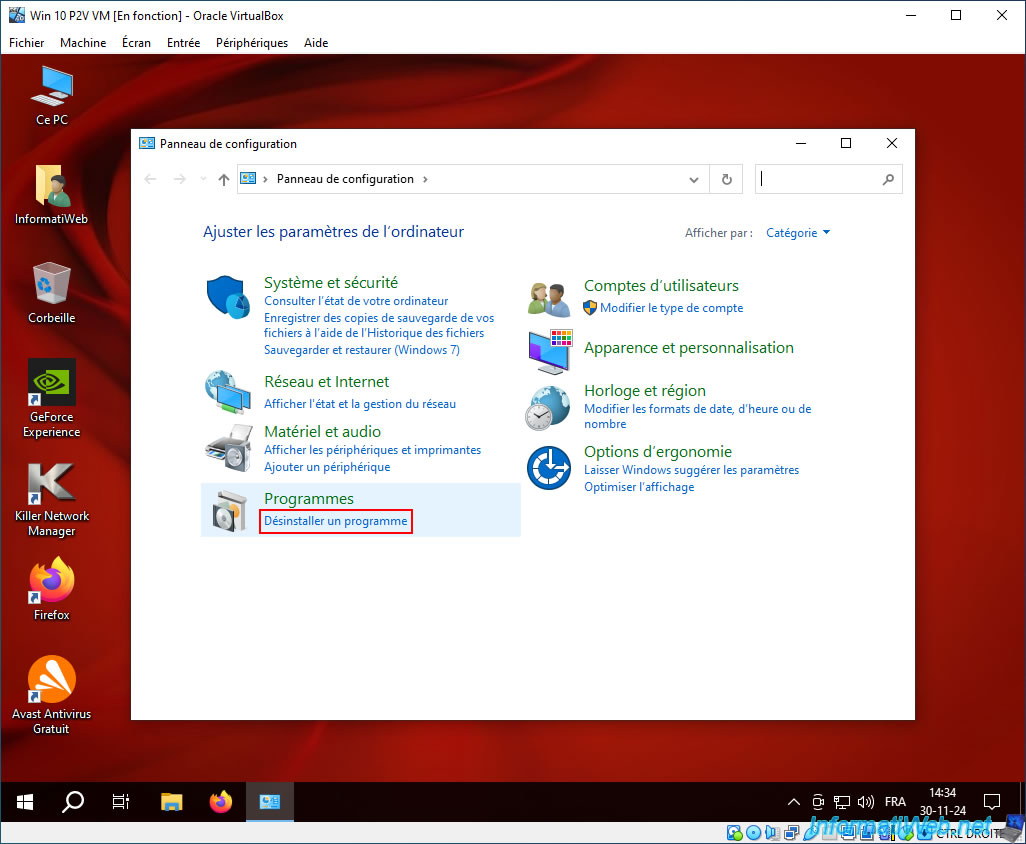
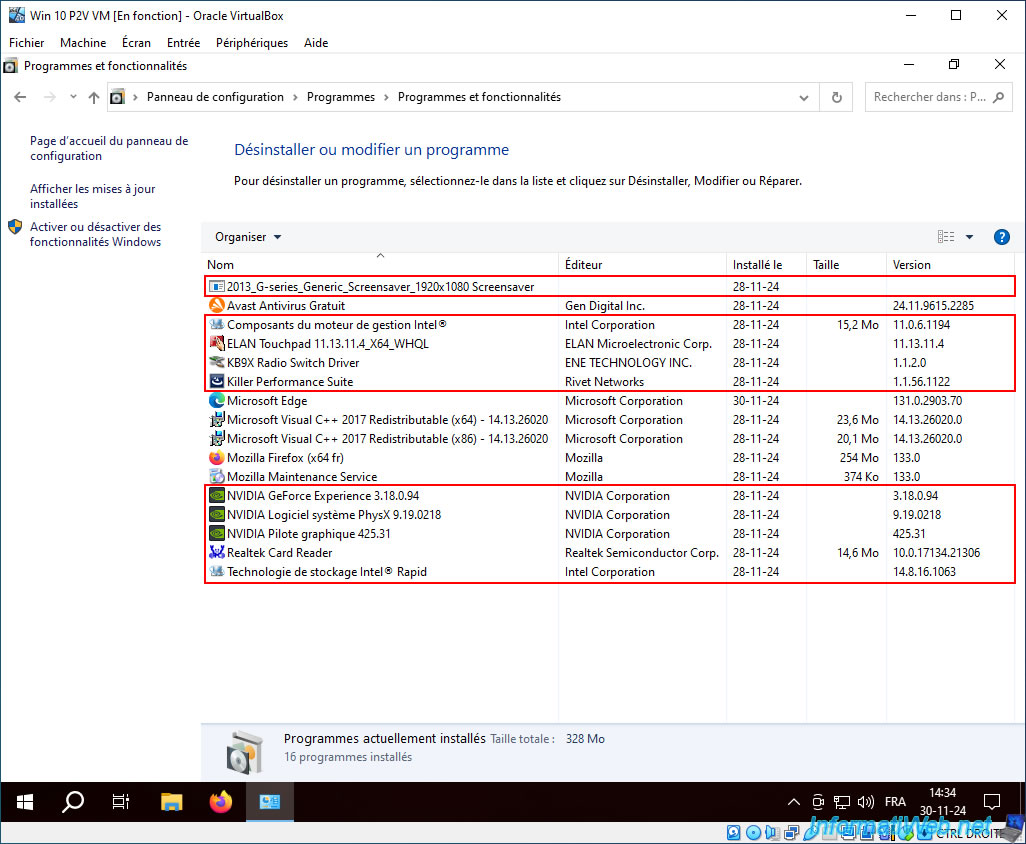
In the list of installed programs, uninstall those related to the hardware of the physical PC you have virtualized.
Common brands are: Intel, NVIDIA, AMD, Asus, Gigabyte, Realtek, ...
In our case, these are those framed in red in the image below.
For example, the Intel Management Engine (Intel ME), ...
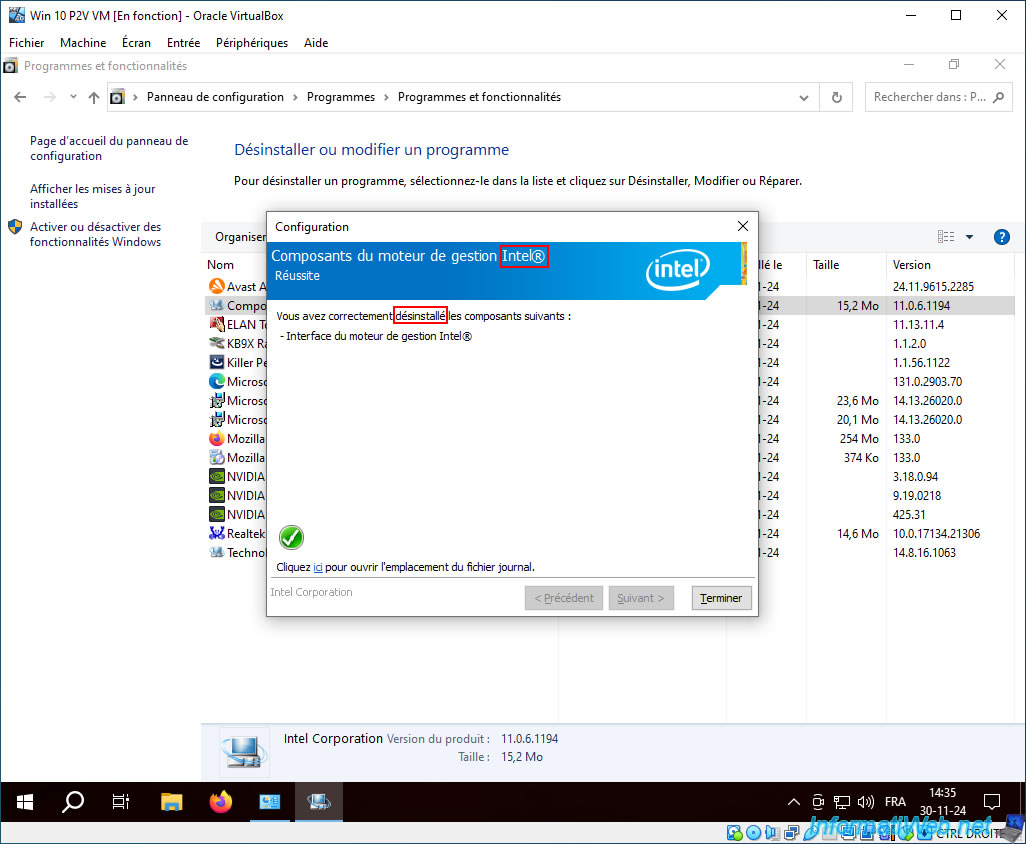
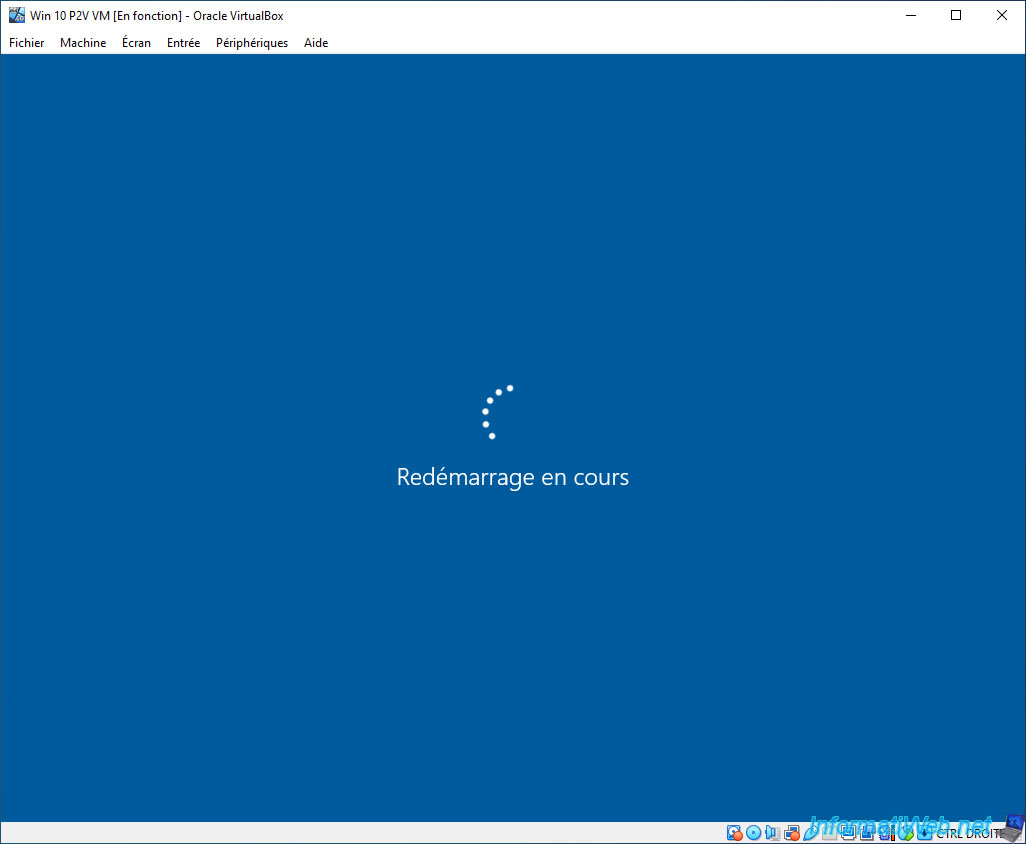
Once you have uninstalled all these drivers, restart your virtual machine so that Windows no longer uses them at all.
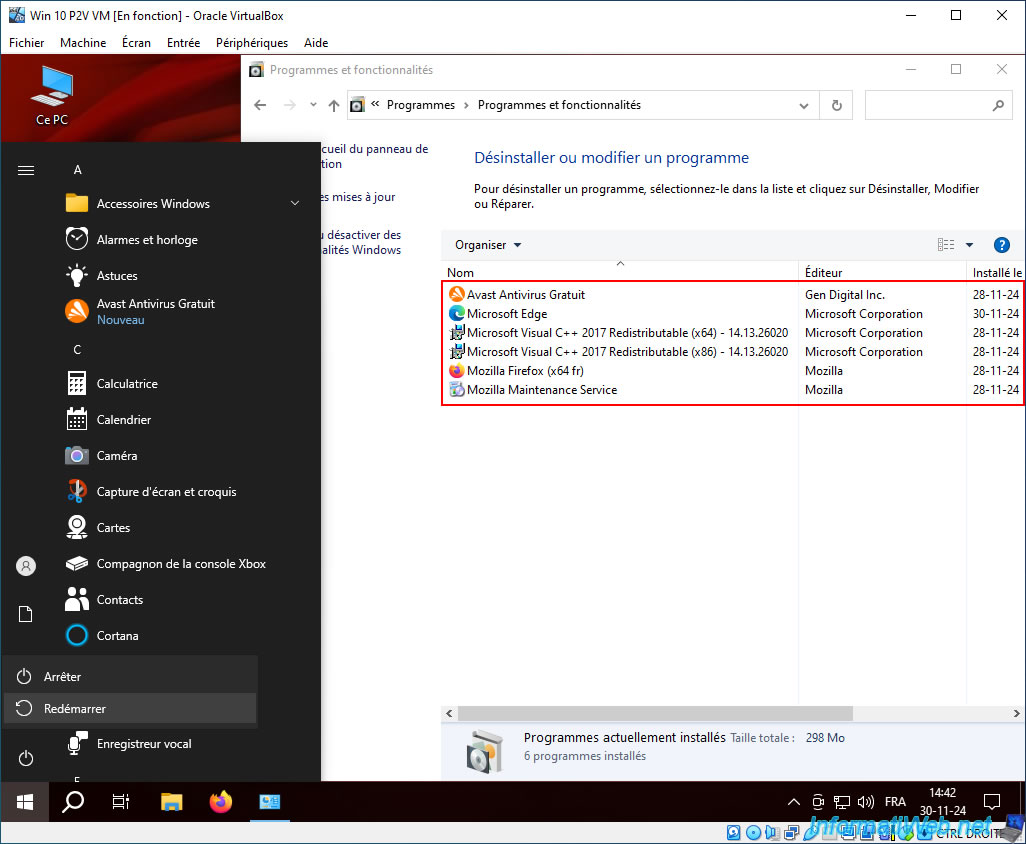
Your virtual machine restarts.
As expected, your VirtualBox virtual machine continues to work fine without these old, obsolete drivers.
Share this tutorial
To see also
-

Backup 11/10/2025
Acronis True Image - Archive your files on Acronis Cloud (encrypted archive)
-

Backup 6/5/2025
Acronis True Image - Backing up your PC to Acronis Cloud
-

Backup 9/11/2025
Acronis True Image - Backing up your smartphone to Acronis Cloud
-

Backup 10/6/2025
Acronis True Image - Clean up backup versions of a PC (local and Cloud)
No comment