Test software risk-free with Try & Decide tool of Acronis True Image (Cyber Protect Home Office)
- Backup
- Acronis True Image
- 01 June 2026 at 16:05 UTC
-

- 2/2
3. Temporary changes made to your computer
For this tutorial, we simply downloaded the installer of a popular free software (it doesn't matter which one).
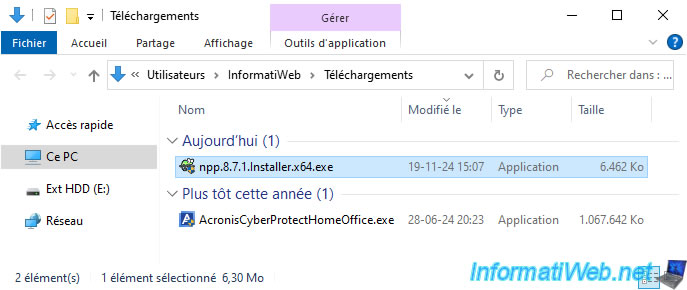
We launch this installer on our computer.
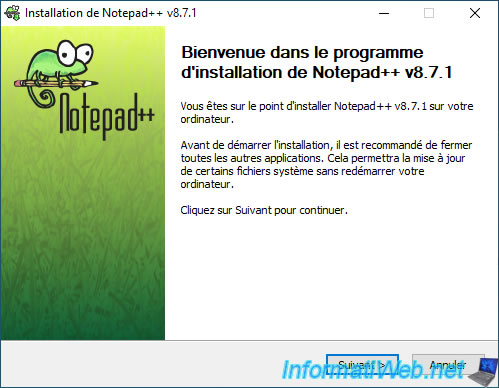
Obviously, we leave the default installation folder (which is located in the partition protected by the "Try&Decide" tool of Acronis Cyber Protect Home Office (True Image)).
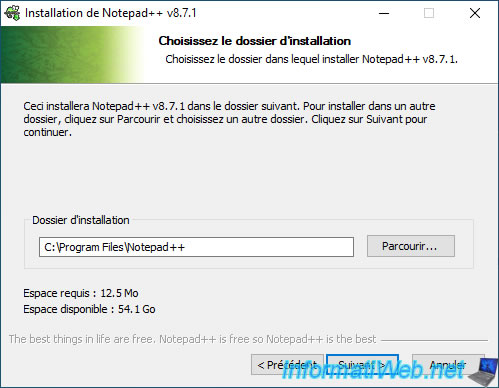
As expected, this program installs in the "C" partition (which is protected by Acronis).
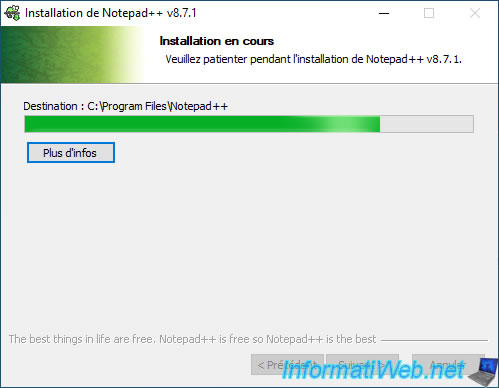
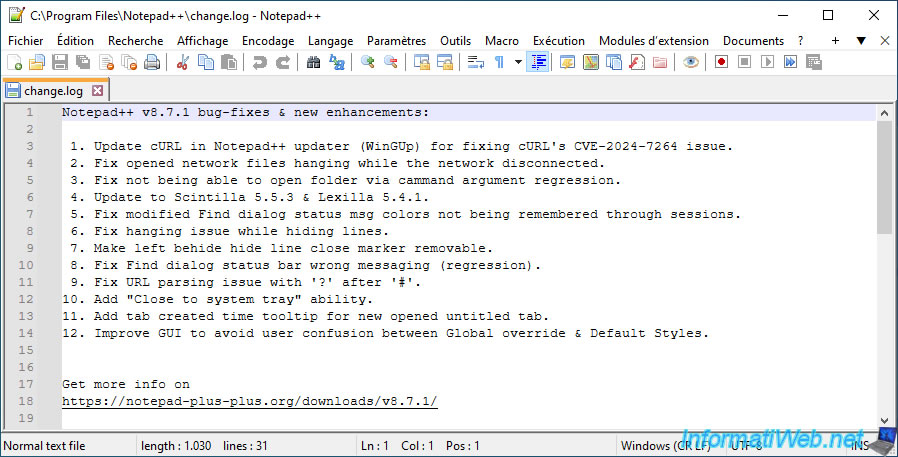
The program launches and opens a file located in the "C" partition of our computer.
It is therefore installed on our computer.
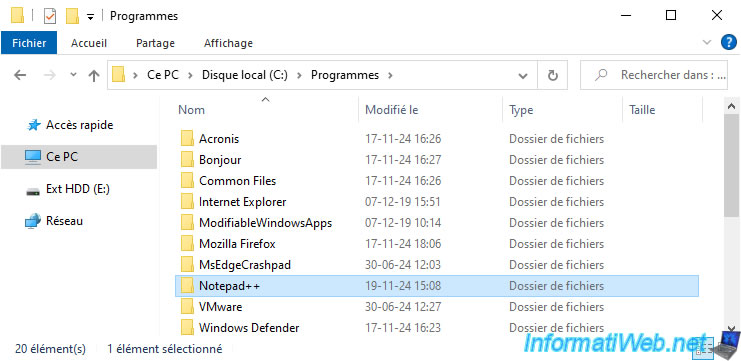
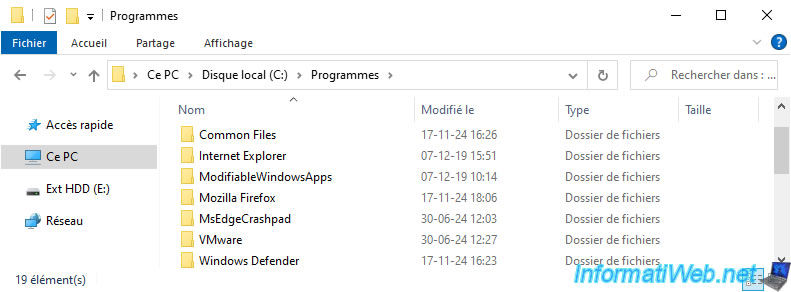
As proof, here is the content of the "C:\Program Files" folder on our computer where the folder of the installed program is located.
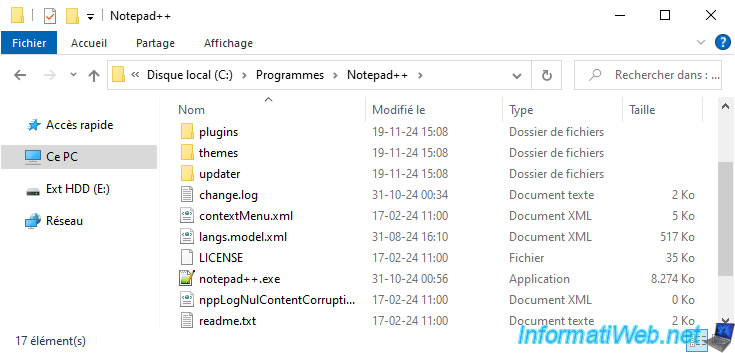
This folder contains the files of the installed program.
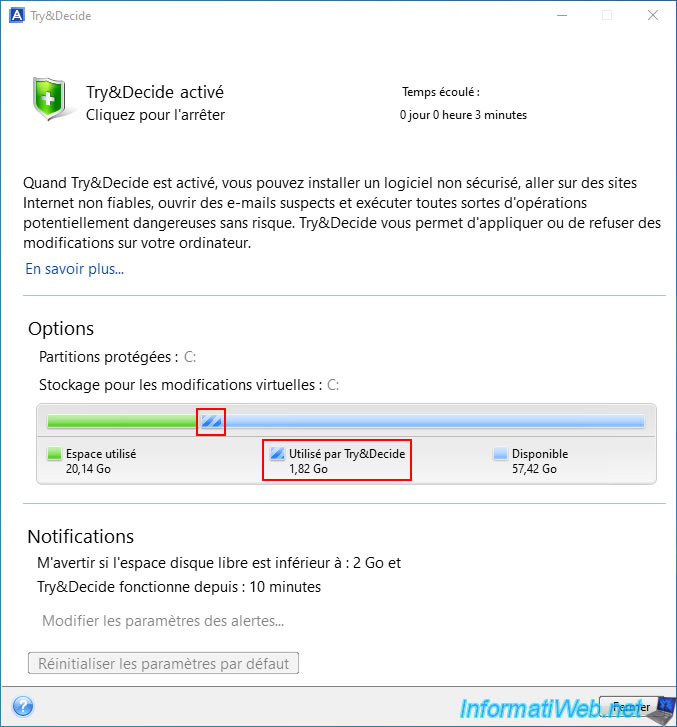
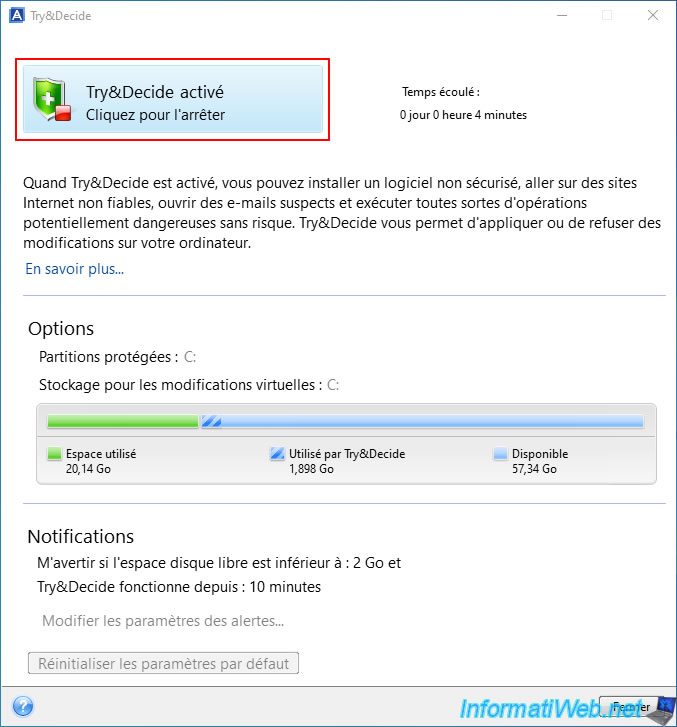
If you go back to the "Try&Decide" tool, you will see that the space used by Try&Decide has increased.
4. Undo changes made after enabling the Try&Decide tool
To undo all changes made to your computer since activating the Acronis Cyber Protect Home Office (True Image) "Try&Decide" tool, click the button at the top of this tool (where it currently says "Try&Decide" is enabled).
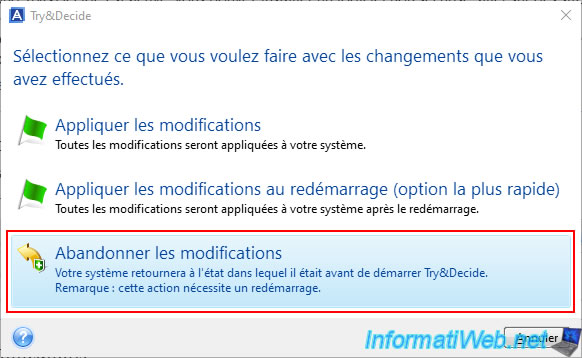
To cancel these changes, click "Discard changes".
Note: as indicated by Acronis Cyber Protect Home Office (True Image), this will require a restart of your computer.
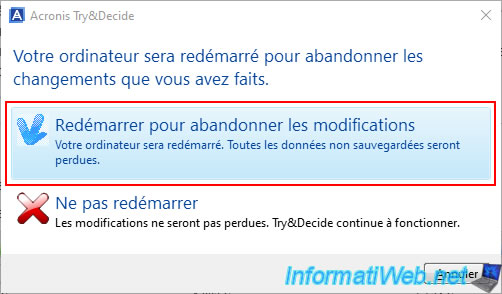
Then, click "Restart to discard changes" to discard these changes and restart now.
Your computer restarts.

Now, the green icon in the taskbar is gone (since the "Try&Decide" tool is stopped).

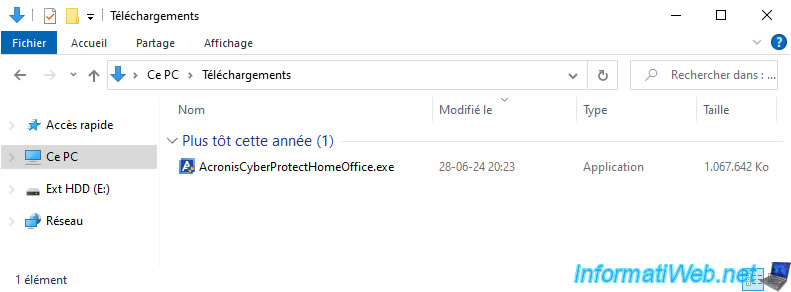
As expected, the previously downloaded file disappeared from our hard drive.
And the folder that was created in "C:\Program Files" is also gone.
So the changes were indeed undone very easily. Which can be very handy for testing some software or changes on a physical PC (like if you were using snapshots on a virtual machine).
Share this tutorial
To see also
-
Backup 6/23/2025
Acronis True Image - Backing up your PC to Acronis Cloud (encrypted backup)
-
Backup 10/6/2025
Acronis True Image - Clean up backup versions of a PC (local and Cloud)
-
Backup 10/12/2026
Acronis True Image - OEM version (free) of Sandisk
-
Backup 8/4/2025
Acronis True Image - Search for files in a backup
No comment