Access Acronis logs, get detailed information, ... with third-party tools for Acronis True Image (Cyber Protect Home Office)
- Backup
- Acronis True Image
- 29 June 2026 at 16:17 UTC
-

- 3/5
3. Custom WinPE-based Media Builder (obsolete)
3.1. Download WinPE-based Media Builder
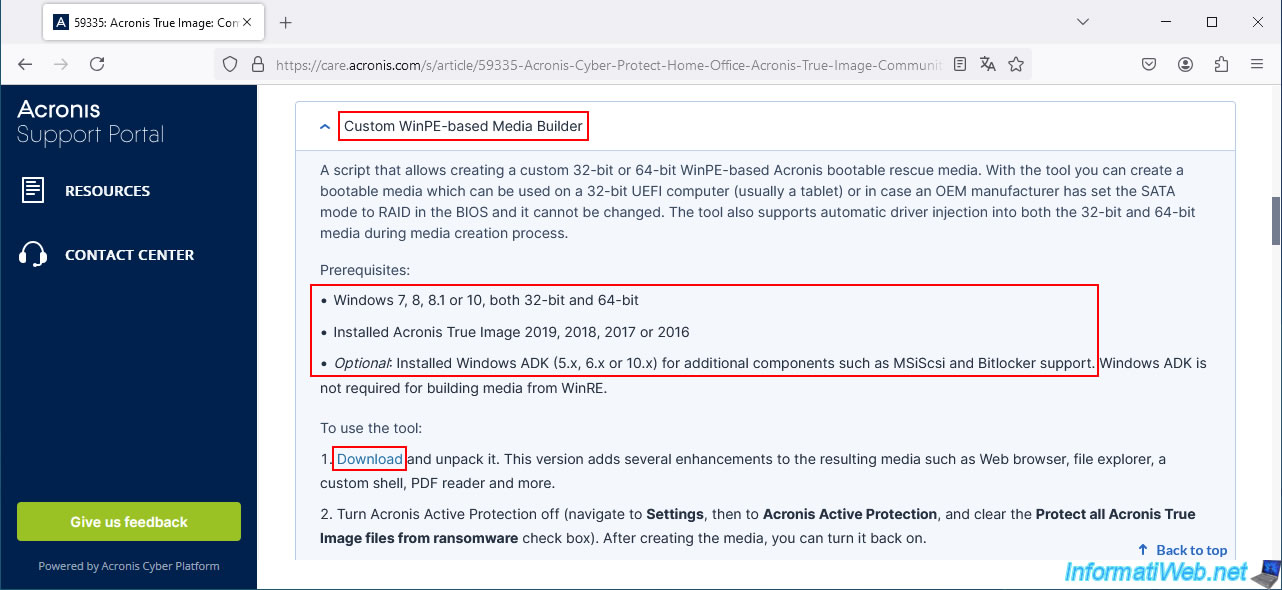
To download the "WinPE-based Media Builder" tool, click on the "Download" link located in step 1 of this tool.
Warning : as indicated in the prerequisites, Acronis True Image is supported up to version 2019.
For Acronis Cyber Protect Home Office, it is not supported and it will not be detected or added by this tool in the Windows PE-based ISO.
So we used Acronis True Image 2018 for the presentation of this tool.
Warning : in our case, the option to create a Windows PE media based on Windows RE never worked (either under Windows 8.1 or 10, and with different versions of Acronis True Image supported: 2018, 2017 and 2017 New Generation).
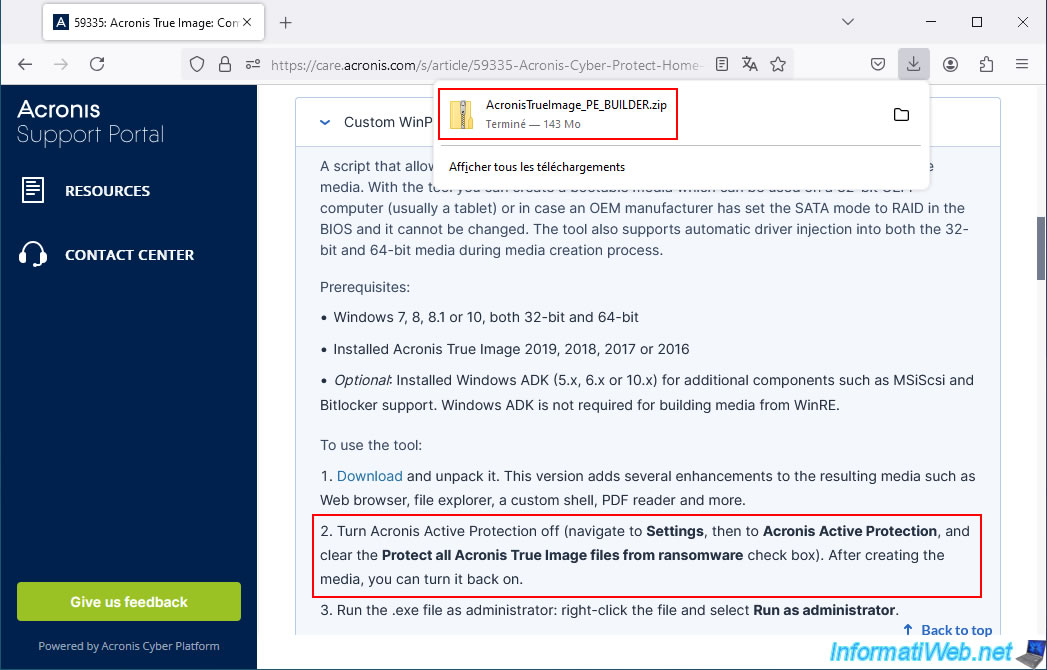
The downloaded file will be "AcronisTrueImage_PE_BUILDER.zip".
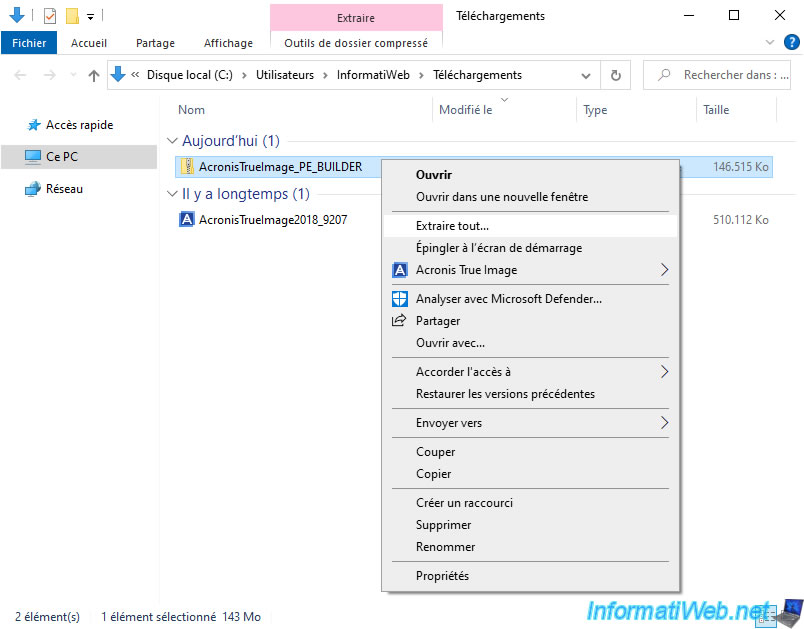
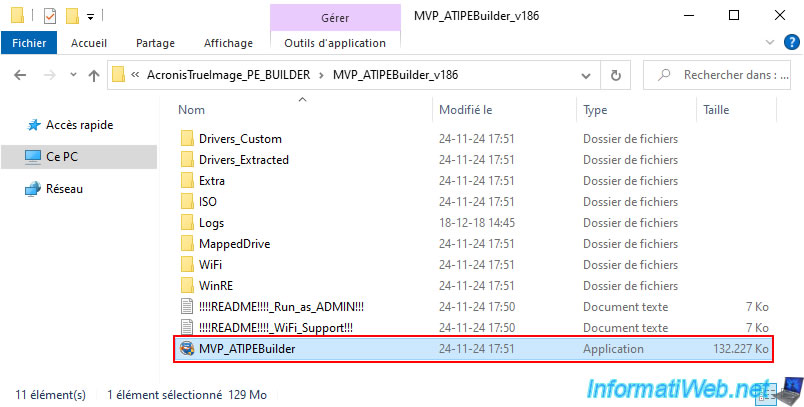
Unzip the downloaded "AcronisTrueImage_PE_BUILDER.zip" file.
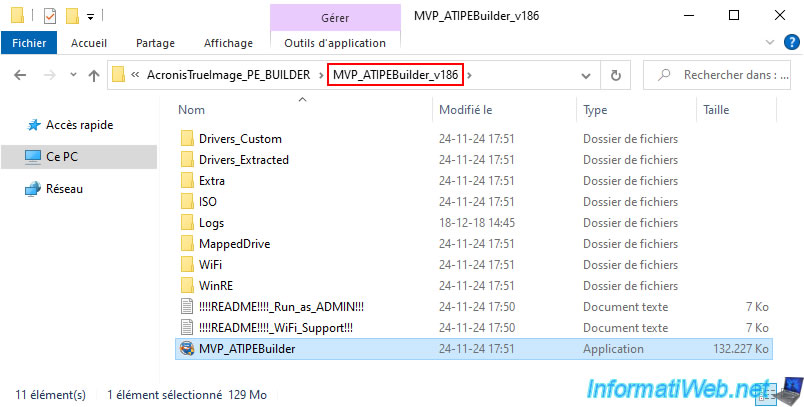
In our case, the version of this tool is "1.86".
Hence the name of the folder which is "MVP_ATIPEBuilder_v186" in our case.
3.2. Temporarily disable Acronis True Image file protection
As mentioned on the "Acronis True Image: Community Tools" page of the Acronis website where you downloaded this "WinPE-based Media Builder" tool, you will need to temporarily disable Acronis True Image file protection for the "WinPE-based Media Builder" tool to work properly.
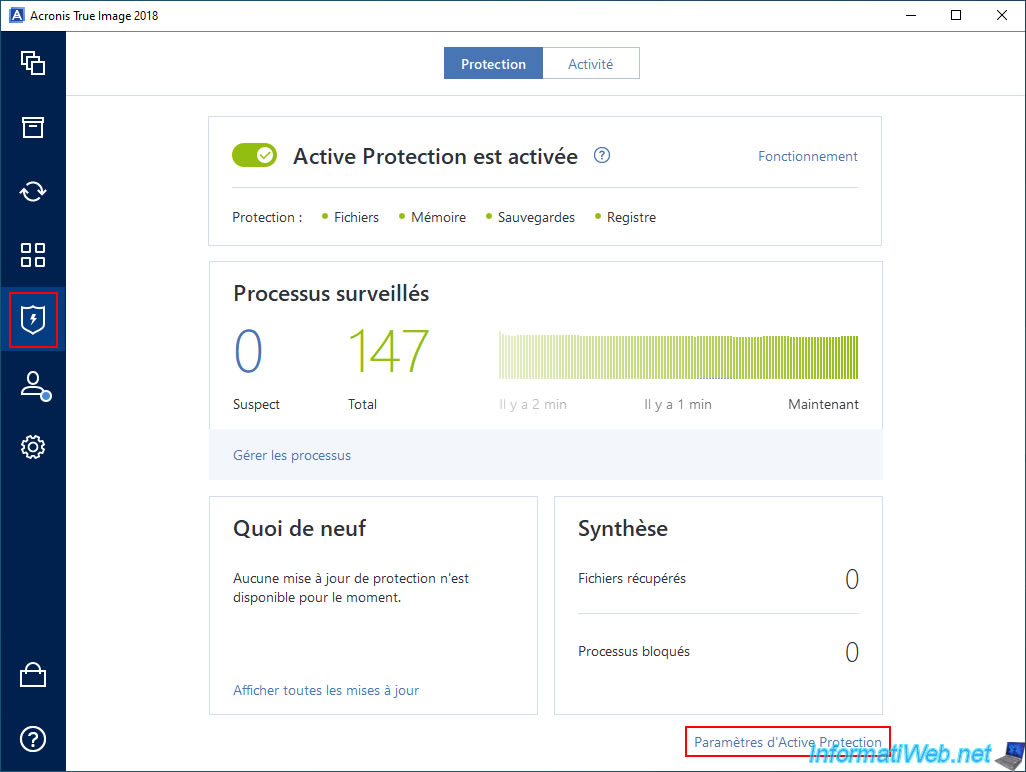
To do this, go to the "Active Protection" section of Acronis True Image 2018 and click the "Active Protection Settings" link.
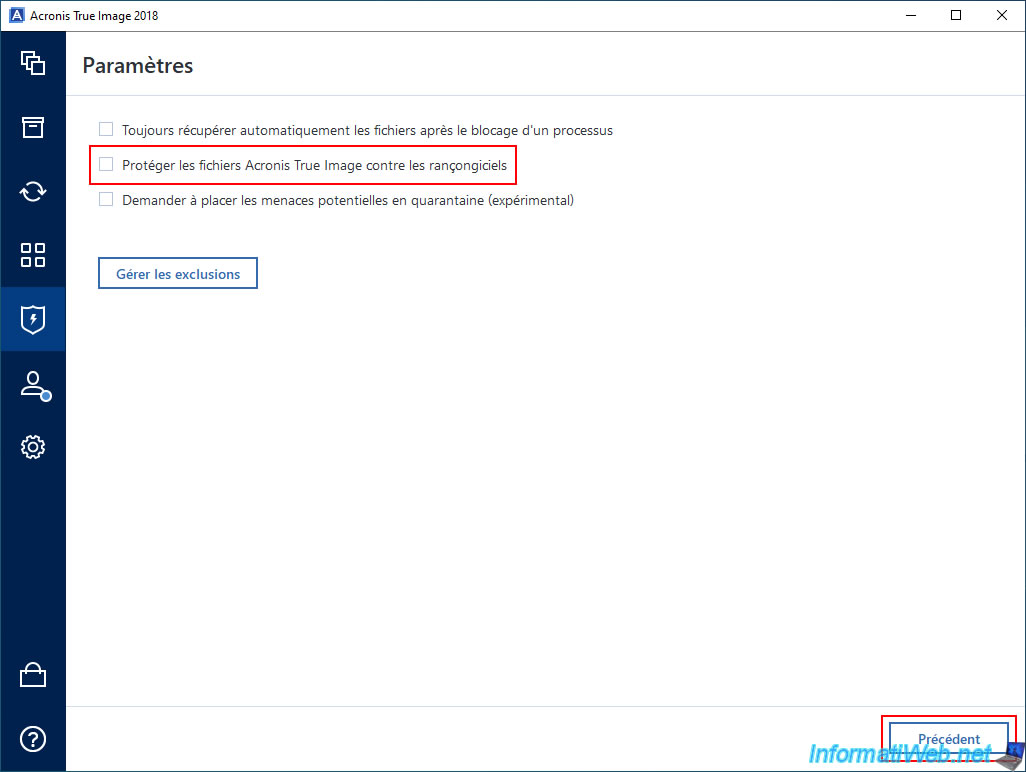
Uncheck the "Protect Acronis True Image files from ransomware" box.
3.3. Create a custom WinPE ISO based on WinRE (non-working)
To begin, run the file "MVP_ATIPEBuilder.exe" as an administrator.
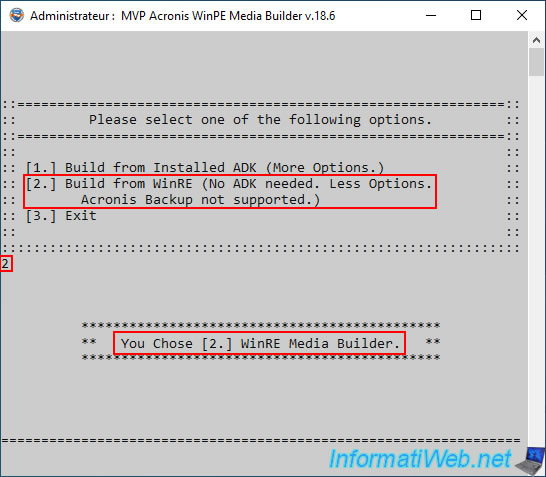
Choose the option "2. Build from WinRE (No ADK needed ...)" by typing "2".
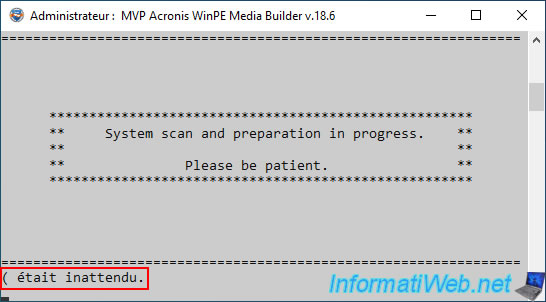
But, no matter your Windows version and Acronis True Image version, even if it is supported, there is a good chance that you will receive the error "(was unexpected)".
So there is probably a bug in this version 18.6 of the tool for creating an ISO based on WinRE.
3.4. Create a custom WinPE ISO based on Windows ADK
3.4.1. Download the Windows ADK for your version of Windows
To download the Windows ADK and a copy of Windows PE, the easiest way is to use the link that Acronis True Image can show you.
To do this, go to the "Tools" section of Acronis True Image and launch the "Rescue Media Generator" tool.
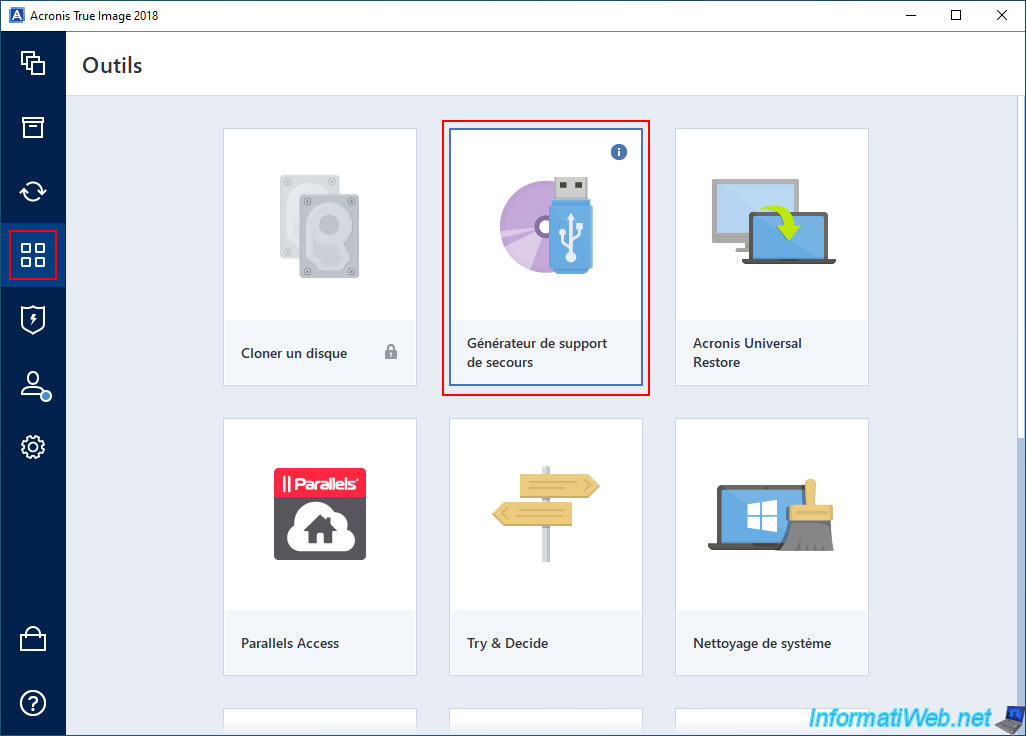
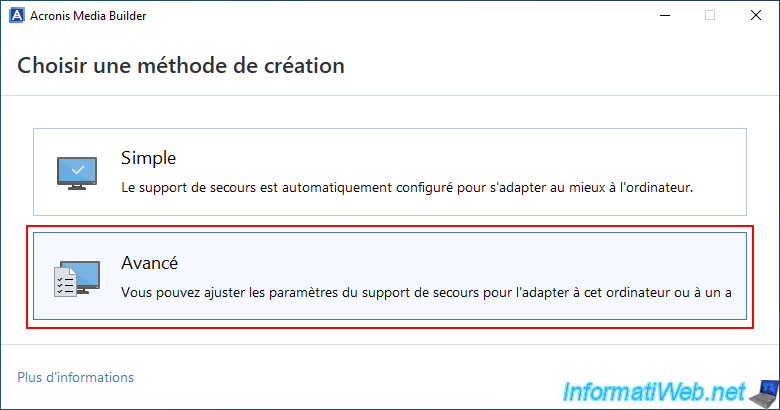
Click on: Advanced.
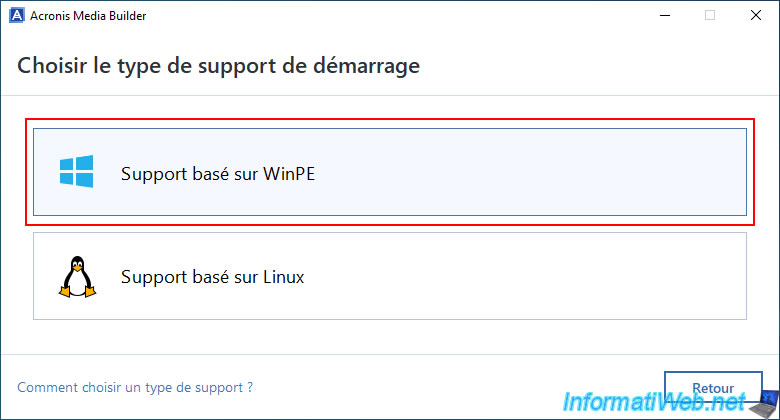
Then, choose: WinPE based support.
Choose the toolkit for "Windows 8, Windows 8.1, Windows 10" if you are on Windows 8, 8.1, 10 or 11.
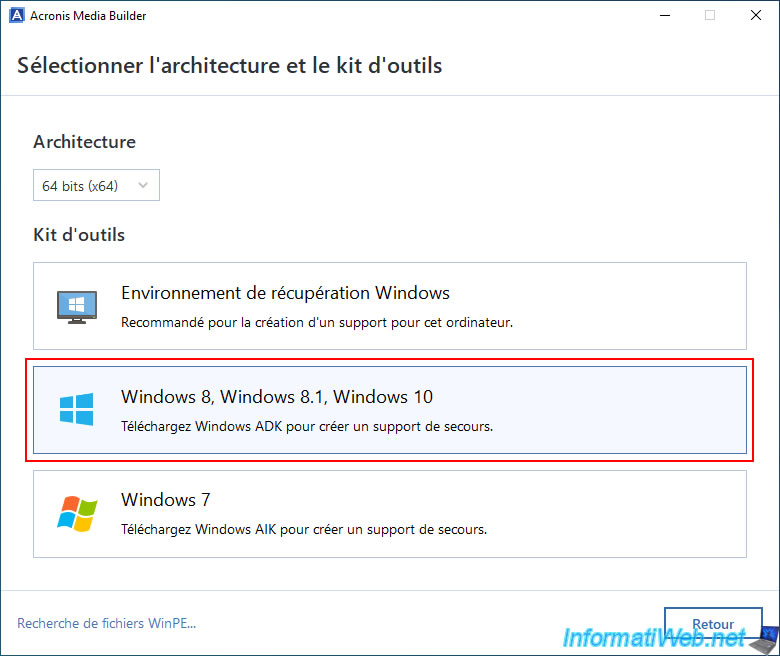
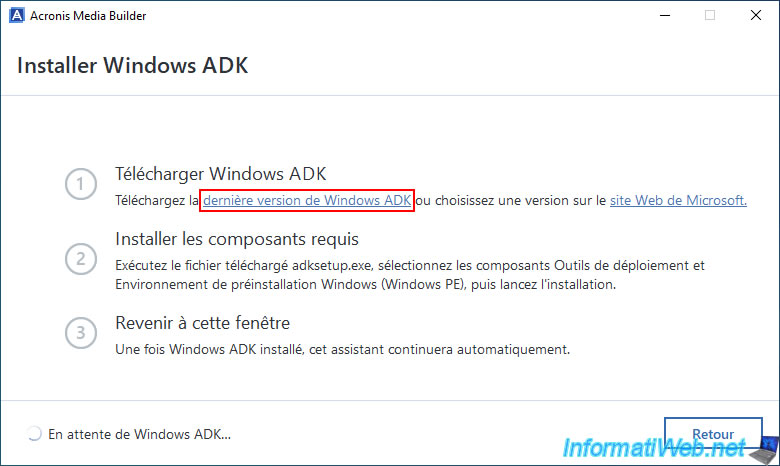
If the Windows ADK is not installed in your case, you will see the step "Install Windows ADK" appear.
In this case, click on the link "Latest version of Windows ADK".
If you do not see this step "Install Windows ADK", it is because it is already installed on your computer.
In this case, you do not have to download or install anything.
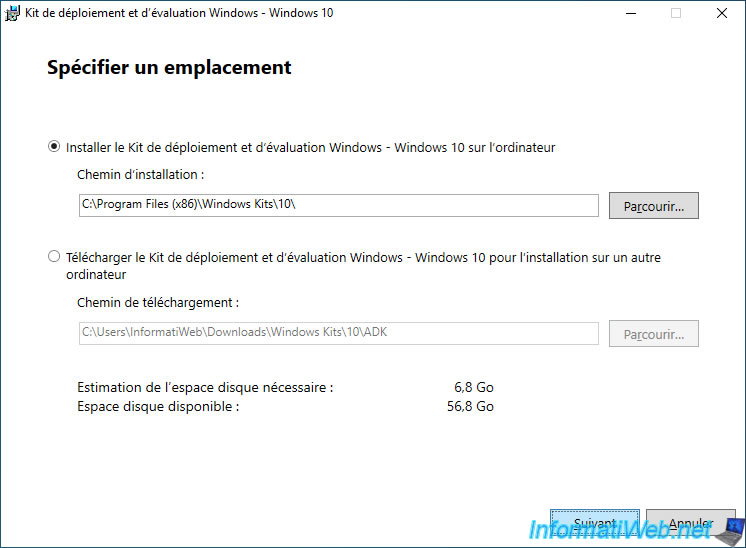
The "Windows Assessment and Deployment Kit - Windows 10" window appears.
Simply click "Next", accept the Microsoft license agreement and refuse to send anonymous data to Microsoft to protect your privacy.
Install only the "Deployment Tools" and "Windows Preinstallation Environment (Windows PE)" features which are the 2 required features to use the "WinPE-based Media Builder" tool.
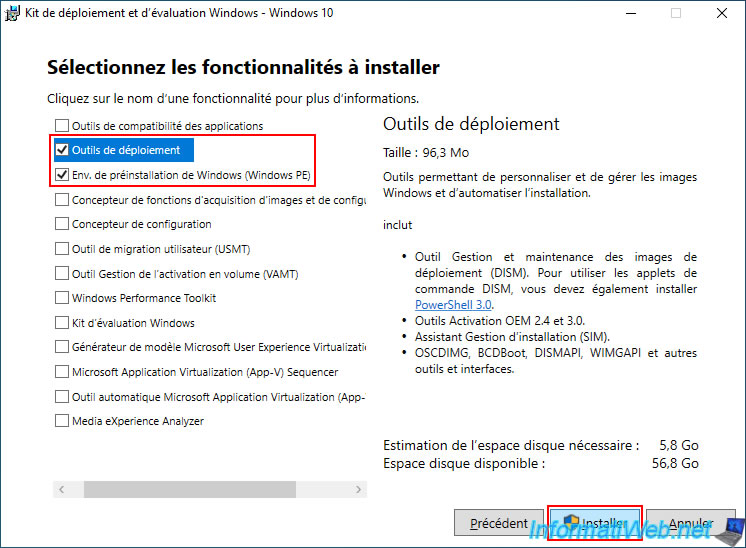
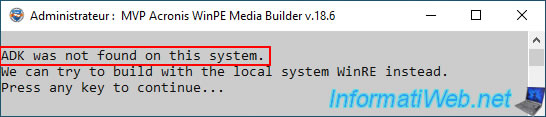
If you do not install the "Deployment Tools" feature, the "WinPE-based Media Builder" tool will return the error below when you try to create an ISO based on the Windows ADK.
Plain Text
ADK was not found on this system.
We can try to build with the local system WinRE instead.
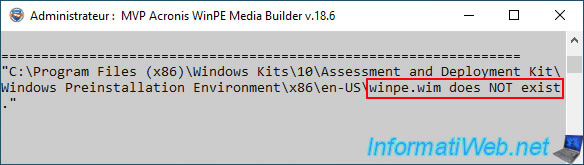
If you do not install the "Windows Preinstallation Environment (Windows PE)" feature, the "WinPE-based Media Builder" tool will return the error below when you try to create an ISO based on the Win ADK again.
Plain Text
"C:\Program Files (x86)\Windows Kits\10\Assessment and Deployment Kit\Windows Preinstallation Environment\x86\en-US\winpe.wim" does NOT exist.
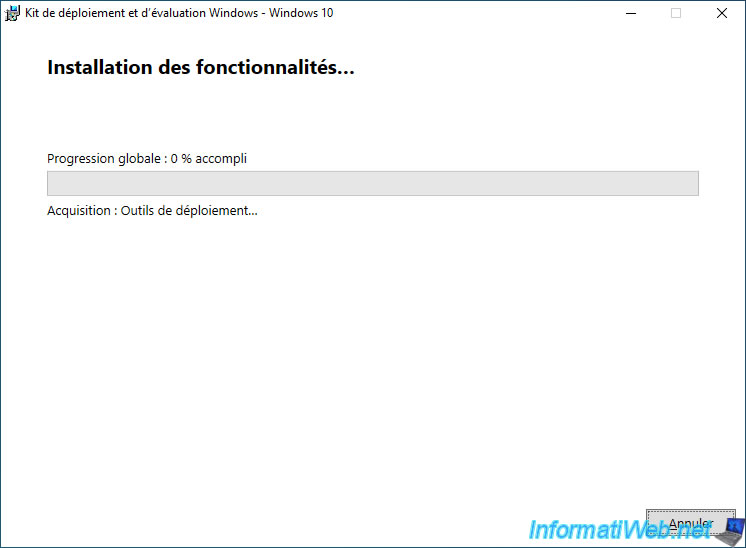
Please wait while the Windows ADK (Deployment Tools) is downloaded.
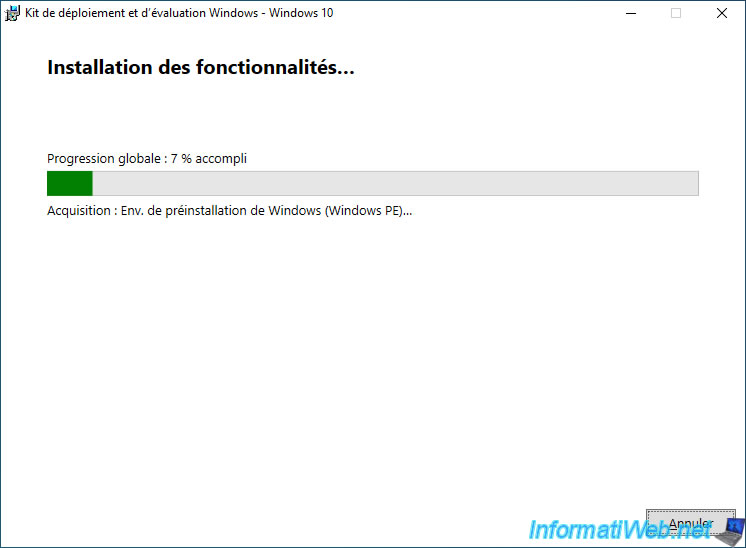
Then, wait while the Windows Preinstallation Environment (Windows PE) downloads.
Please wait while these 2 features are installed.
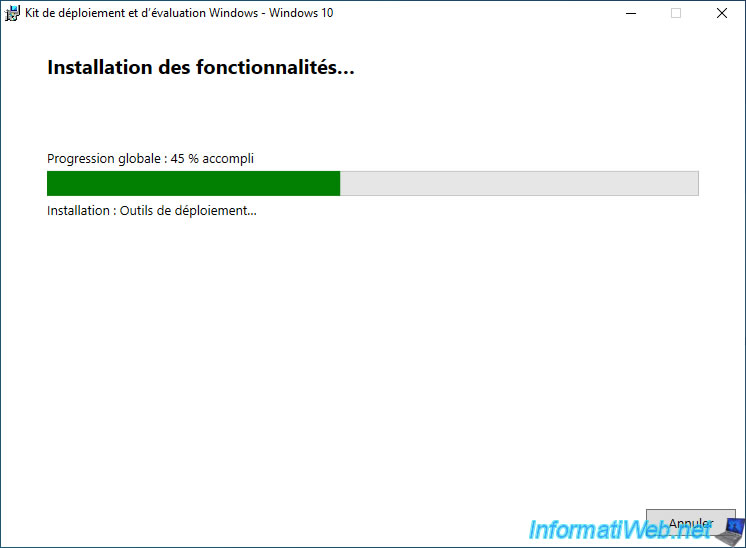
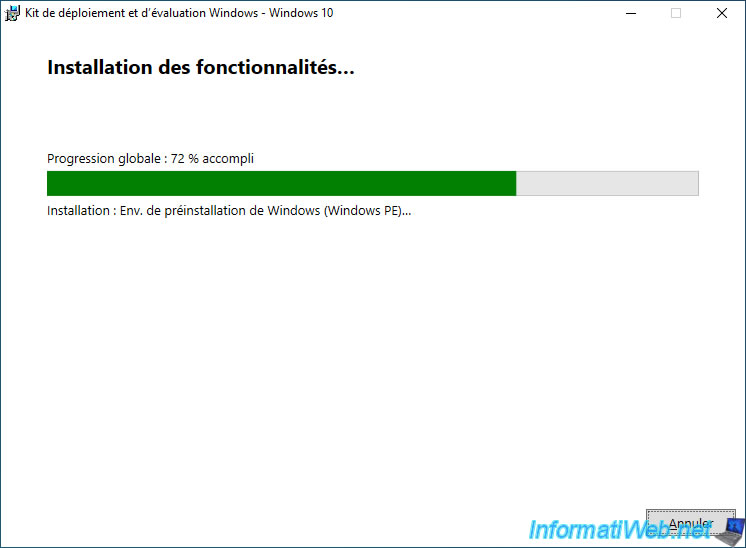
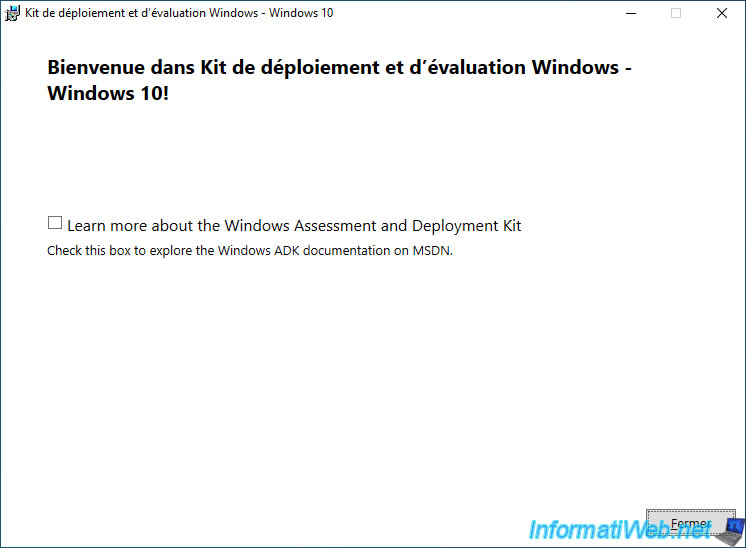
Once the download and installation is complete, click "Close".
Share this tutorial
To see also
-

Backup 10/13/2025
Acronis True Image - Active Protection (antivirus, vulnerabilities, ... scans)
-
Backup 7/24/2025
Acronis True Image - Create differential backups
-
Backup 3/30/2026
Acronis True Image - Rescue Media - Check network configuration
-
Backup 5/11/2026
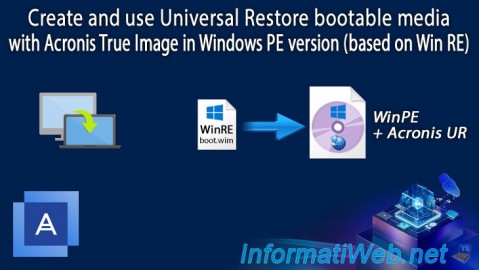
Acronis True Image - Universal Restore Media - Create media (Win PE version based on Win RE)
No comment