Back up your PC for free with the OEM version of Acronis True Image offered by Sandisk
- Backup
- Acronis True Image
- 12 October 2026 at 07:46 UTC
-

- 2/4
4. OEM version limitations: Acronis True Image for SANDISK
In summary, since the SanDisk brand is now owned by Western Digital (WD), the options in the OEM version provided by SanDisk are identical to those in the OEM version provided by Western Digital.
Therefore, we refer you to our "Acronis True Image - OEM version (free) of Western Digital" tutorial if you want complete information regarding the available options and limitations.
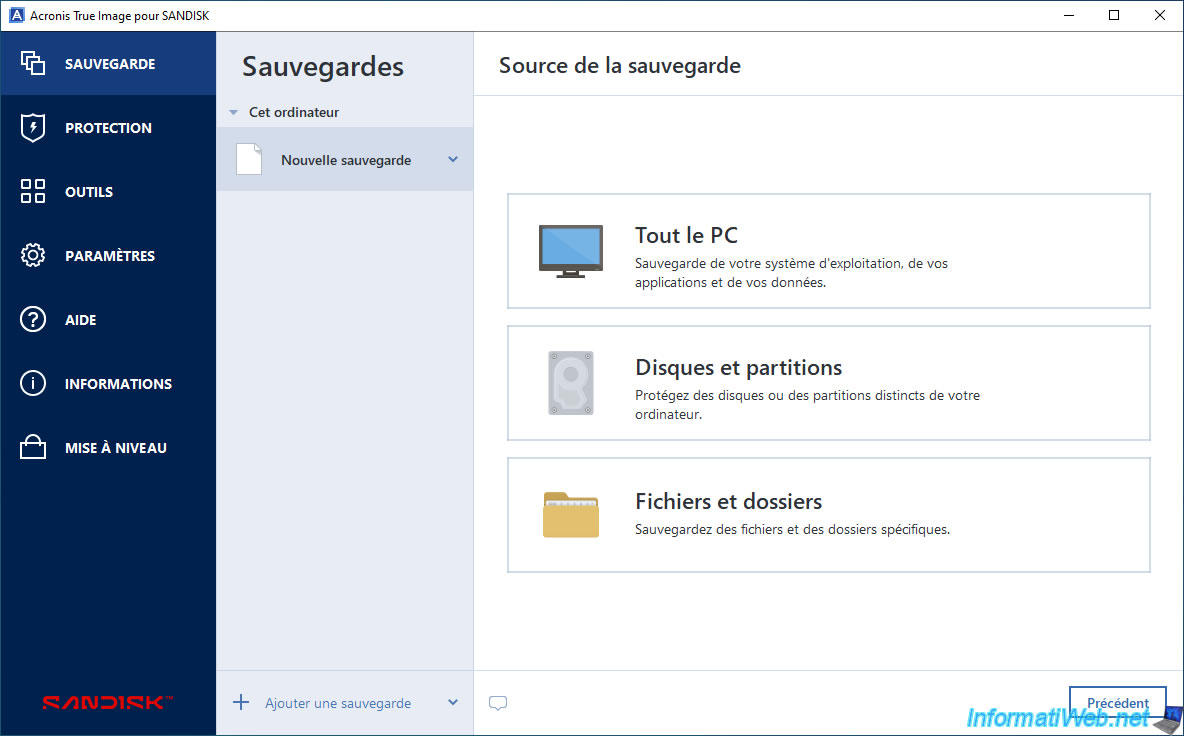
However, here are a few screenshots to demonstrate that it is identical to the SanDisk OEM version.
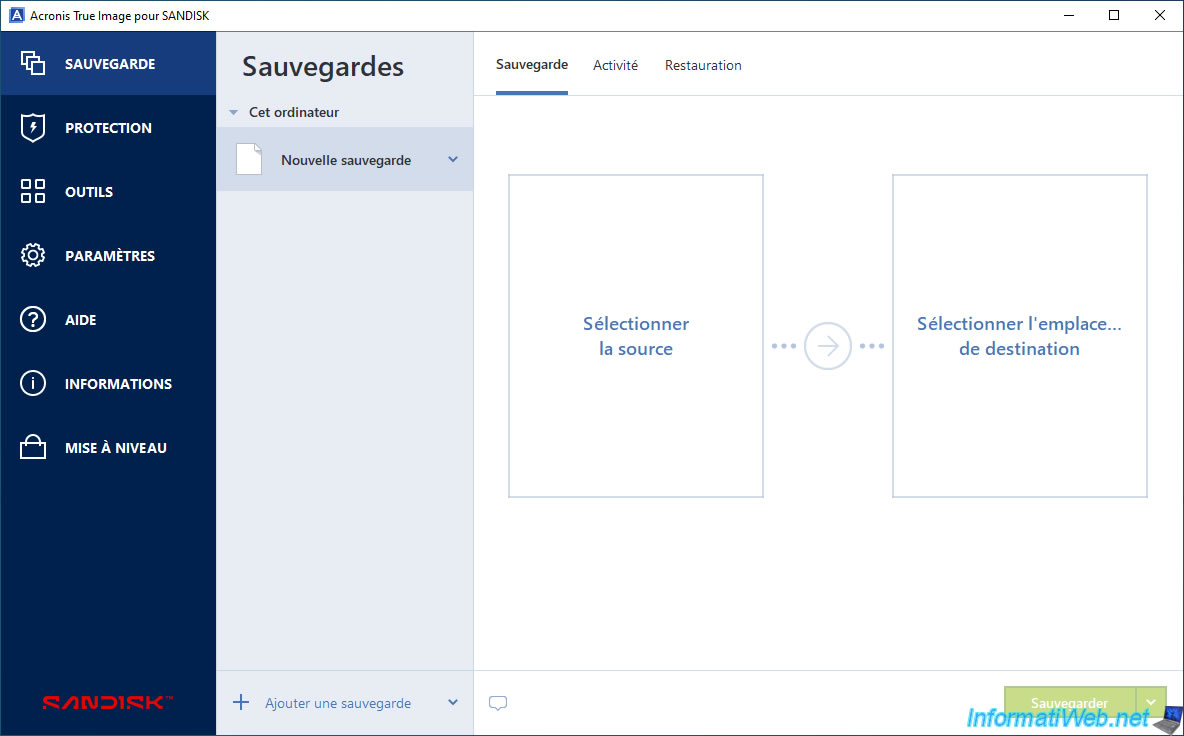
The main backup sources are available.
Note: these are the same options as in the OEM version provided by Western Digital.
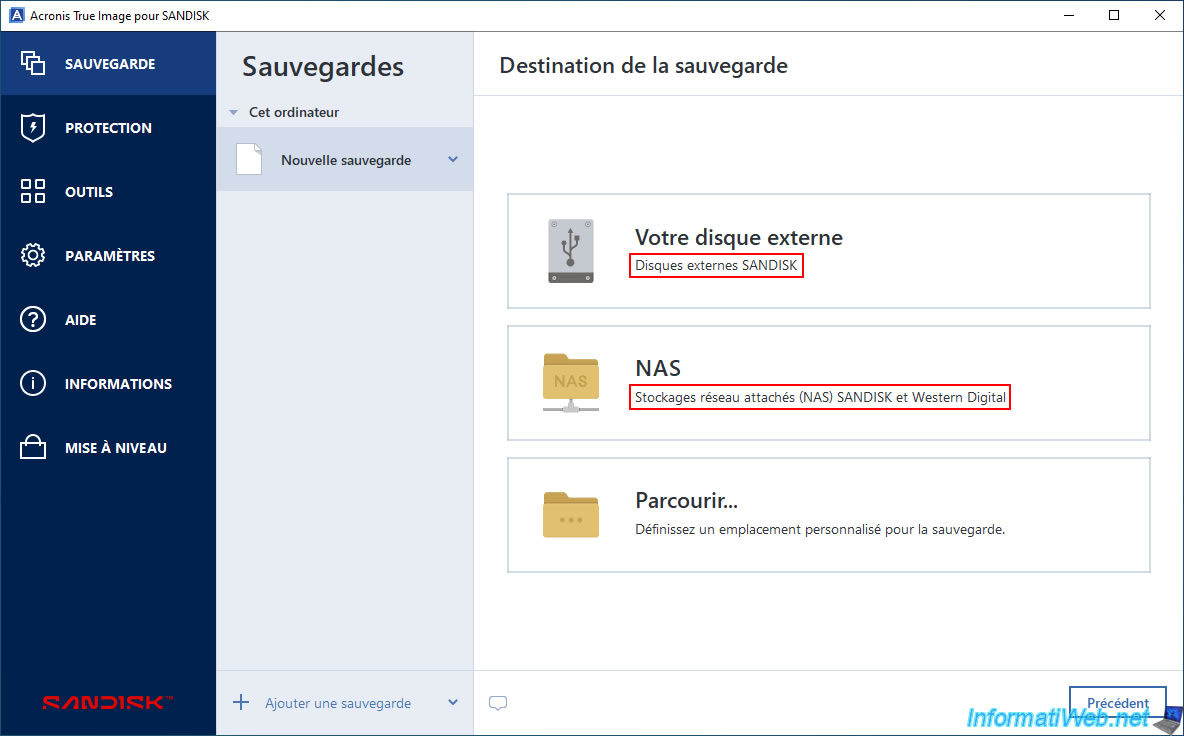
For the backup destination, the available options are the same as in the Western Digital OEM version. Only one detail differs: the SanDisk OEM version specifies SanDisk and Western Digital as the destination for both the external hard drive and the NAS.
However, this restriction doesn't really apply, as you can select any brand of external hard drive or NAS using the "Browse" option (as explained in steps 9 and 10 of our tutorial on the Western Digital OEM version of this program).
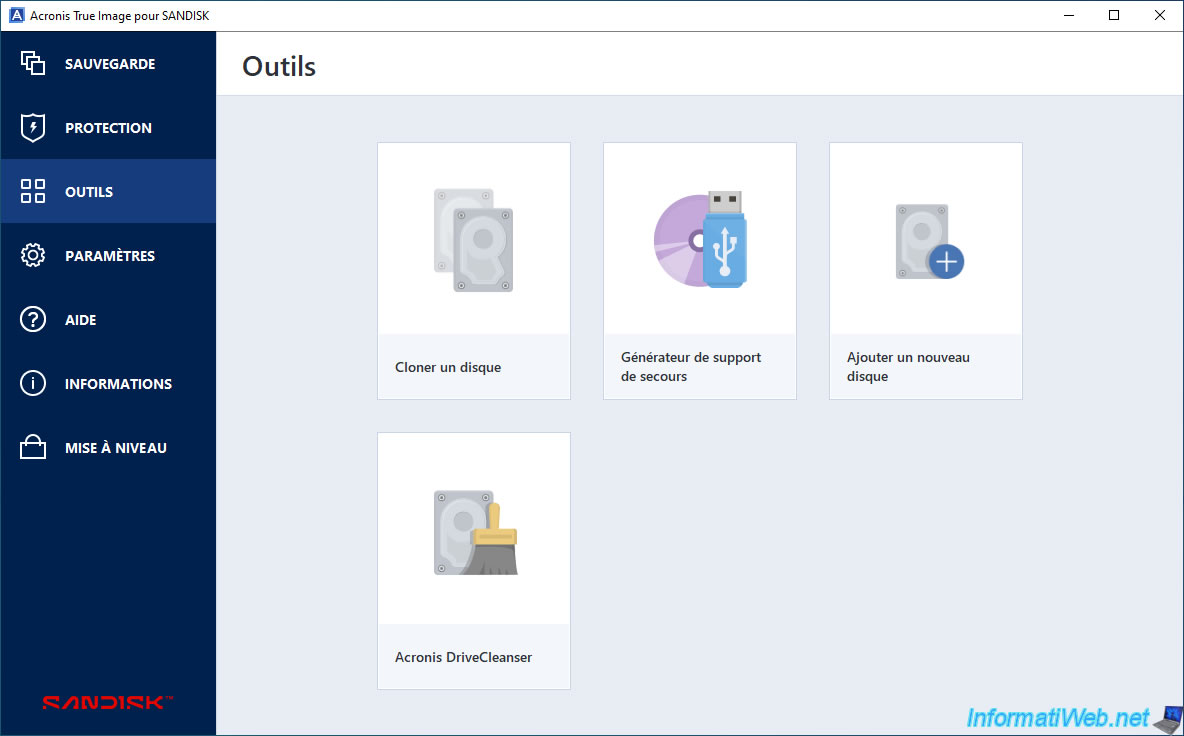
In the "Tools" section, the available tools are the same as in the OEM version provided by Western Digital.
So, you again have the main tools for backing up, restoring, and managing your drives using this Acronis software.
Which is more than enough.
In the "Settings" section, you can adjust the software language, as well as enable or disable automatic update searches for this software.
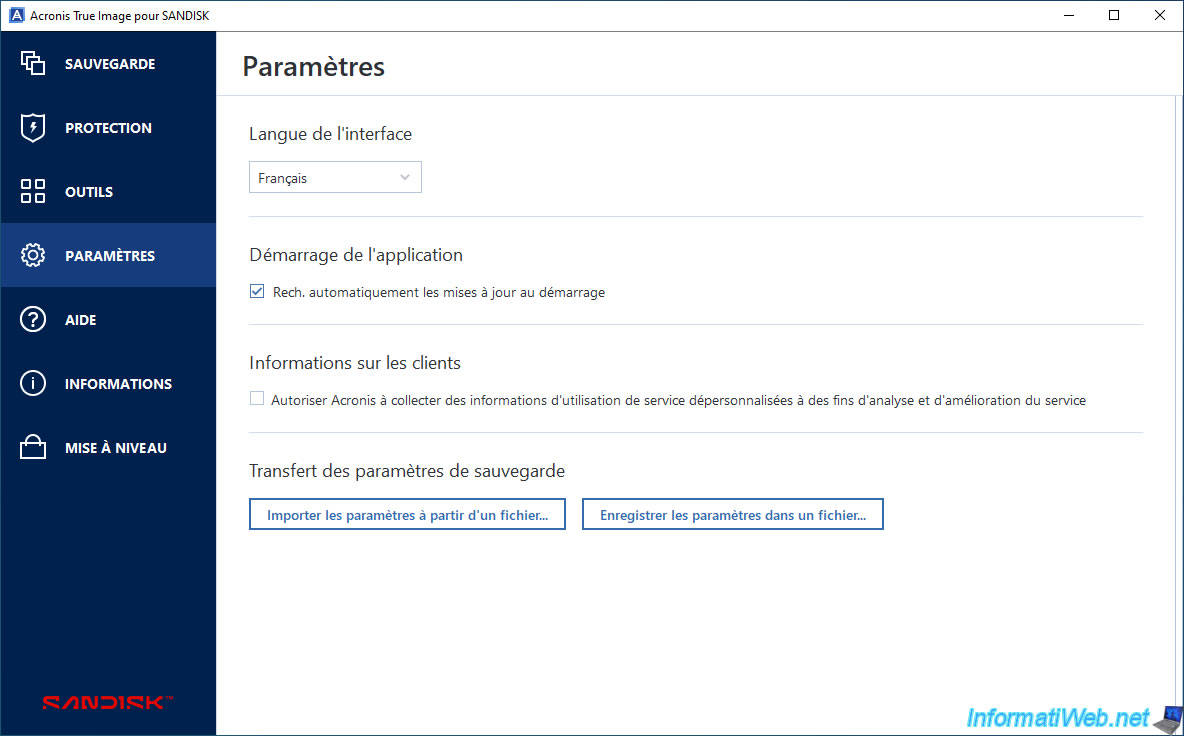
If you need help with this "Acronis True Image for SANDISK" software, see the list of tutorials available at the bottom of our "Acronis True Image" page or go to: Help -> Open help.
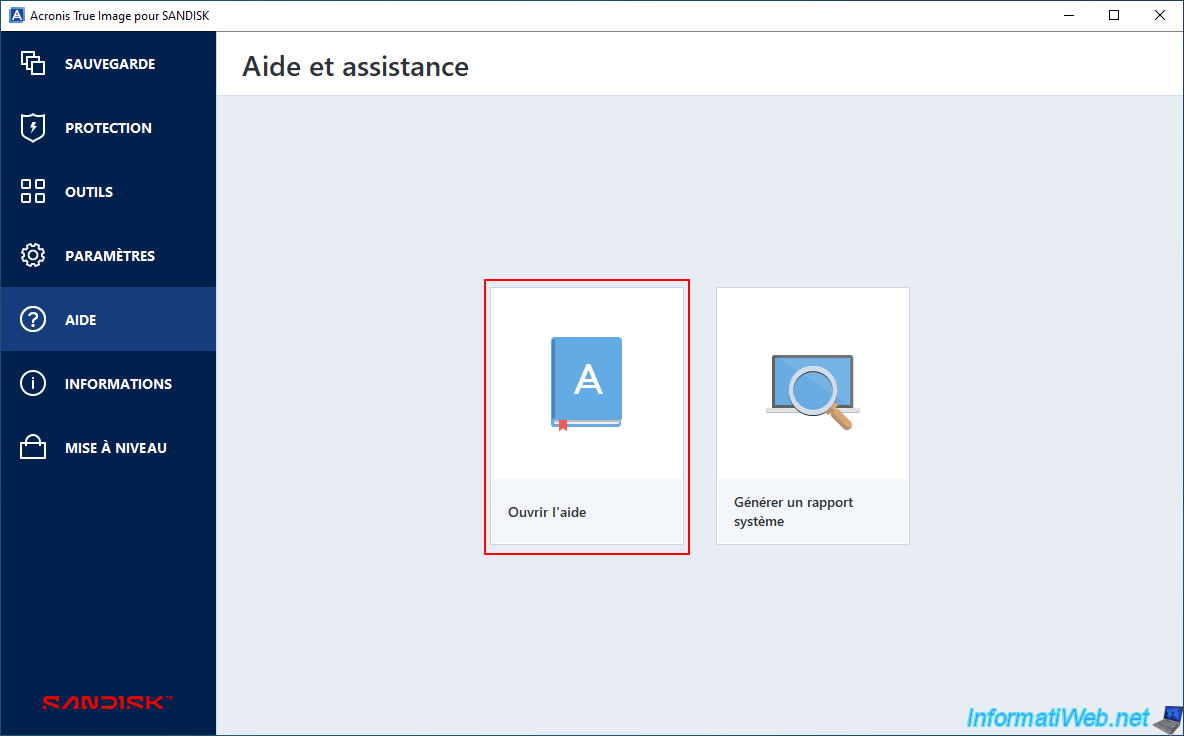
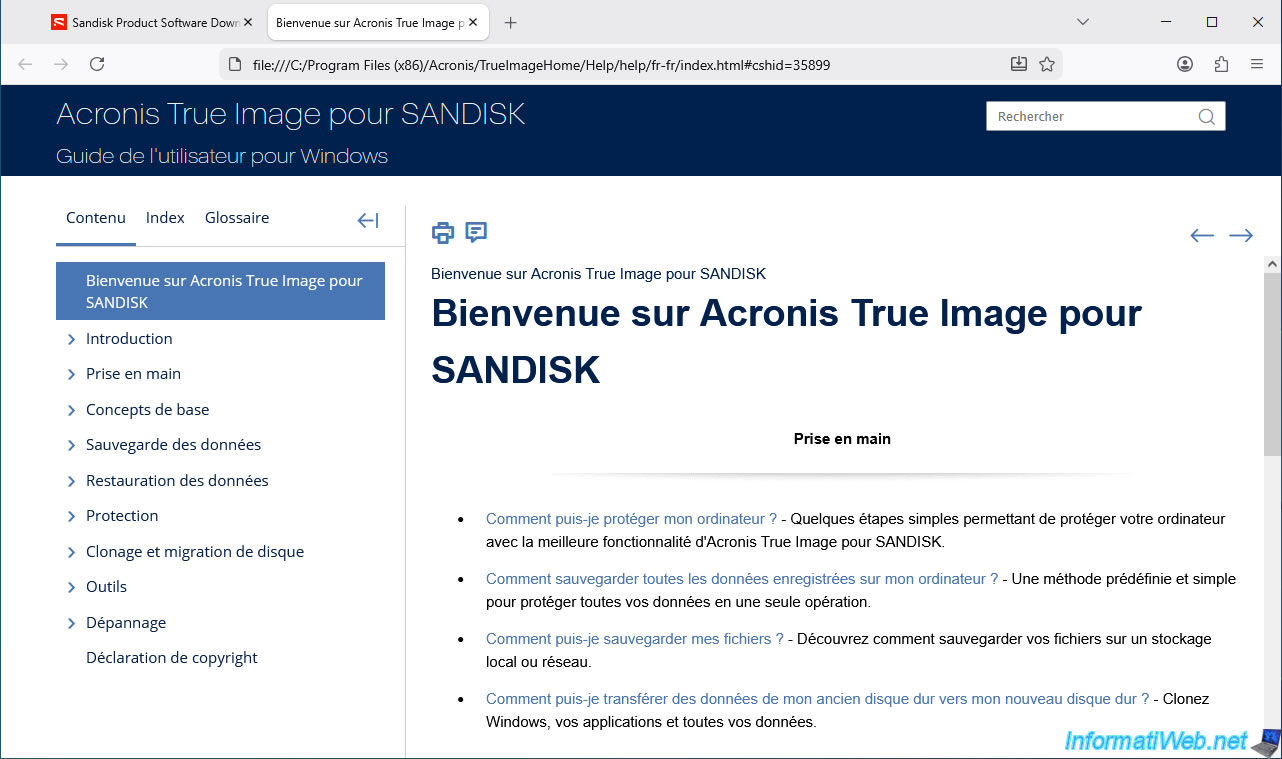
The user guide for this OEM version provided by SanDisk will appear.
Note that this guide is stored locally on your hard drive.
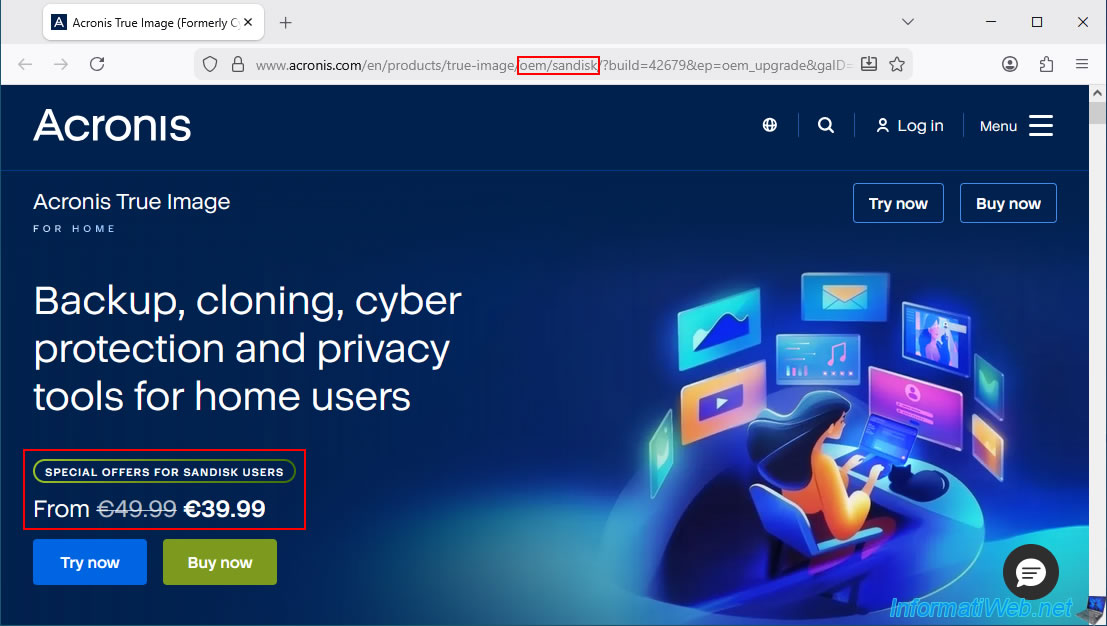
If, despite all the options available in this OEM version of Acronis True Image, you wish to purchase the full version, then go to the "Upgrade" section and click the "Upgrade Now" button.
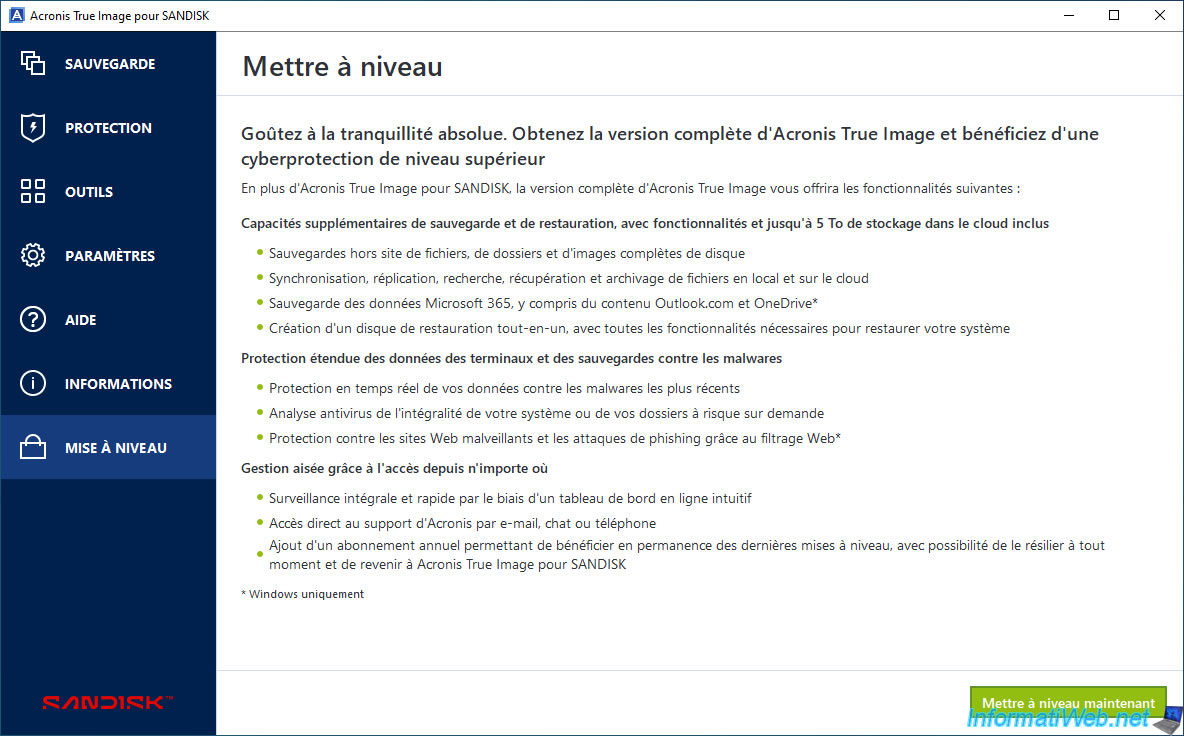
This button will take you to a special page for users of the OEM version of SanDisk where you will receive a €10 discount on Acronis True Image.
Share this tutorial
To see also
-
Backup 8/14/2025
Acronis True Image - Move a backup
-
Backup 8/21/2025
Acronis True Image - Replicate encrypted backups to Acronis Cloud
-
Backup 4/27/2026
Acronis True Image - Rescue Media - Backup files or folders
-
Backup 1/19/2026
Acronis True Image - Rescue Media - Create media (Linux version)
No comment