Back up your PC for free with the OEM version of Acronis True Image offered by Western Digital (WD)
- Backup
- Acronis True Image
- 05 October 2026 at 13:12 UTC
-

- 6/7
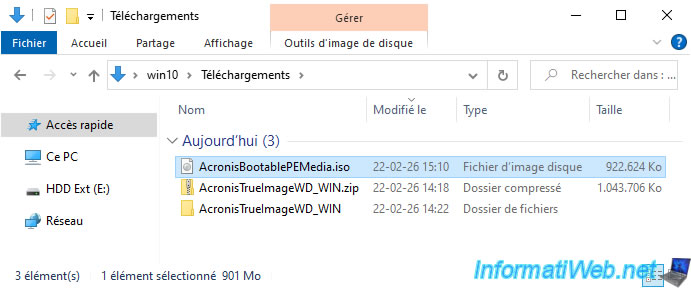
8. Introducing the Acronis True Image for Western Digital rescue media
Burn the created ISO file to a DVD and configure your computer to boot from your CD/DVD drive first.
If needed, refer to our tutorials:
Note that the Windows logo will also appear when you boot from your Acronis (for WD) recovery media because it is based on a Windows PE environment.

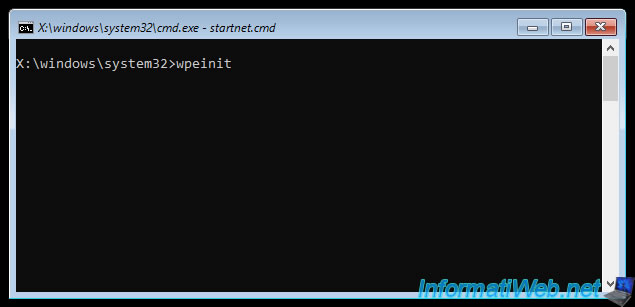
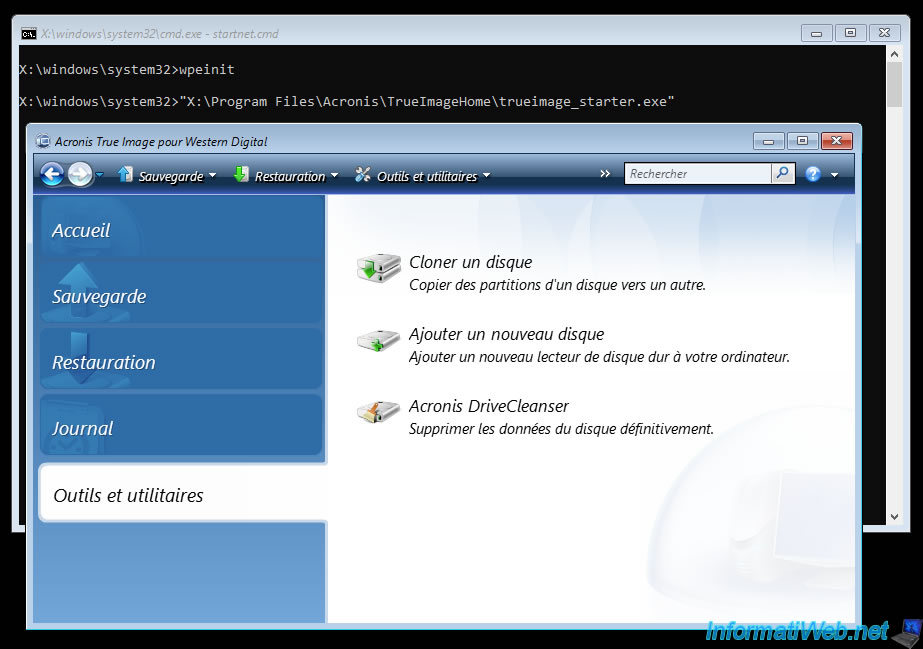
Next, a command prompt will appear with the command "wpeinit".
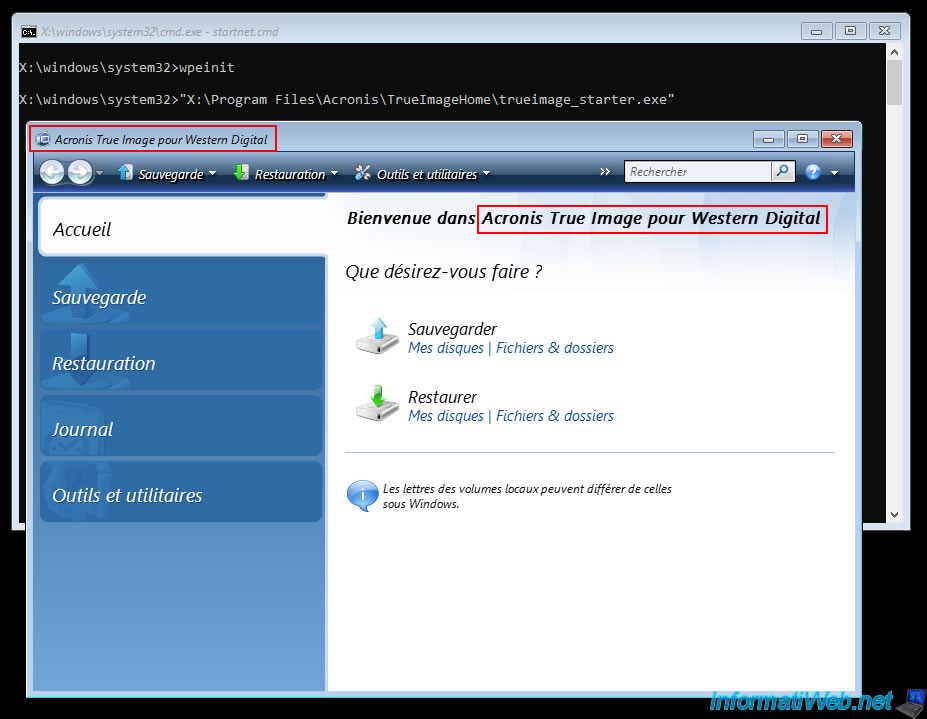
Then, you will see the "Acronis True Image for Western Digital" program.
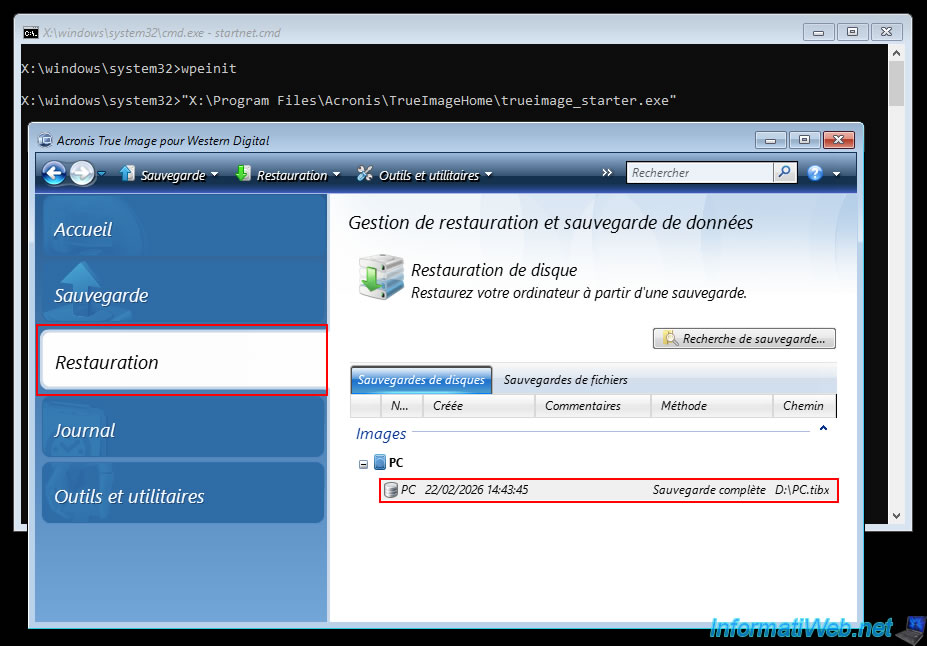
If you go to the "Restore" section of this "Acronis True Image for Western Digital" program, you will see that it will automatically recognize the Acronis backup that you have already created from Windows.
In the "Tools and Utilities" section, you'll notice that some tools are missing.
However, the available tools are the same as those available in Windows for this OEM version.
9. Backing up your PC to an external hard drive of another brand
By default, the OEM version of Acronis True Image provided by Western Digital (WD) only displays your external hard drive as the backup destination if it is a Western Digital external hard drive.
However, it's still possible to store your Acronis backup on an external hard drive from another brand if you wish (with an additional step).
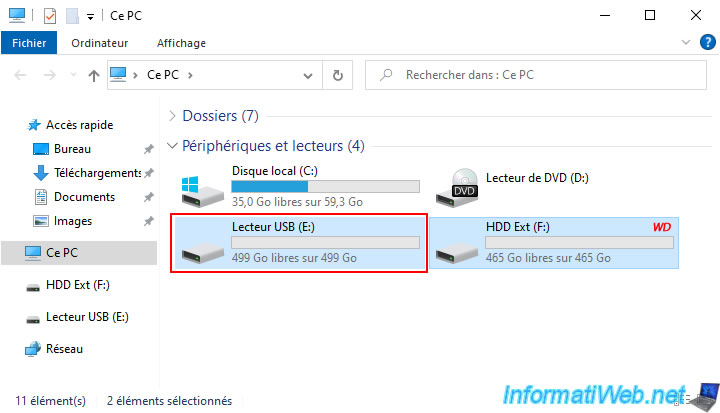
For this example, we have connected two external hard drives to our computer:
- the 500GB Western Digital external hard drive (for the OEM version to work) which appears as "HDD Ext" in Windows file explorer.
- a new 500GB external hard drive from another brand (not a Western Digital brand).
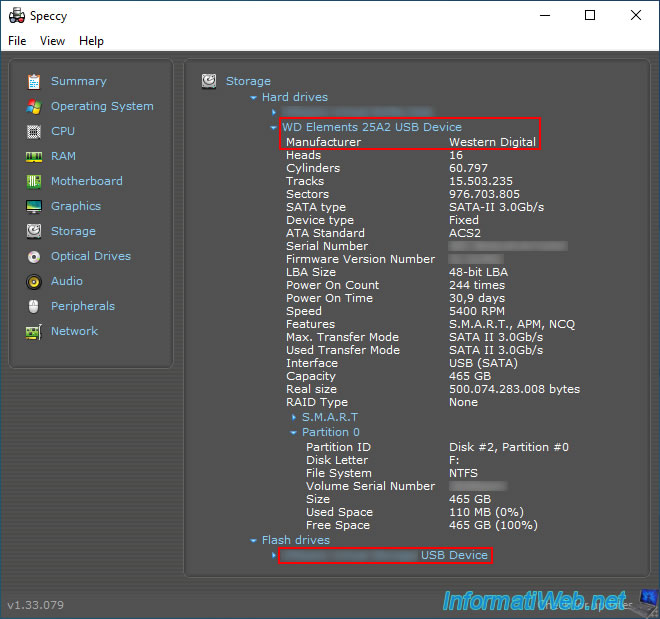
If we use Speccy, we can see that:
- the first external hard drive is a "Western Digital" brand.
- the second external hard drive (at the bottom of the program) is a different brand.
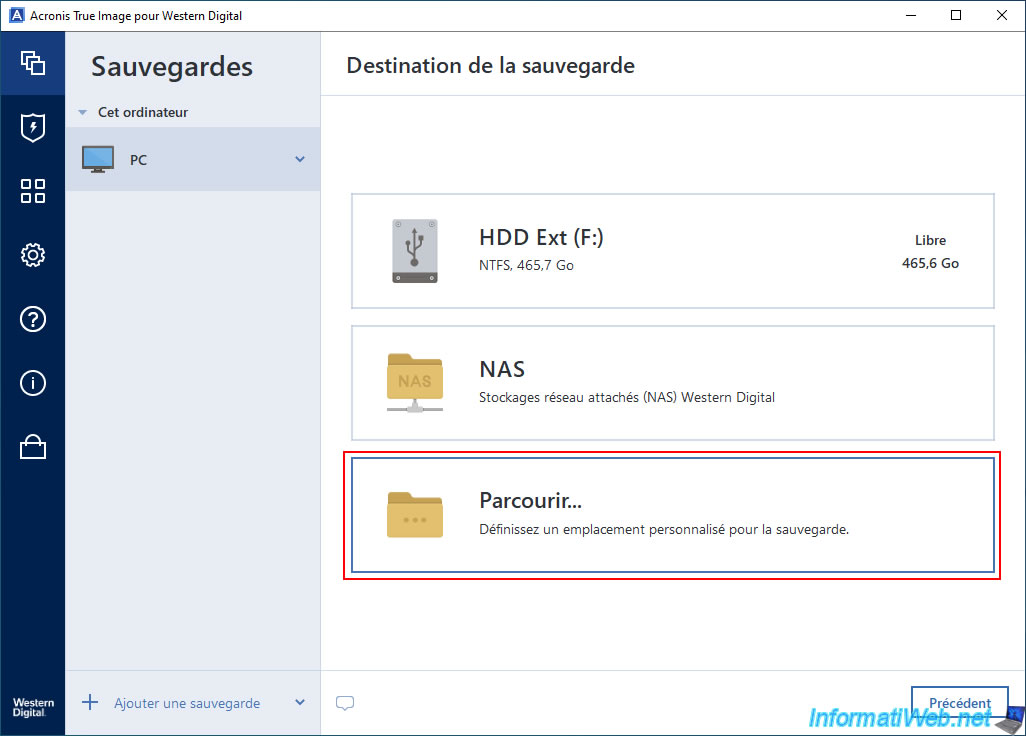
In the OEM version "Acronis True Image for Western Digital," if you try to select the backup destination, Acronis only displays the Western Digital external hard drive.
To store your backup on an external hard drive from another brand, simply use the "Browse" option.
Next, select the desired external hard drive (in our case, the one that appears under the name "USB Drive"), then click OK.
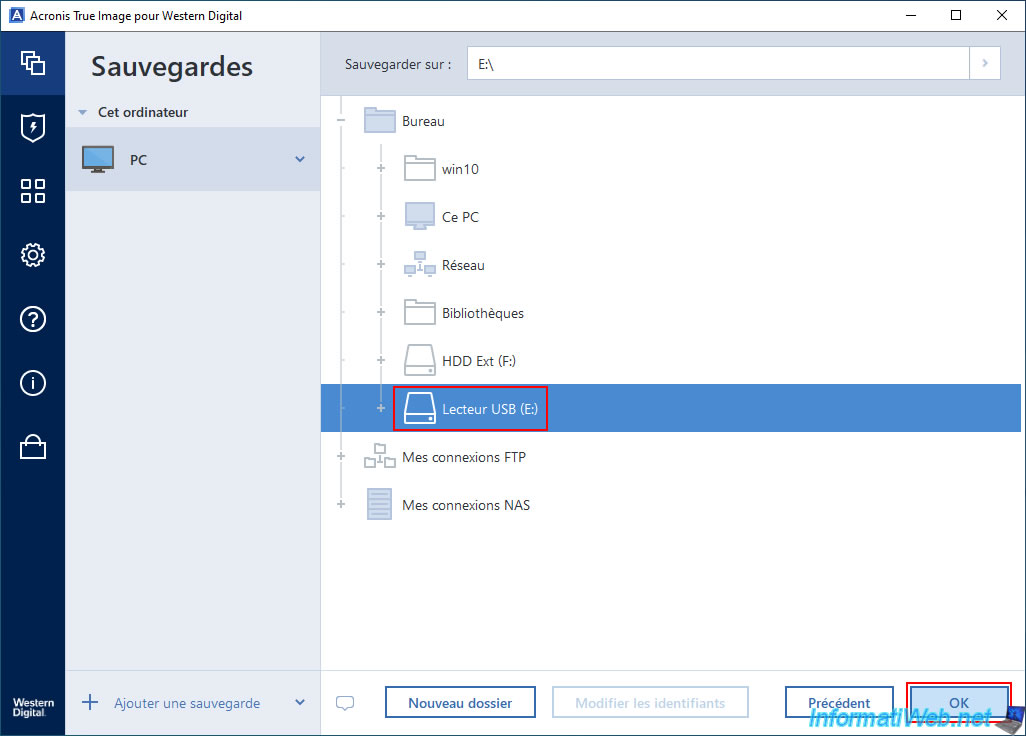
As you can see, Acronis recognizes that this is another external hard drive.
Although the brand is not "Western Digital" in this case.
Click the "Backup" button.
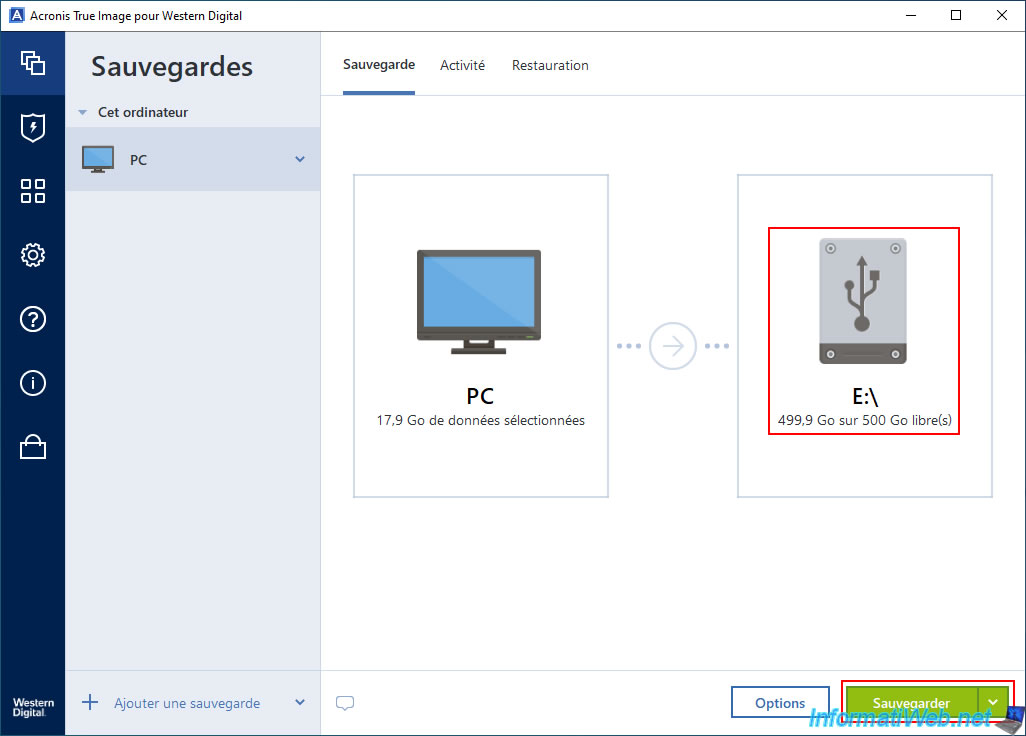
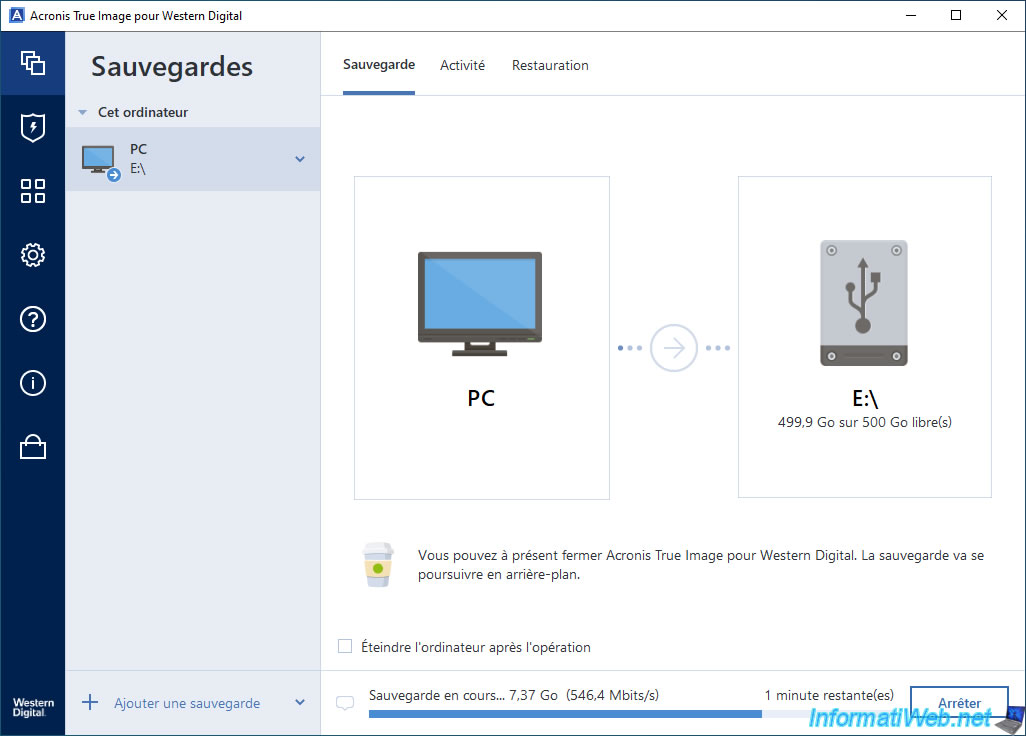
Please wait while your computer is being backed up to your external hard drive of another brand.
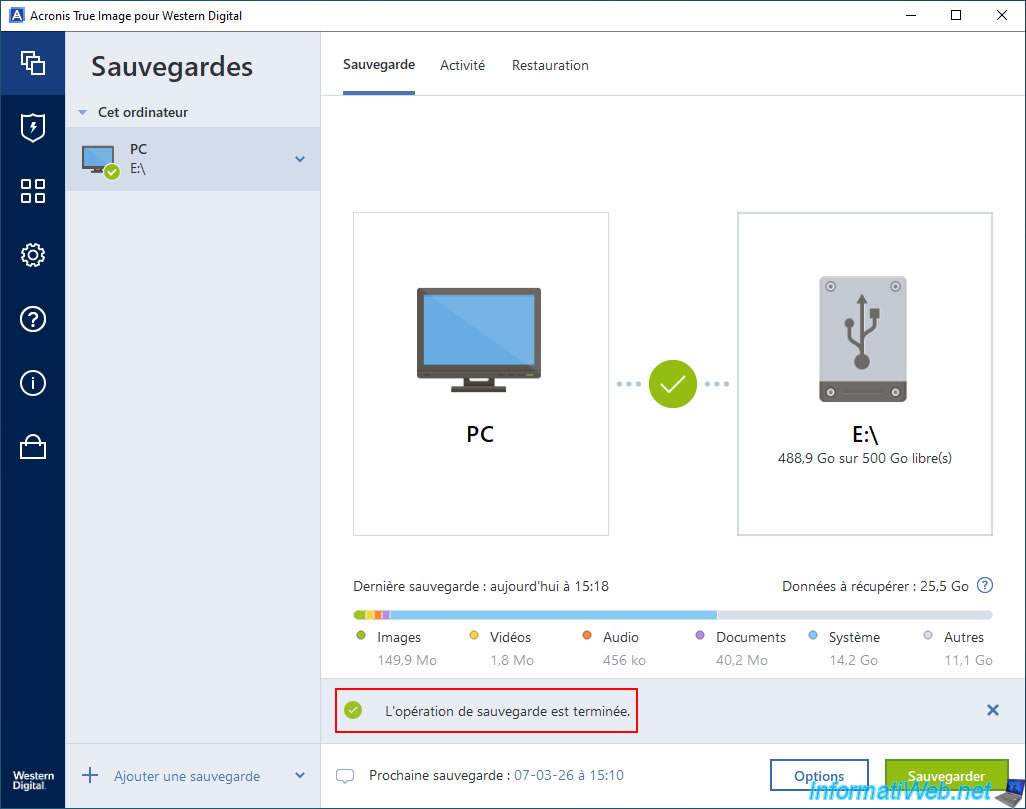
As expected, the backup completed without any problems.
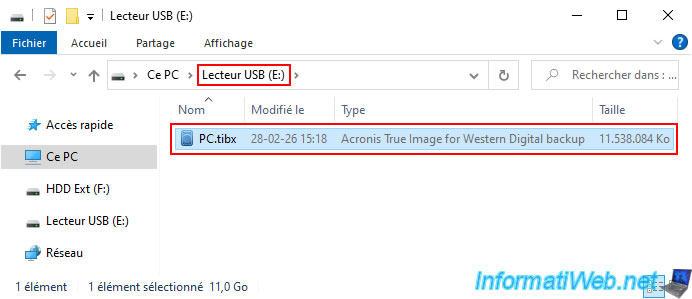
As you can see, the "PC.tibx" backup file was successfully created on our new external hard drive (from a different brand than Western Digital).
It's therefore technically possible to back up your PC to an external hard drive (regardless of its brand, even if it's different from the one this OEM version displays by default in the backup destination options).
Share this tutorial
To see also
-
Backup 7/13/2026
Acronis True Image - Download backup from Acronis Cloud
-

Backup 10/19/2026
Acronis True Image - OEM version (free) of Seagate
-
Backup 3/2/2026
Acronis True Image - Rescue Media - Create an Acronis Secure Zone
-
Backup 5/25/2026
Acronis True Image - Universal Restore Media - Create media (Win PE version based on Win AIK)
No comment